Computing
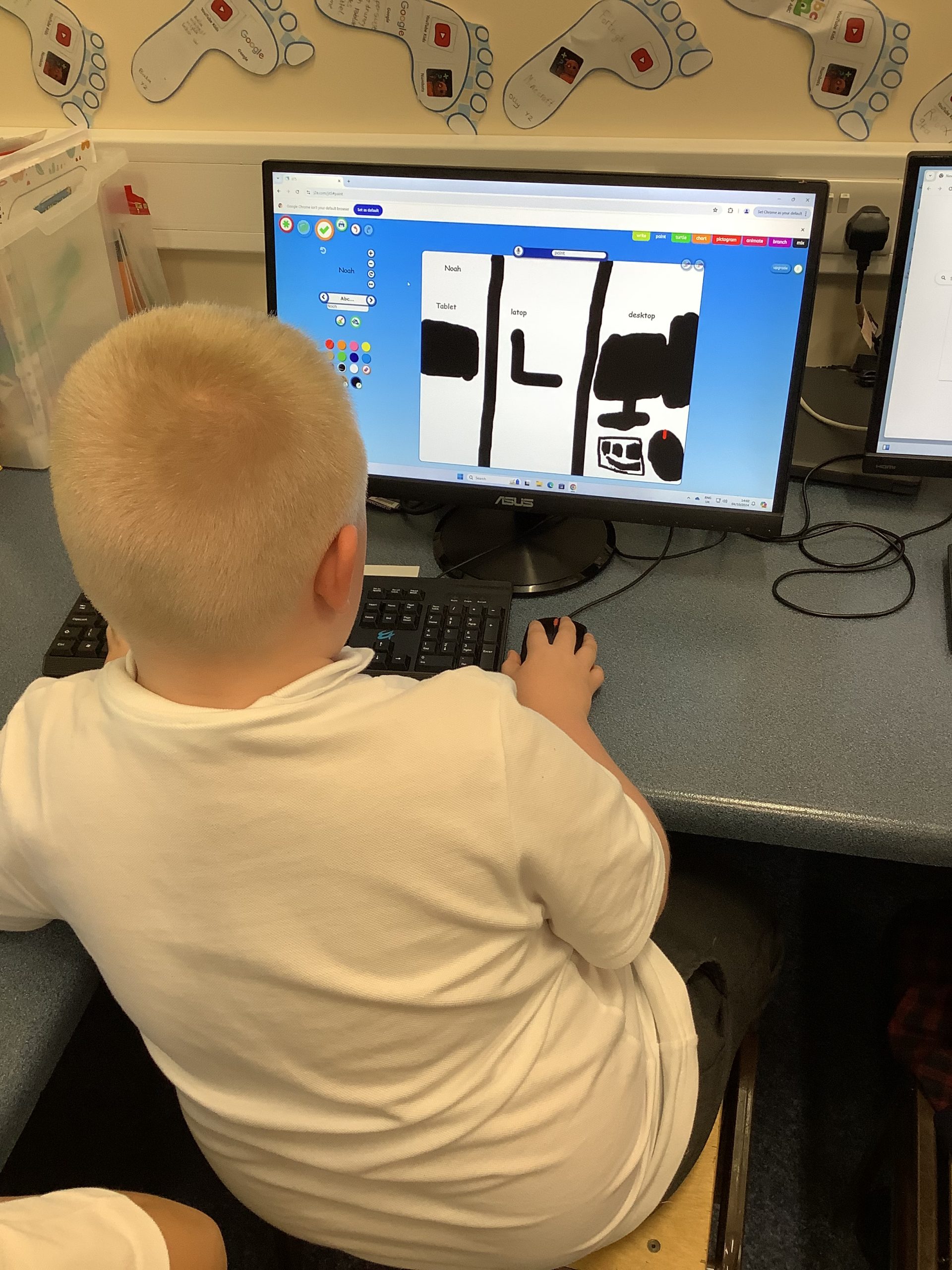
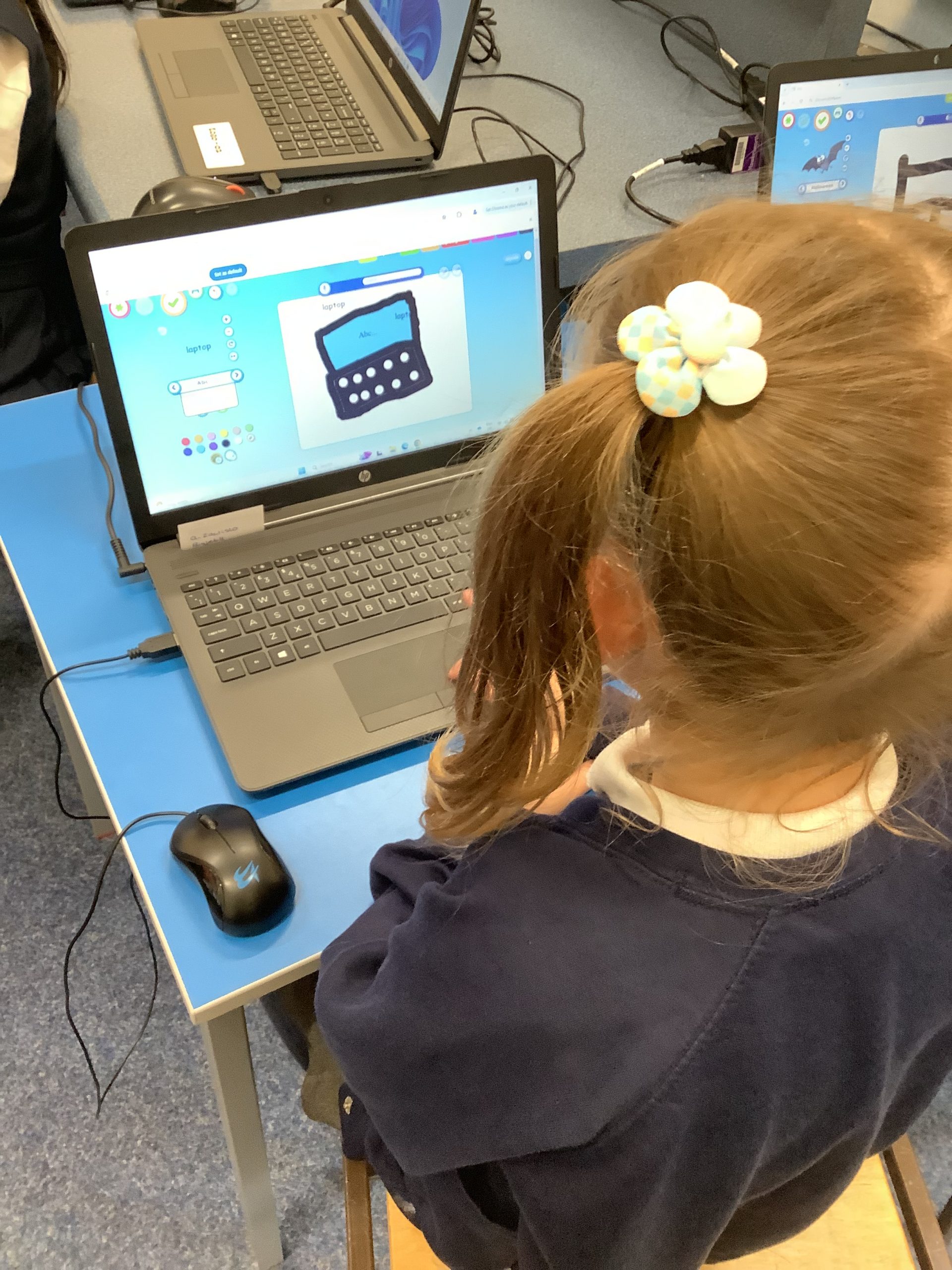
What is a computer? We learned that a computer uses electricity and needs an input to produce an output. We worked out if an object was a computer or not.
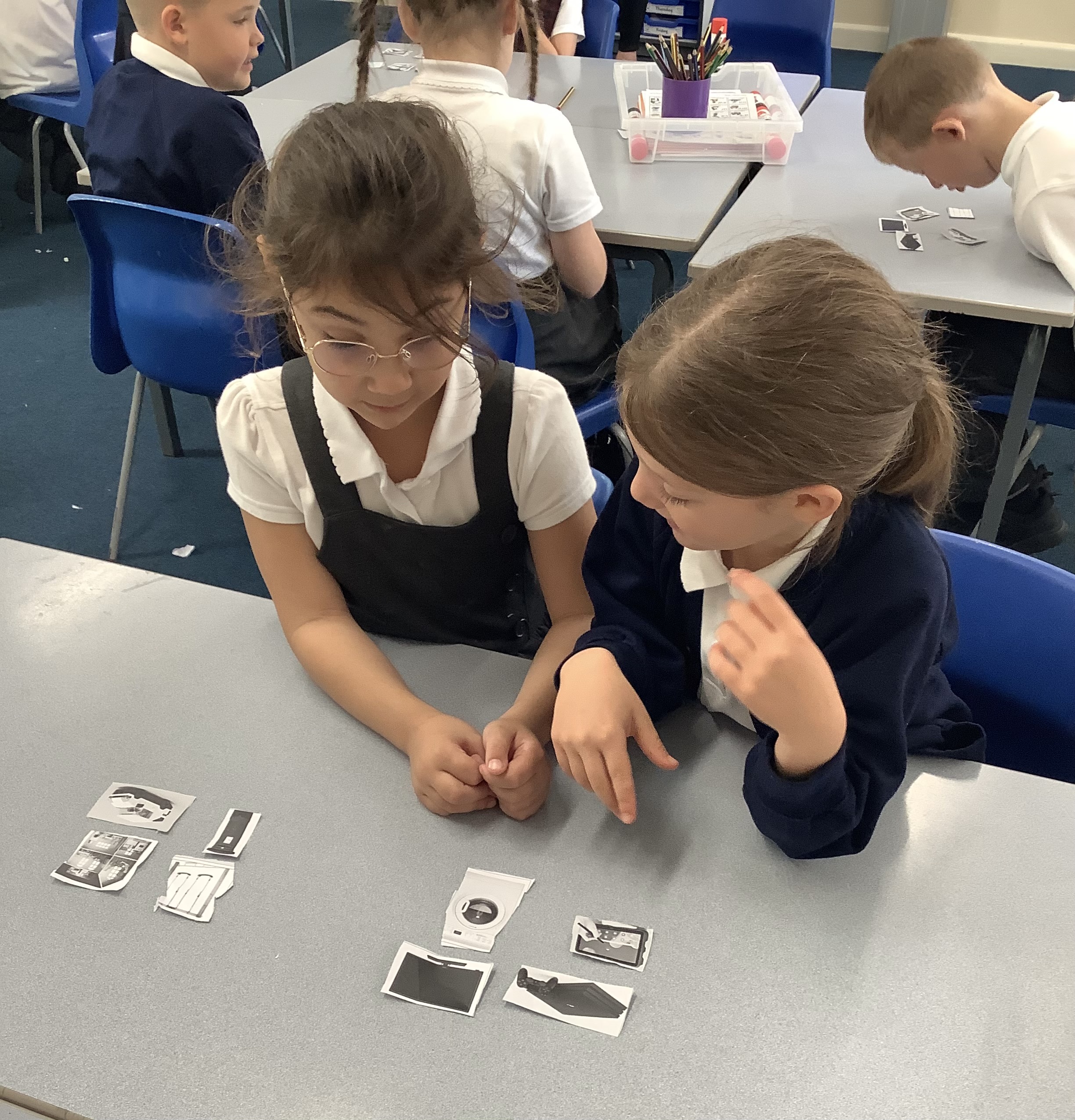
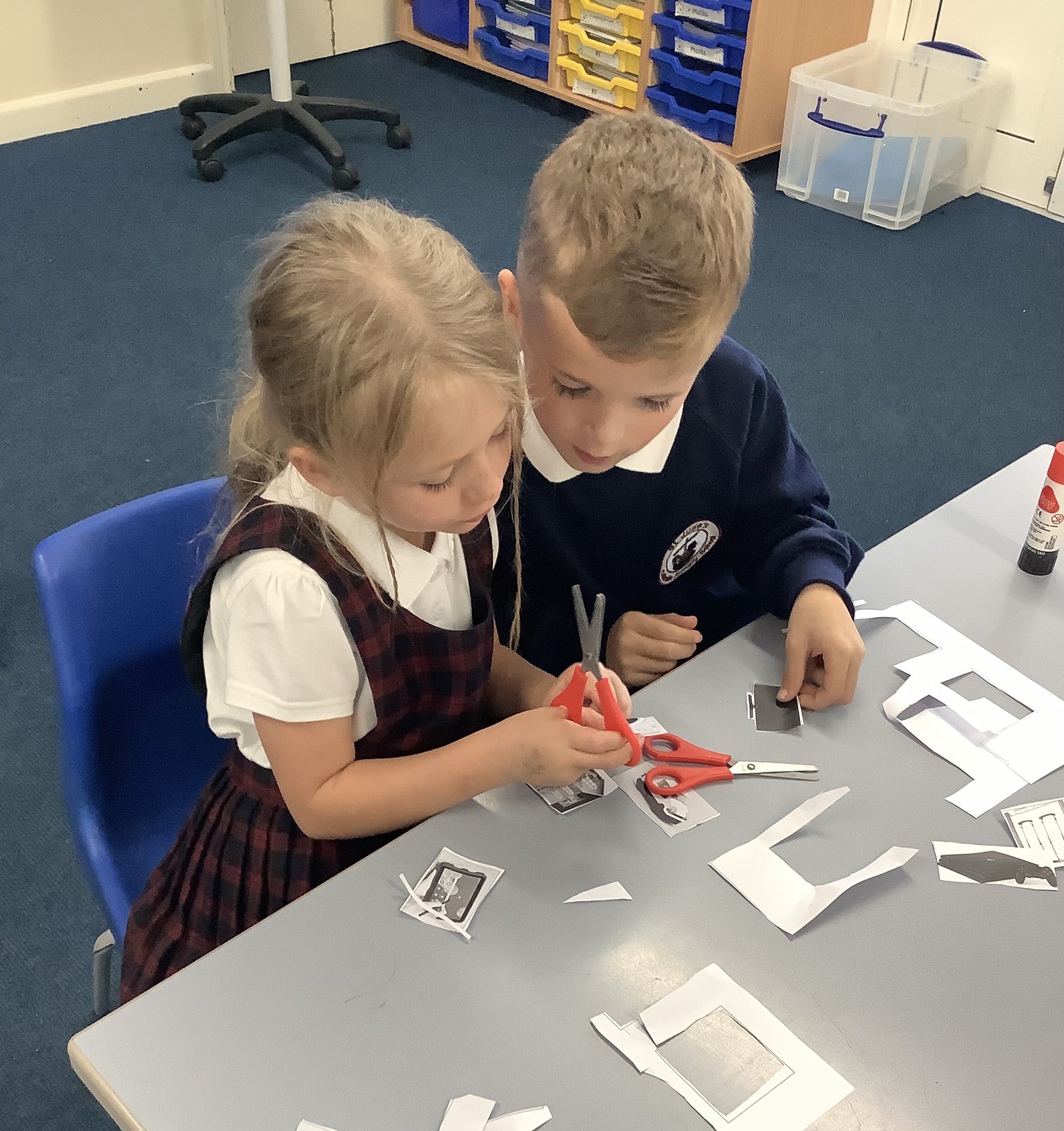
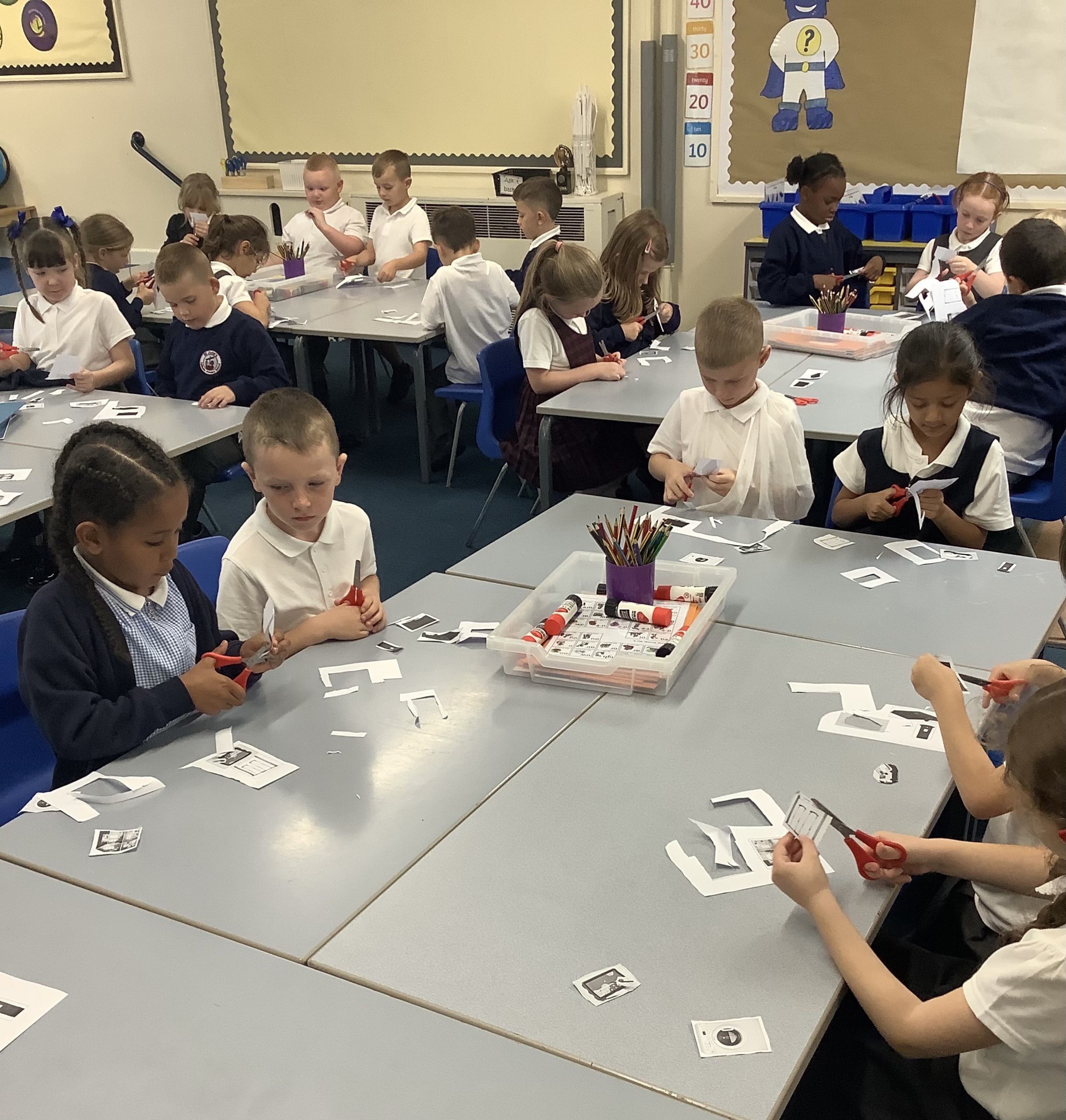

What is a computer? We learned that a computer uses electricity and needs an input to produce an output. We worked out if an object was a computer or not.
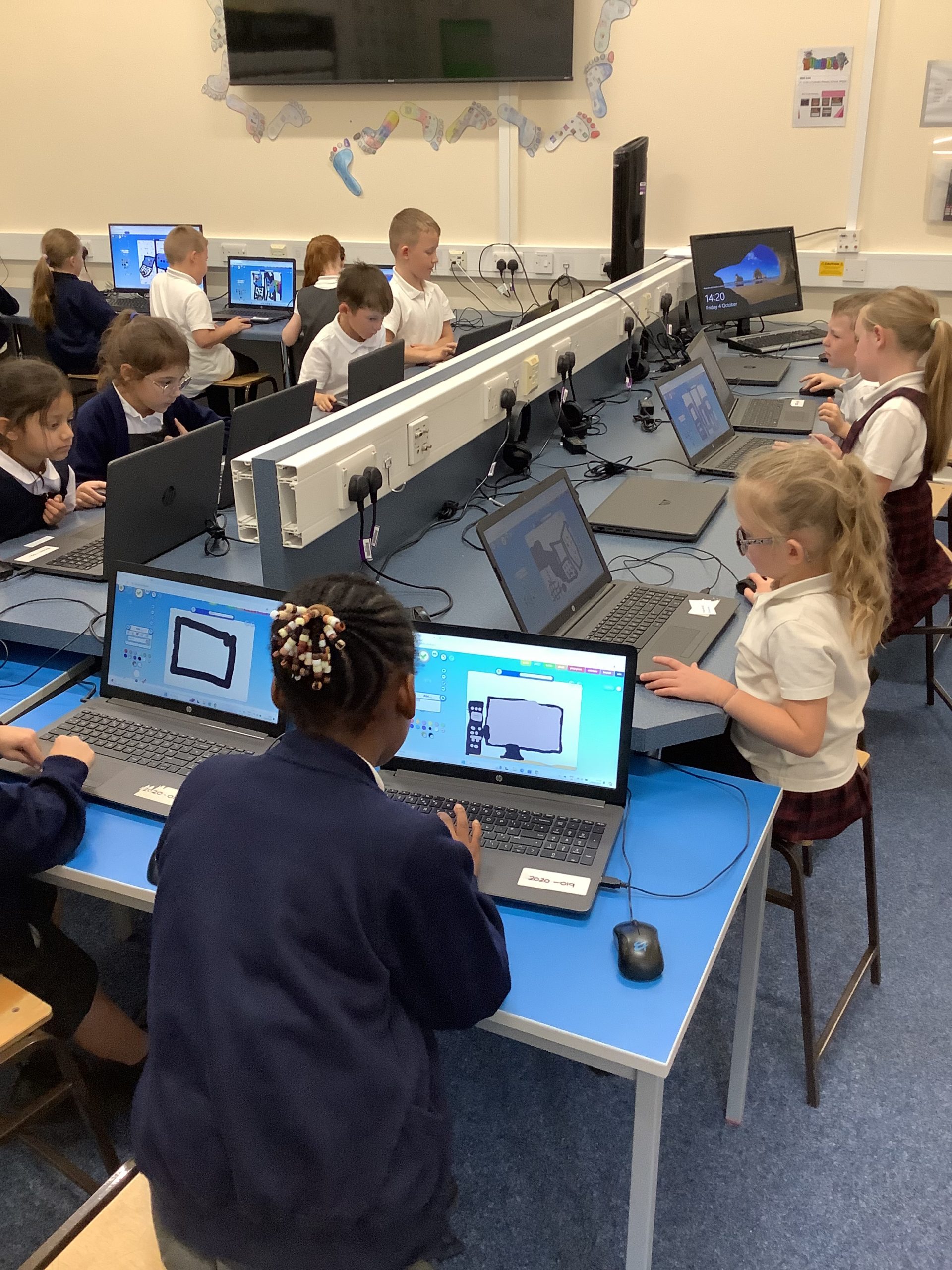
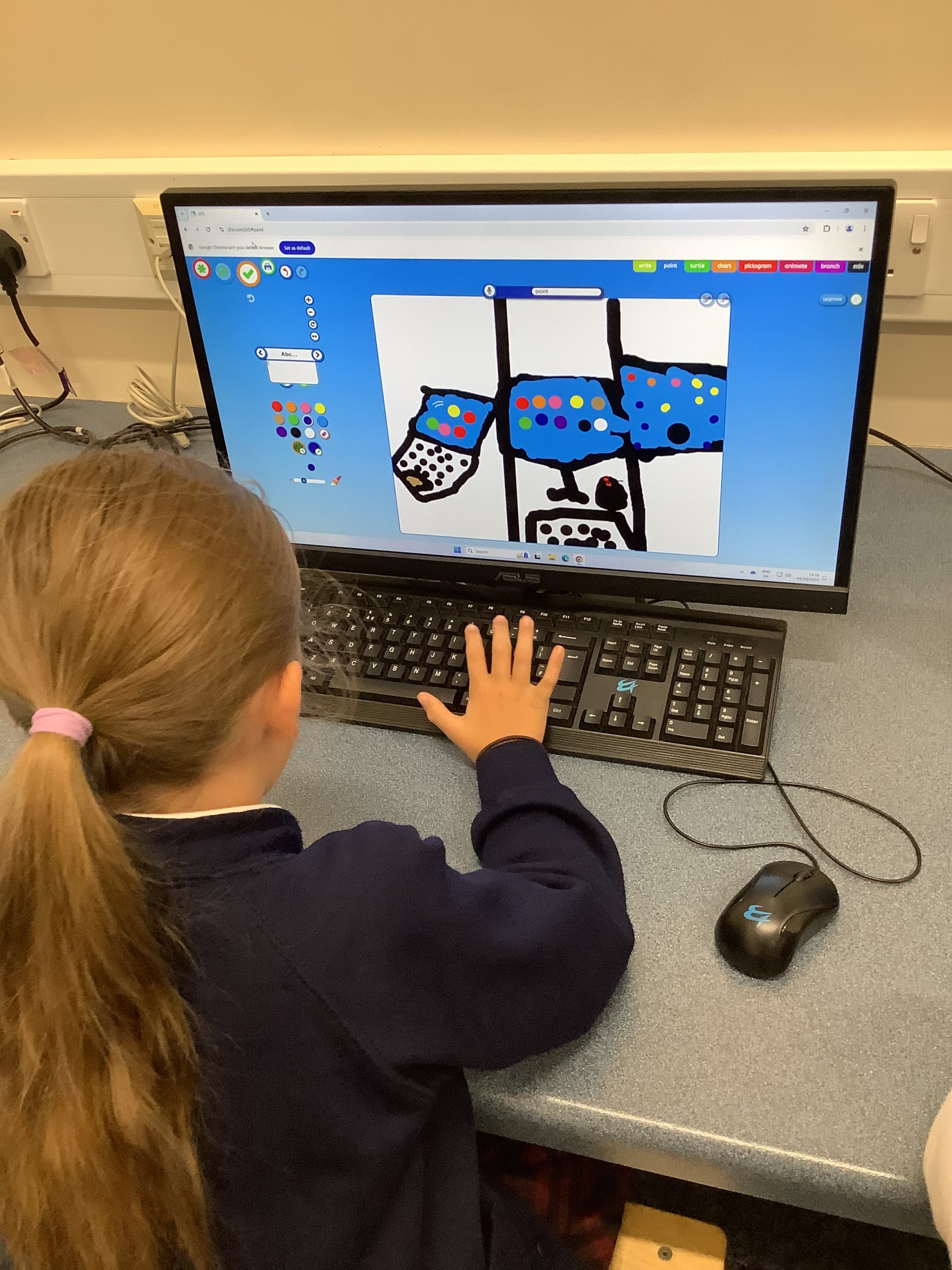
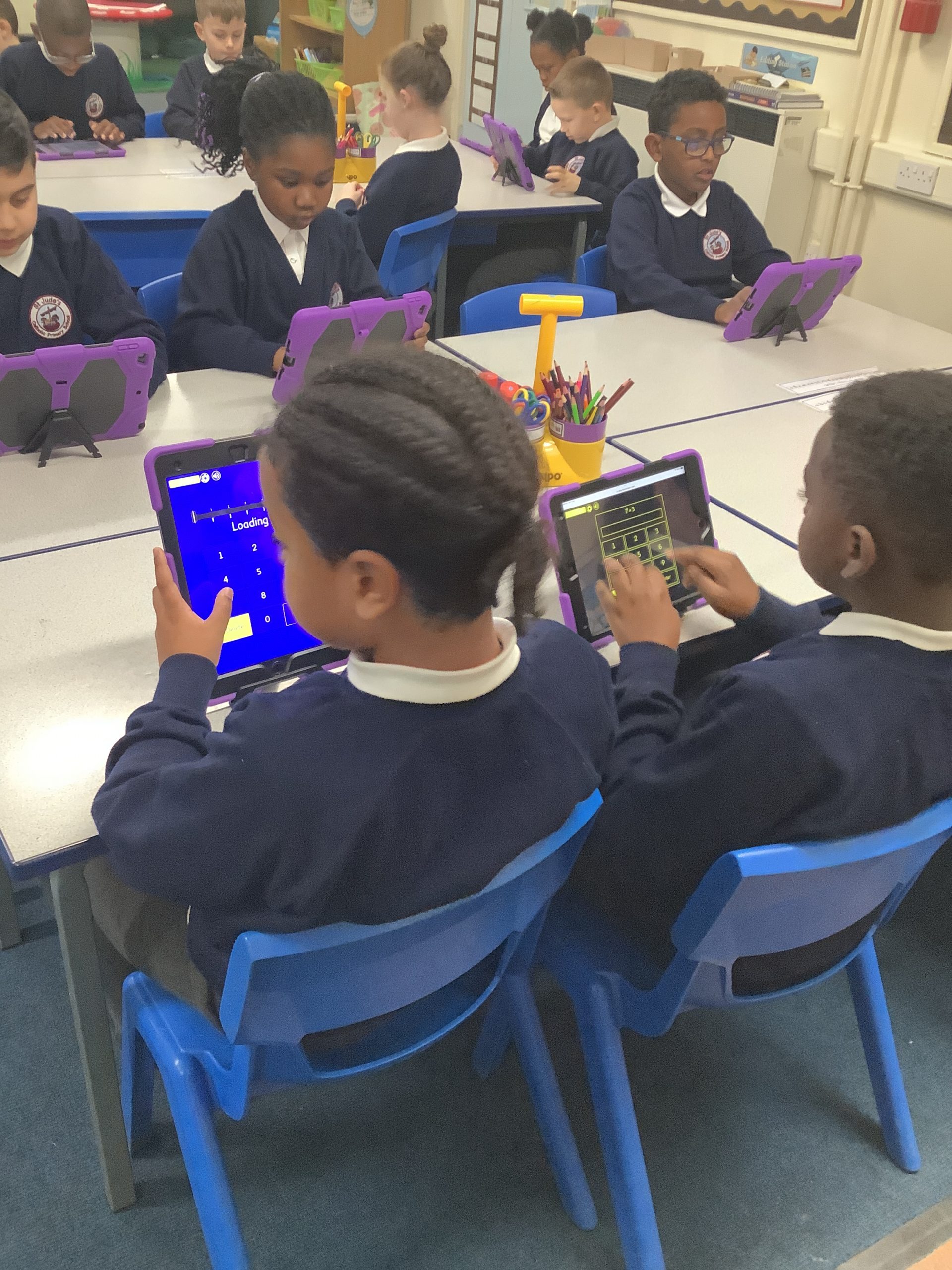
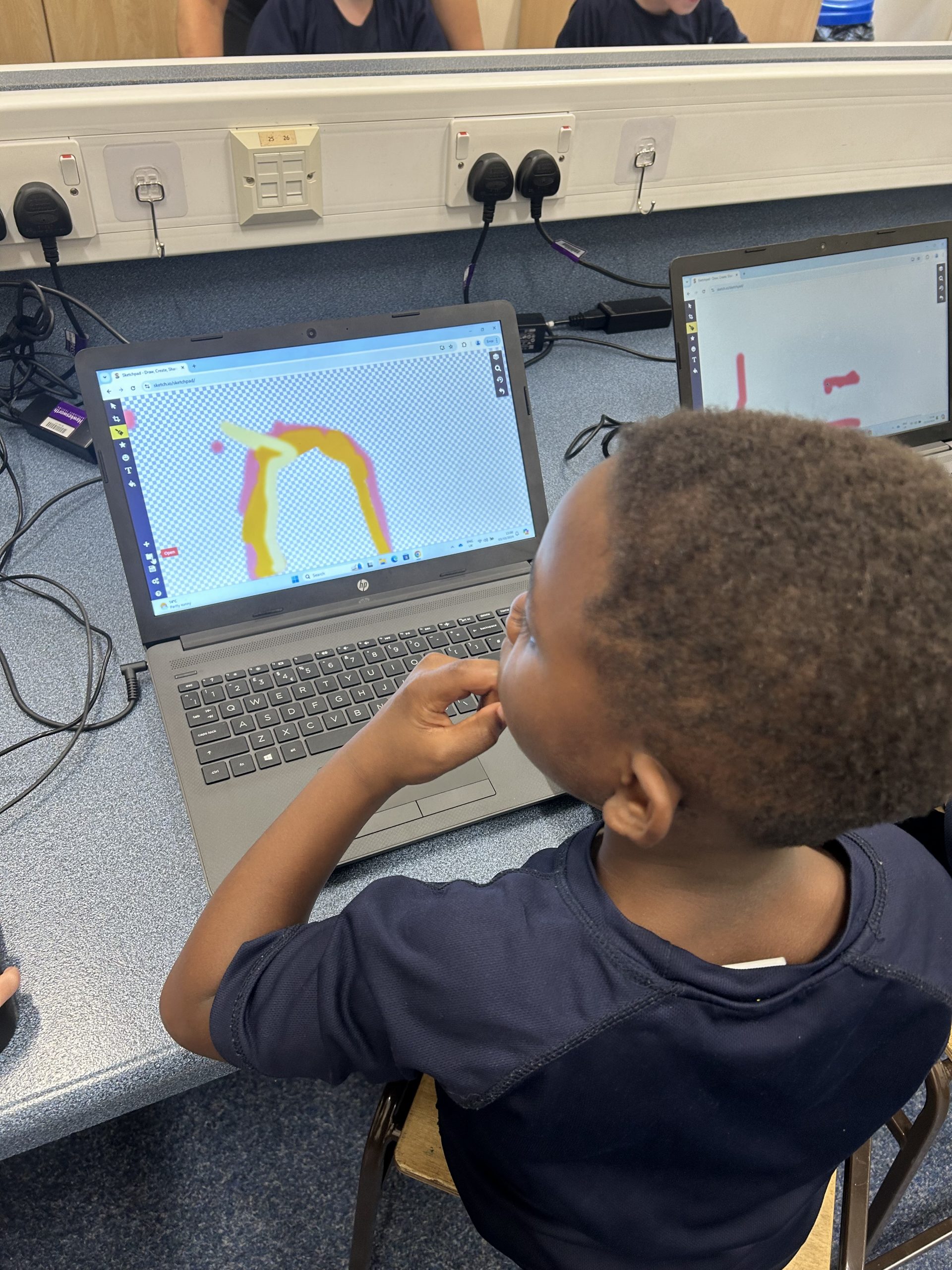
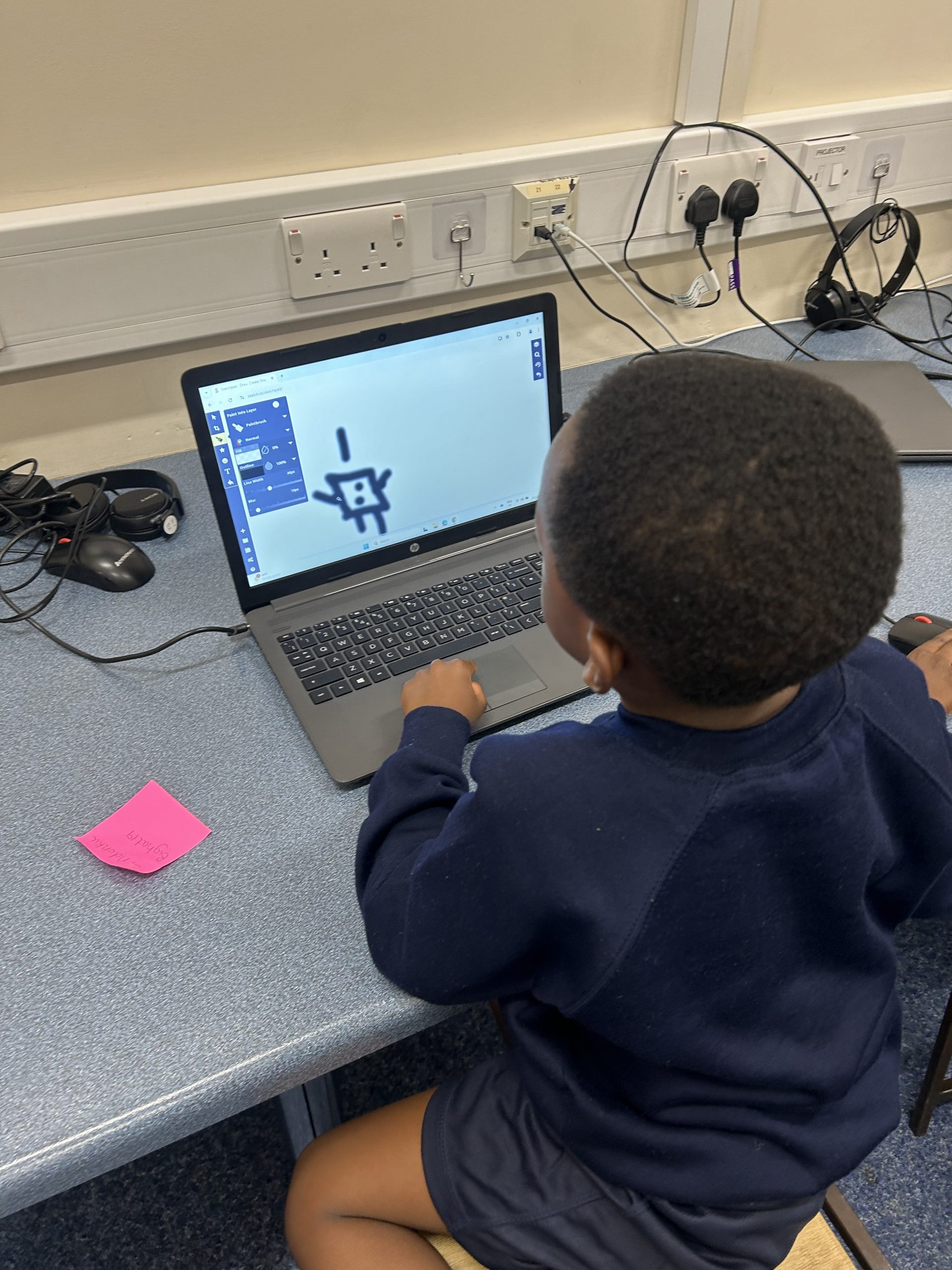
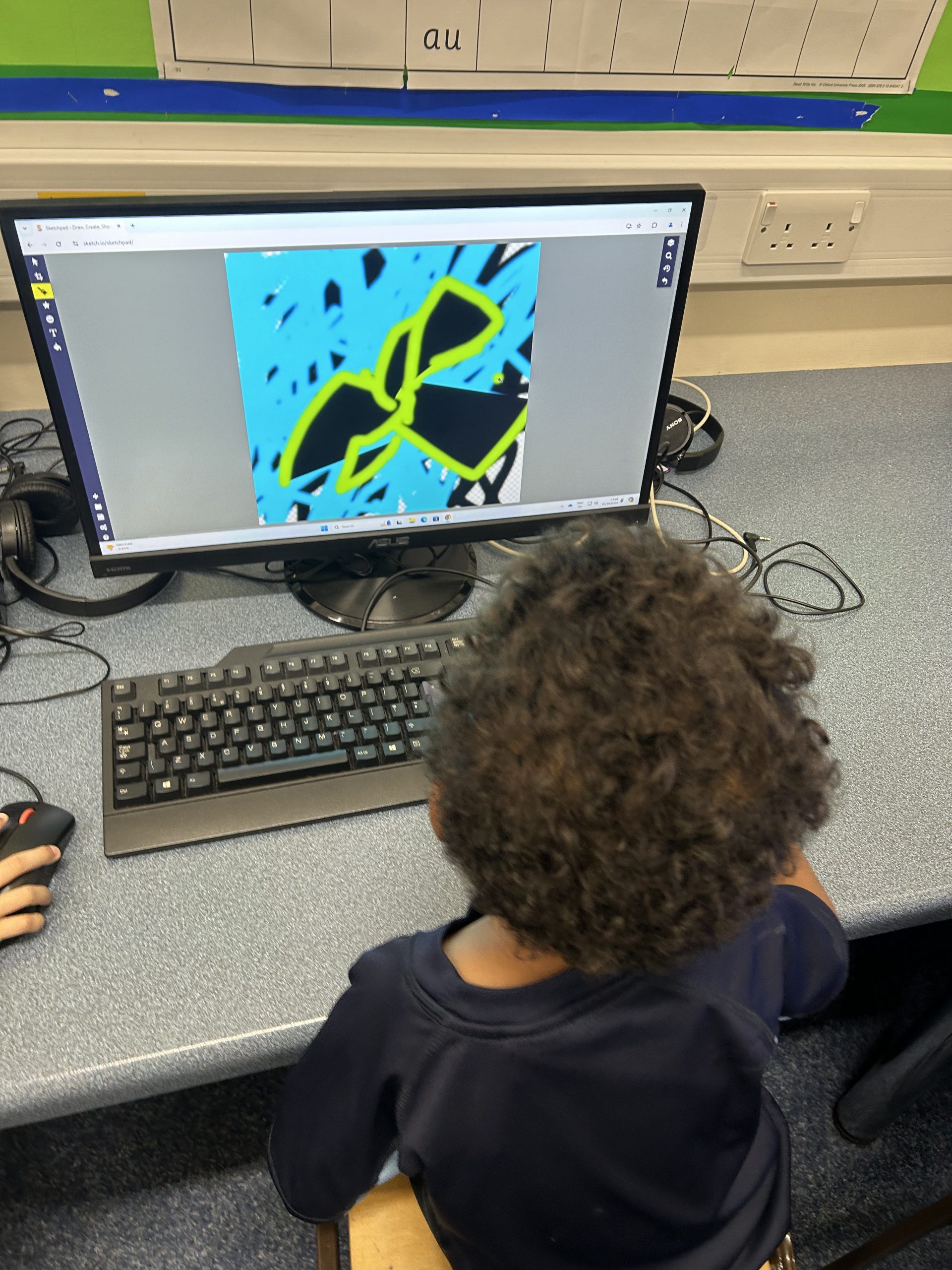
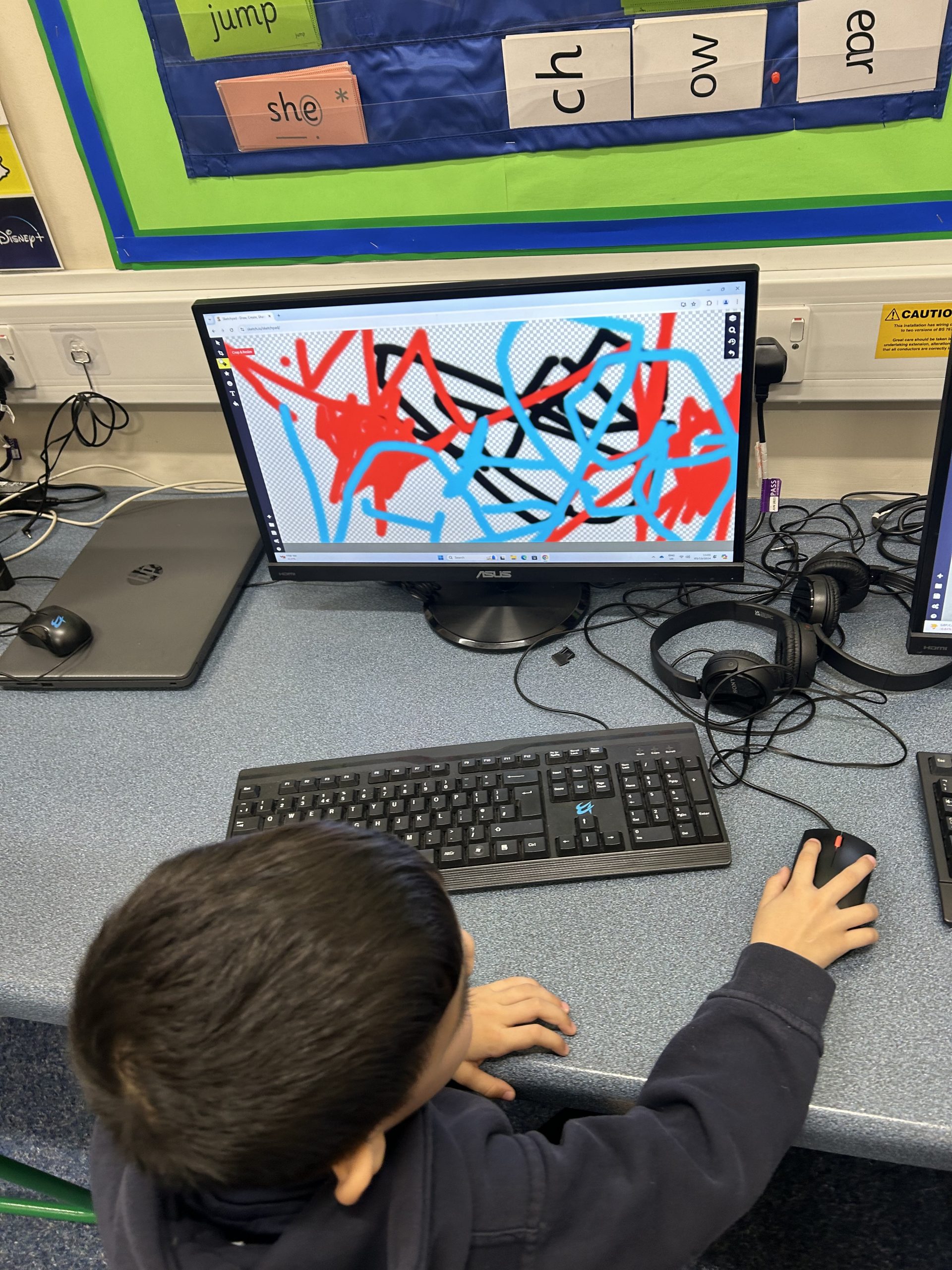
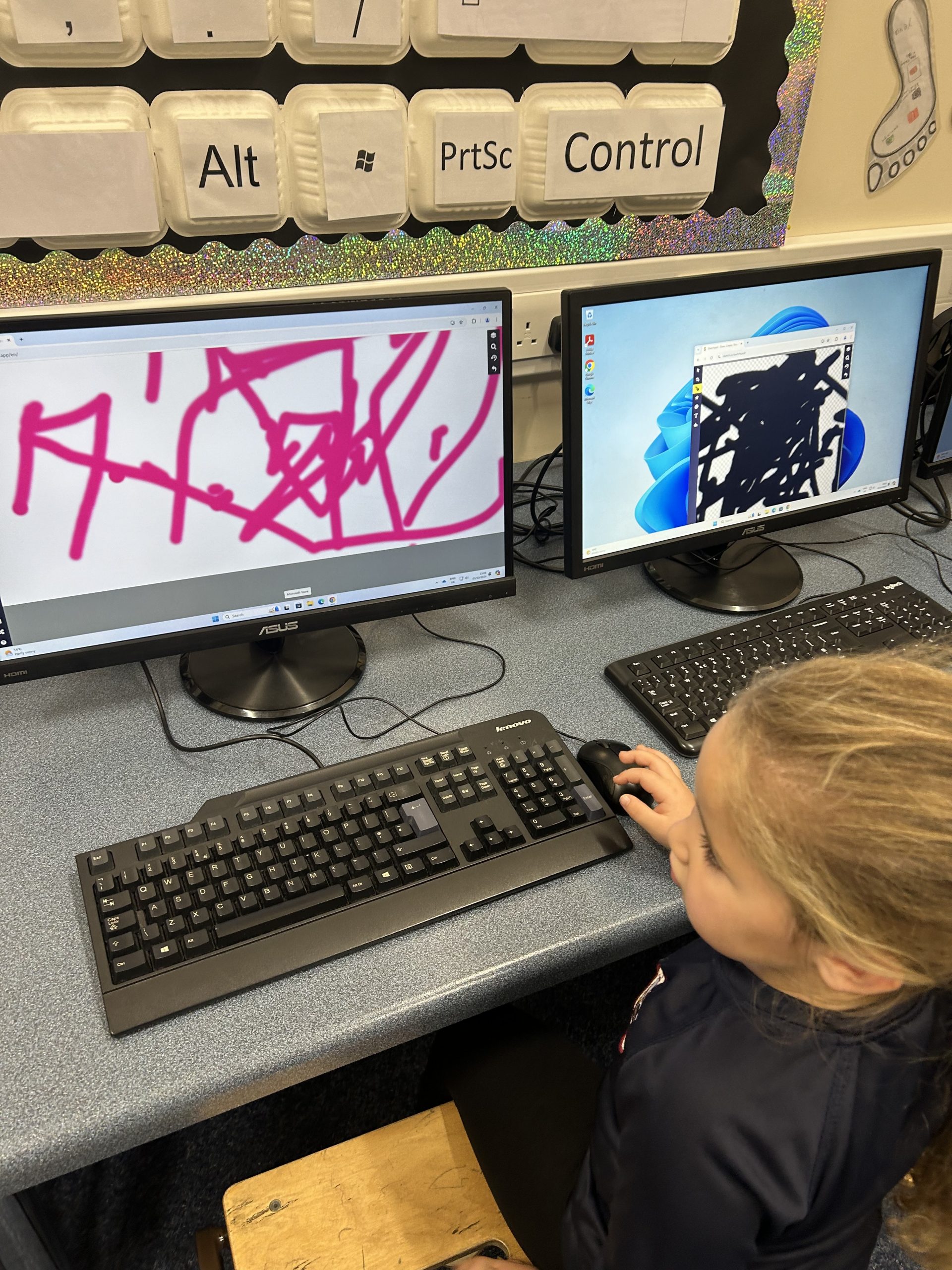
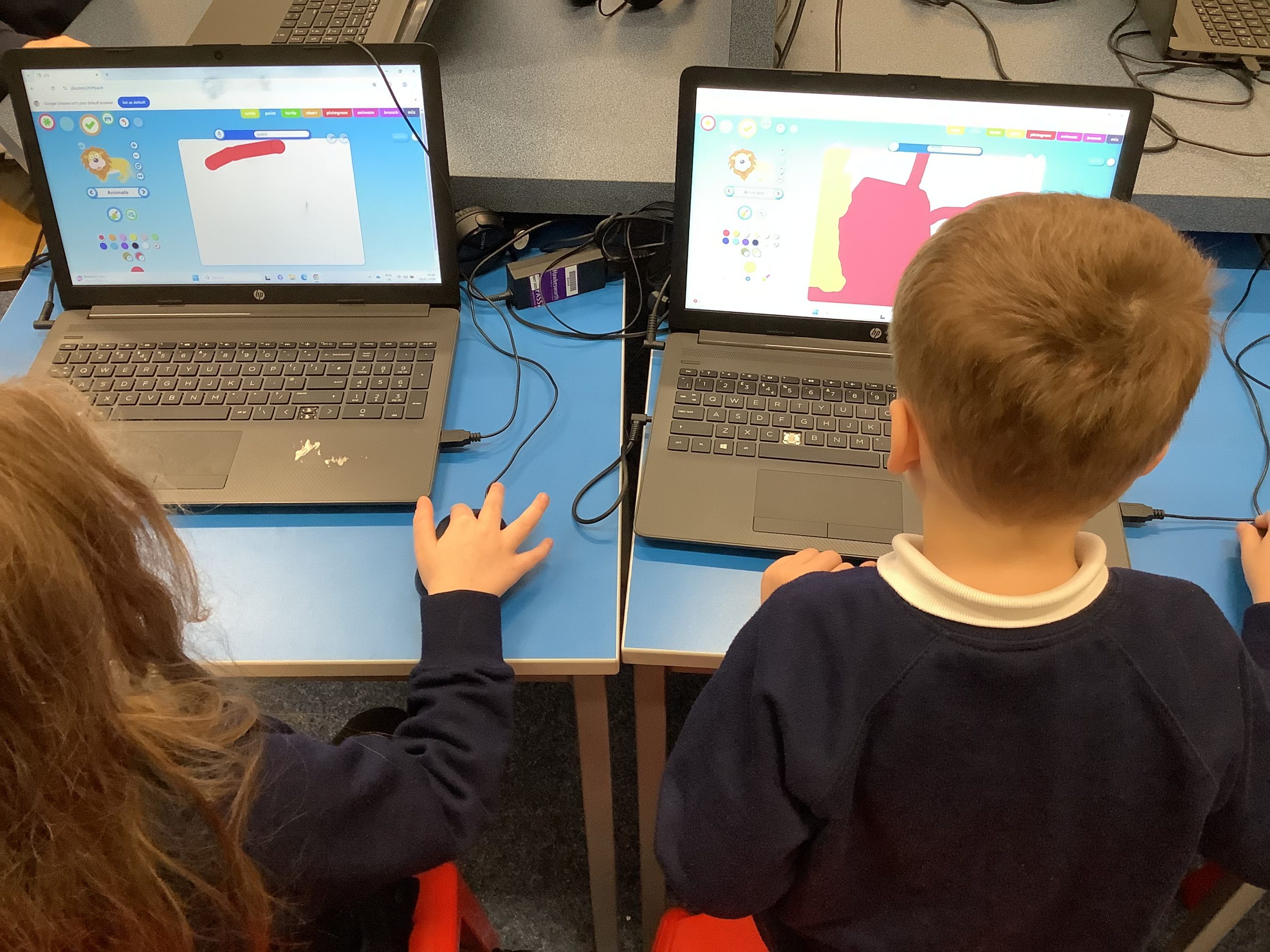
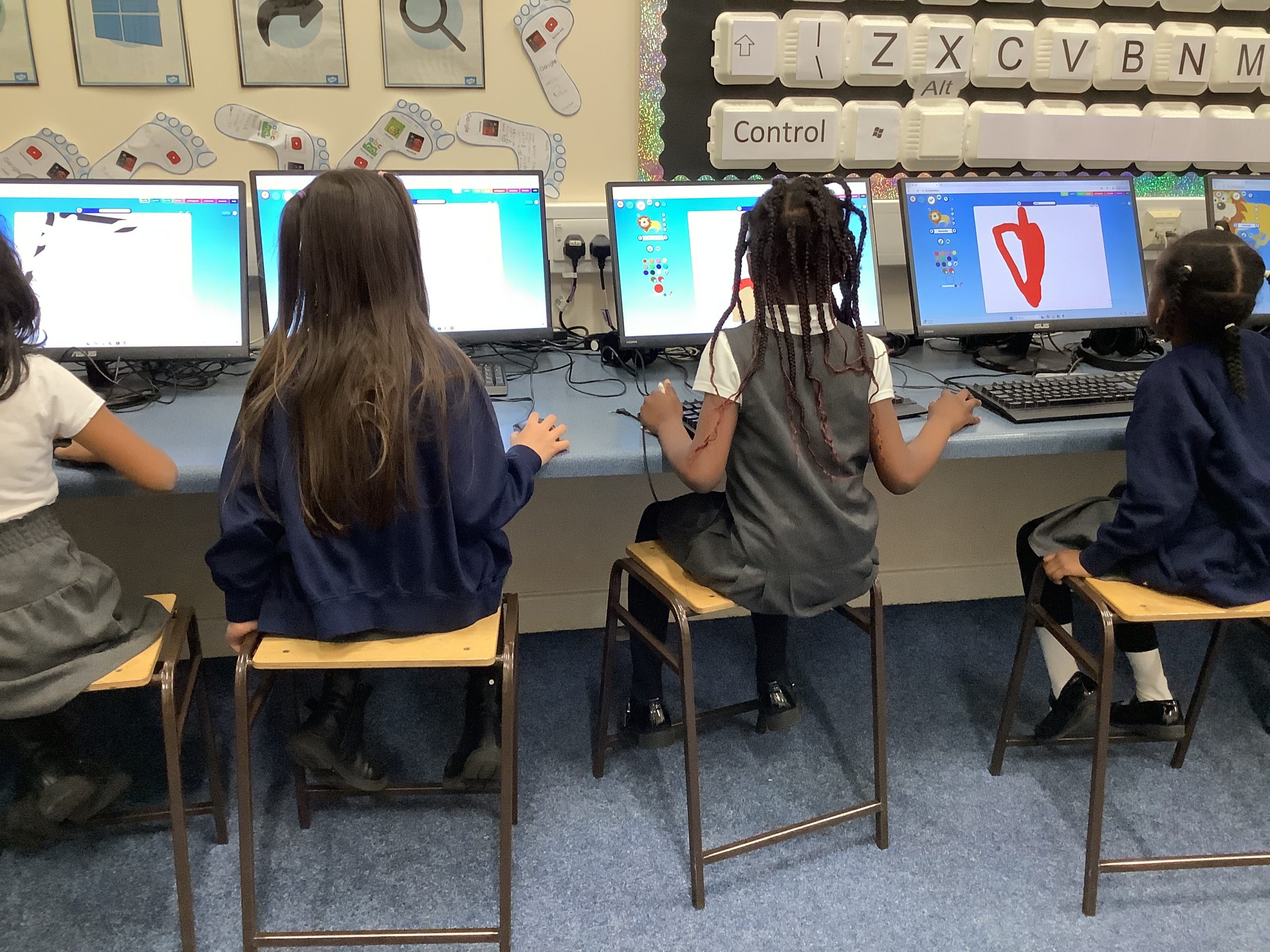
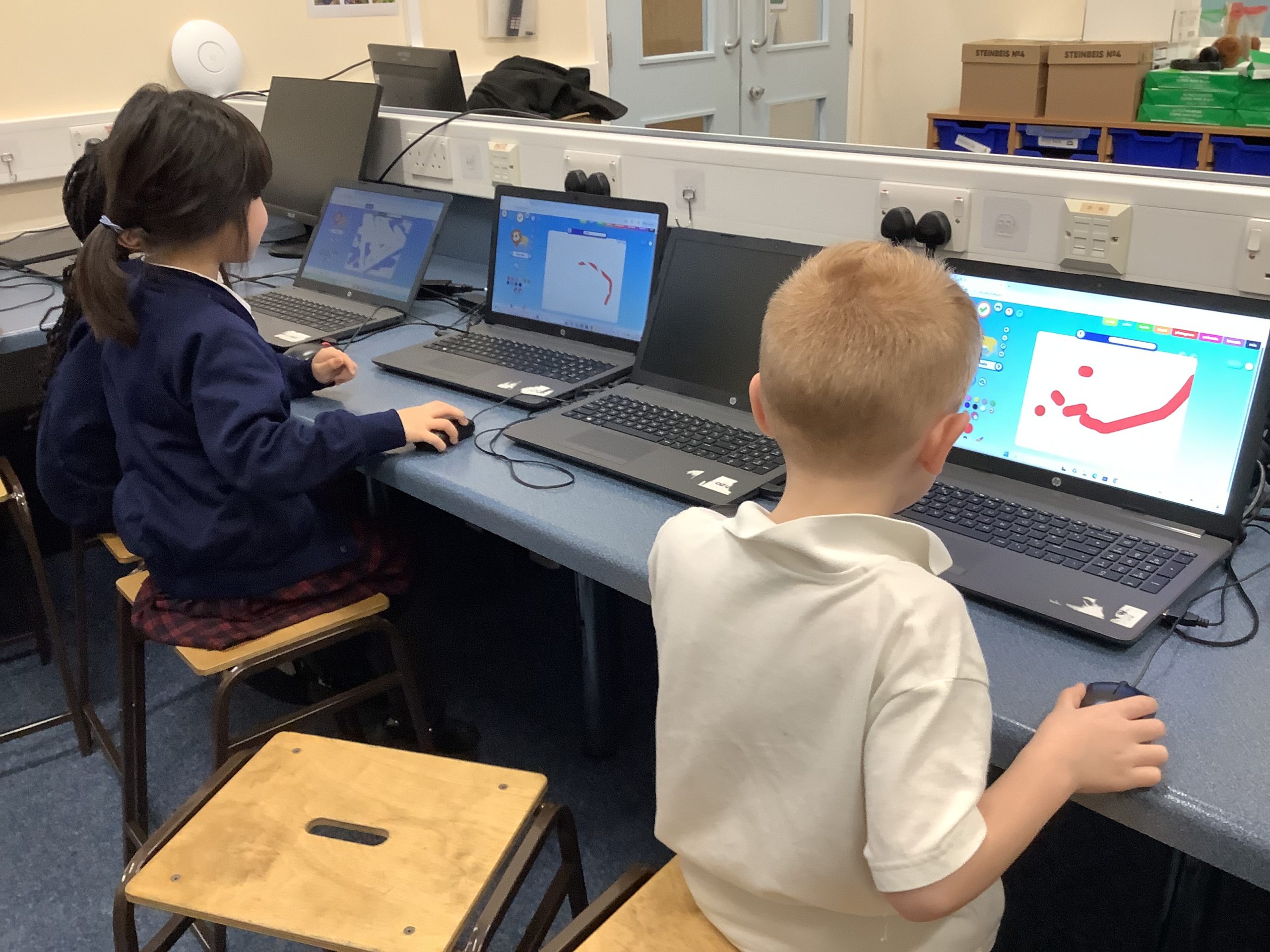
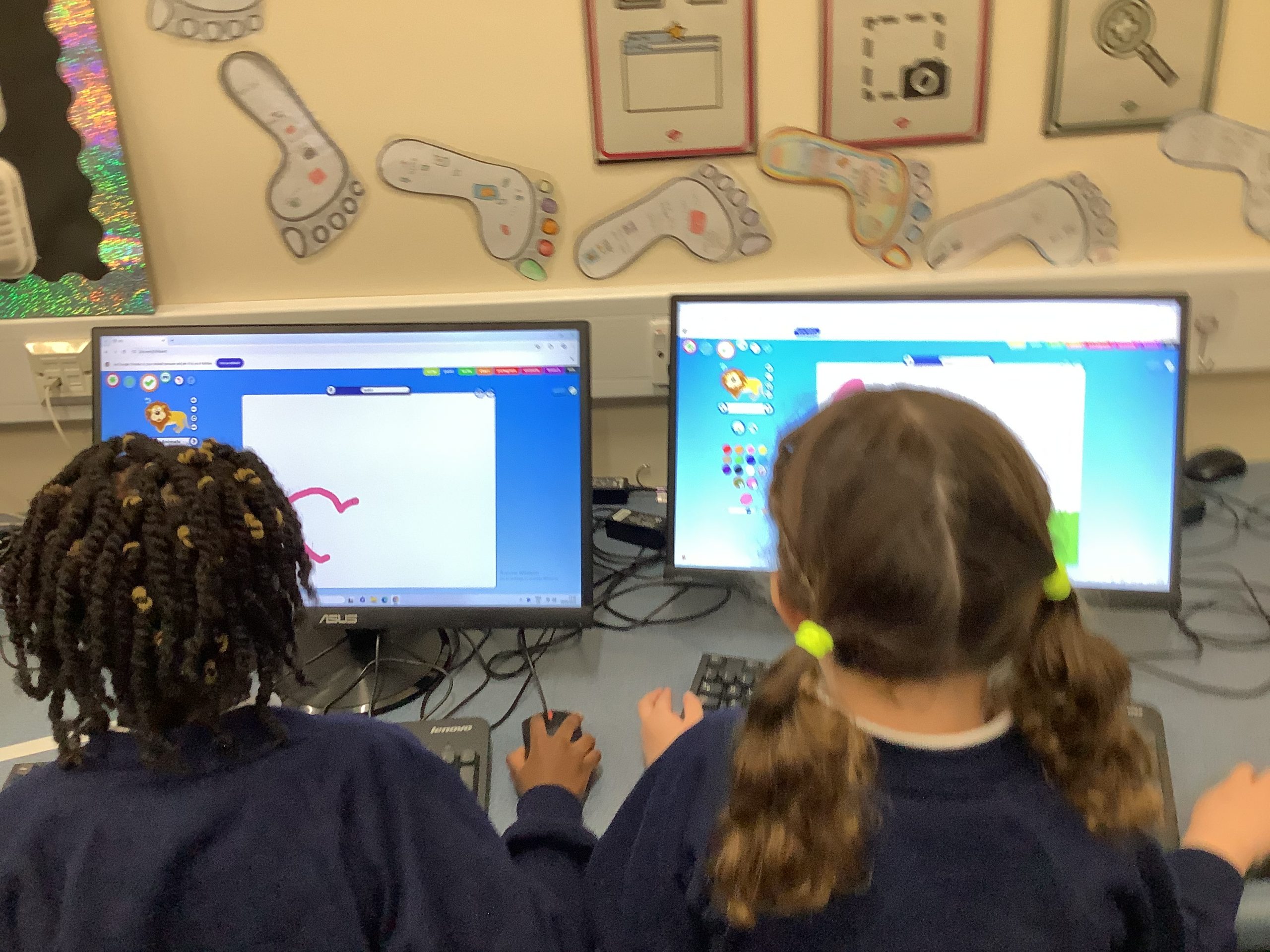
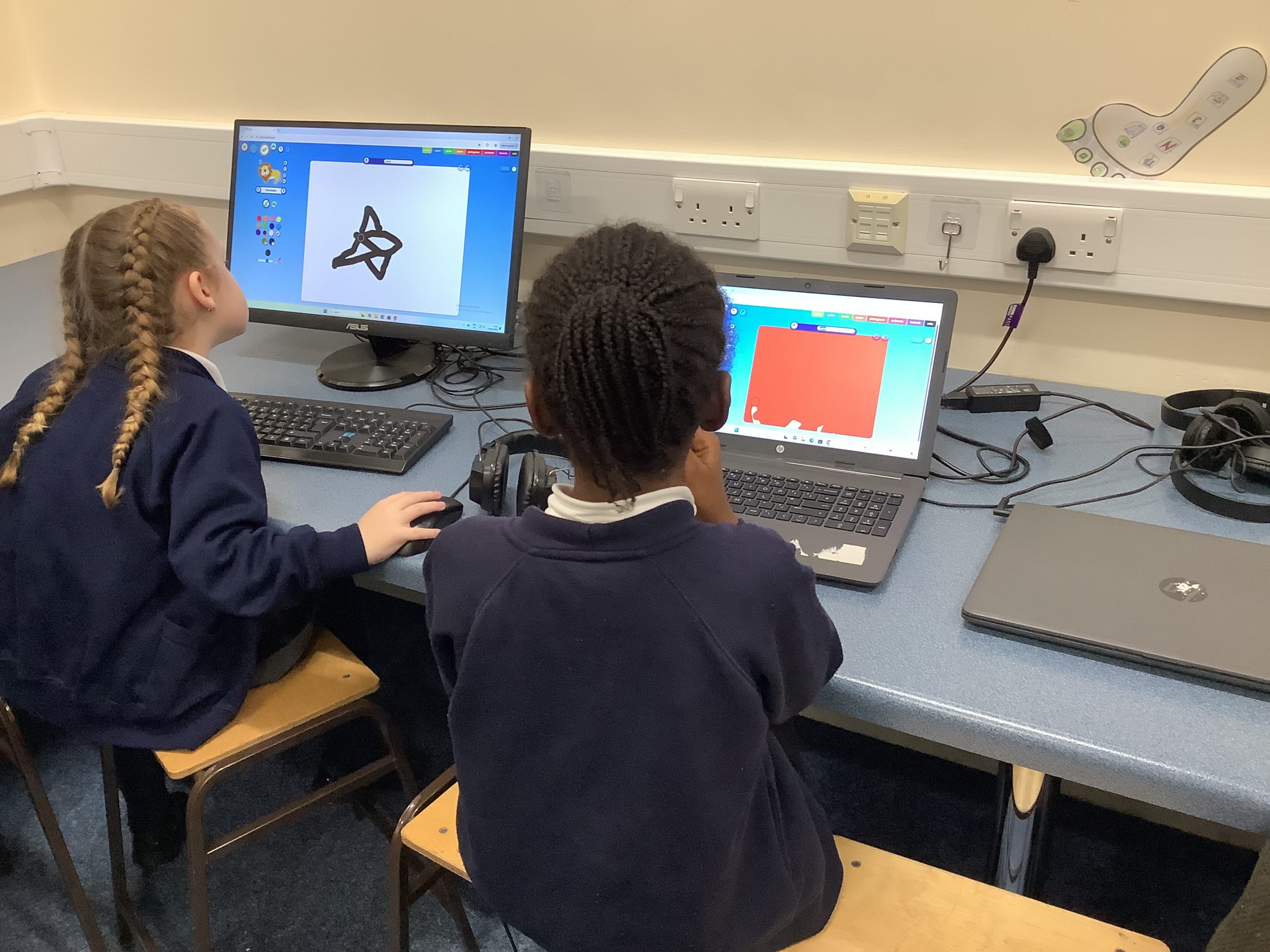
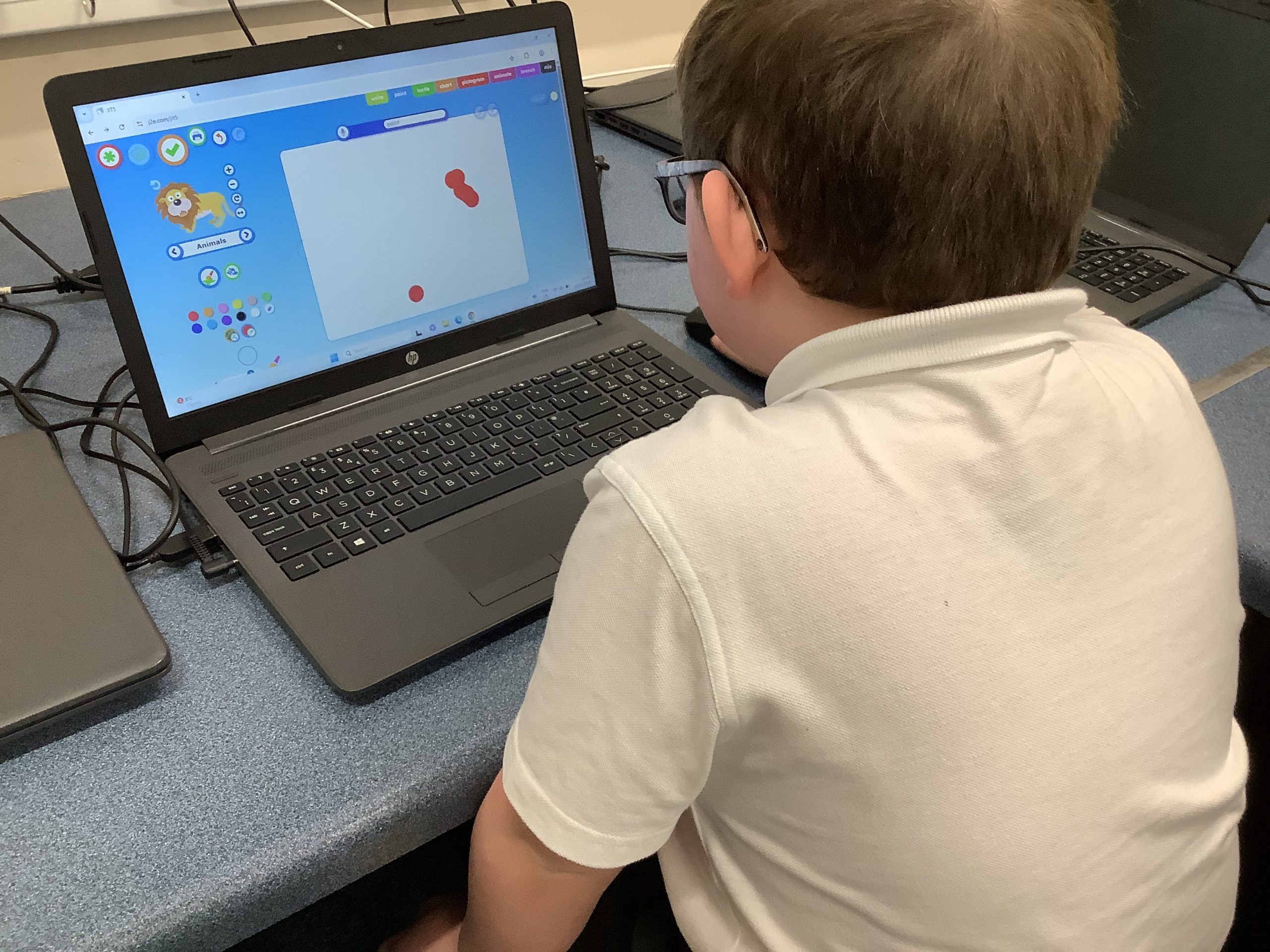
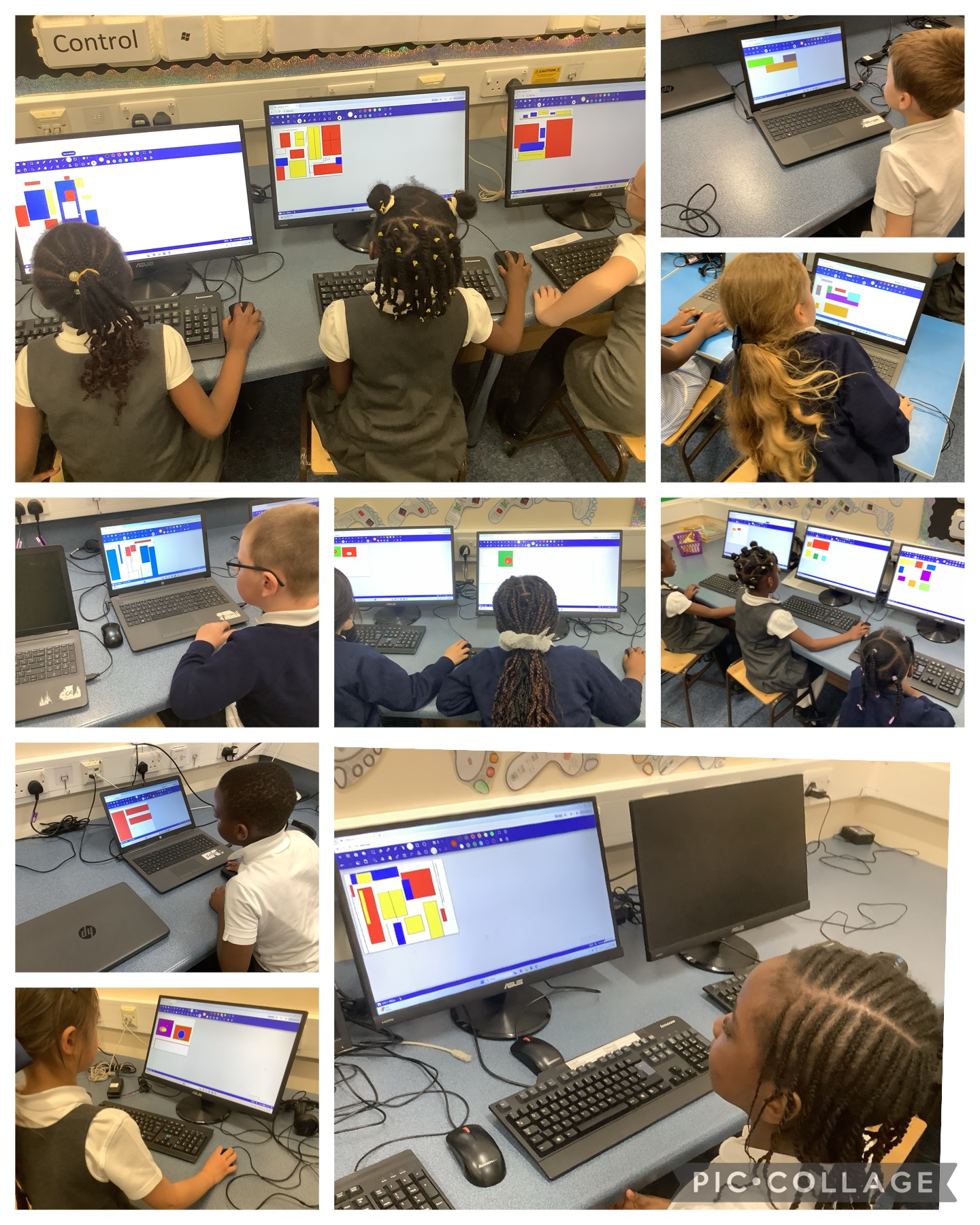
In our computing lesson this week, we were practising our mouse dragging skills. We created marks on the page and created our own pictures.
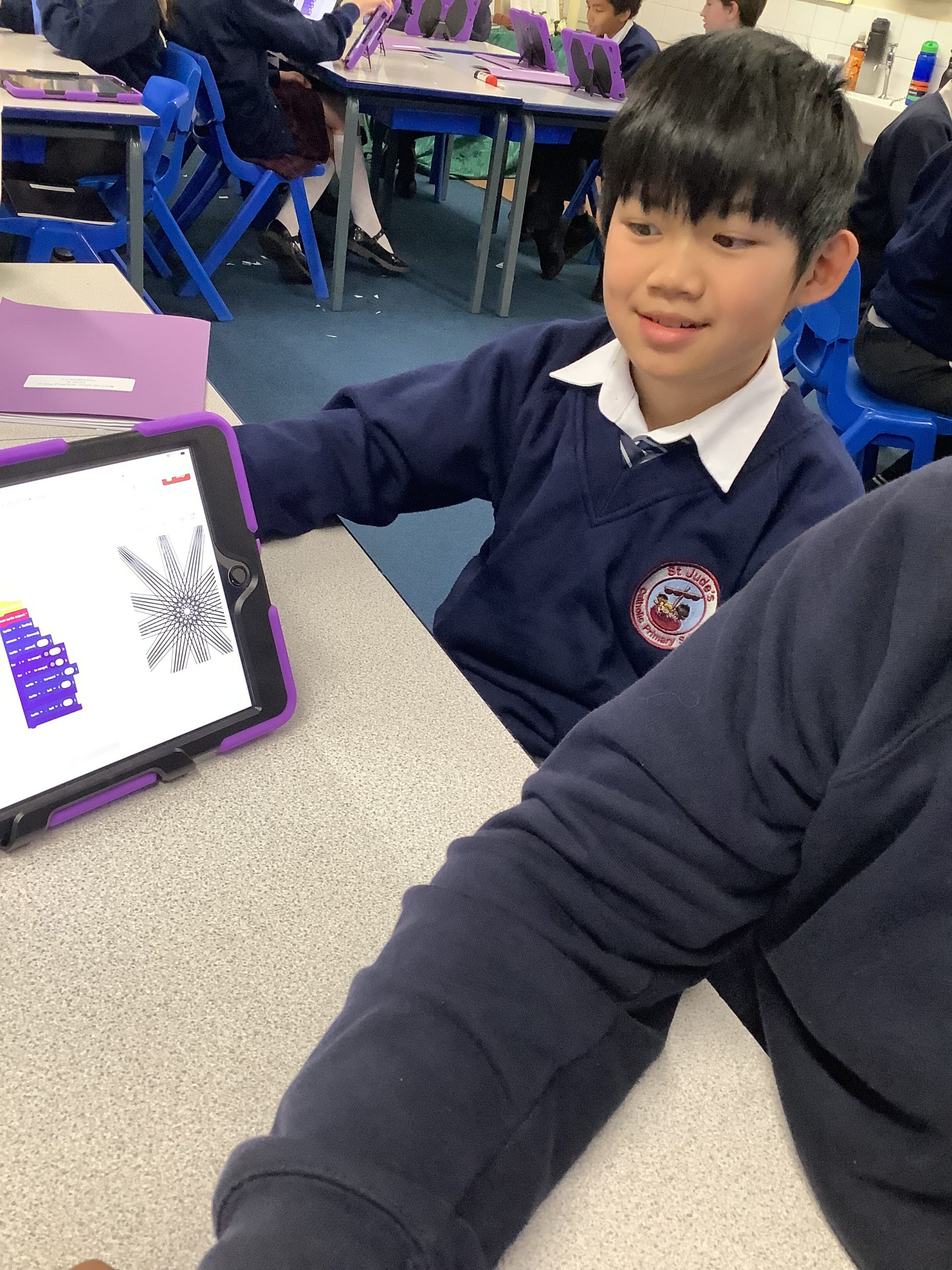
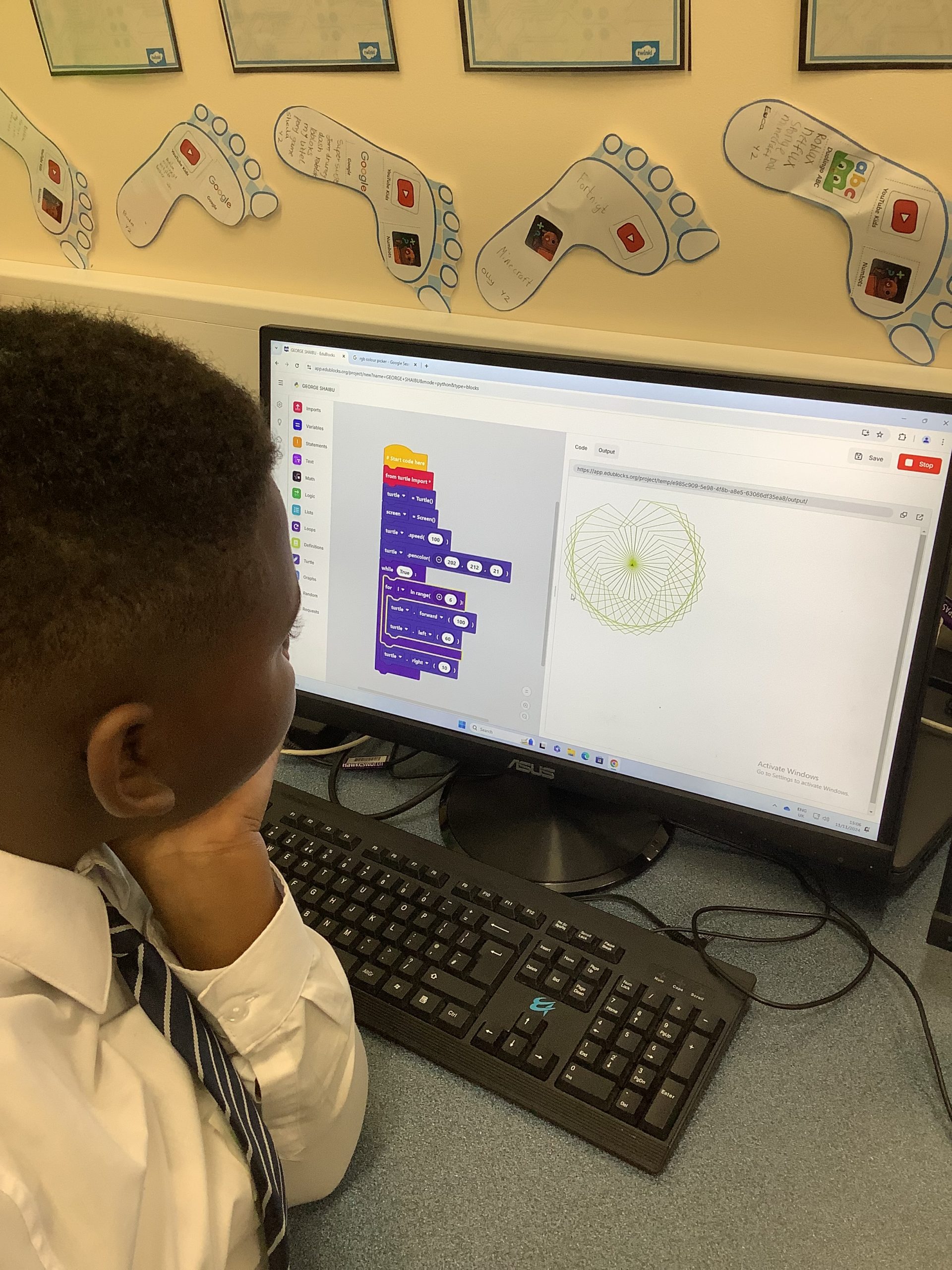
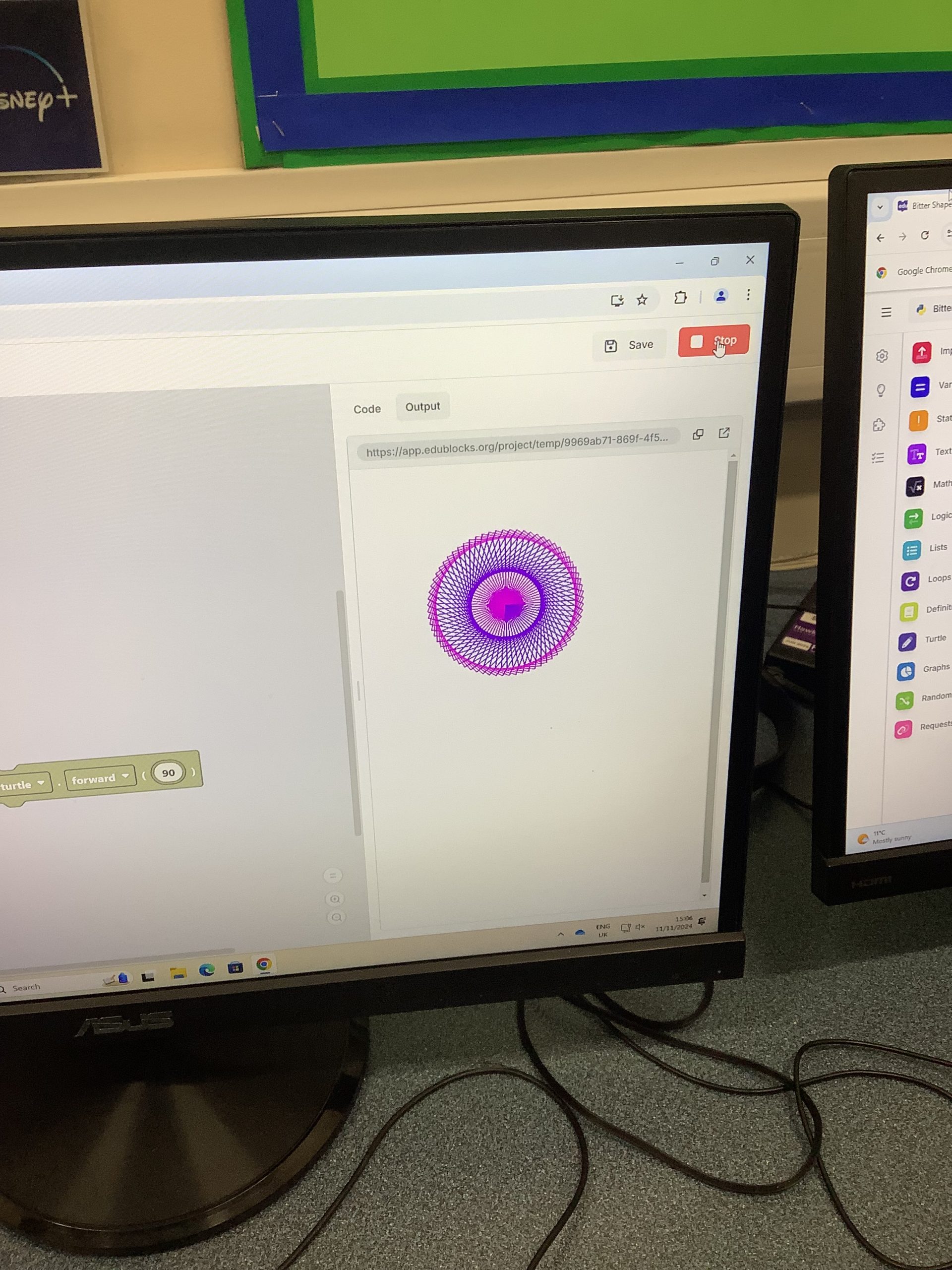
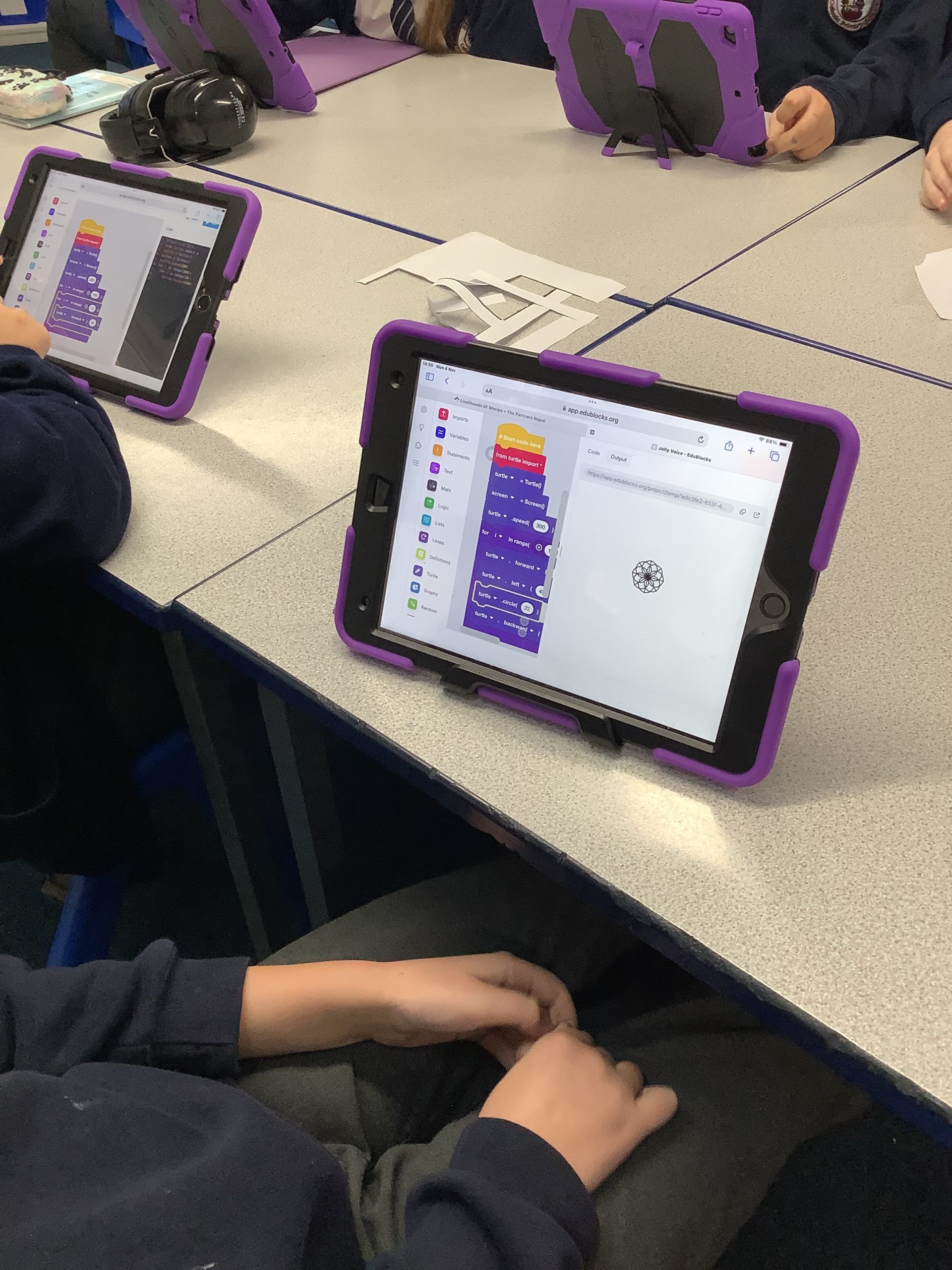
Y6 have been coding with Edublocks to create patterns using different algorithms. Children have inputted loops and conditionals while experimenting with RGB colour selections to complete their work.
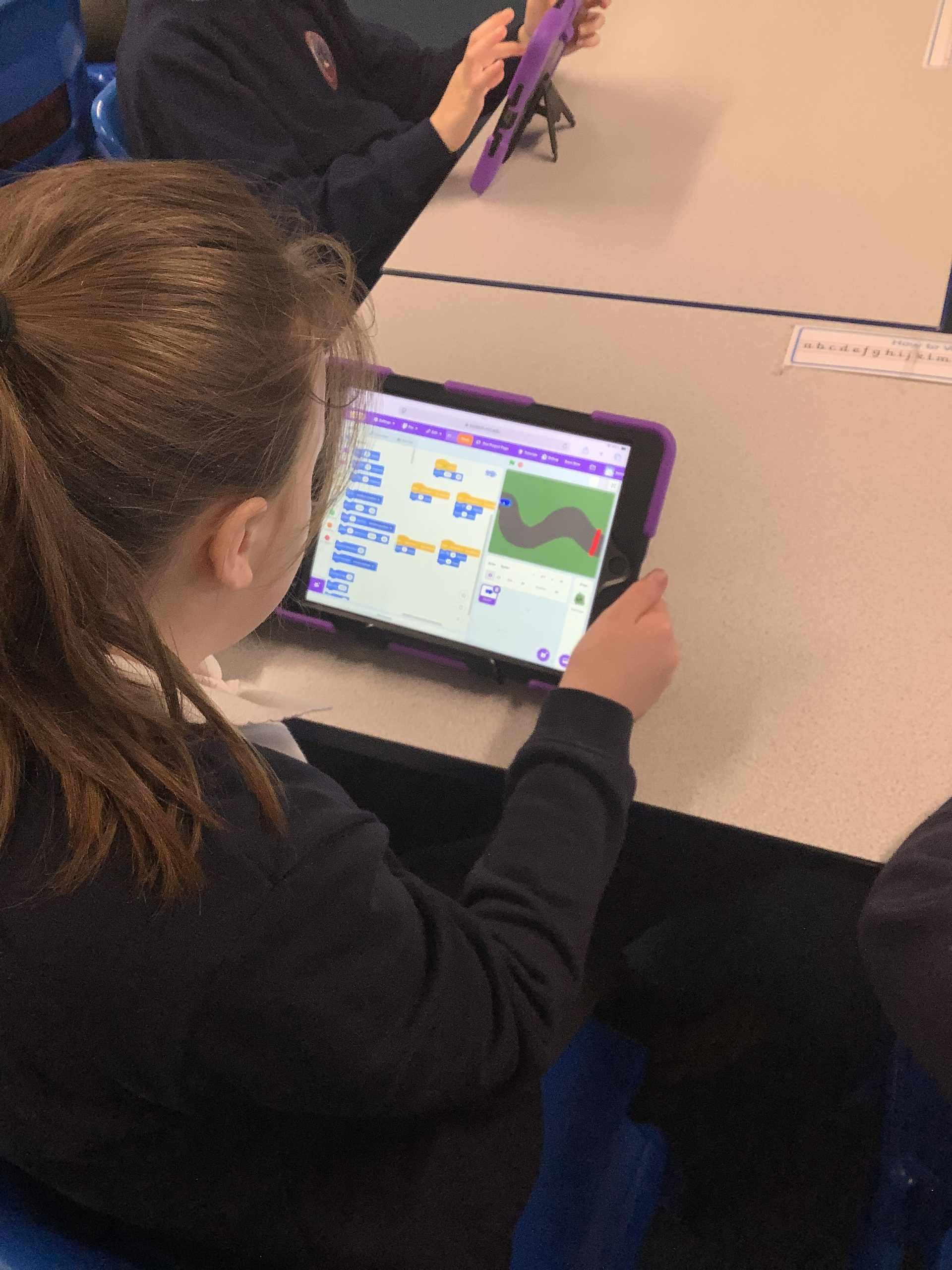
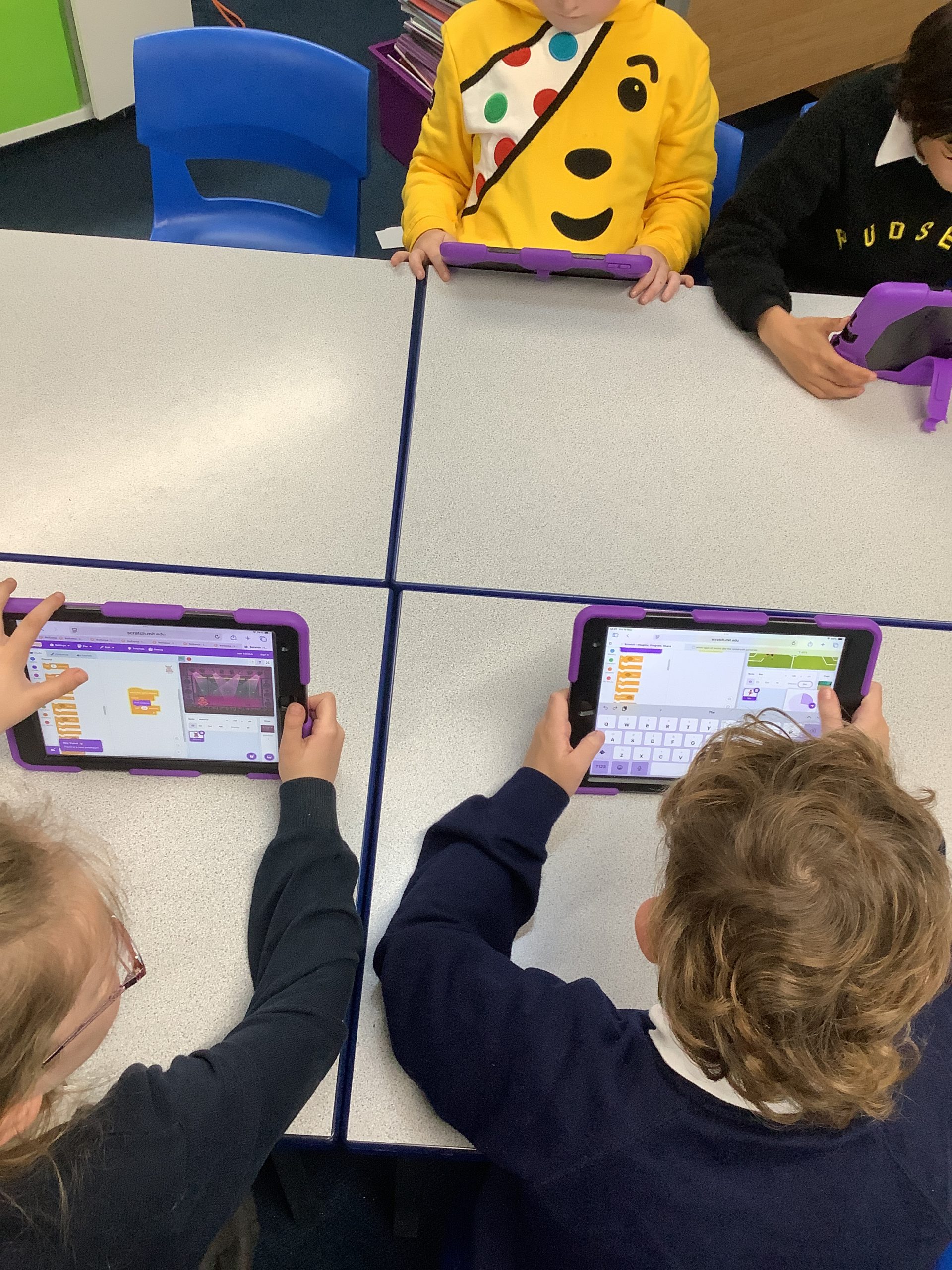
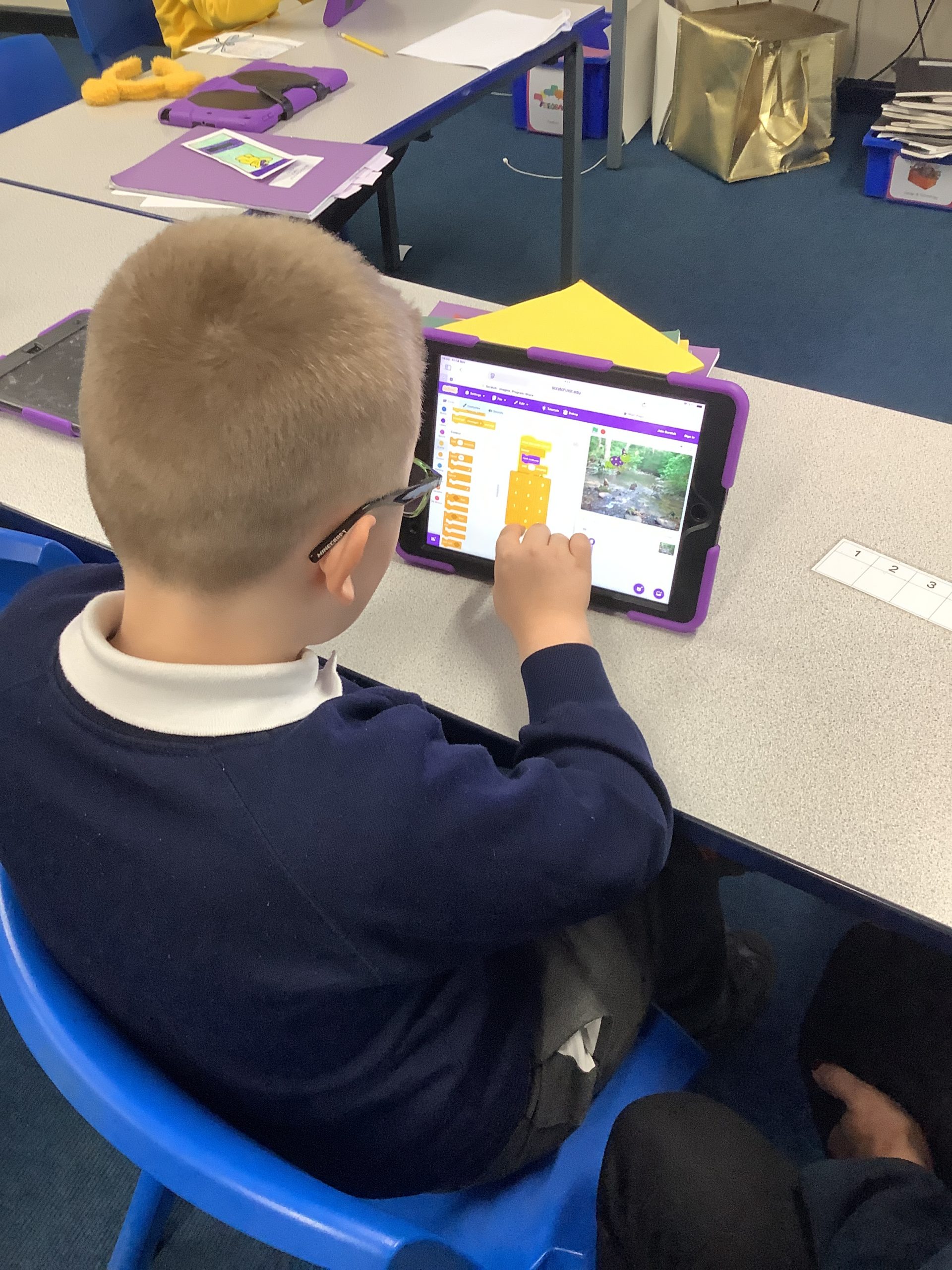
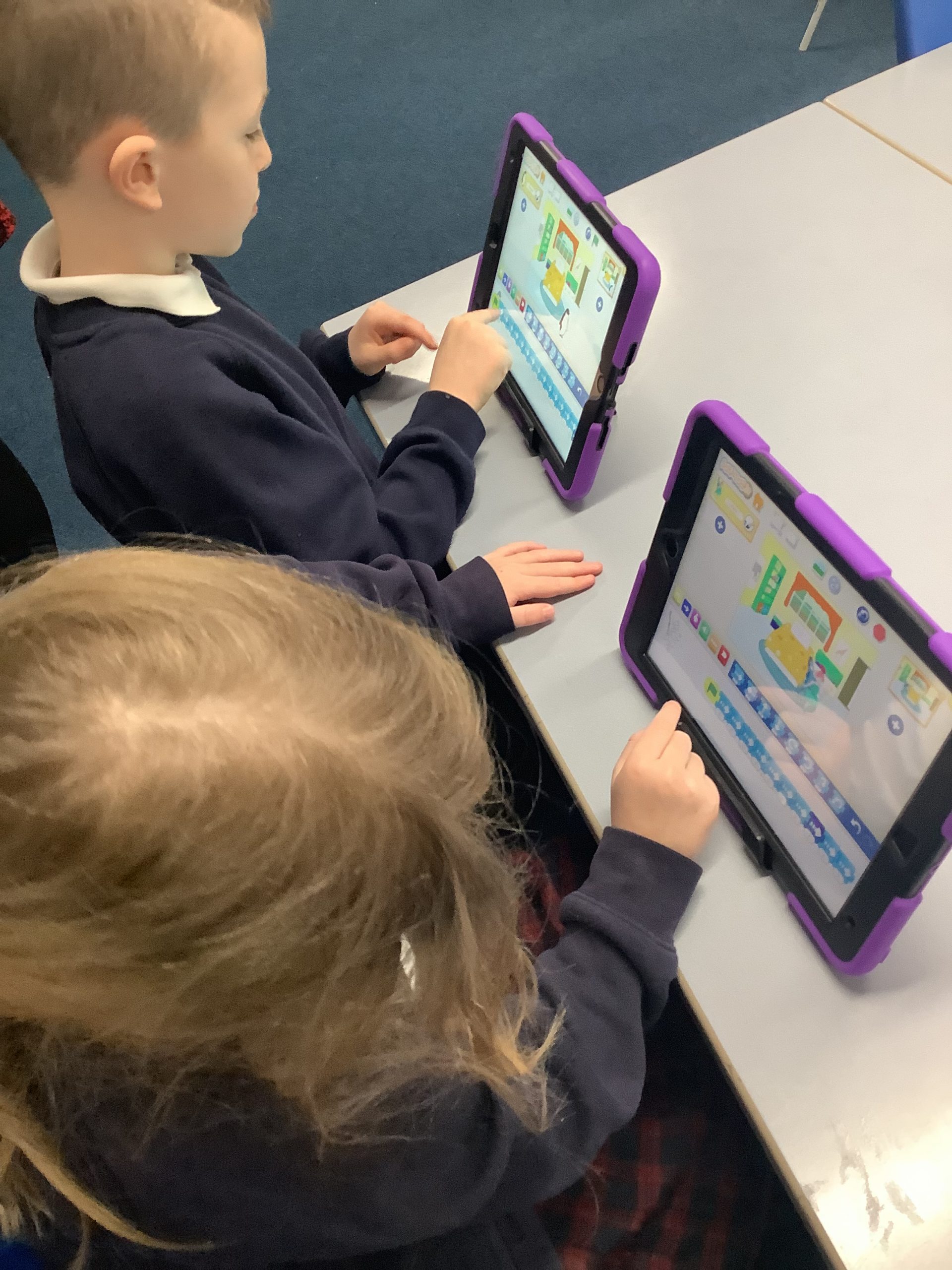
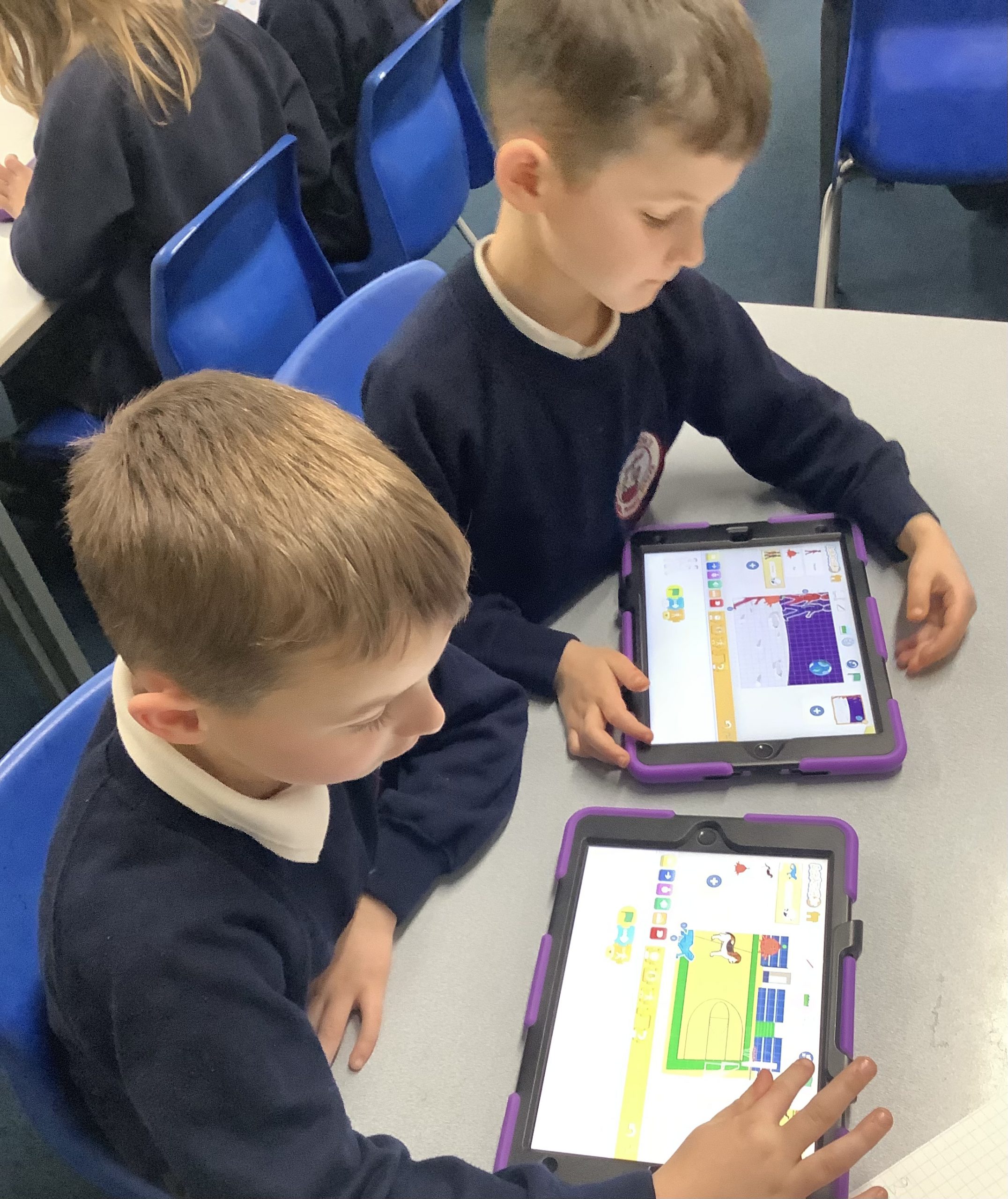
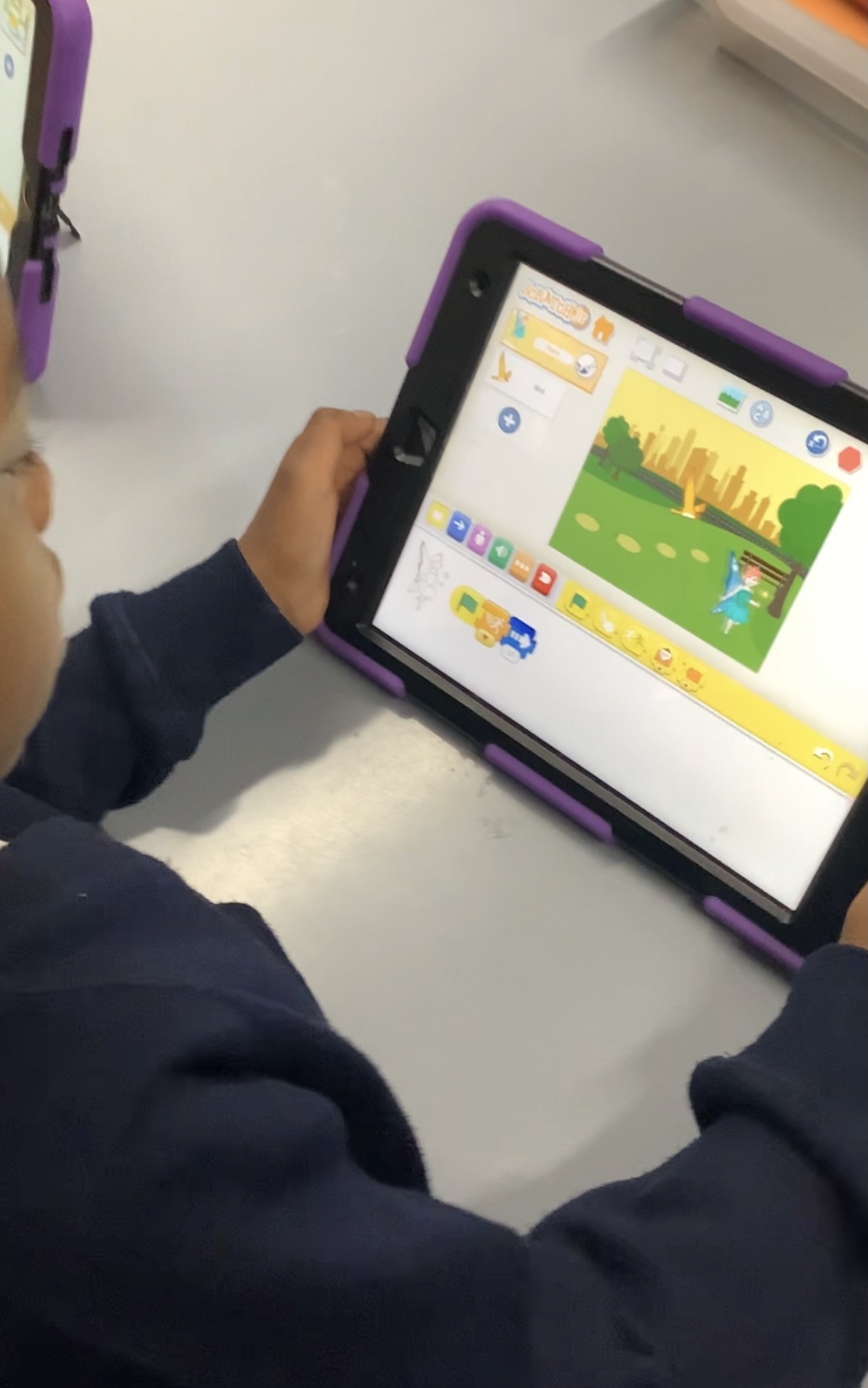
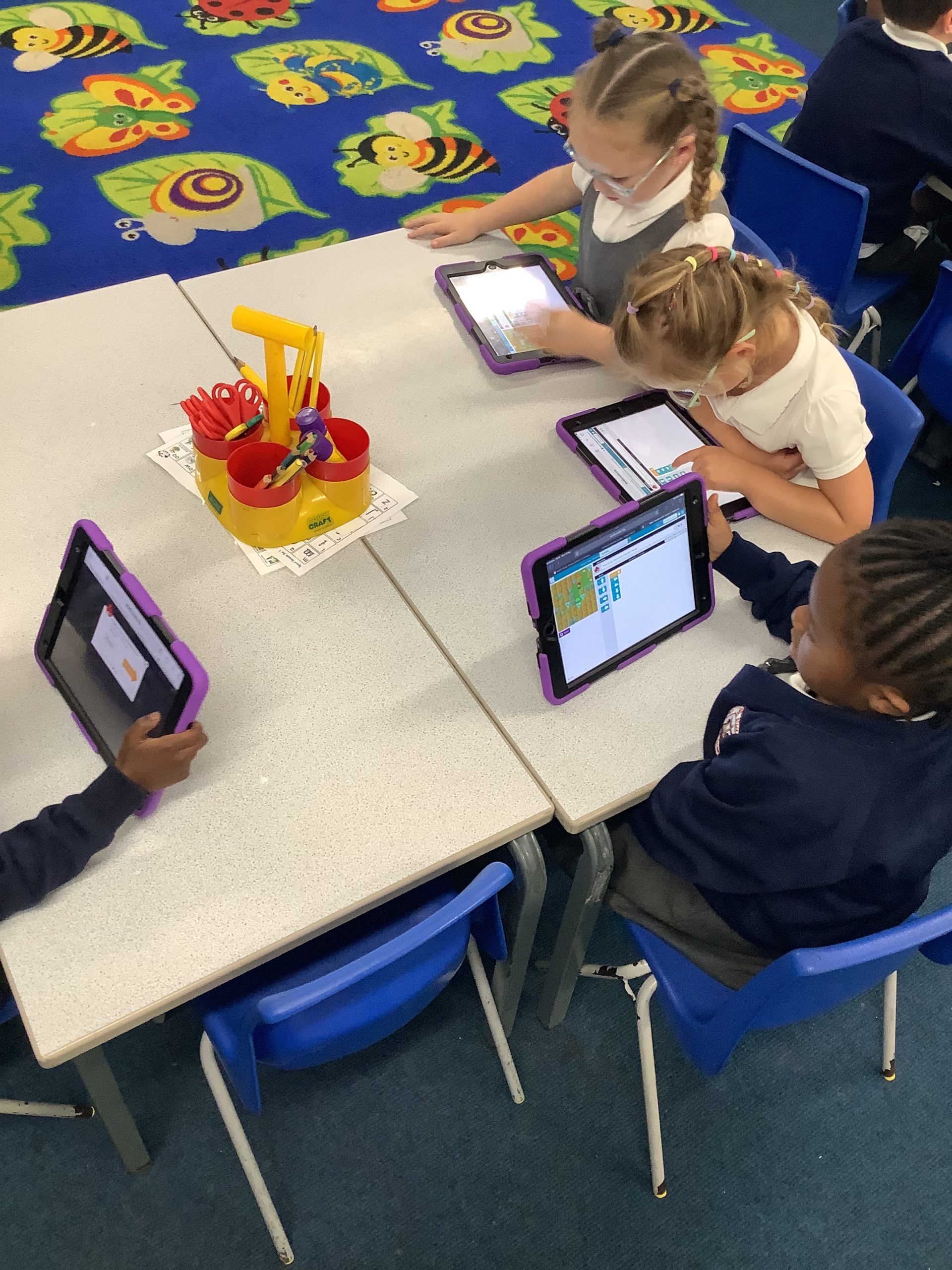
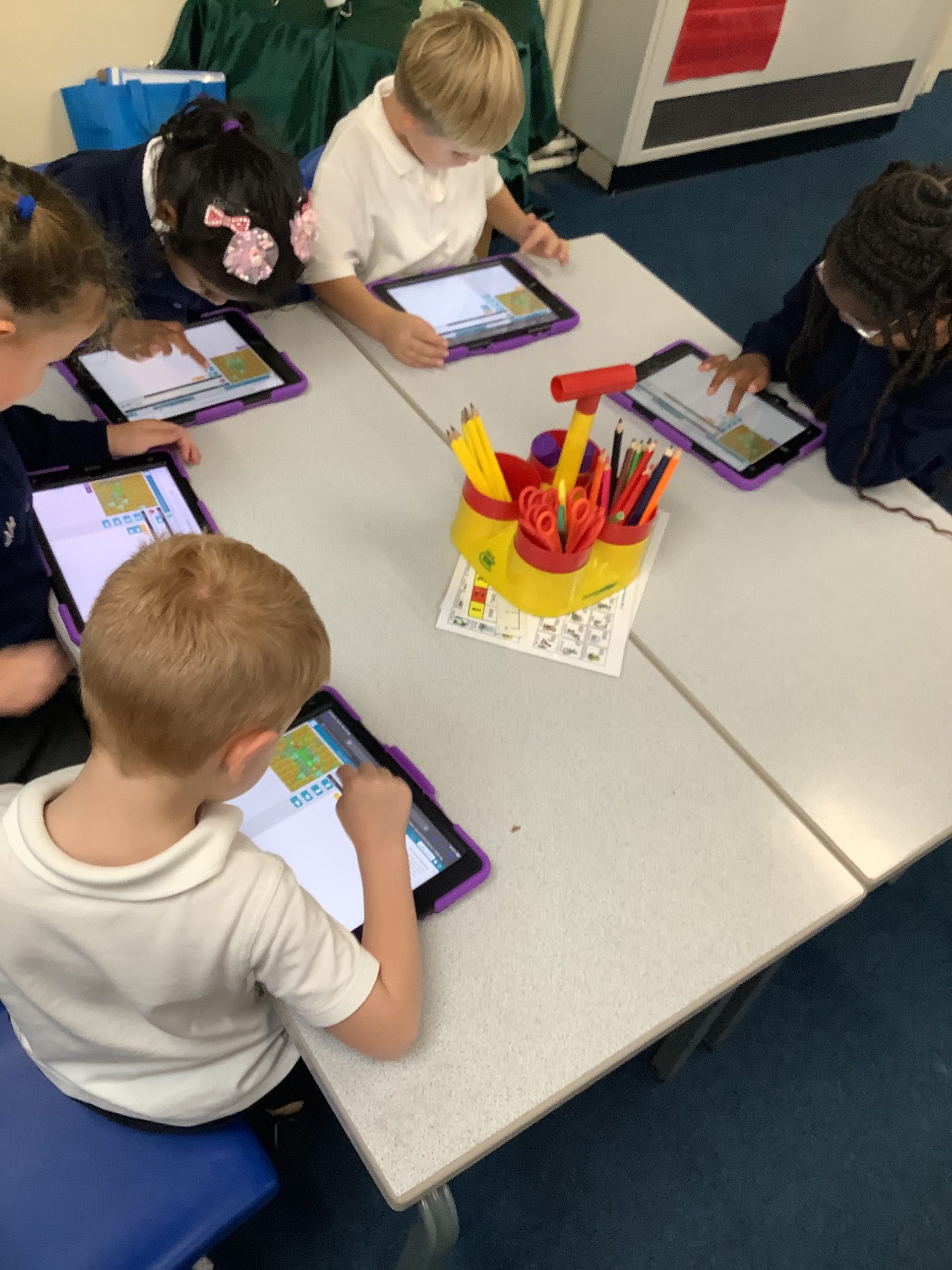
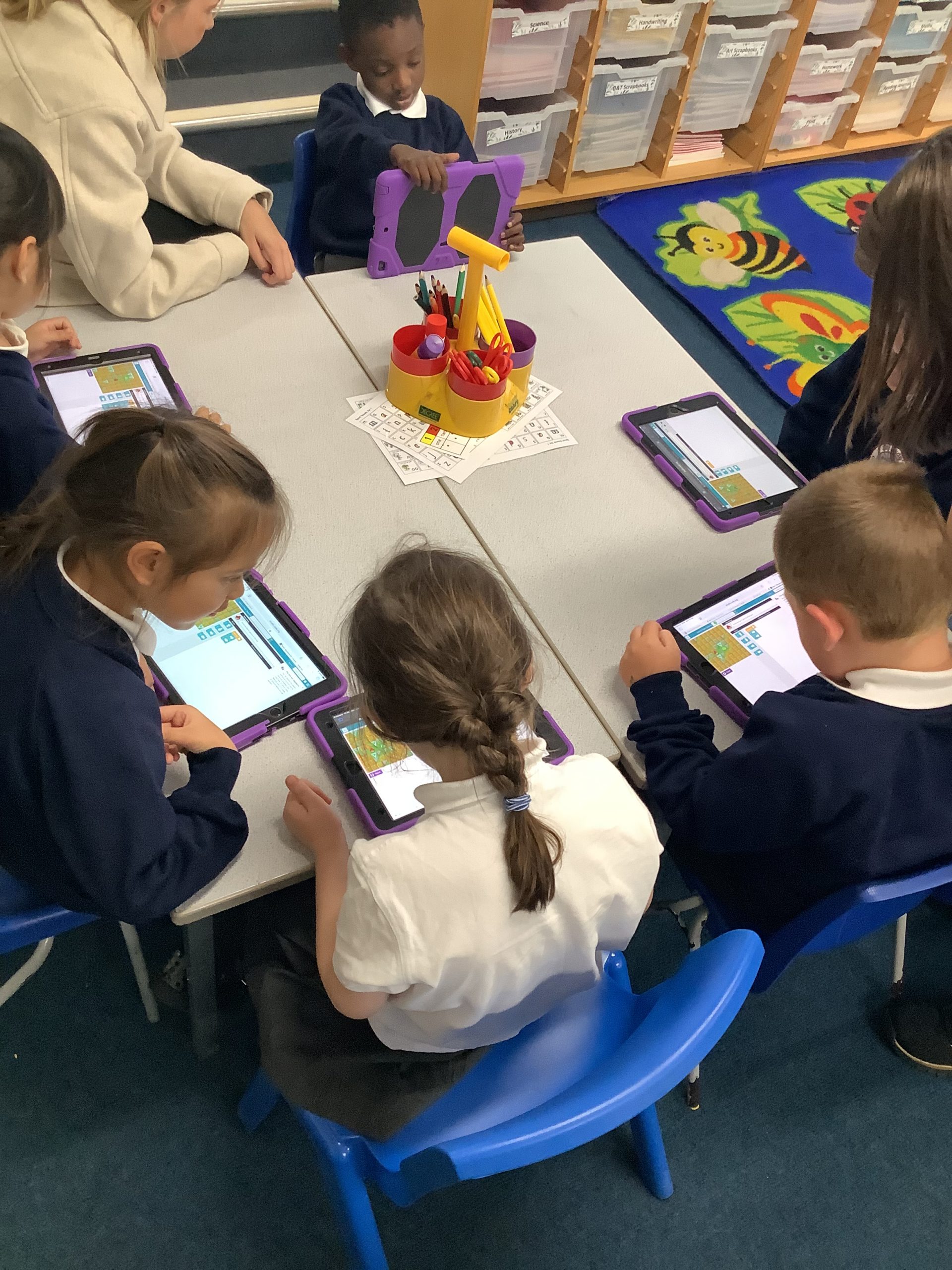
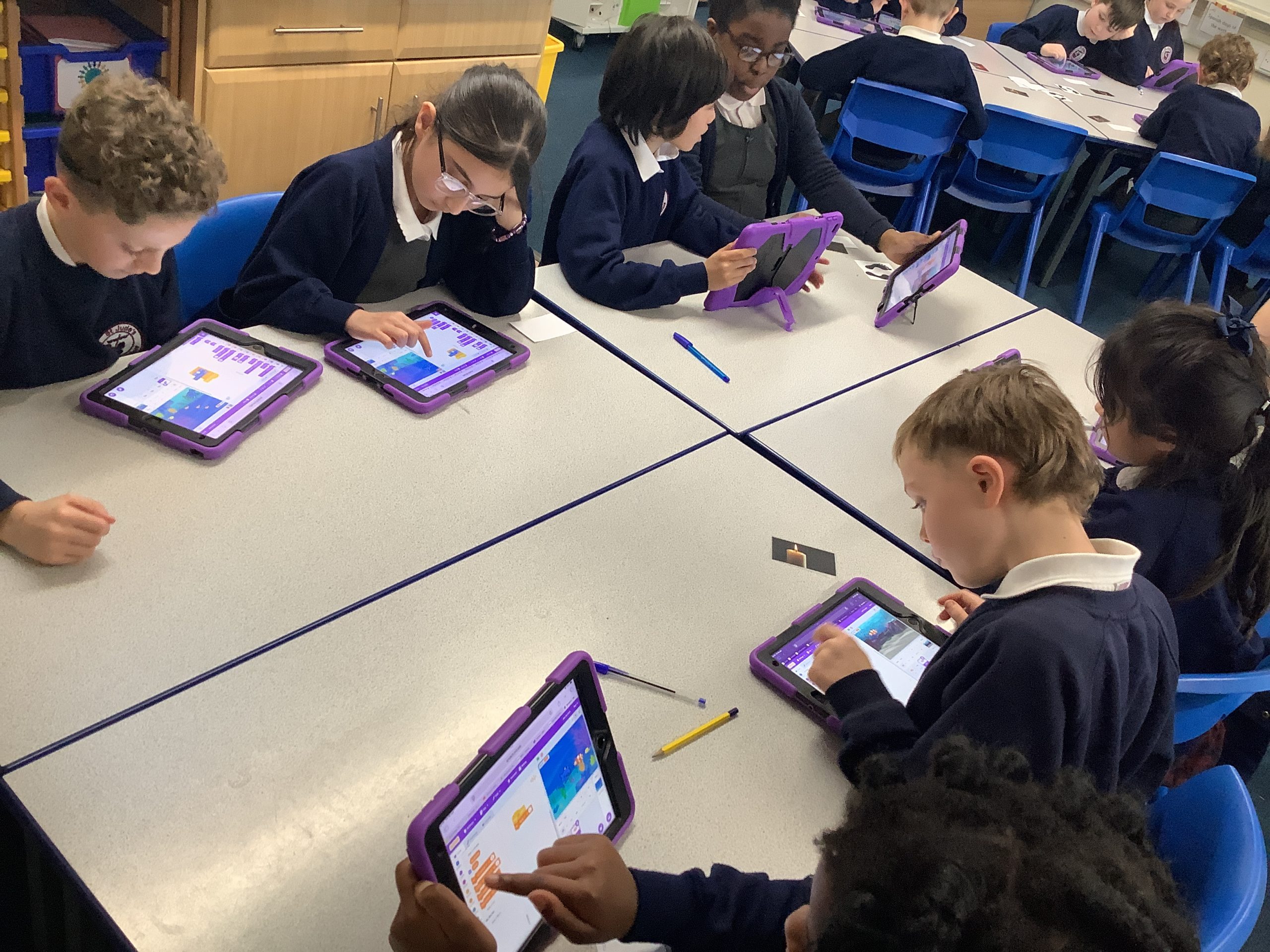
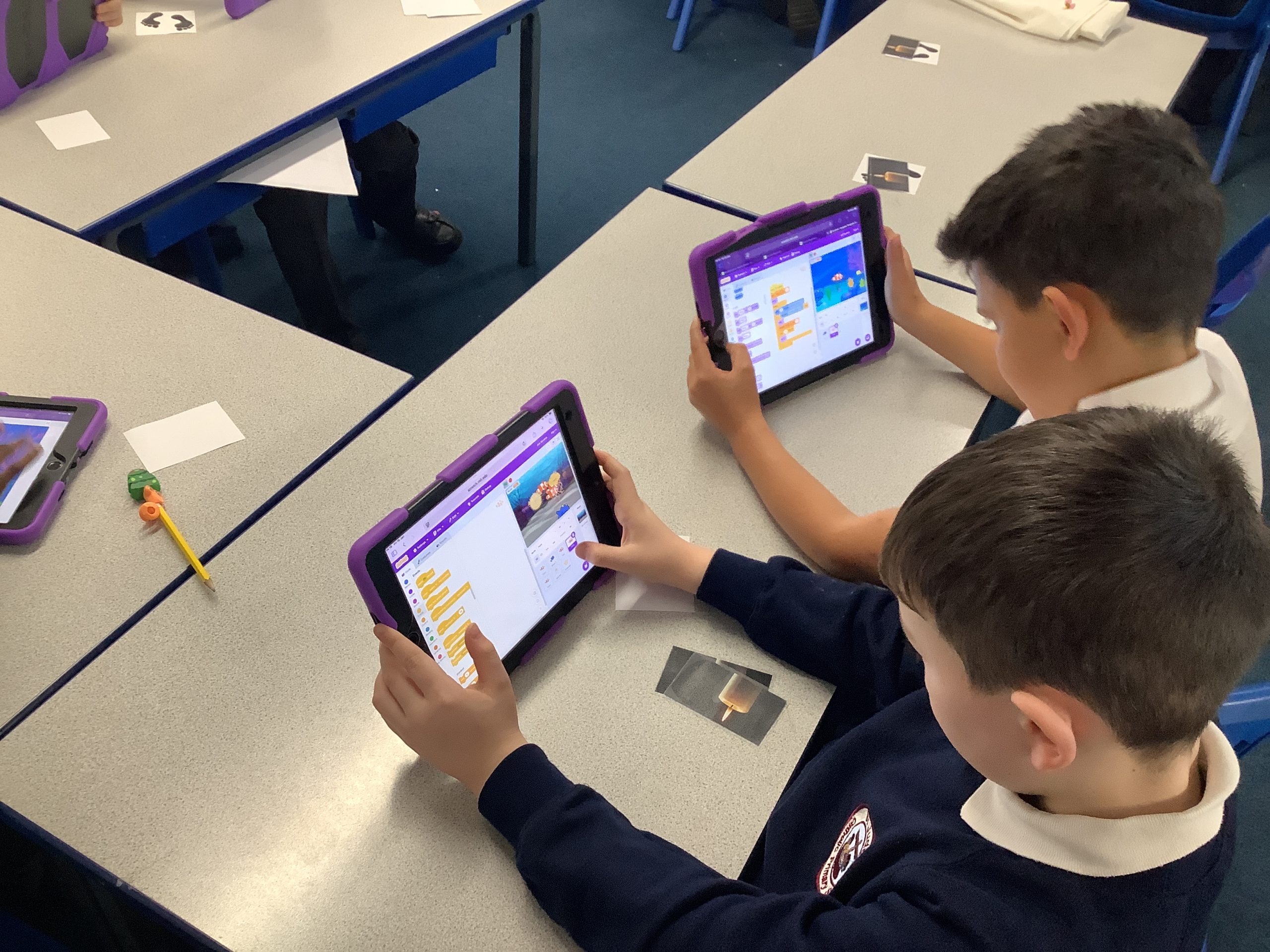
Today Year 1 were moving blocks to create code and make the sprite move North, South, East and West. We even explored using a repeater block.
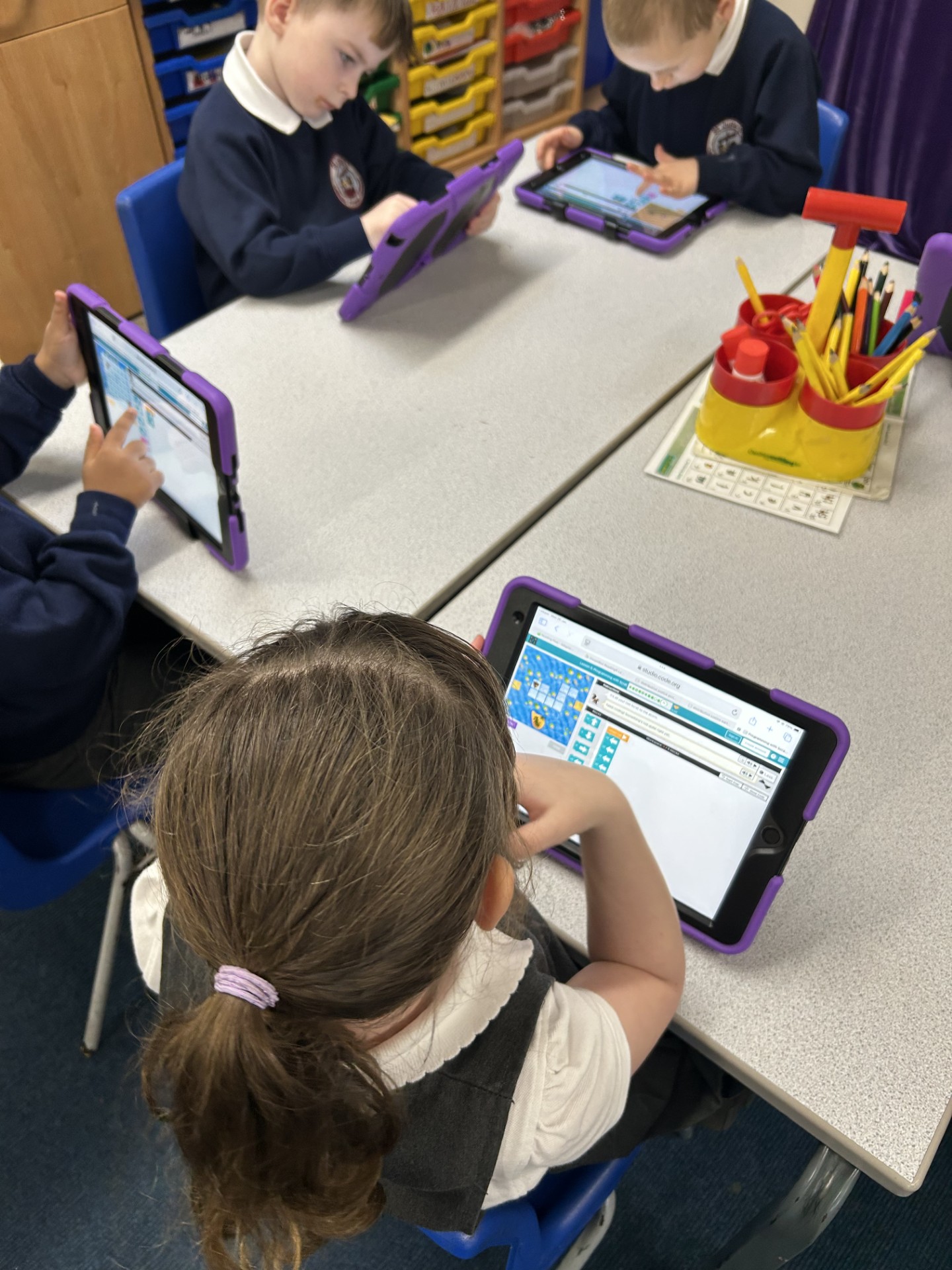
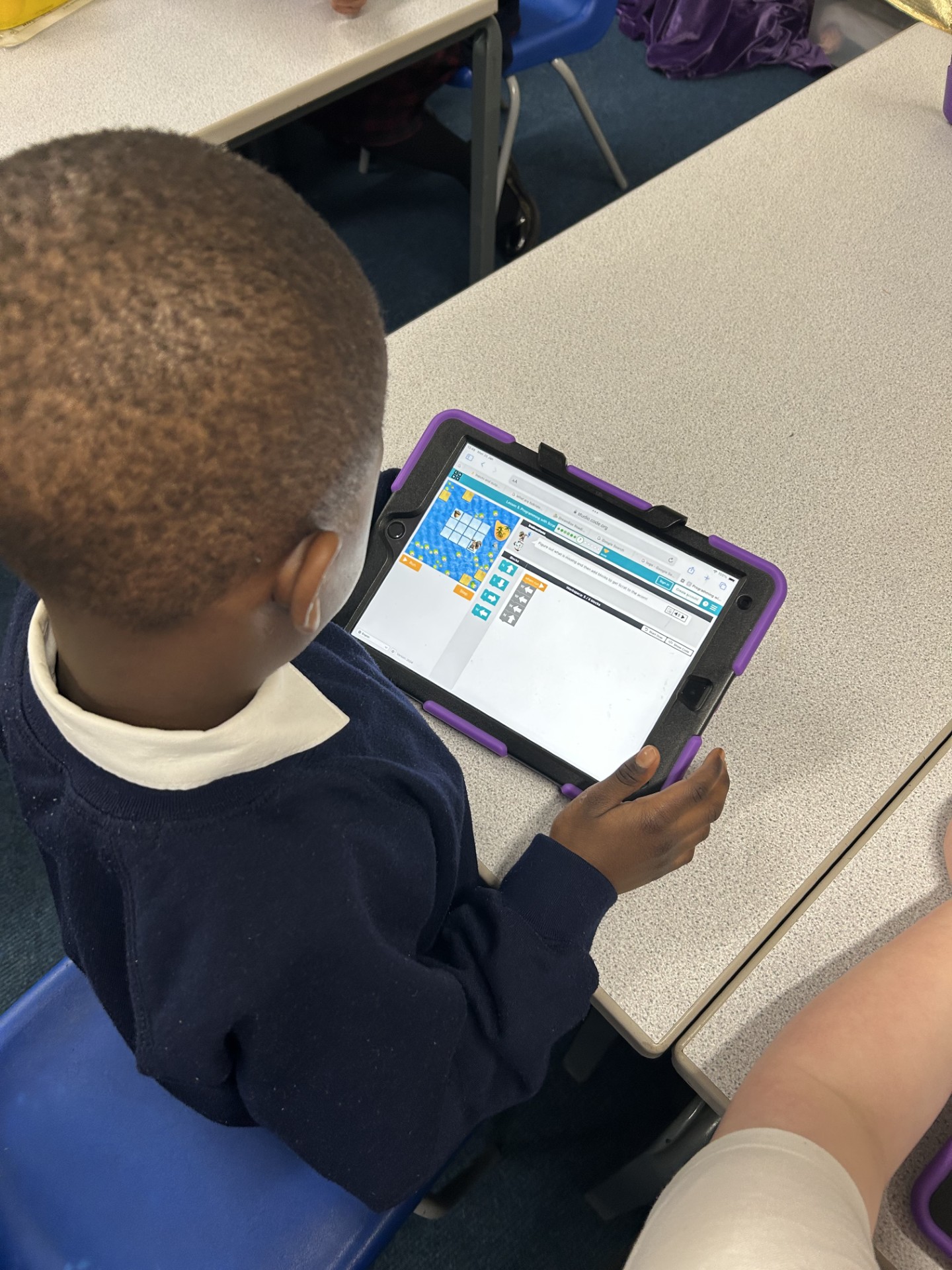
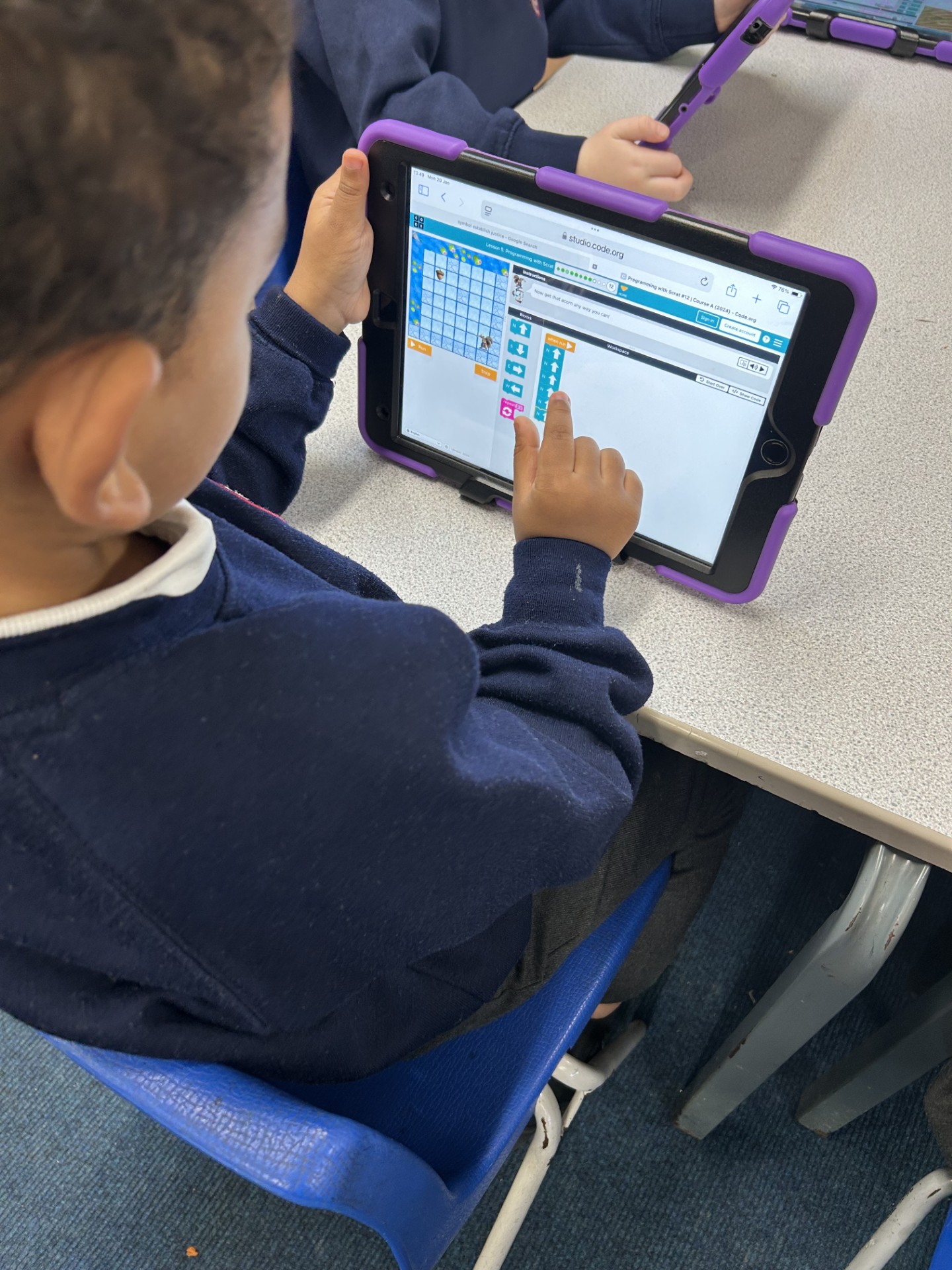
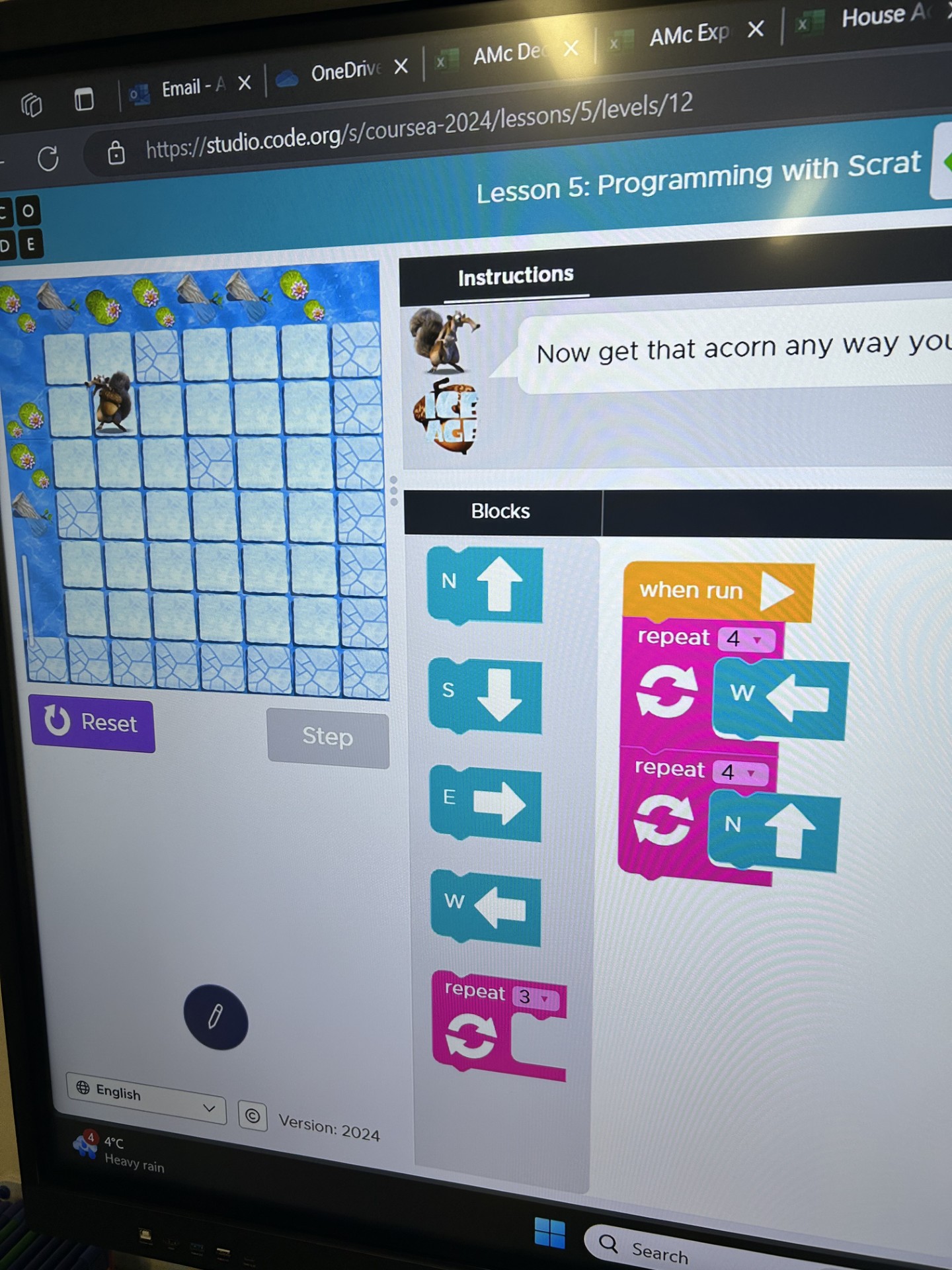
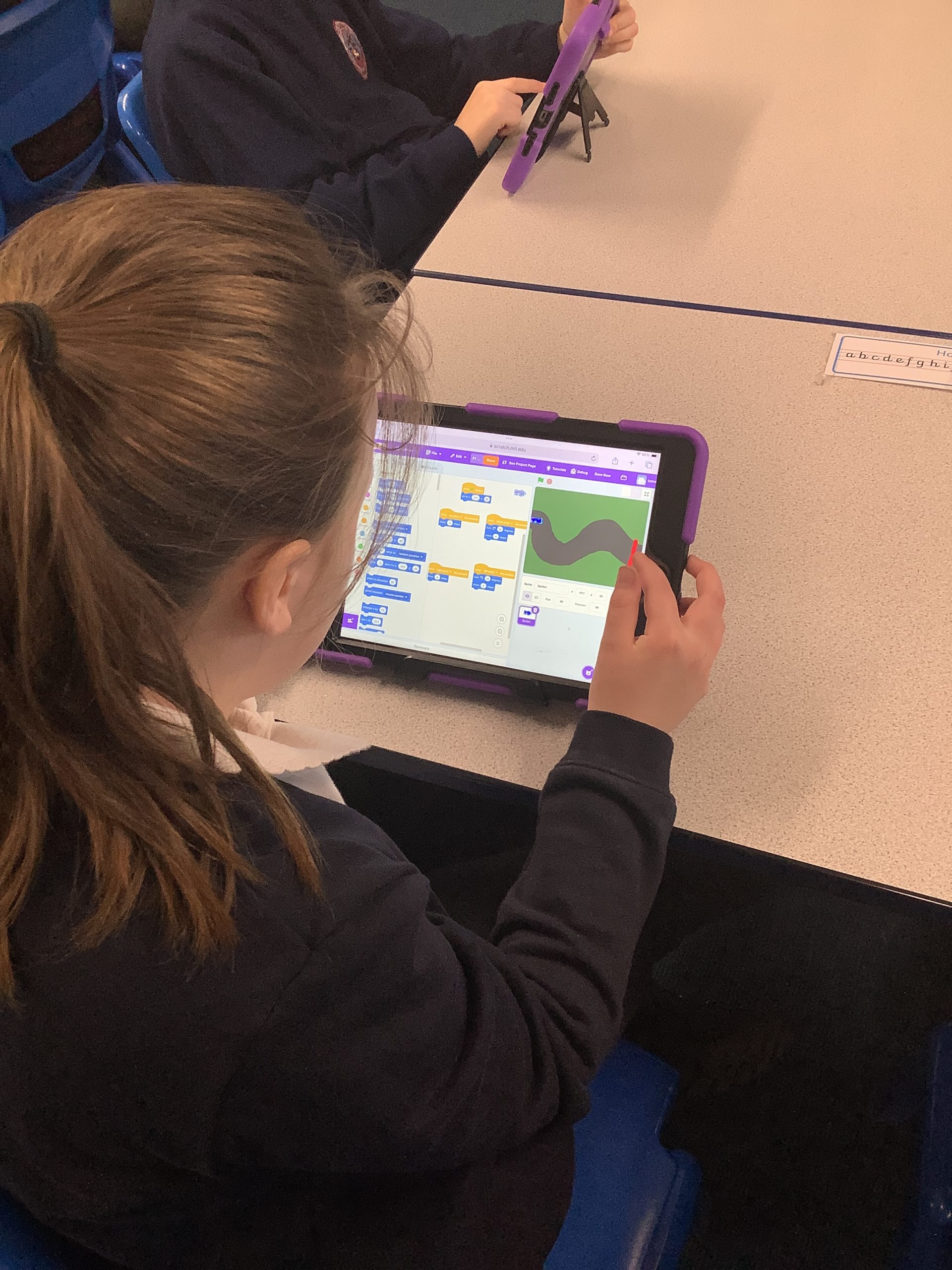
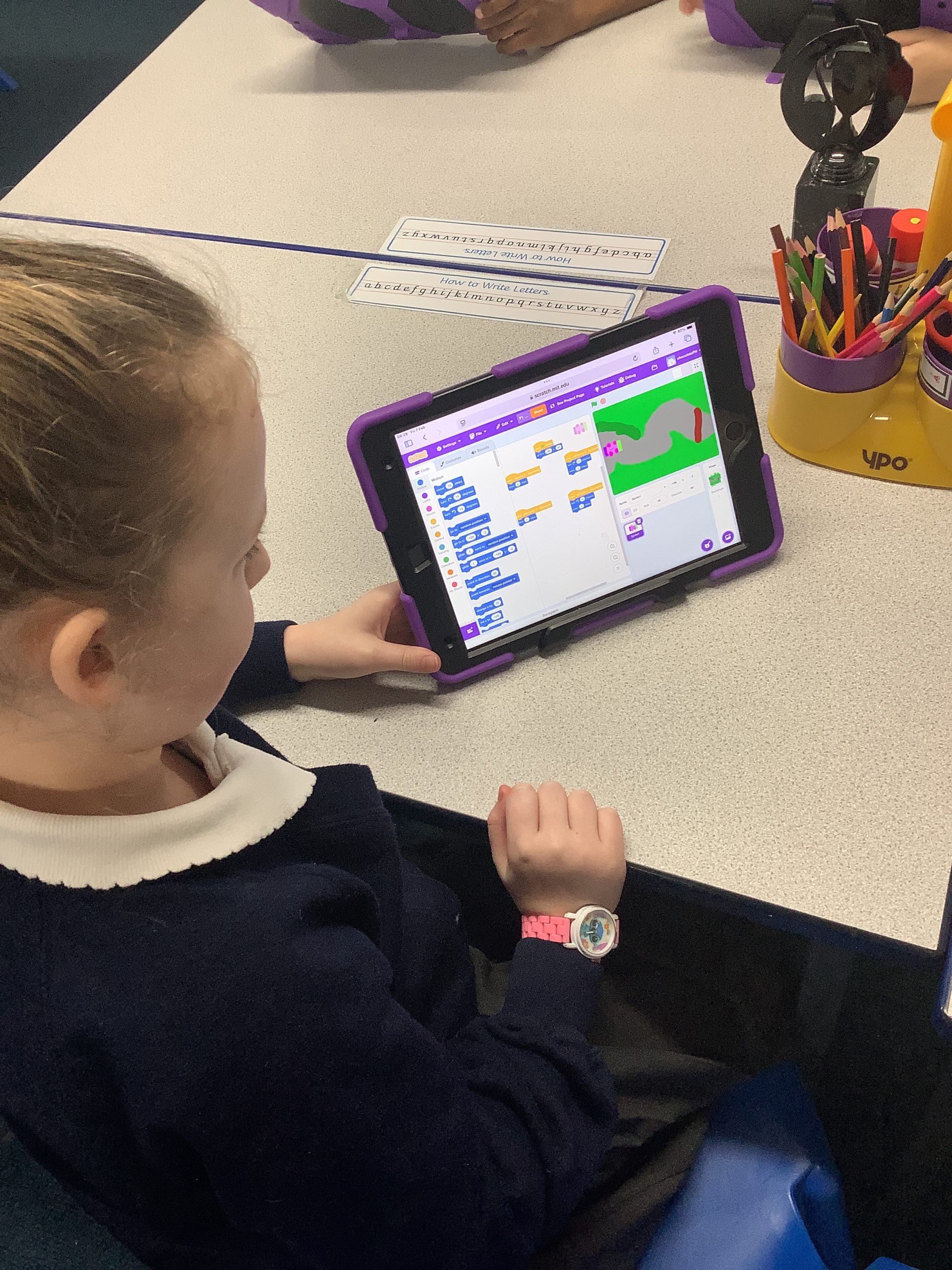
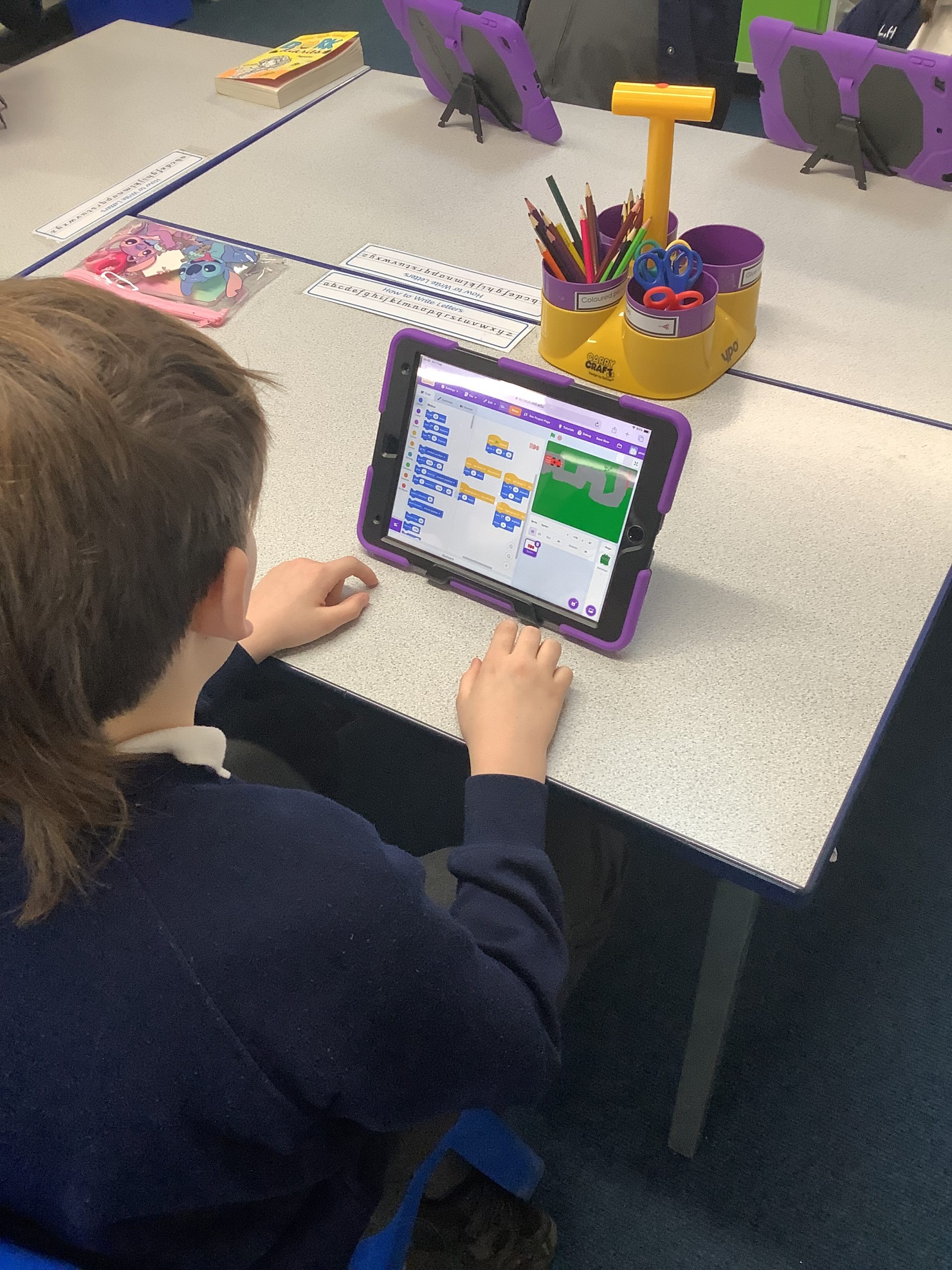
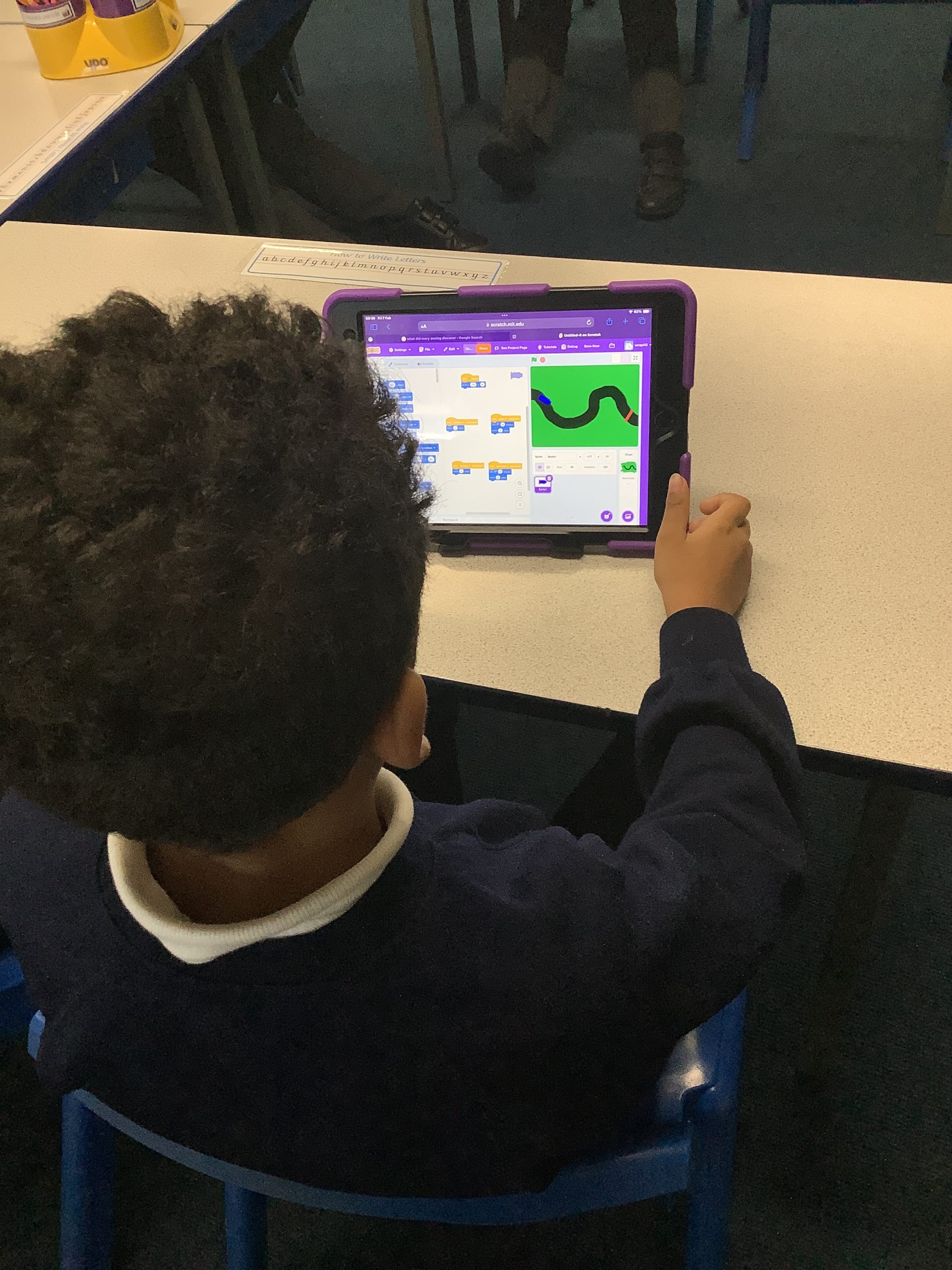
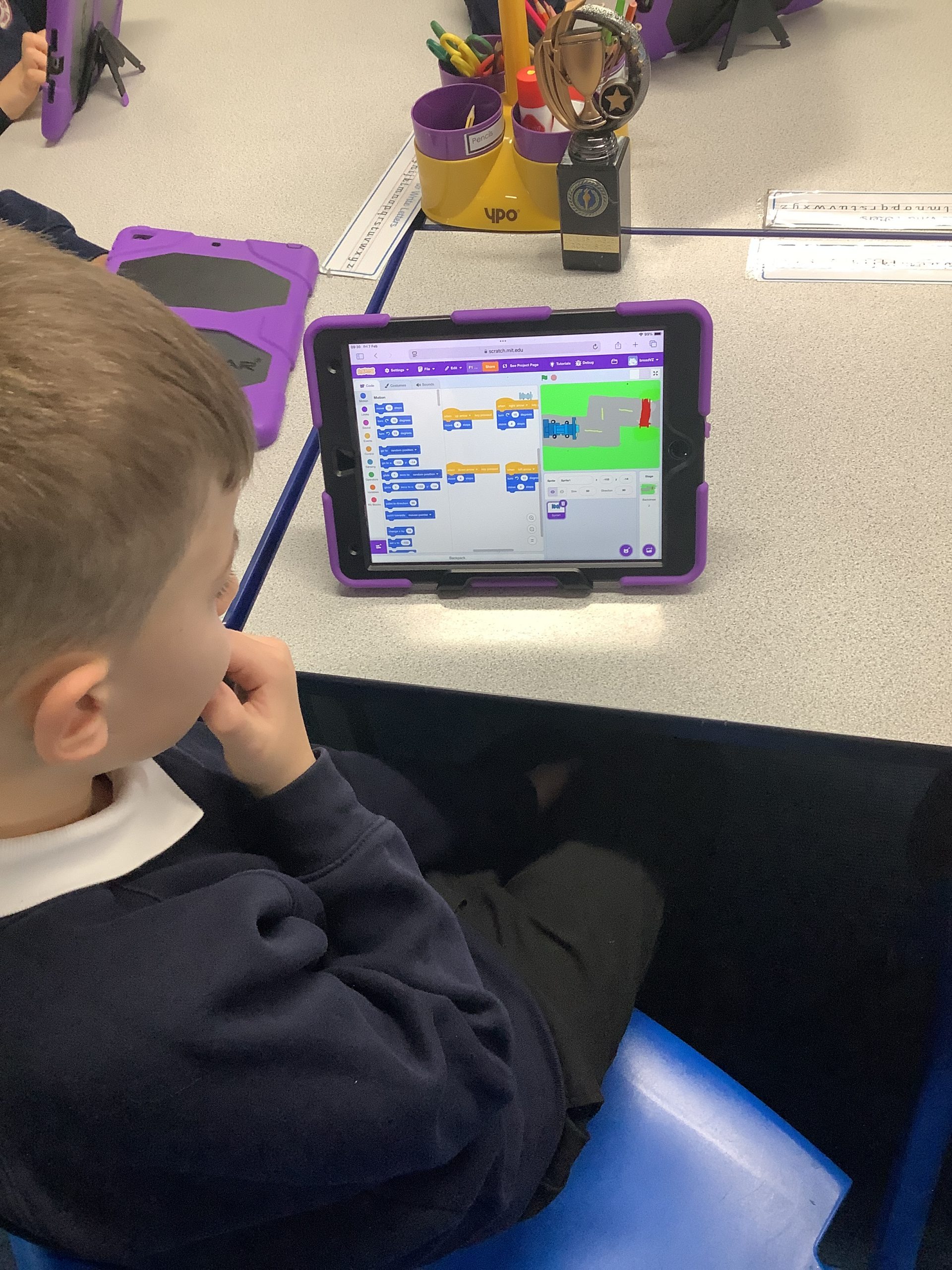
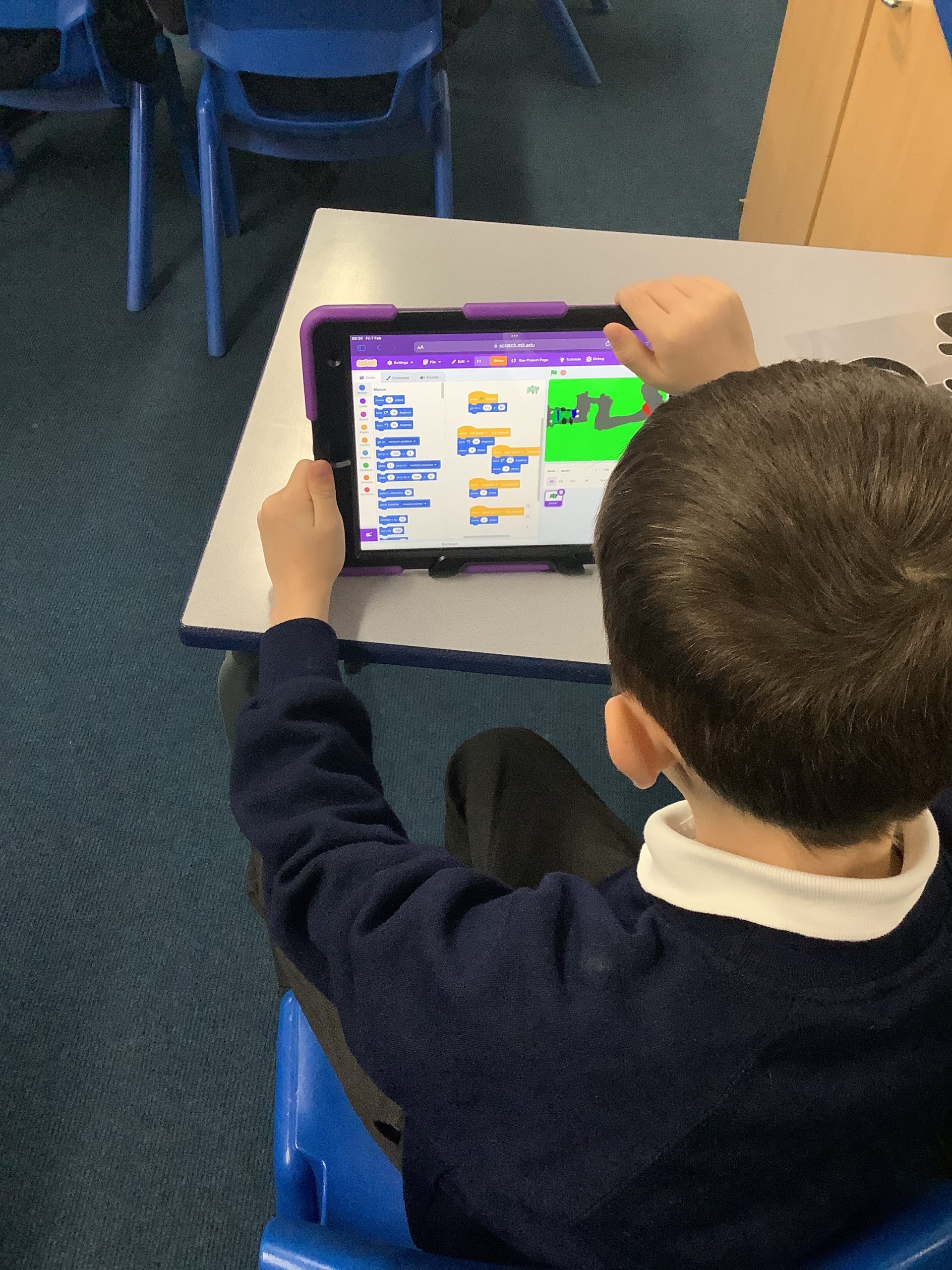
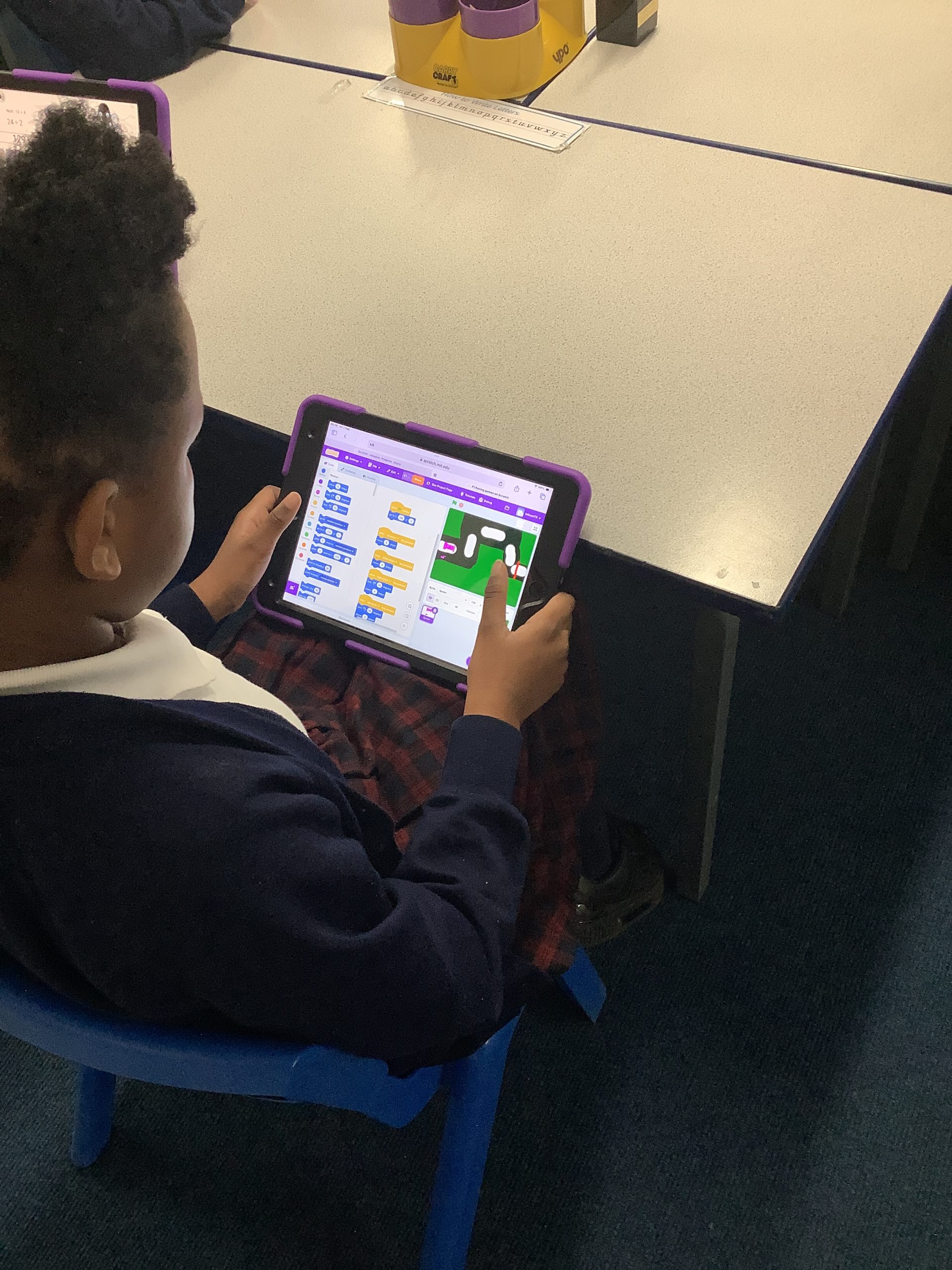
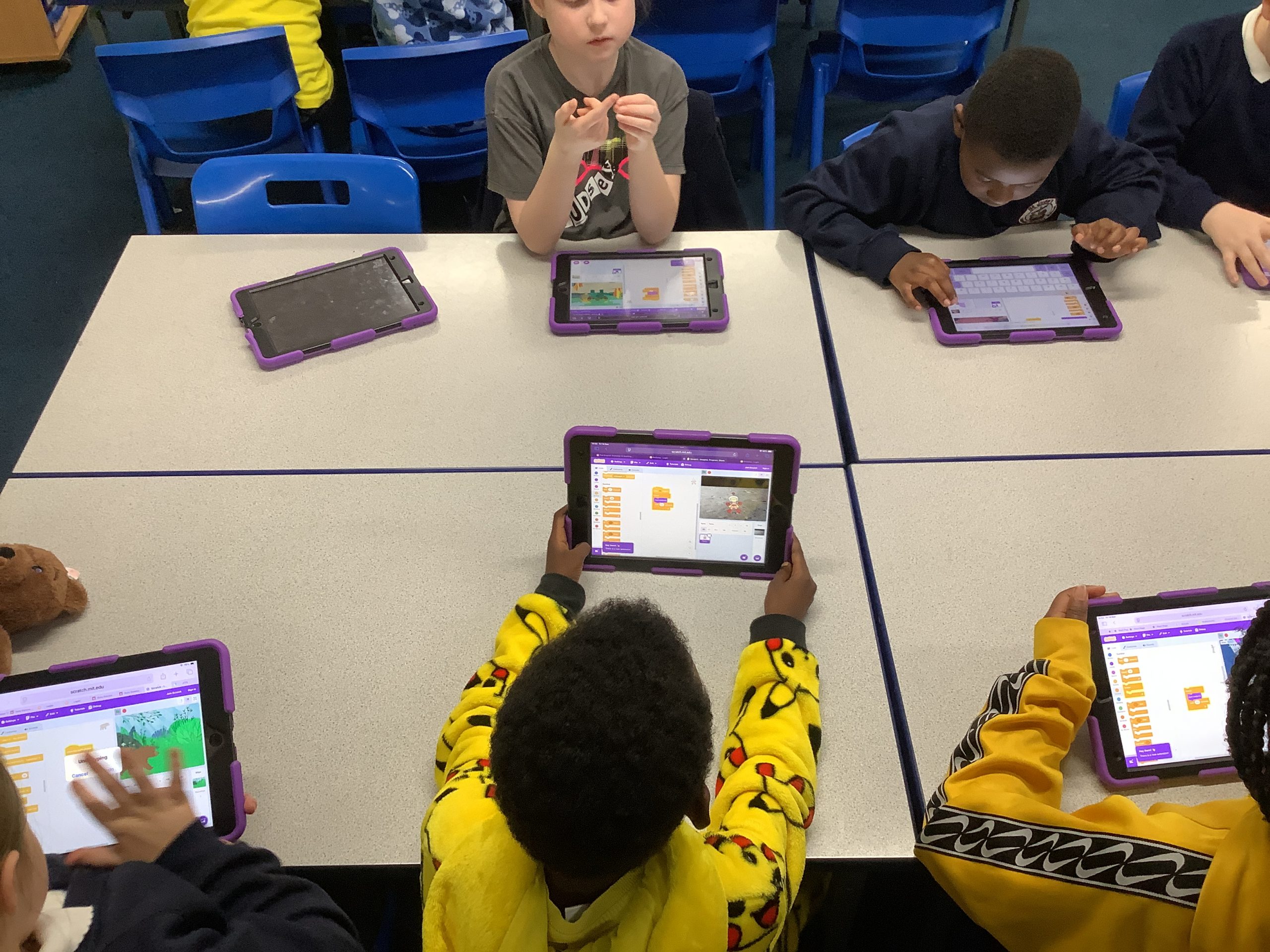
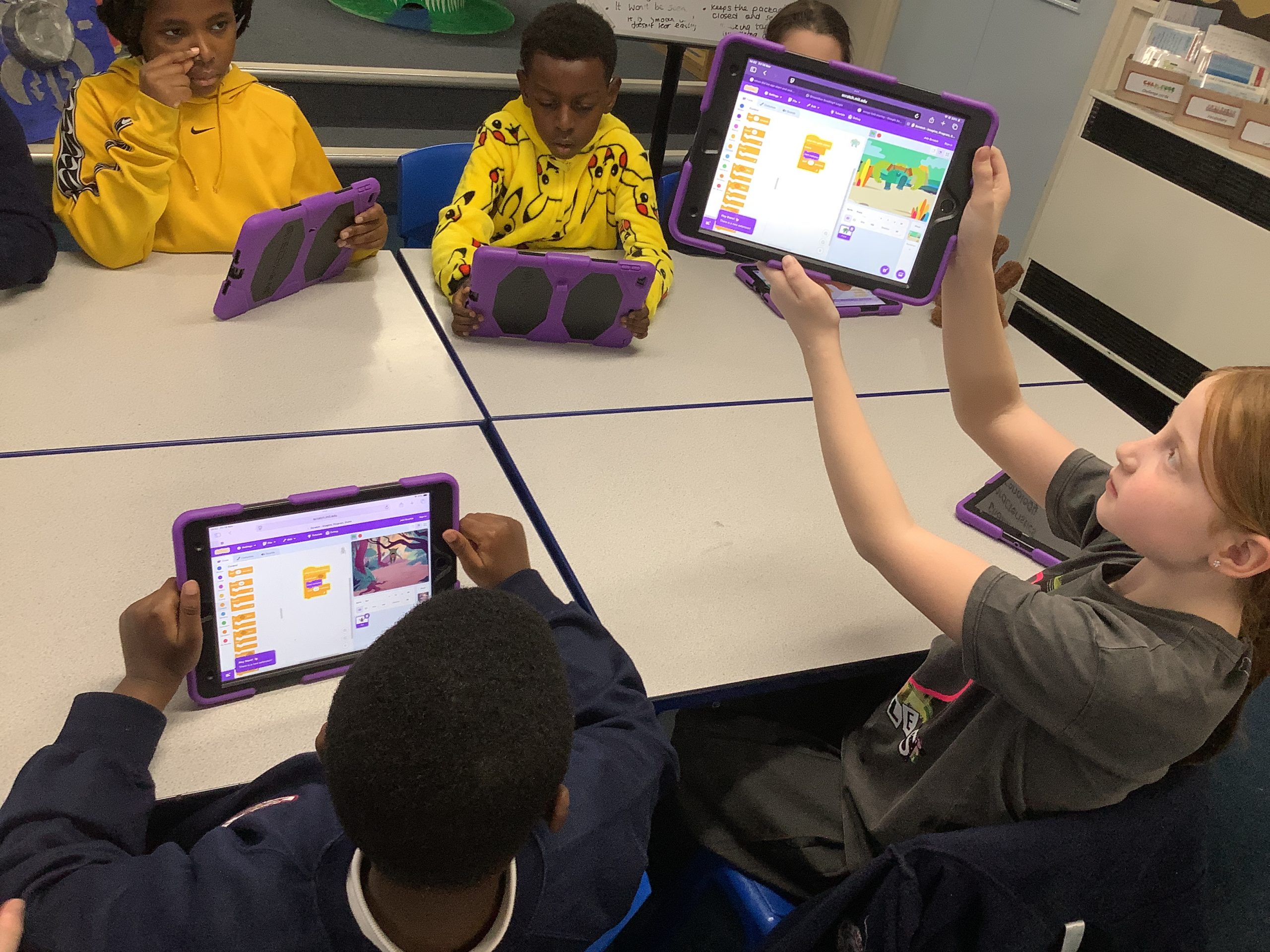
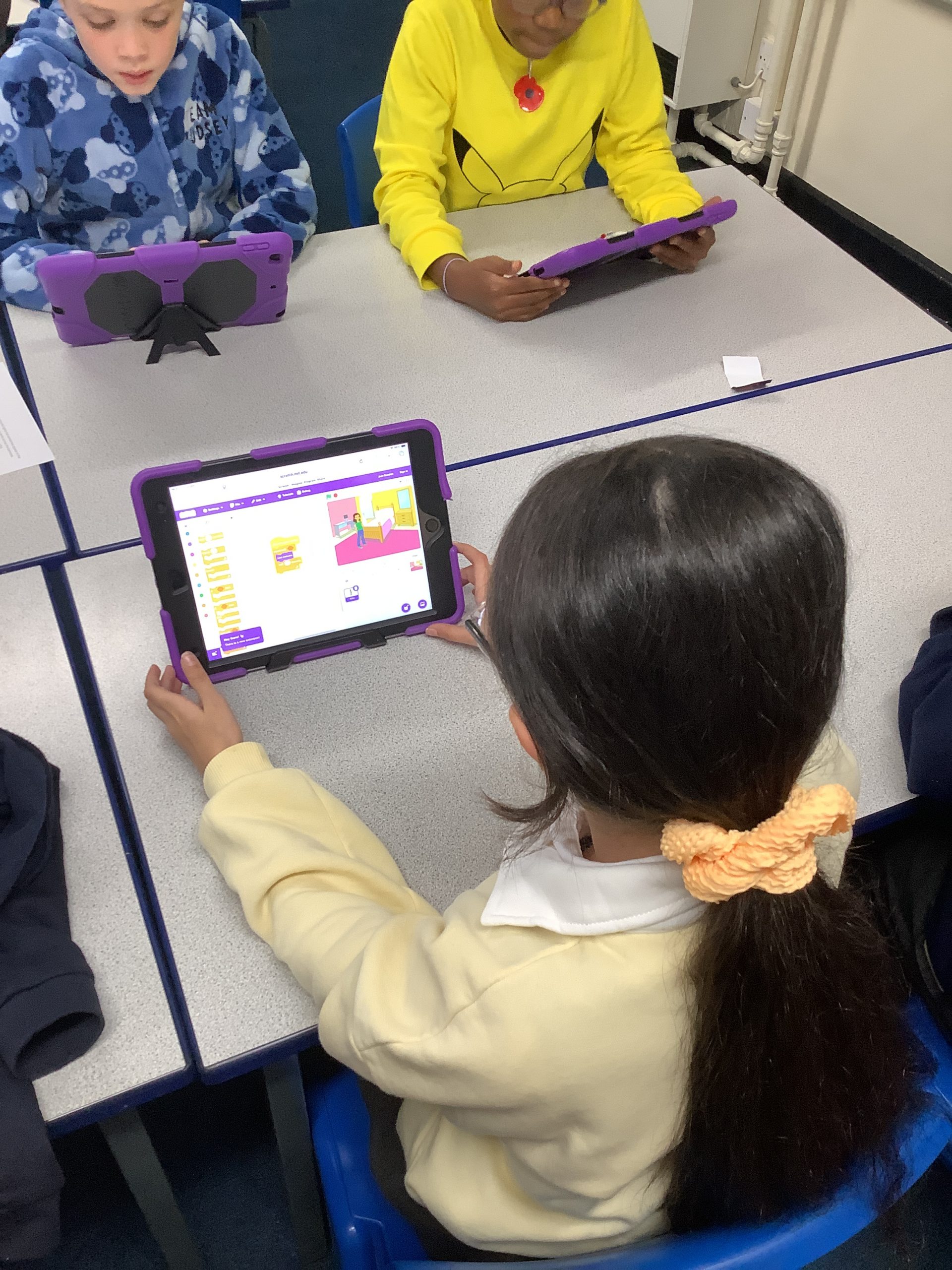
We had lots of fun choosing a Sprite and a background. We then chose blocks to create a code to make our Sprite move across the screen.
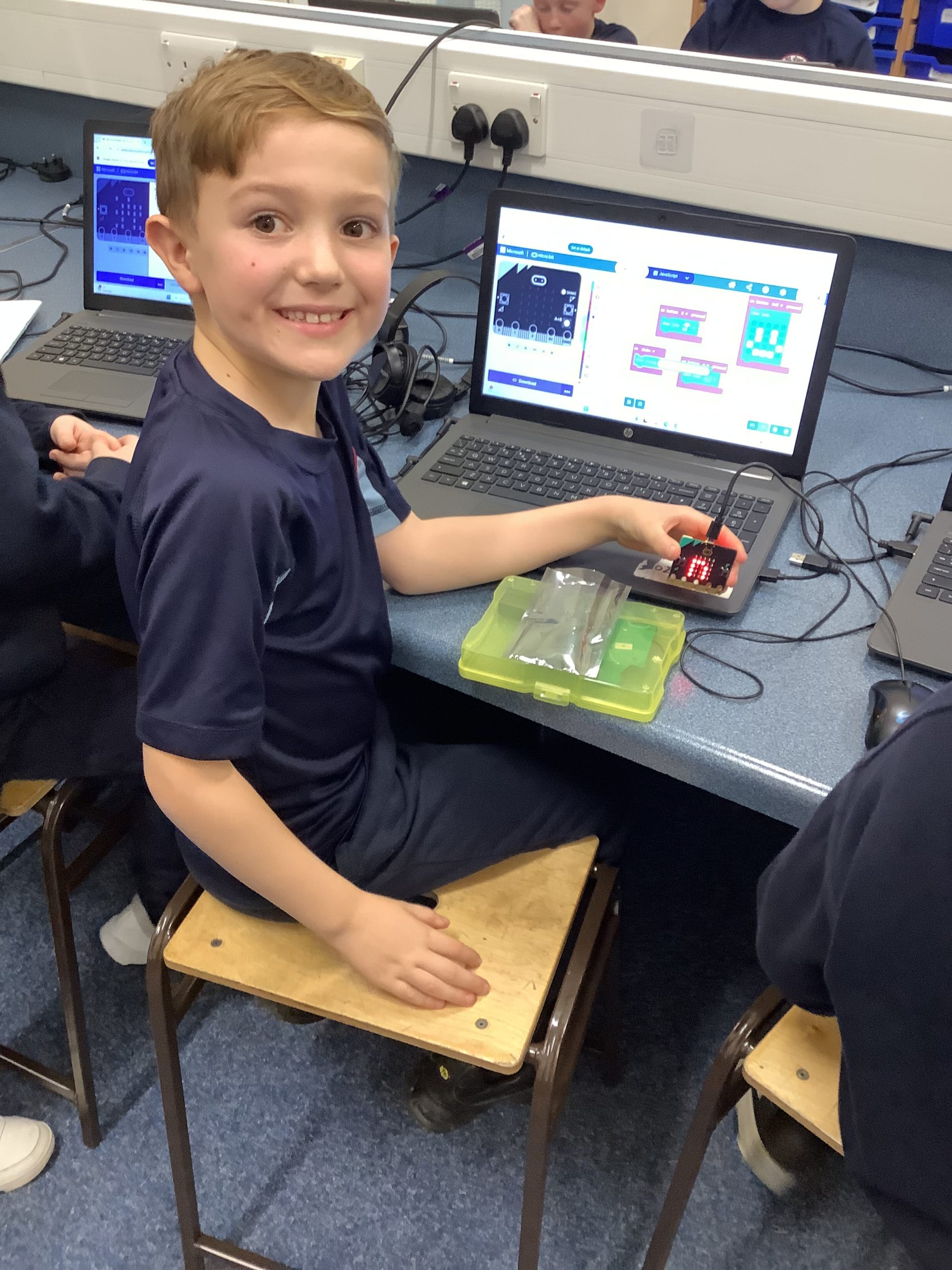
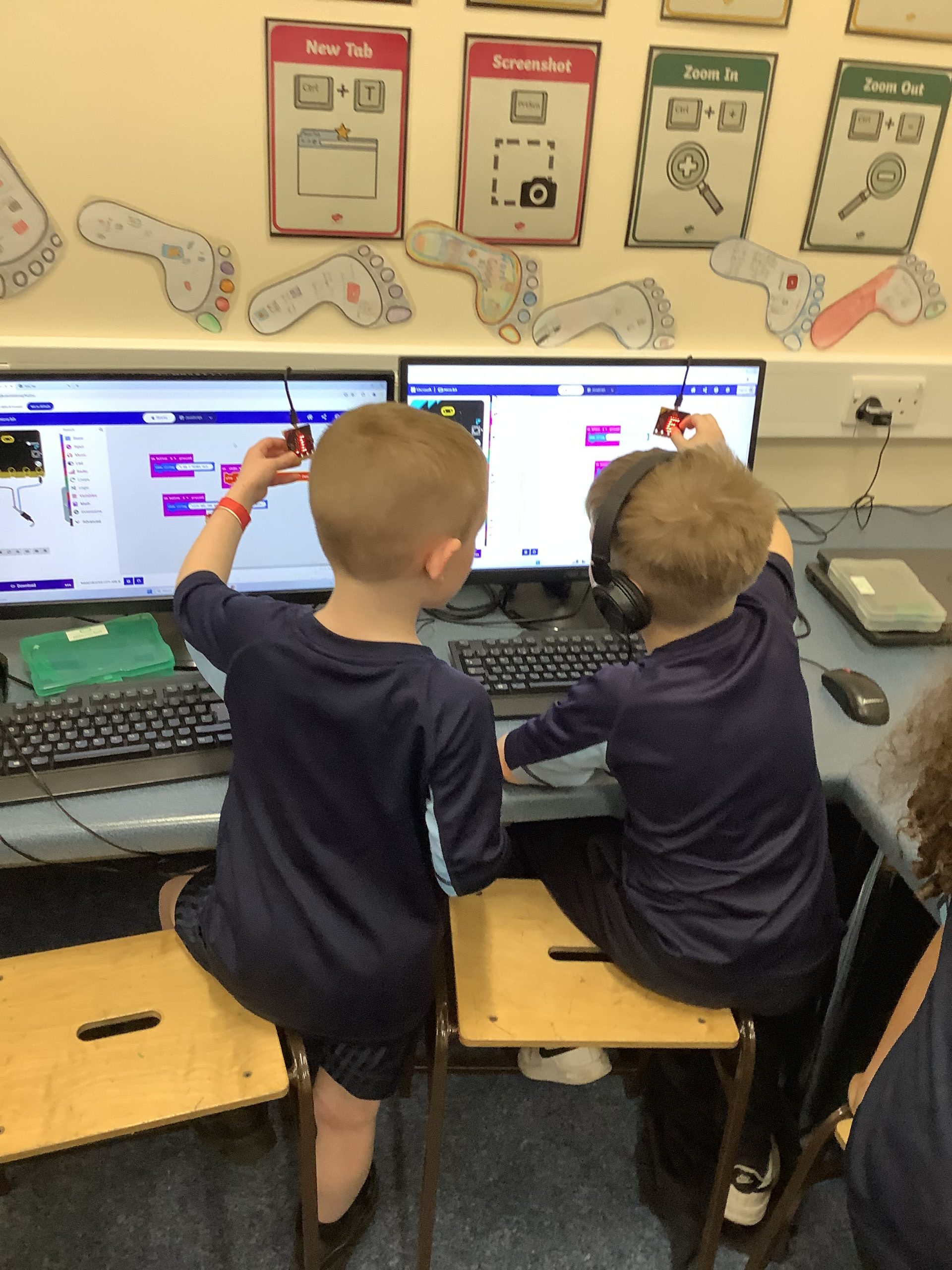
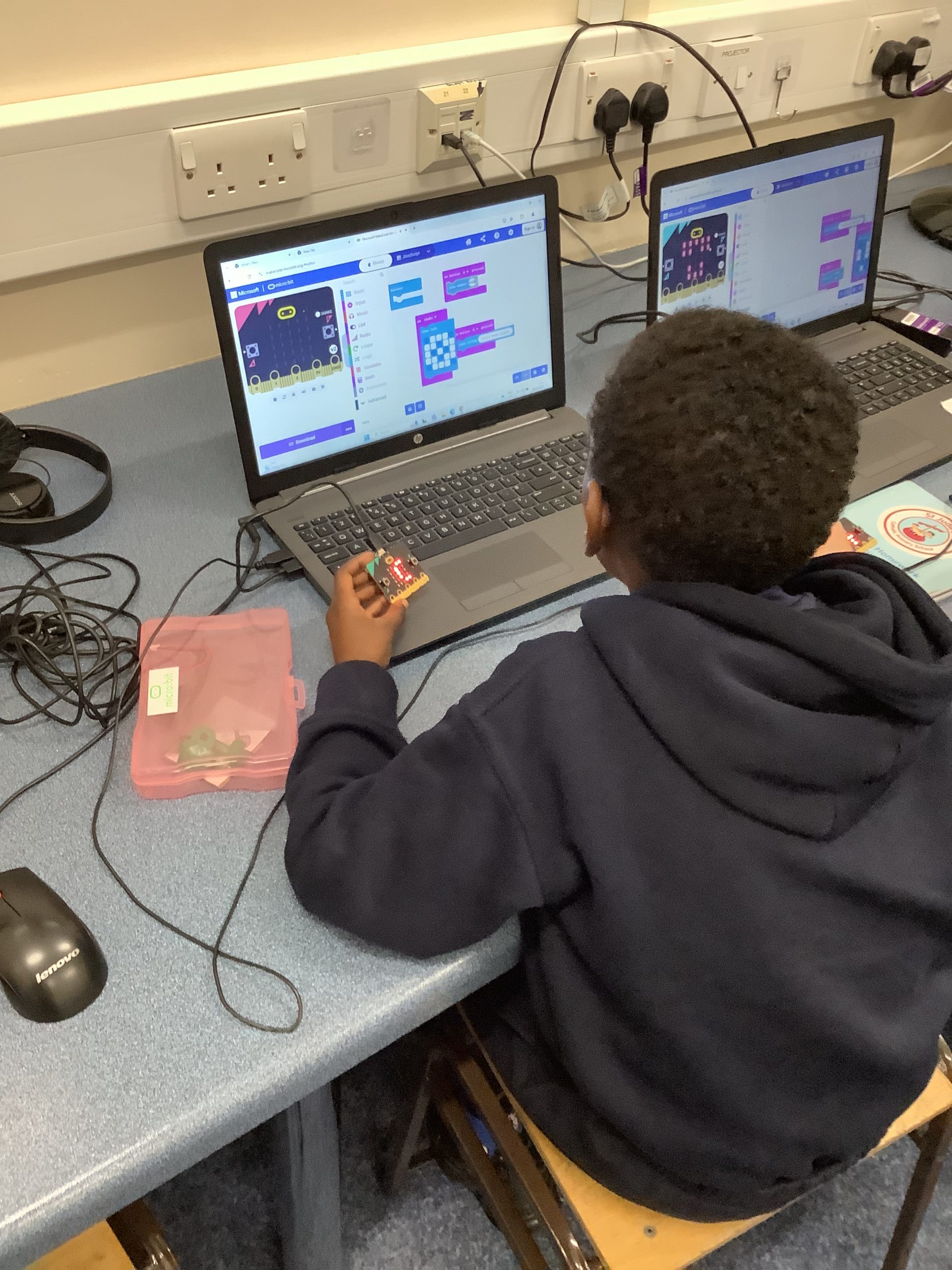
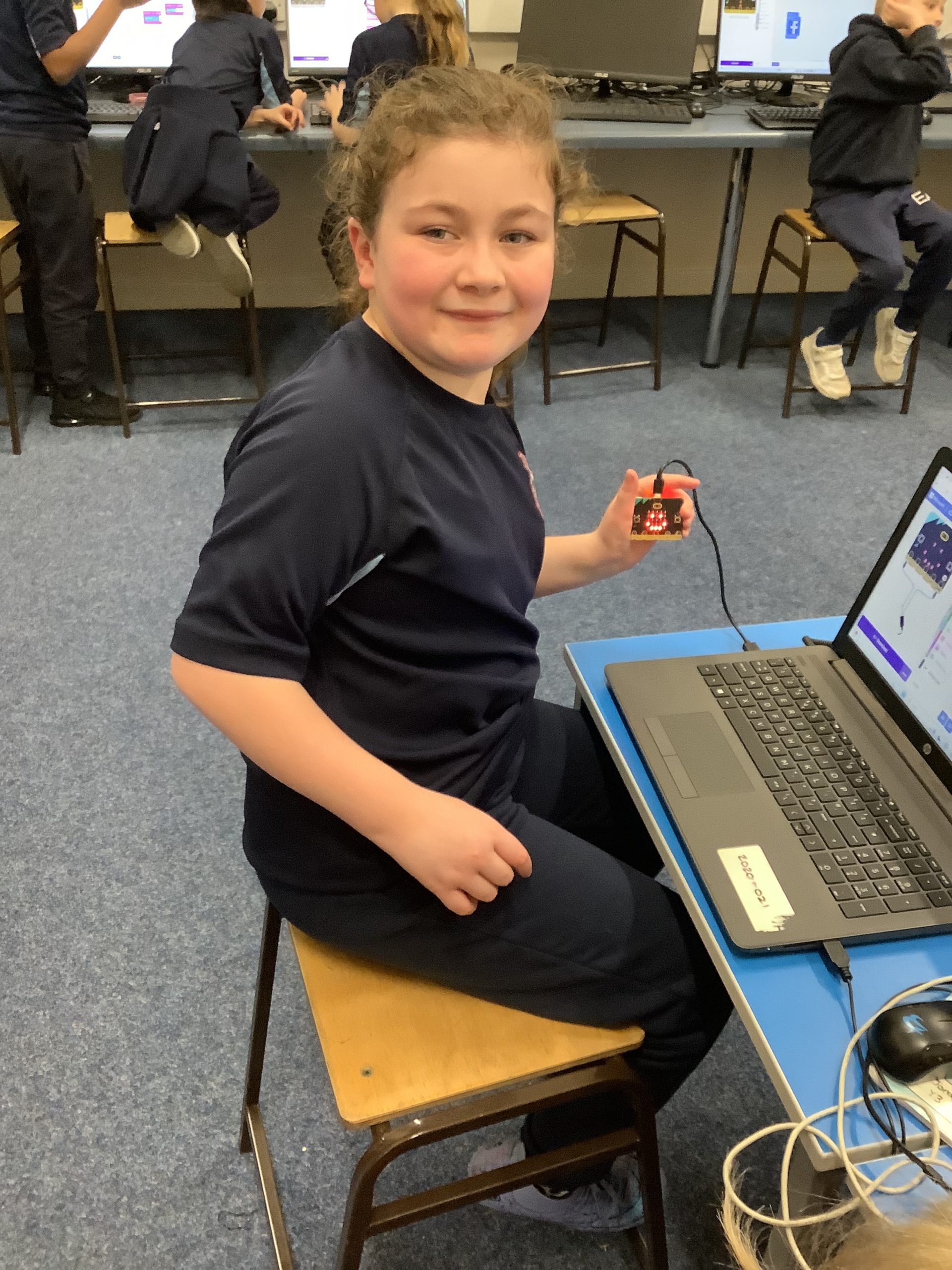
The children have been using the microbits to input their own codes to make it work.
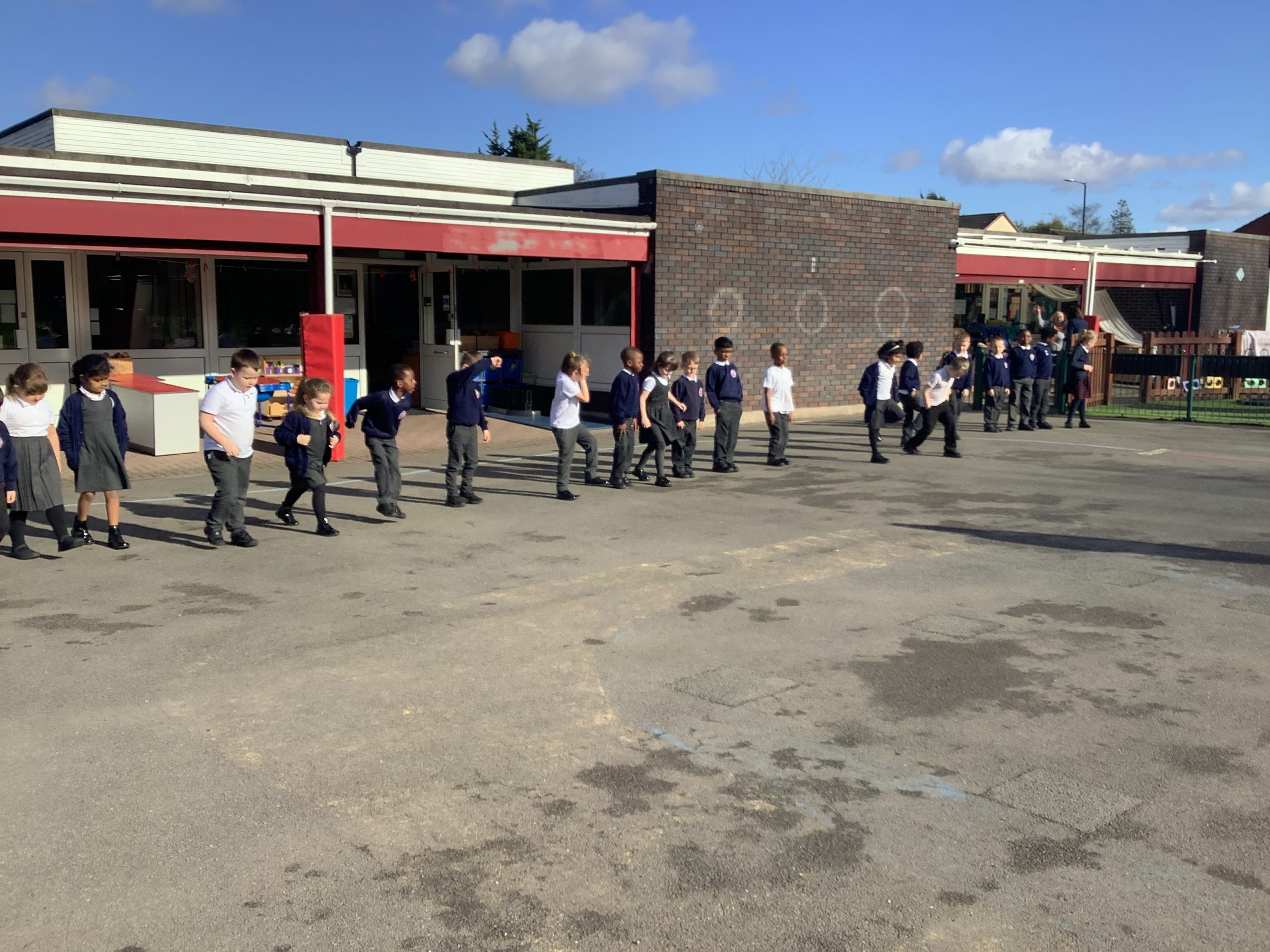
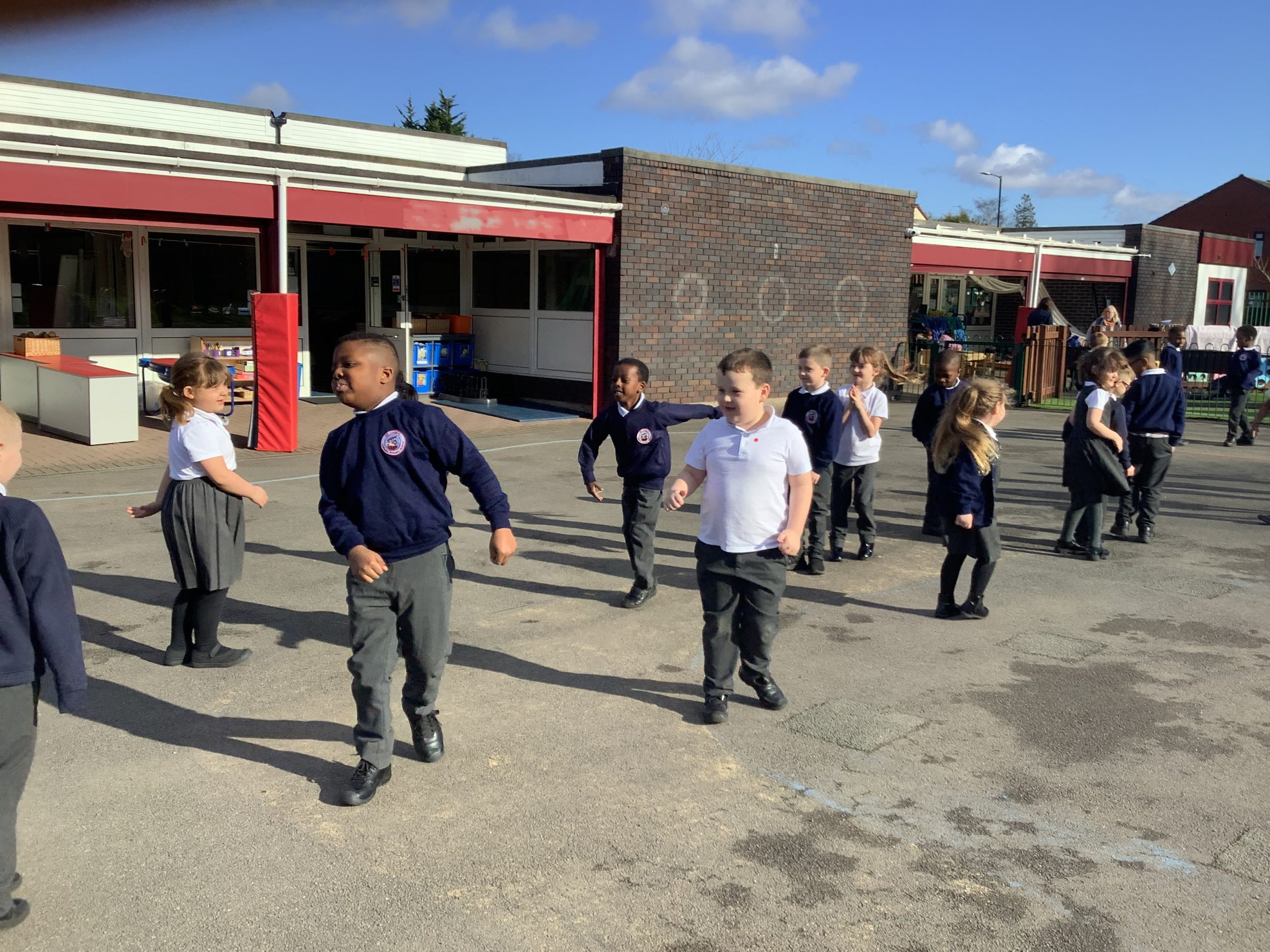
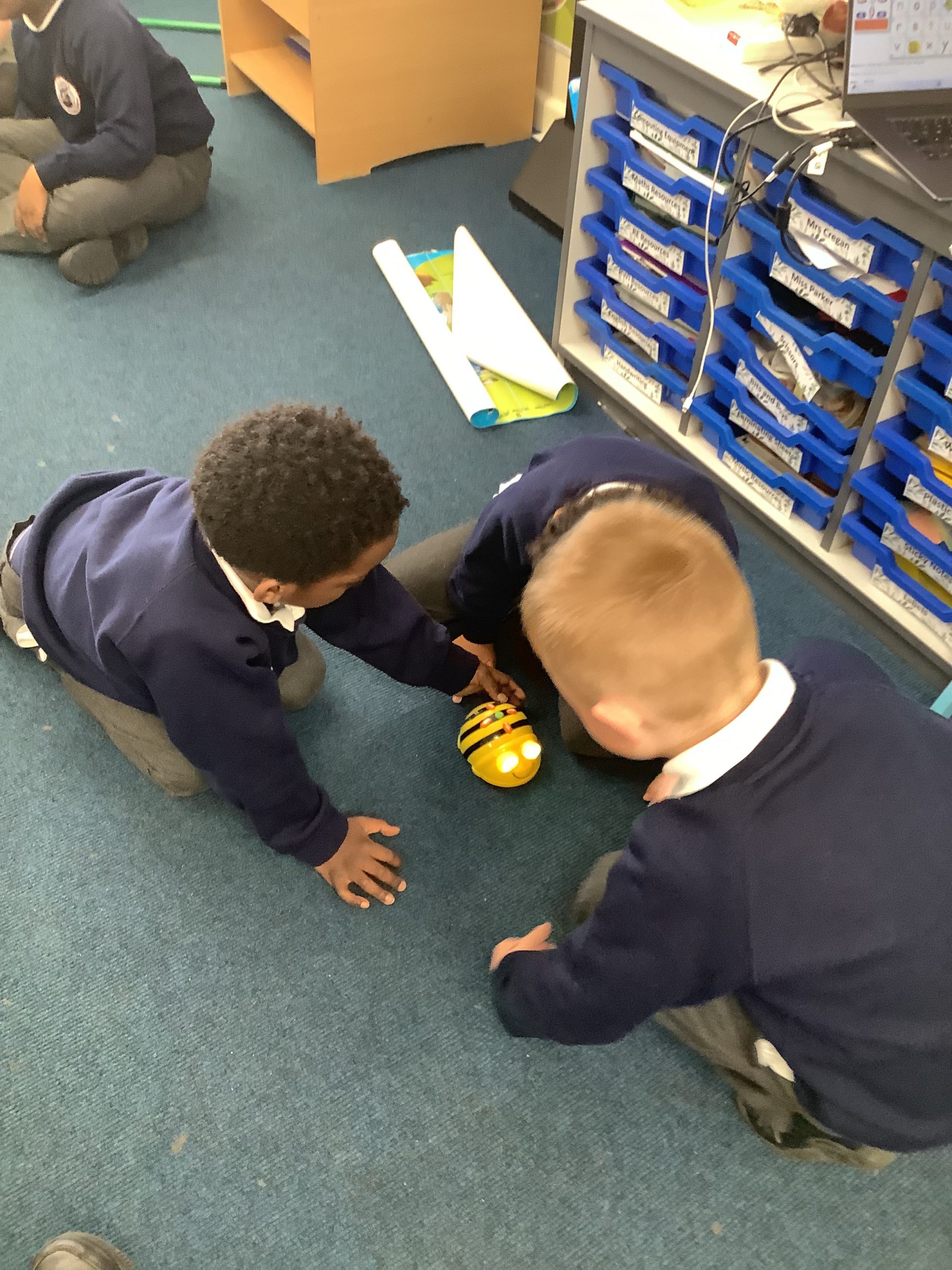
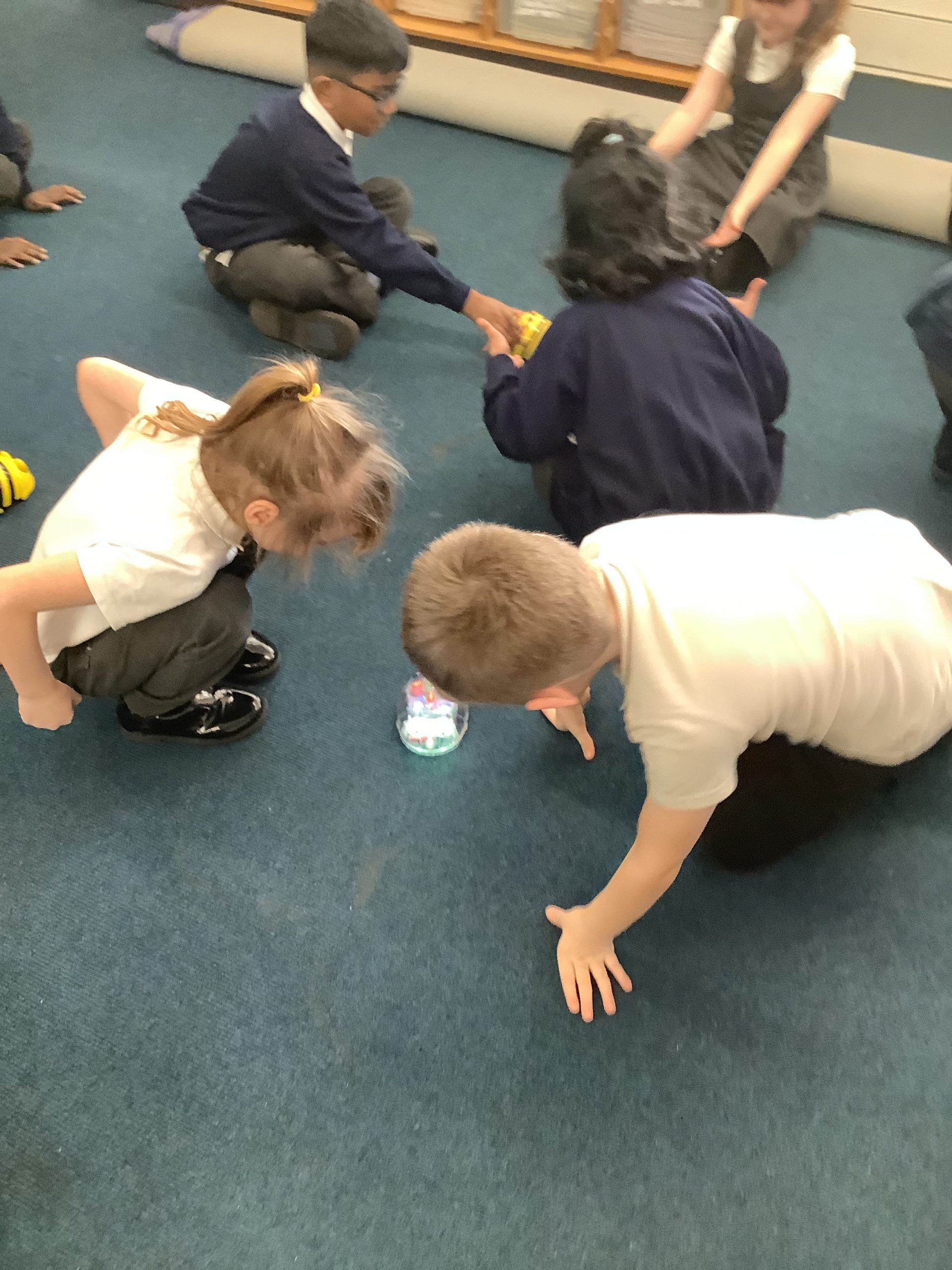
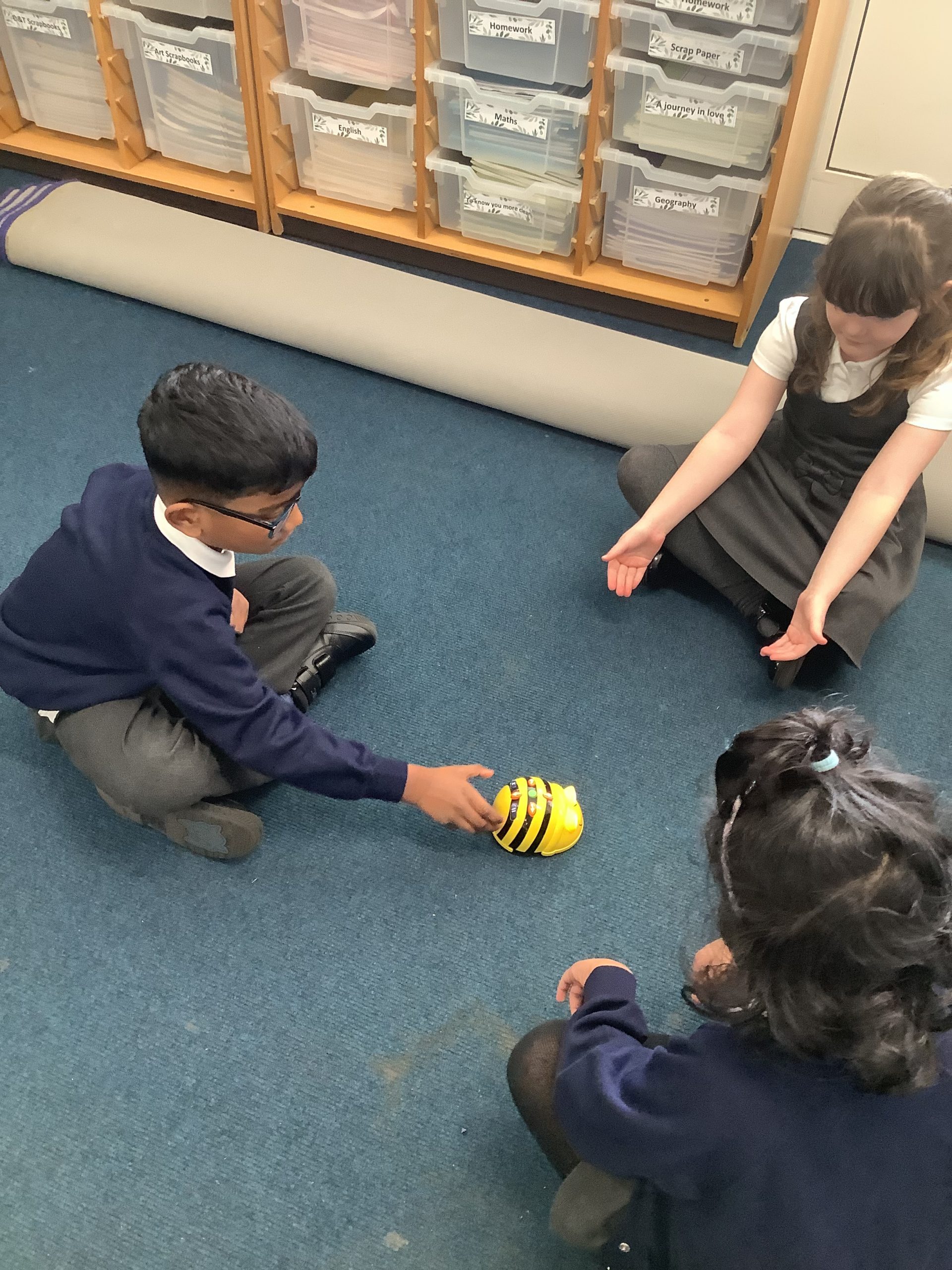
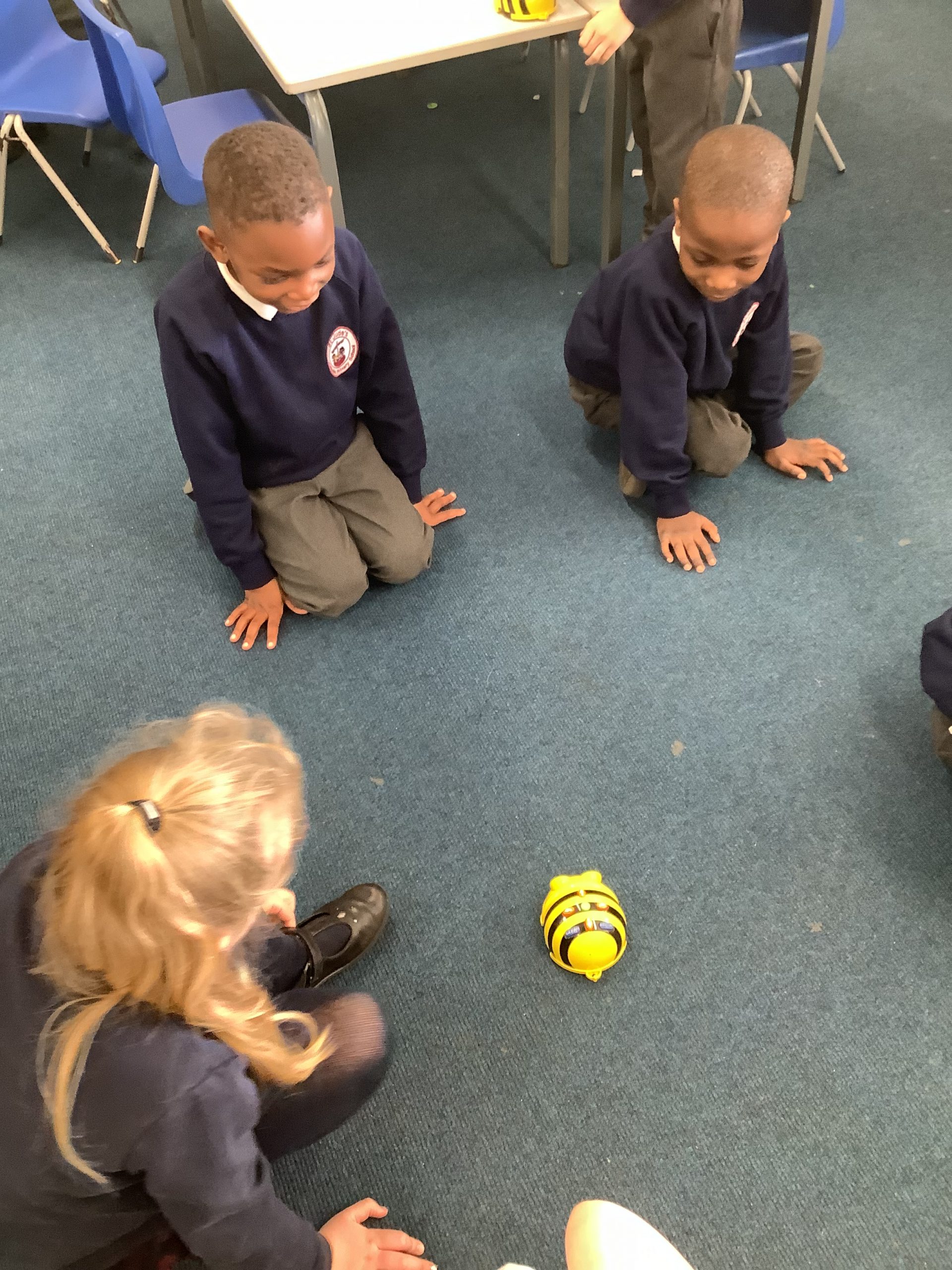
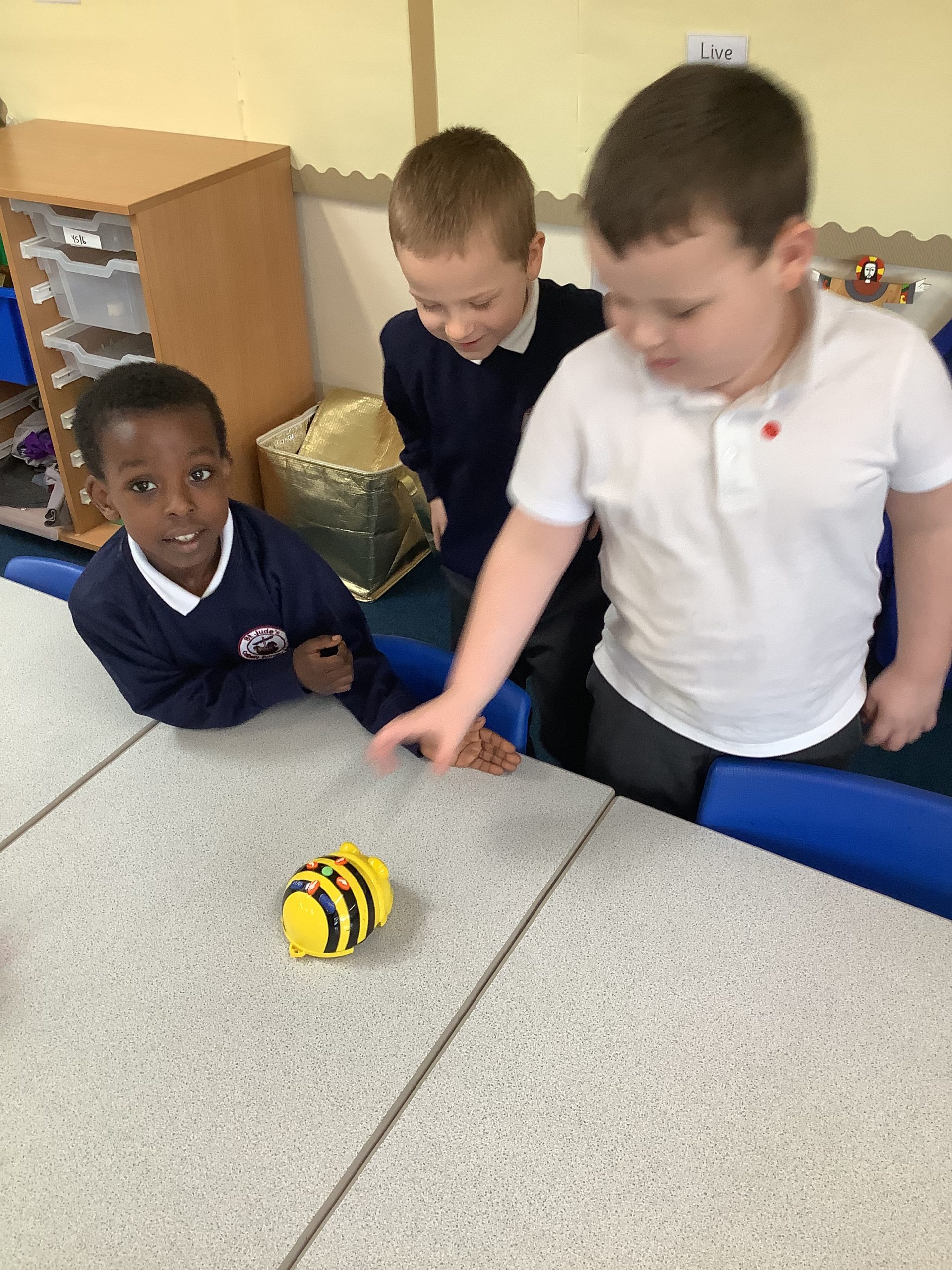
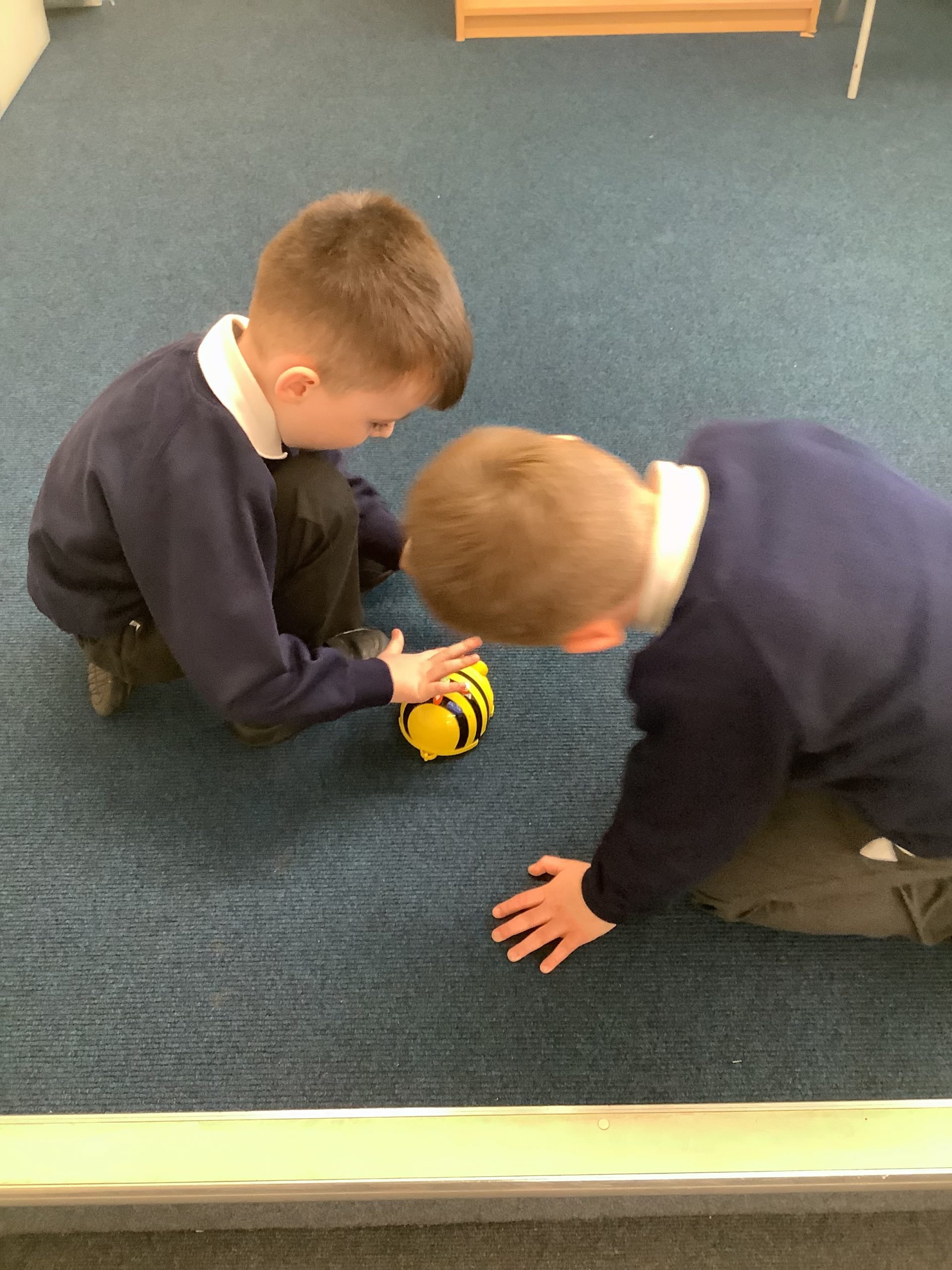
Our computing topic this half term is using the beebots. Today, we followed instructions of forwards, backwards, left and right. Then we input these directions into the beebots, giving them instructions for where we wanted them to go.
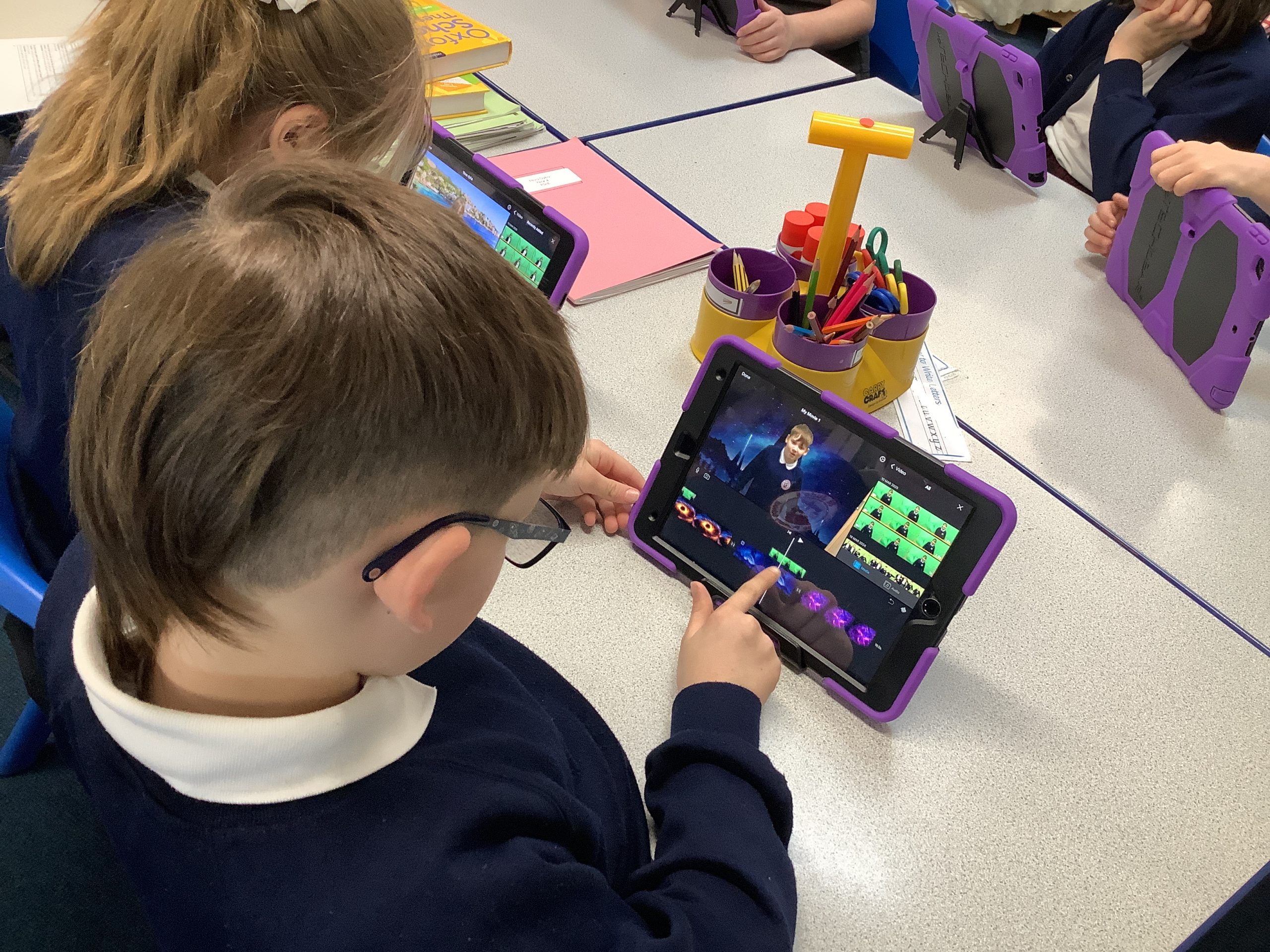
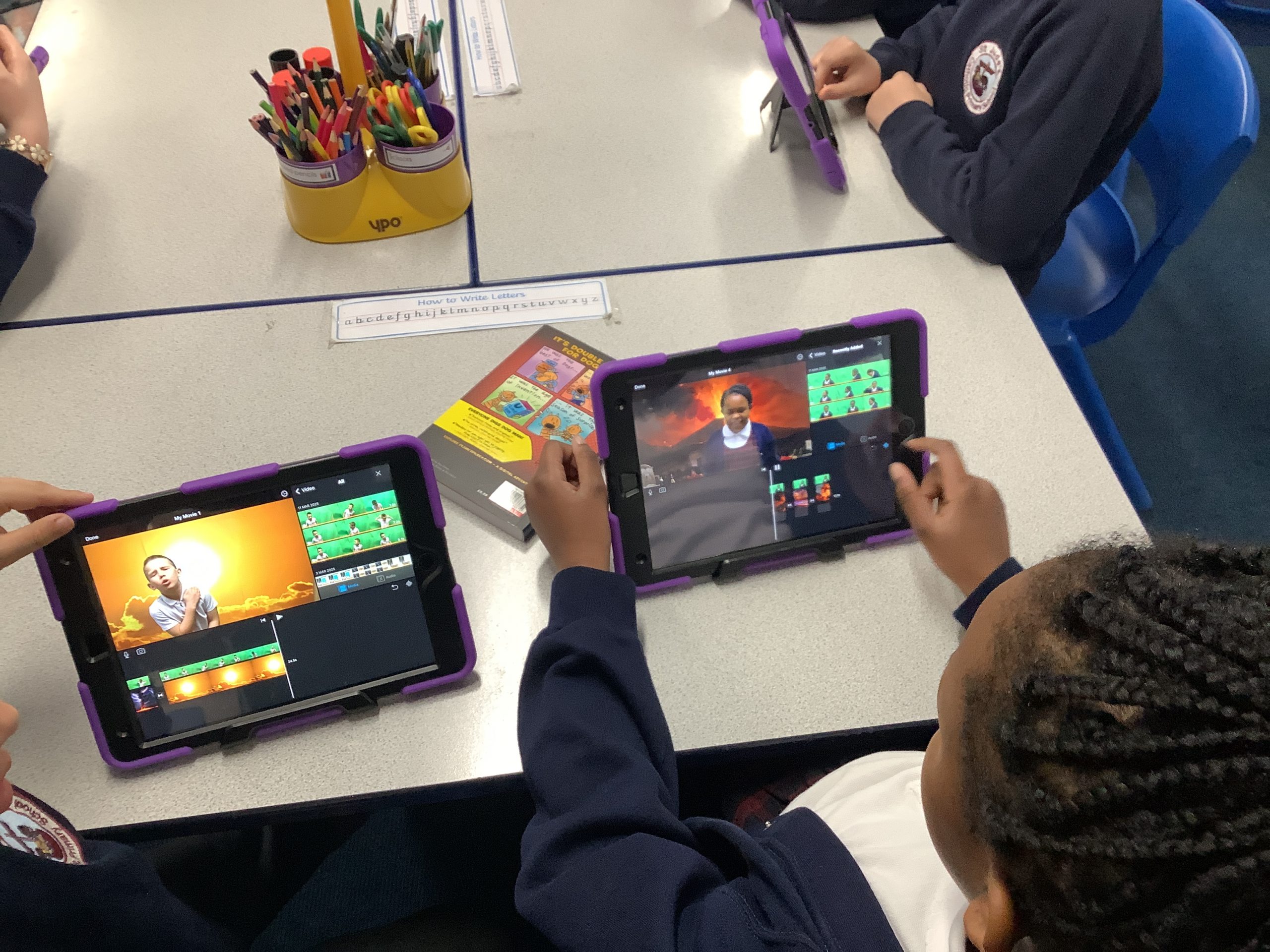
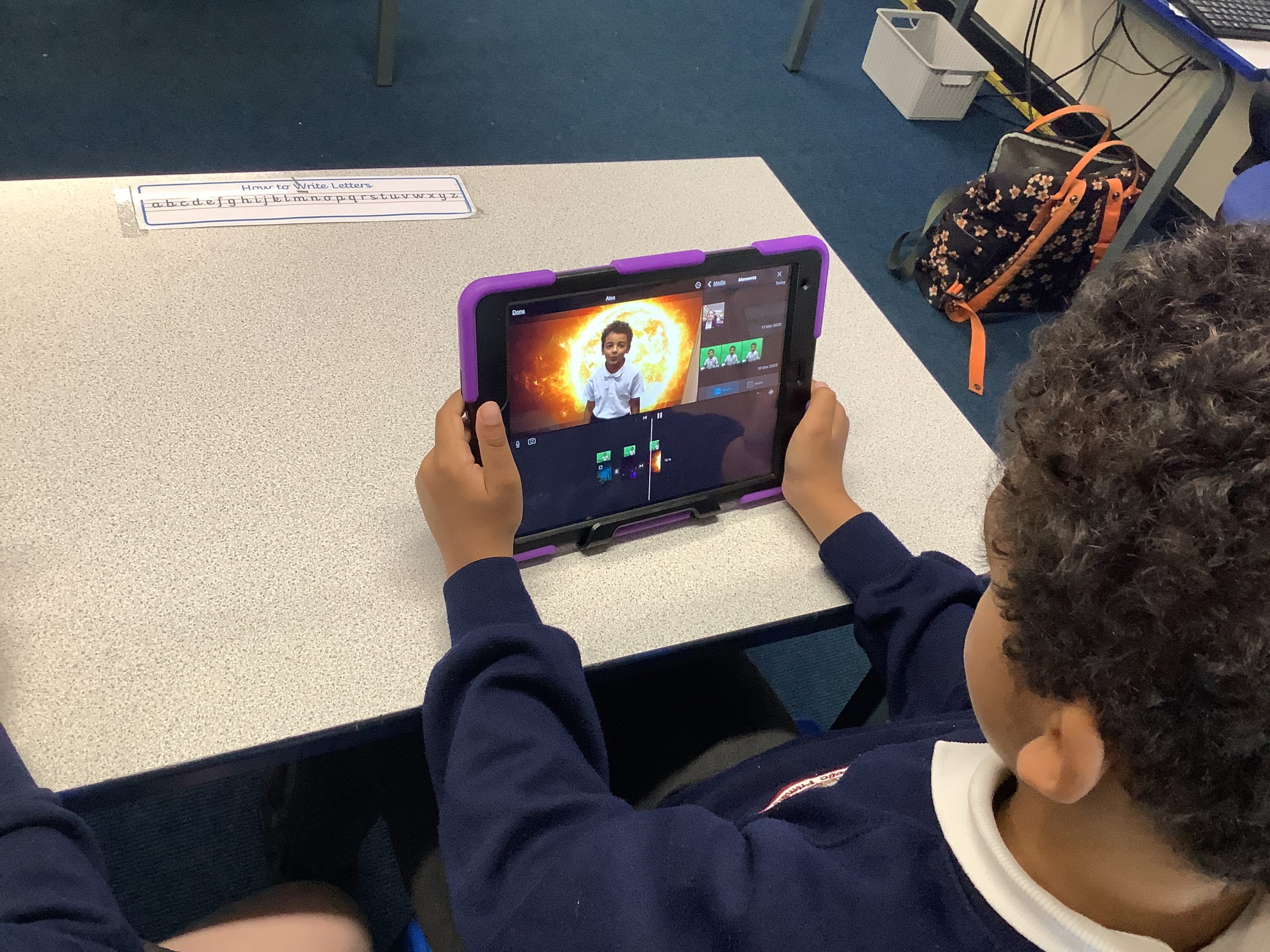
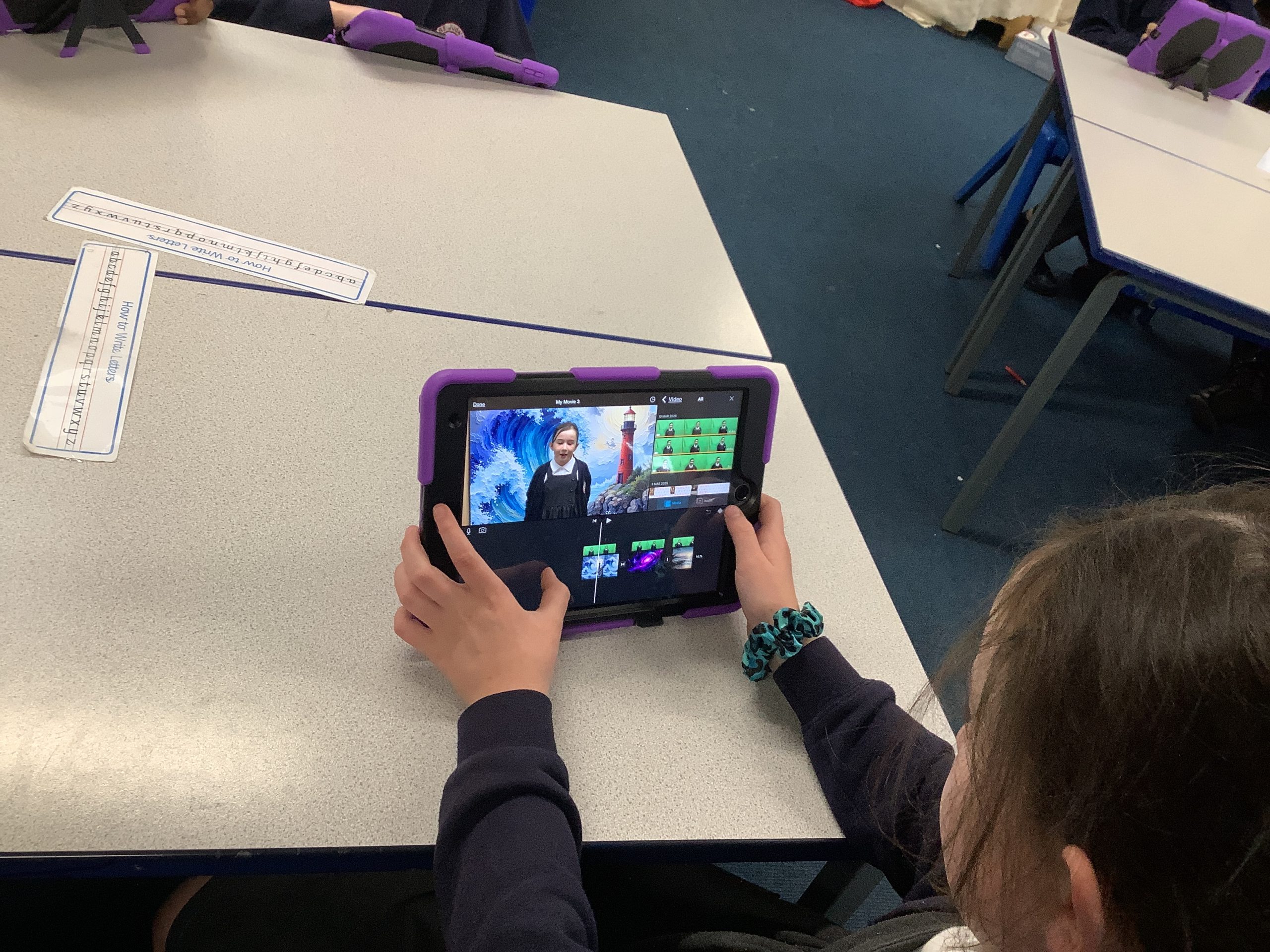
Today we have been finalising our computing projects. We have used green screen and iMovie to create our own videos.
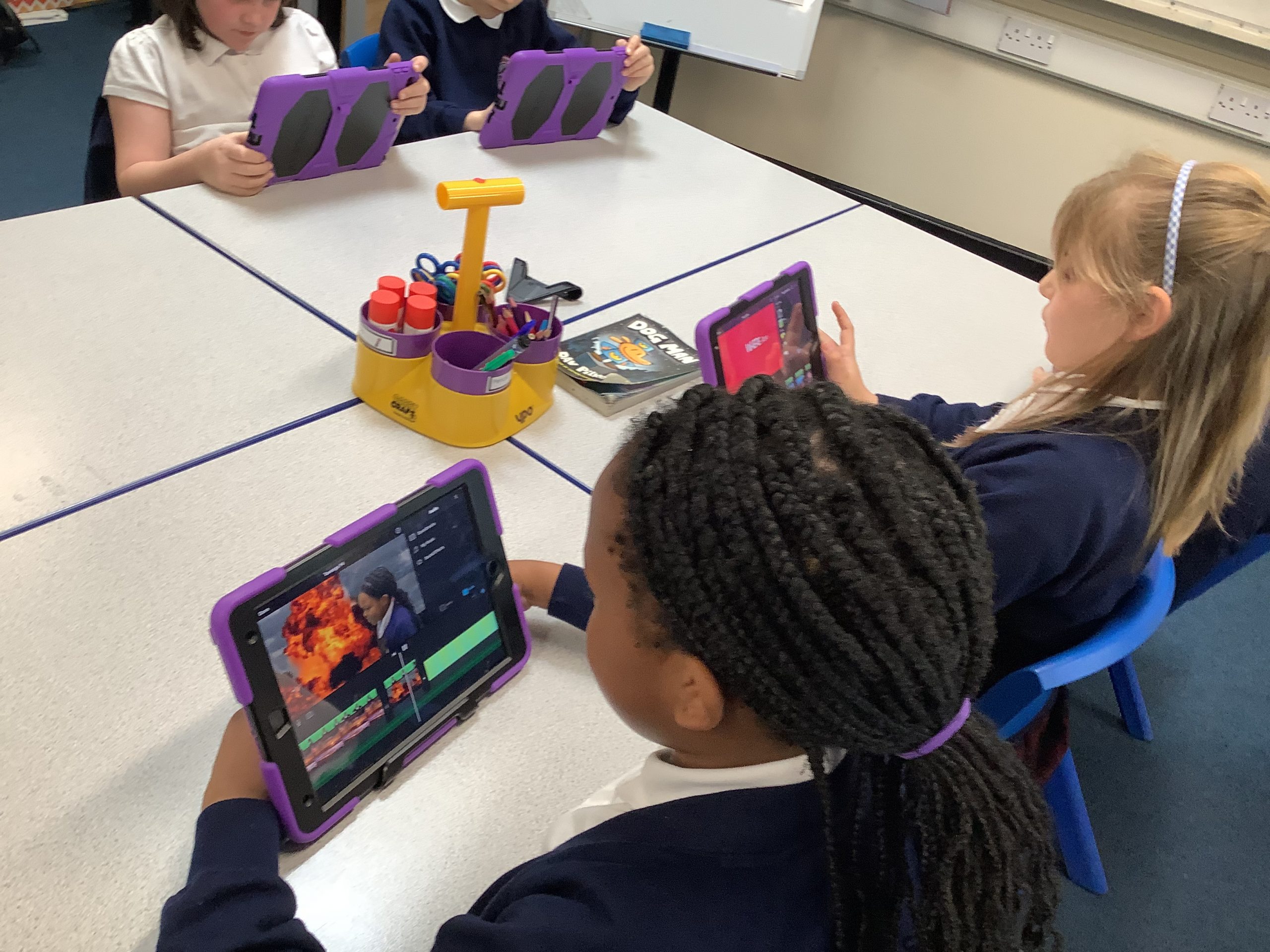
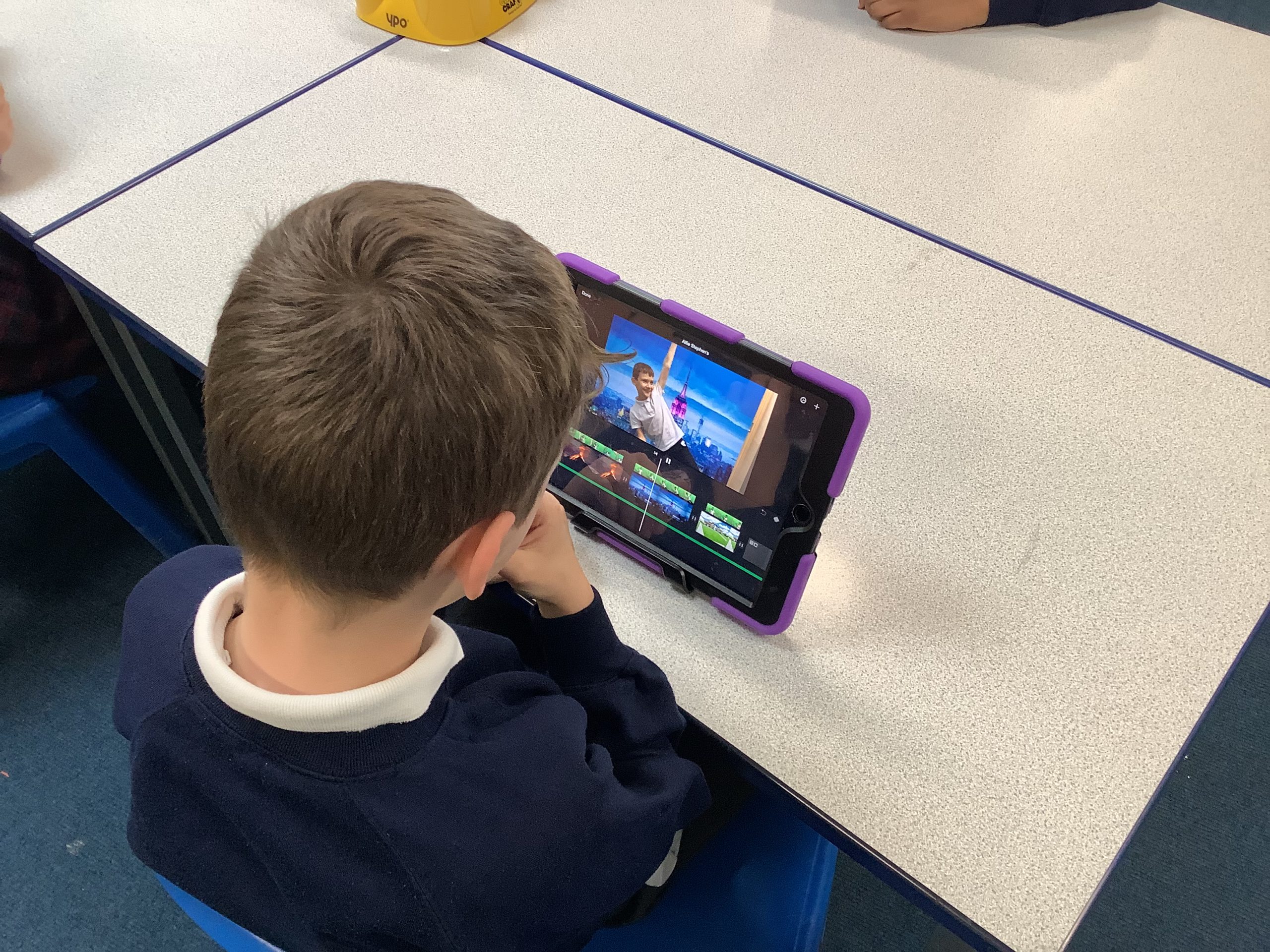
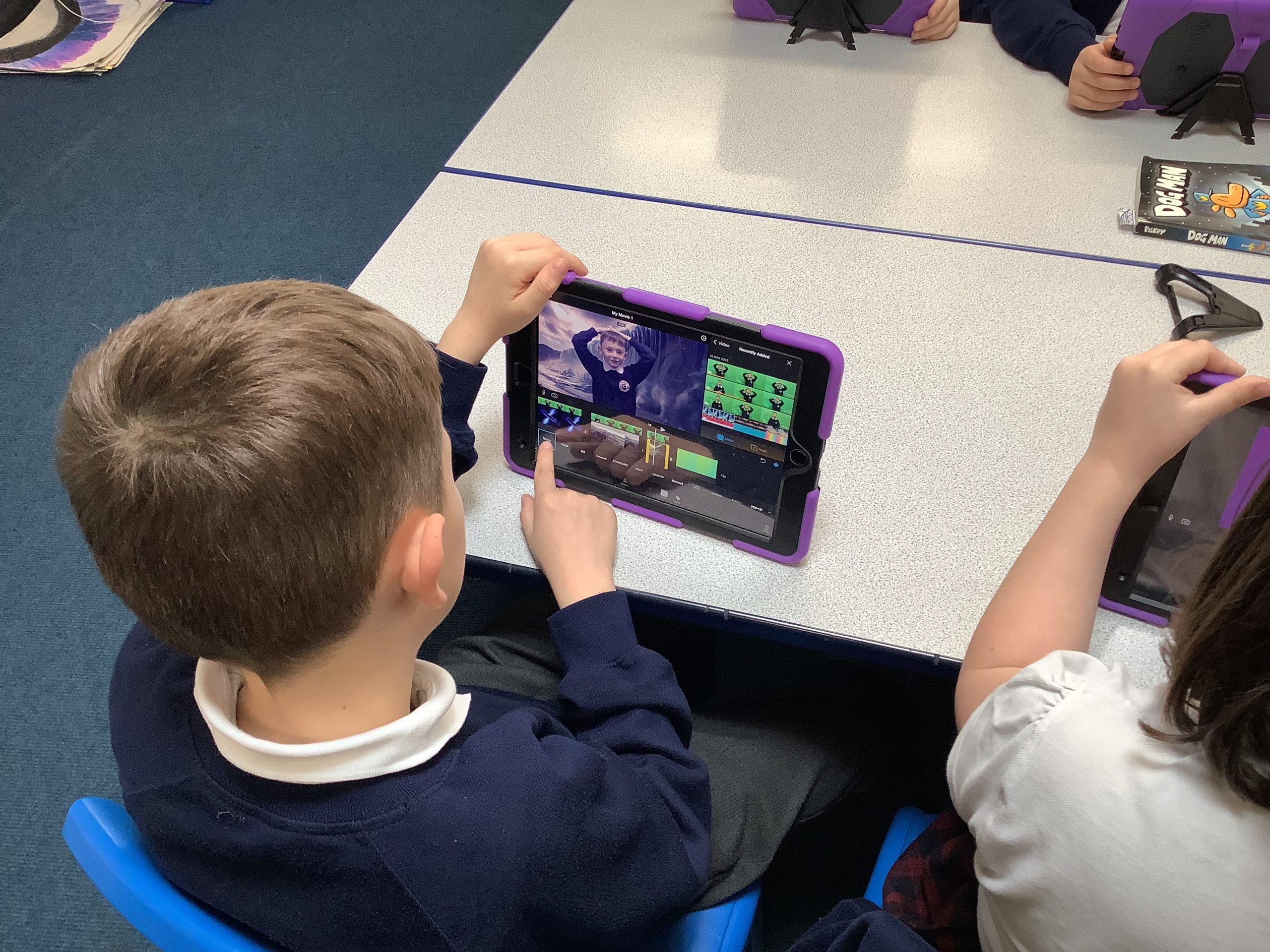
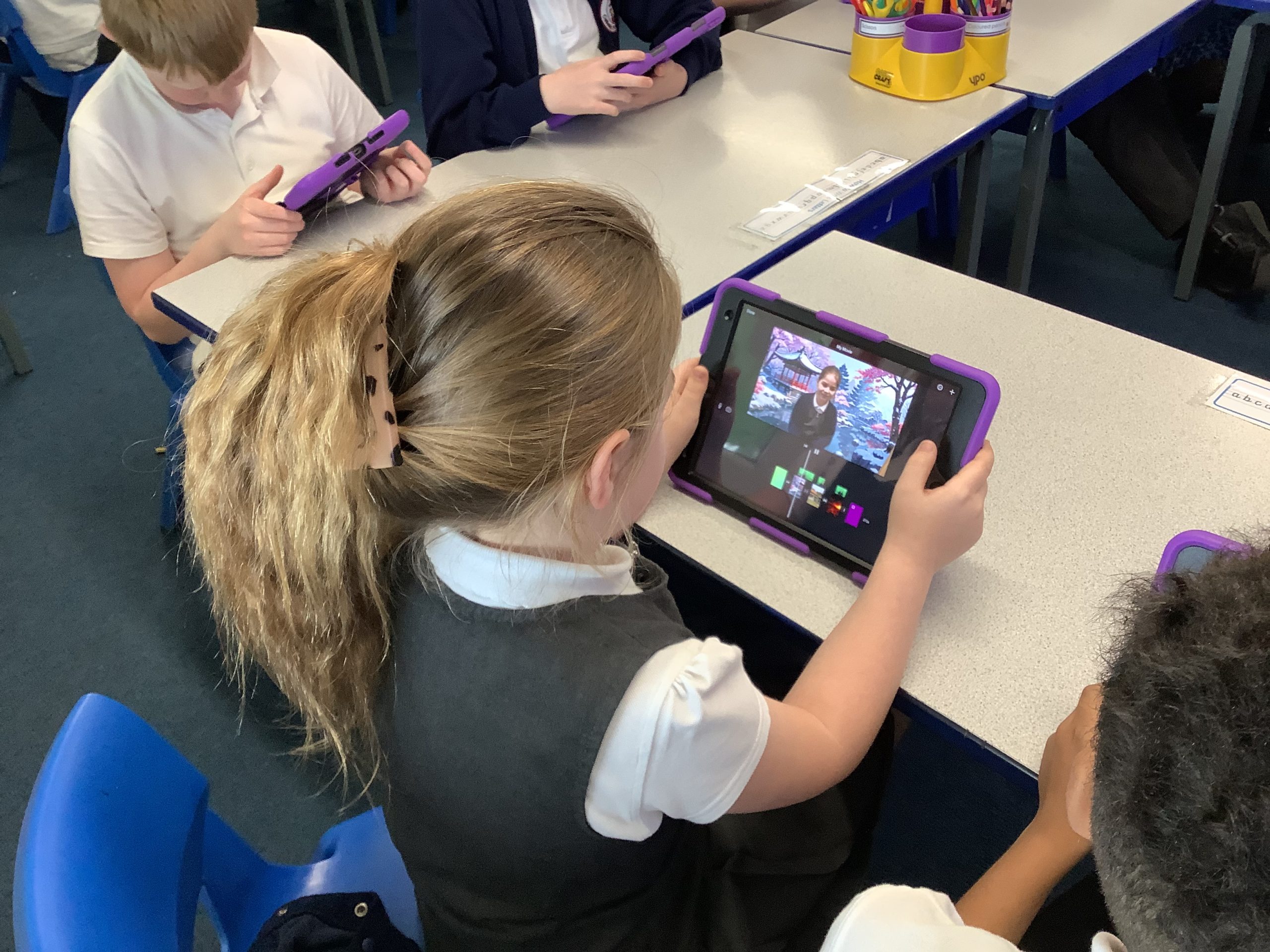
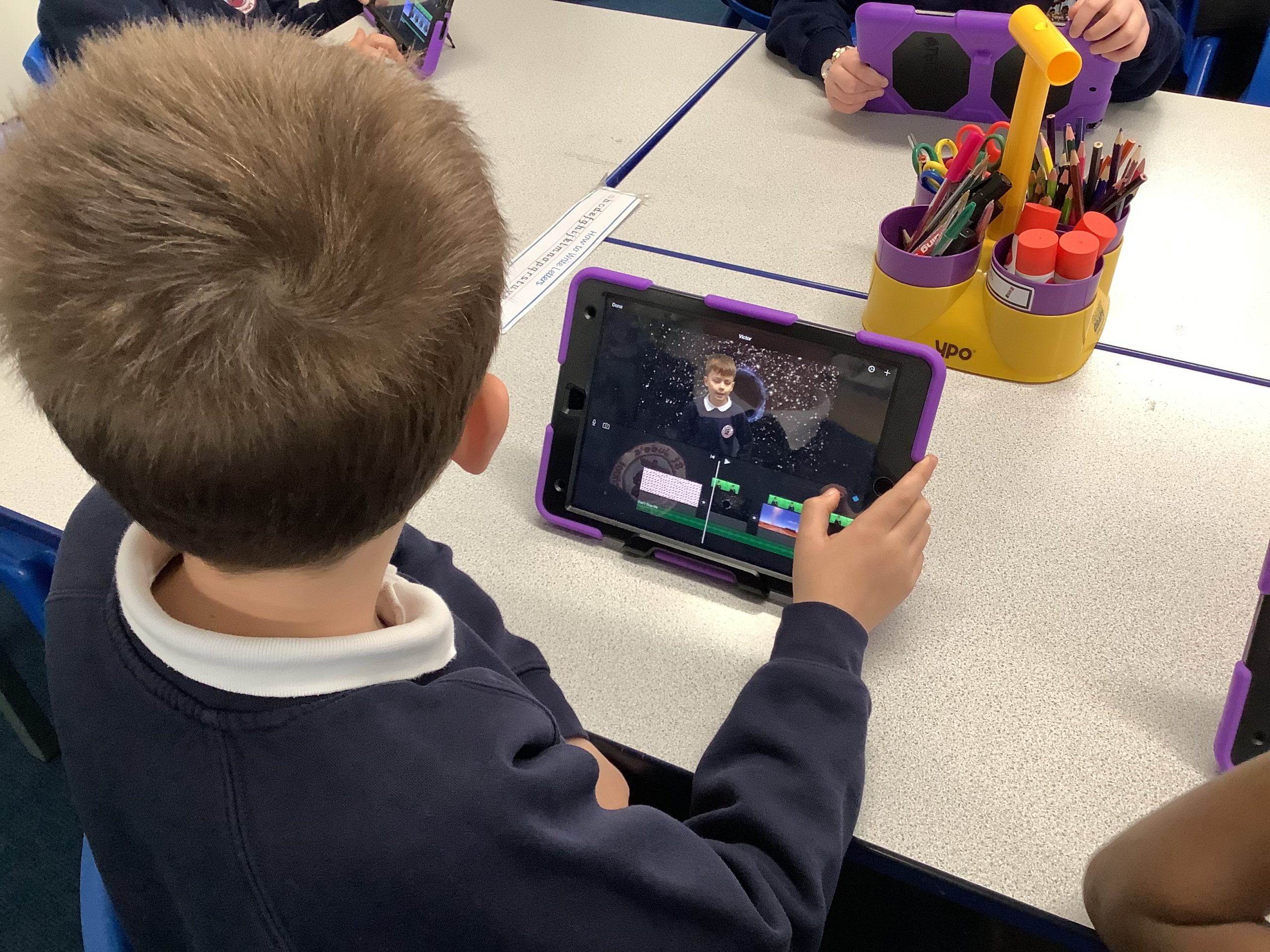
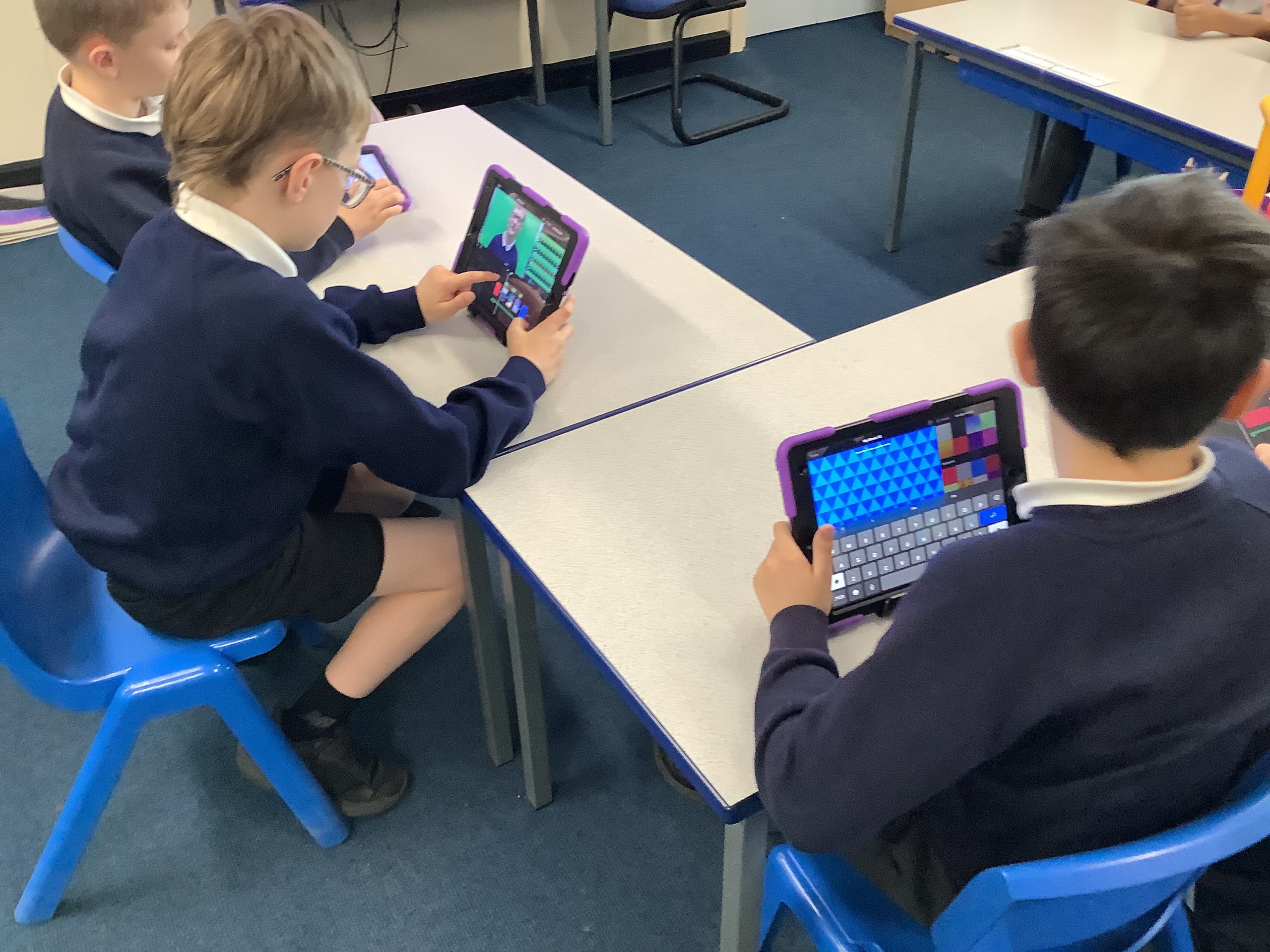
Year 4 have been creating broadcasts about ‘Living in a whole new way’. We discussed how the Holy Spirit can change a life and the impact it has on us and our lives today.
They also loved impersonating news readers for the task!
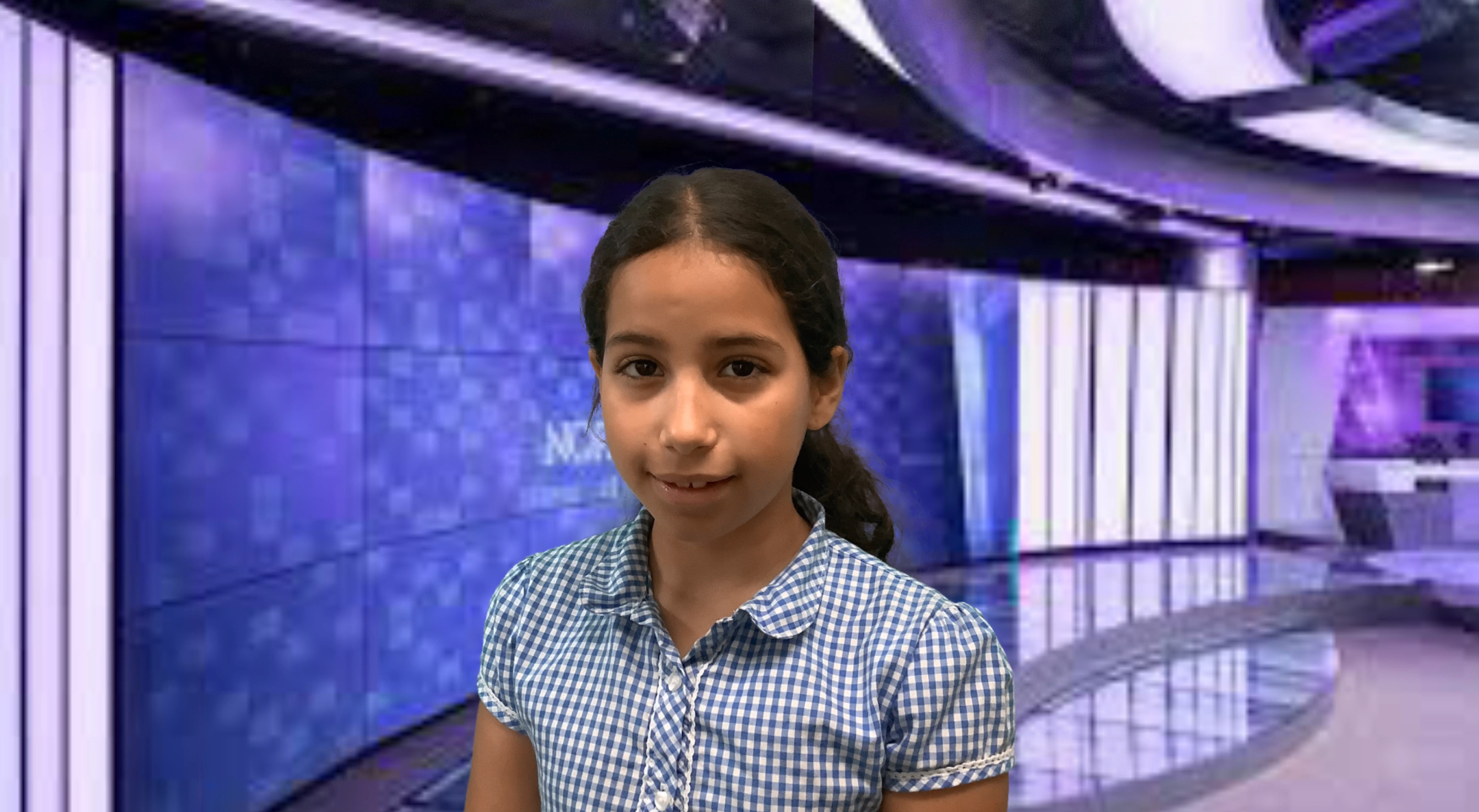
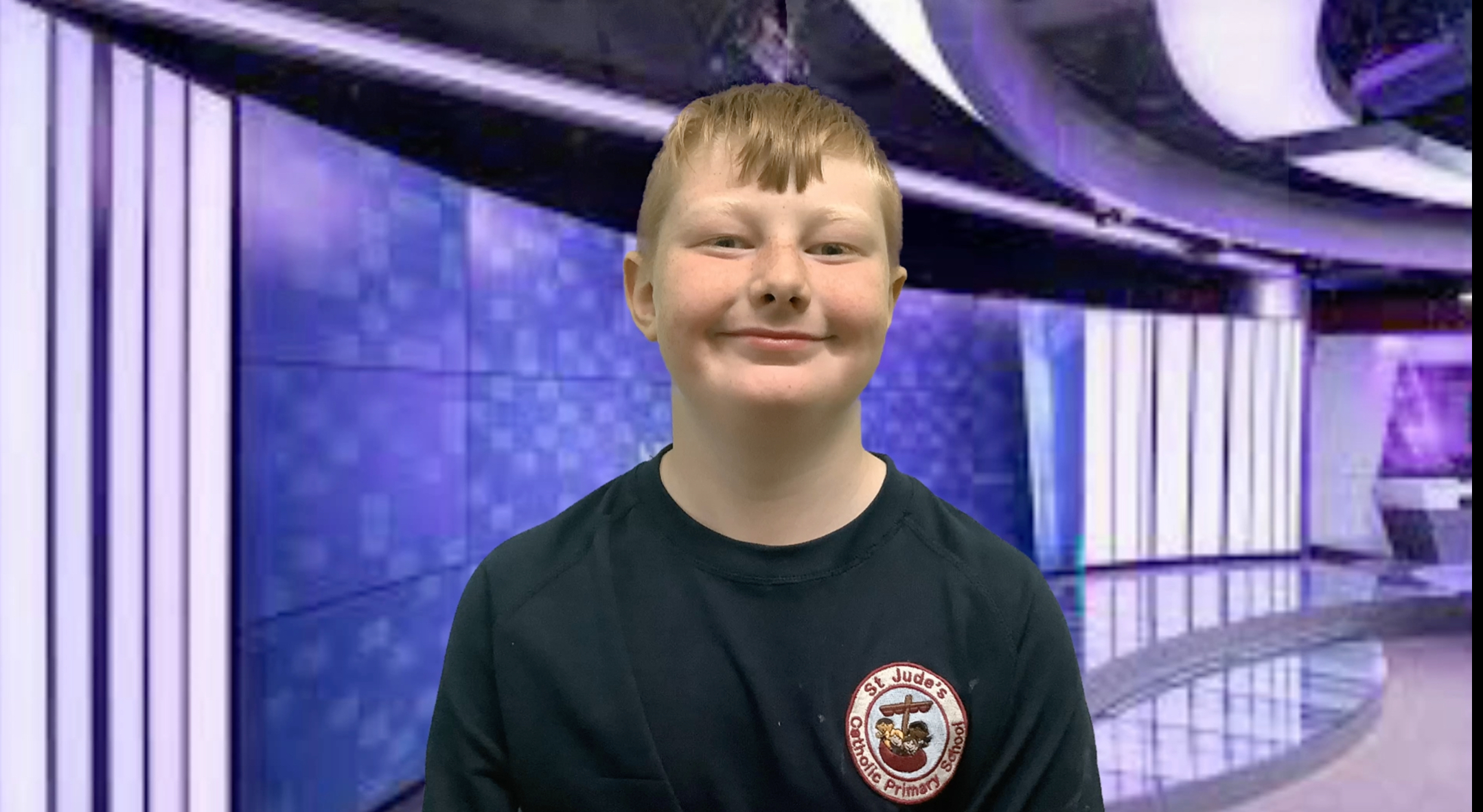
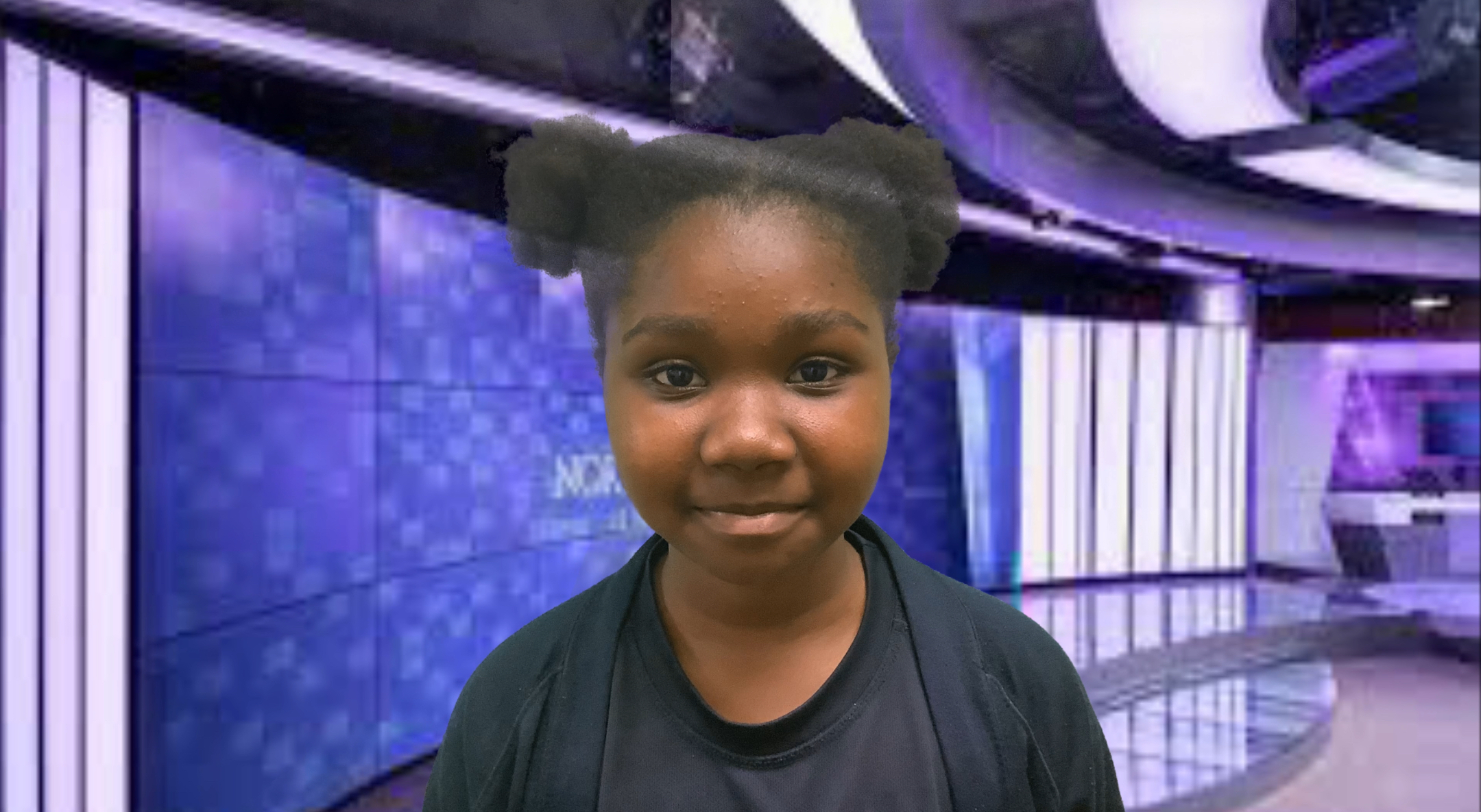
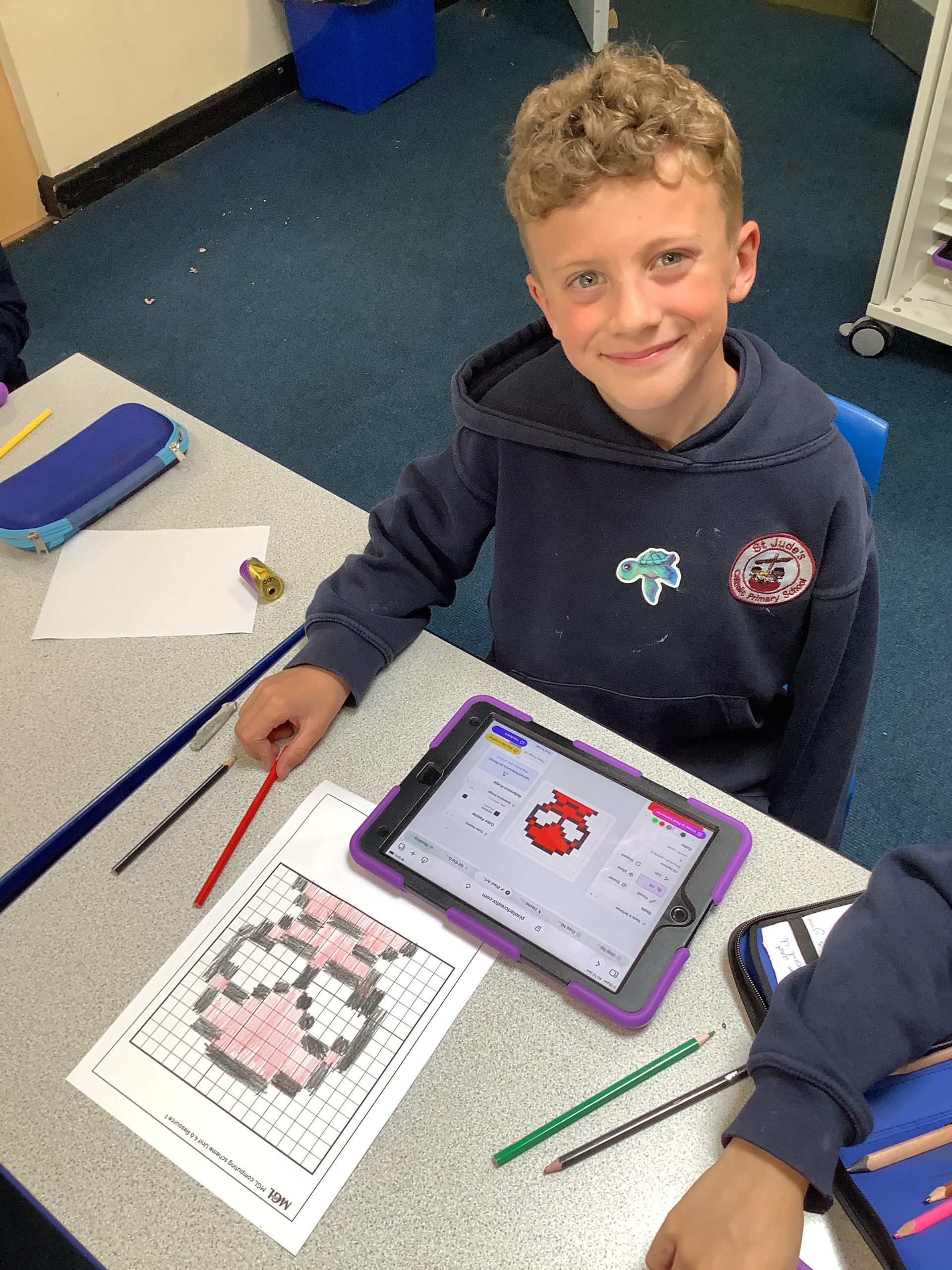
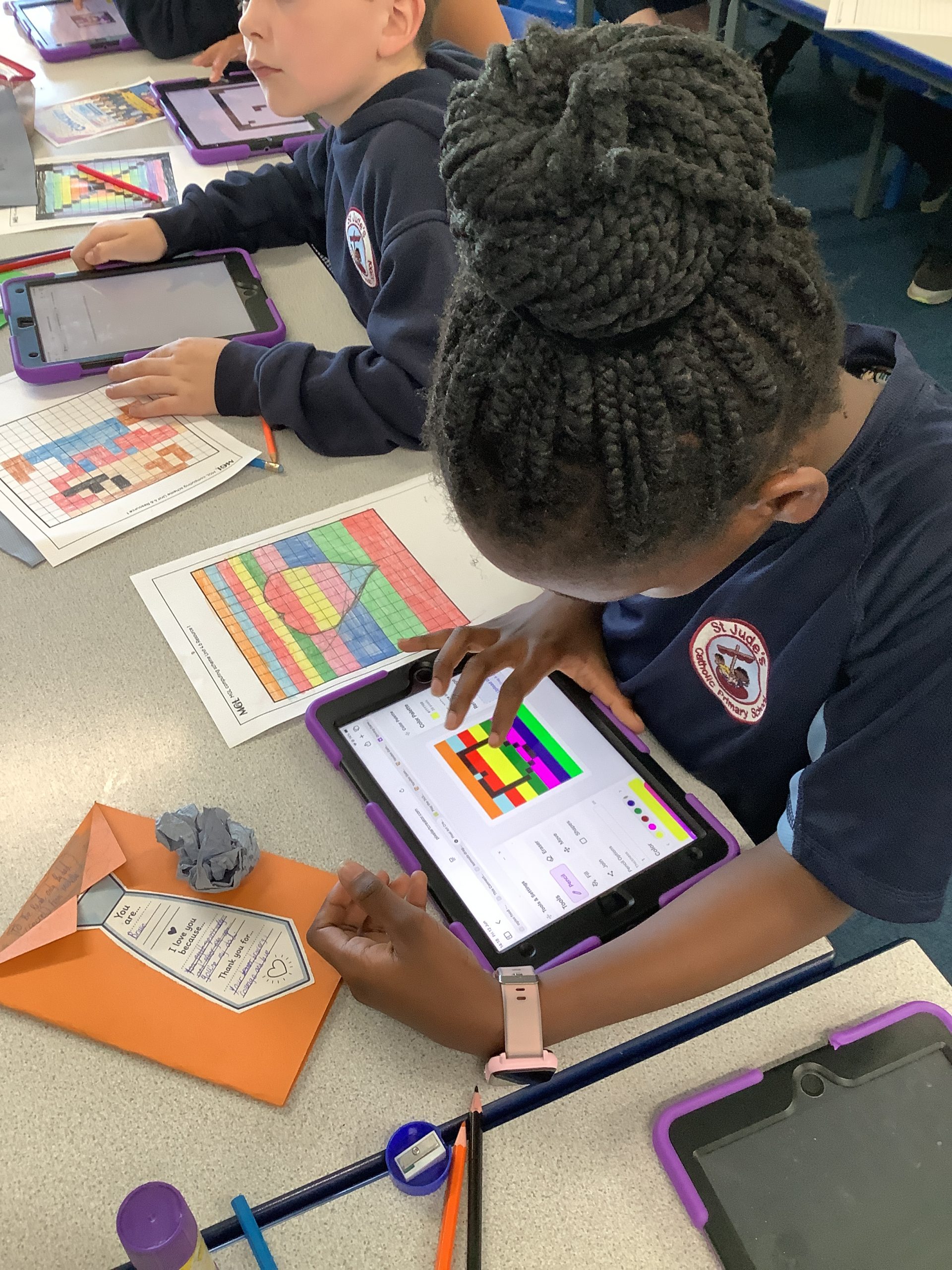
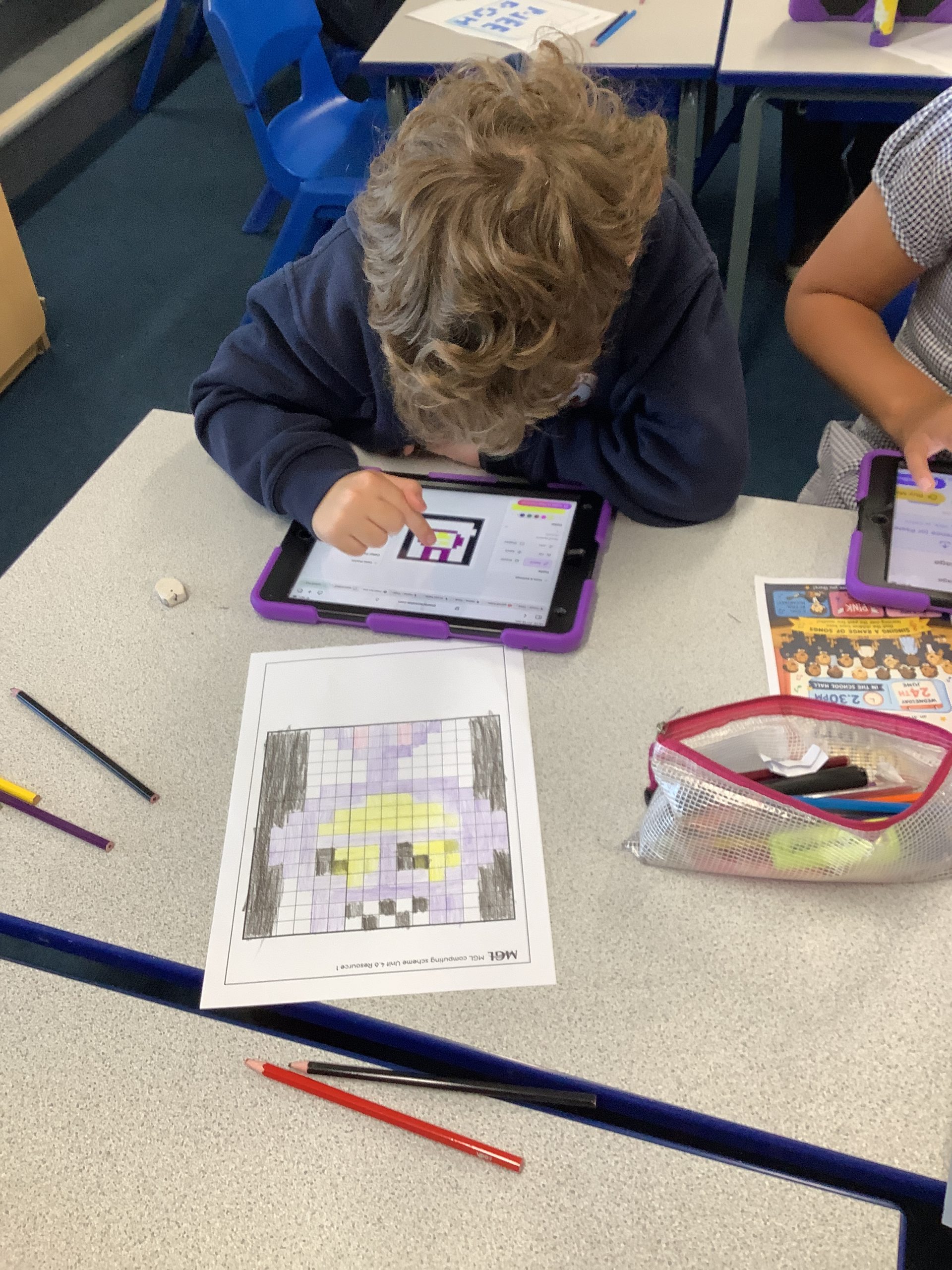
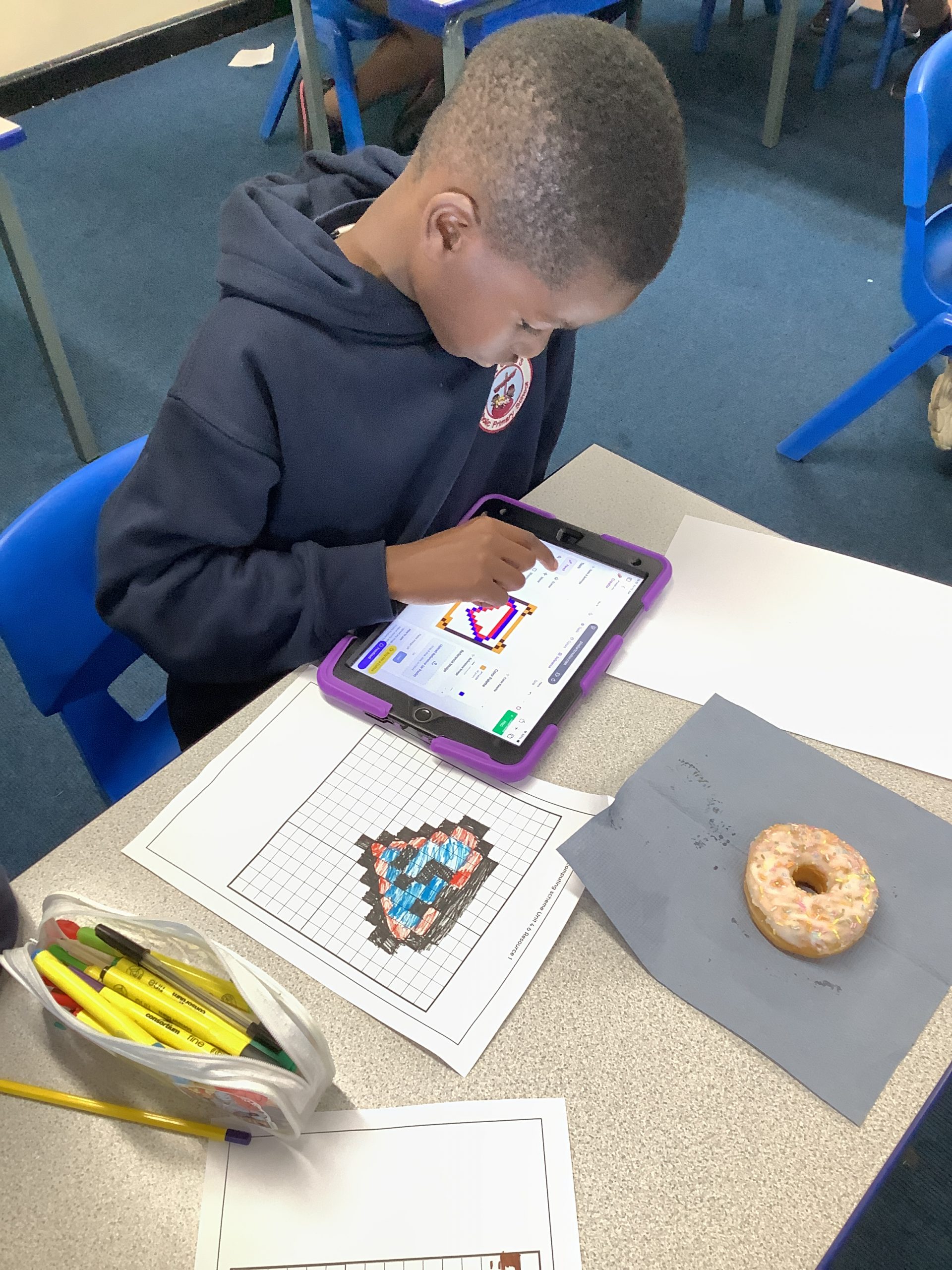
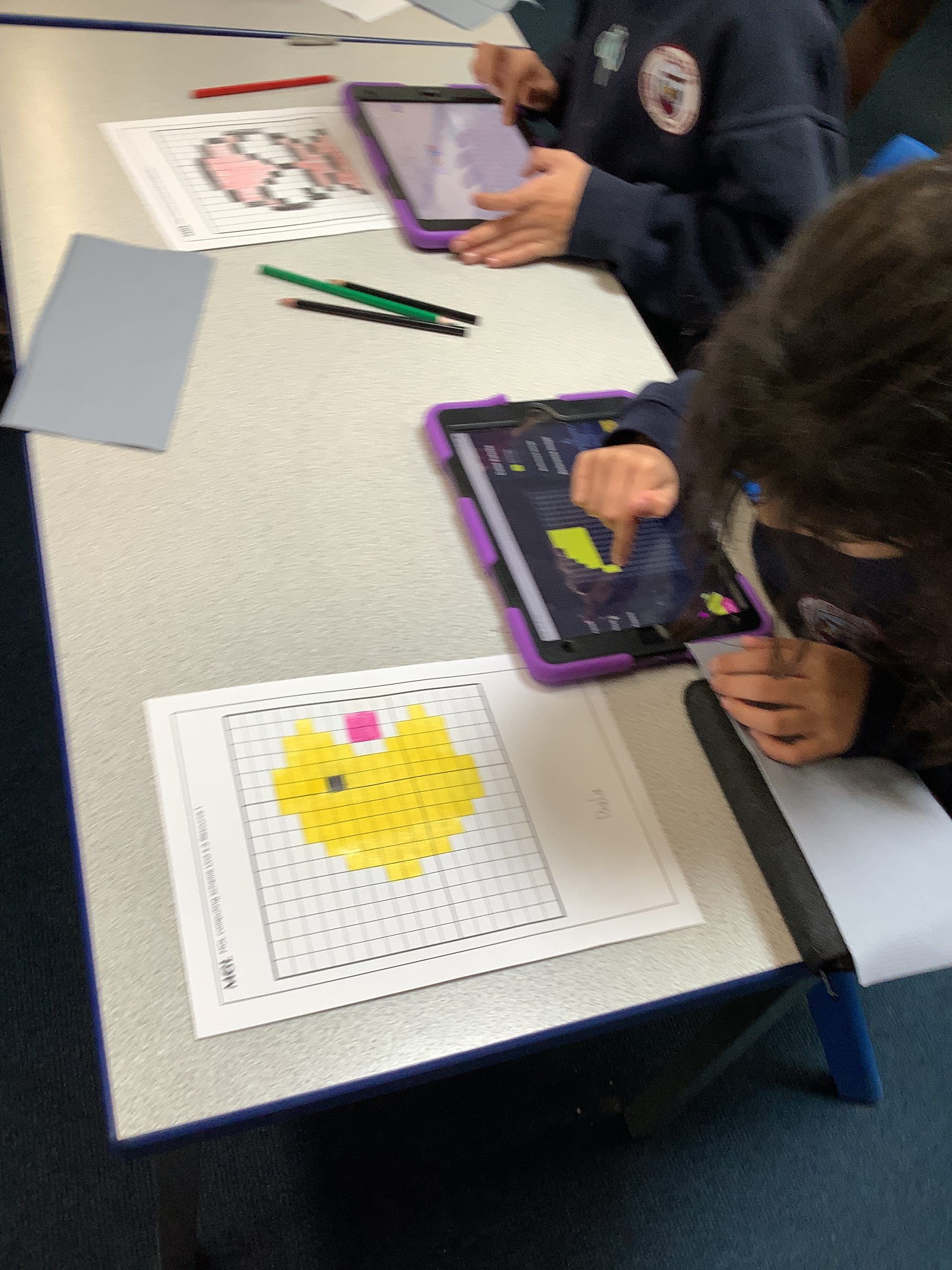
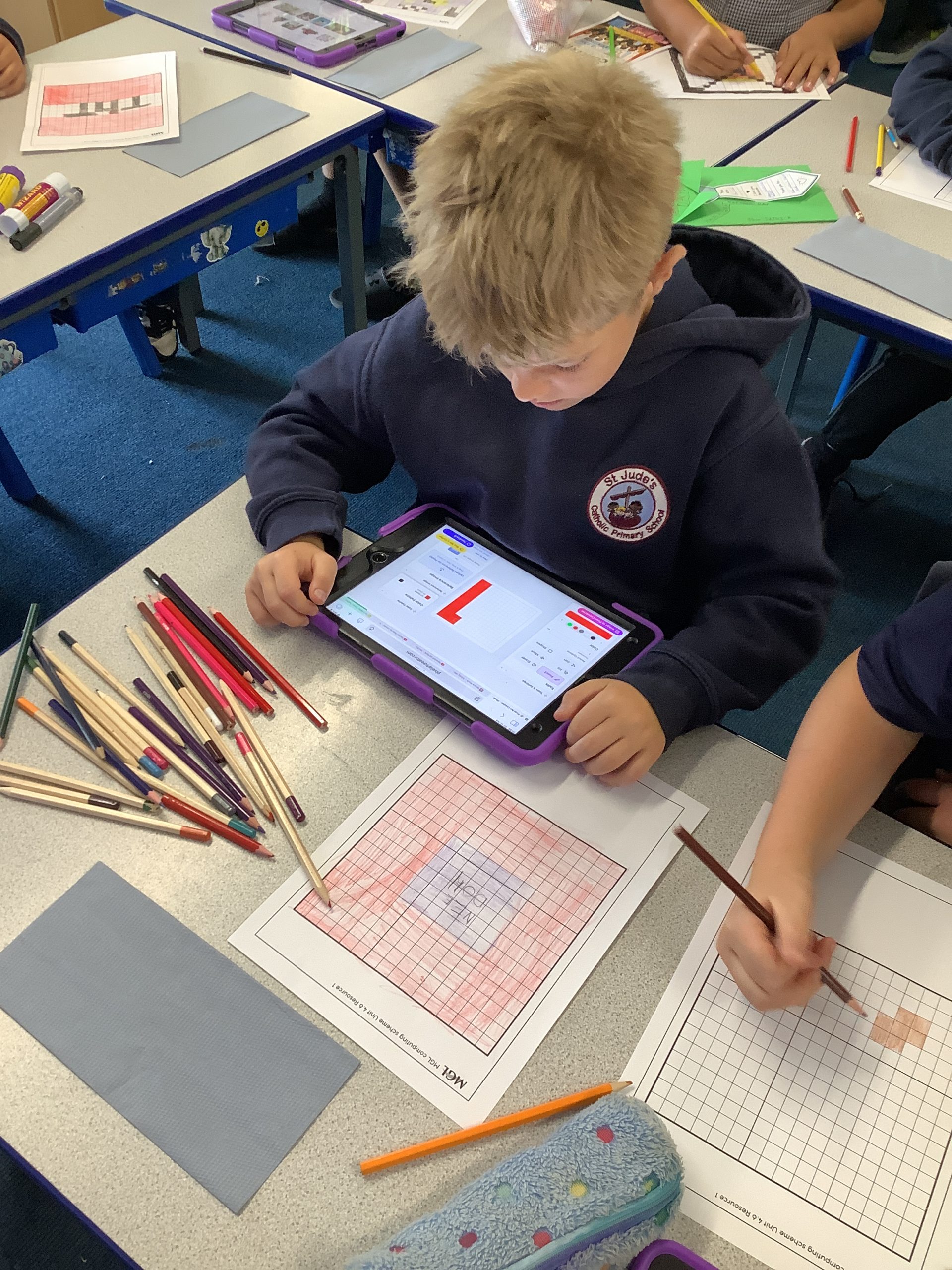
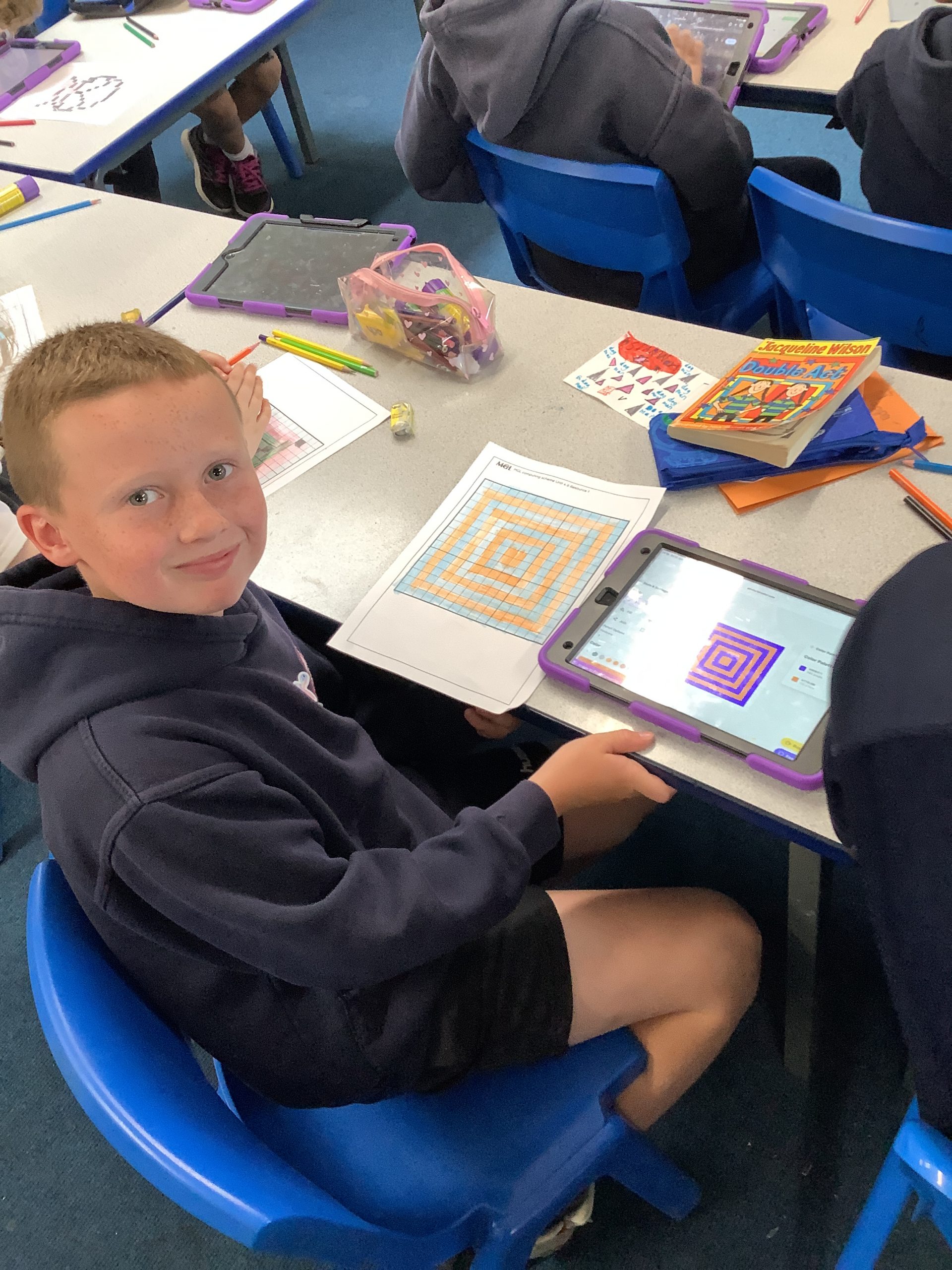
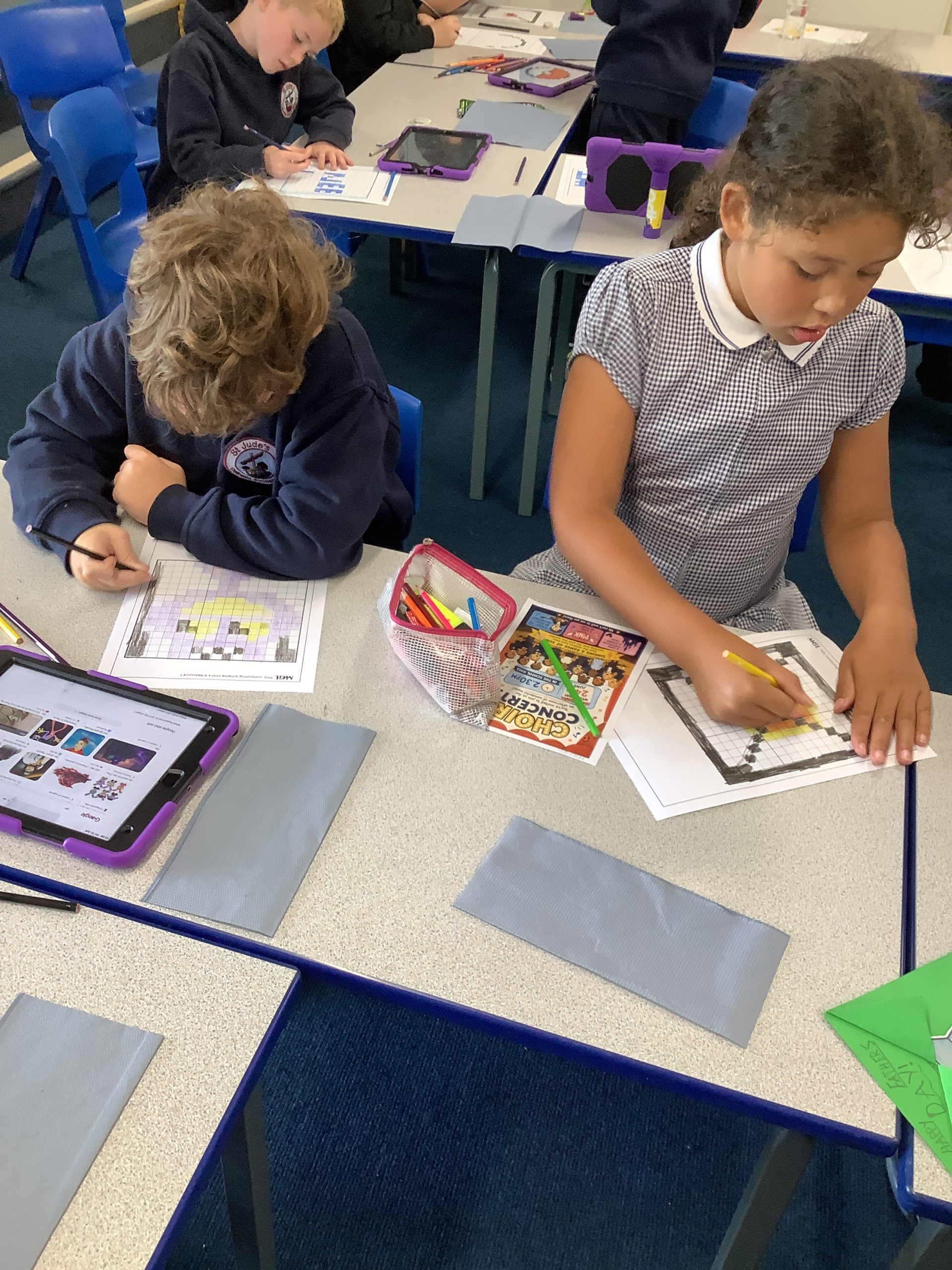
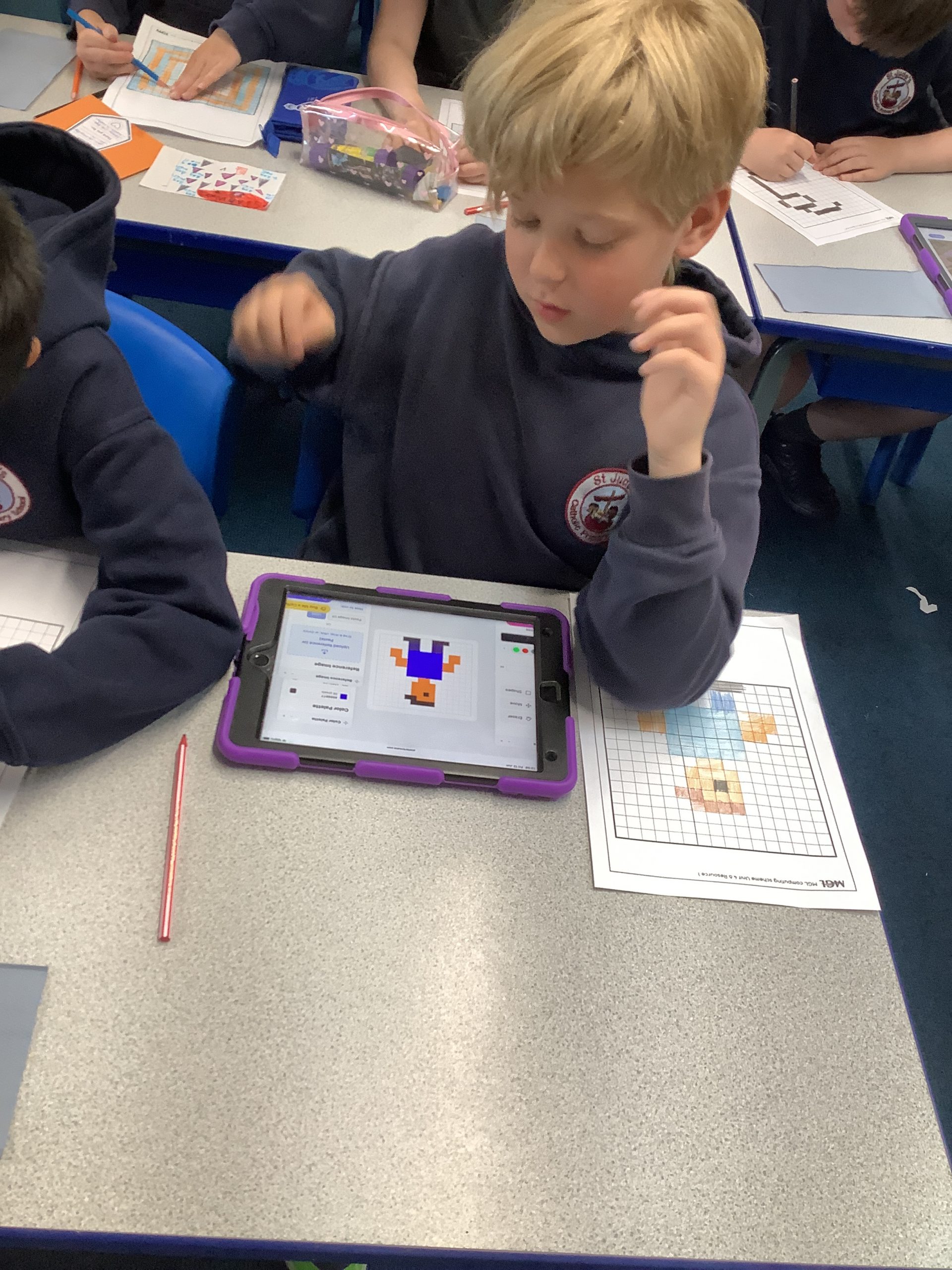
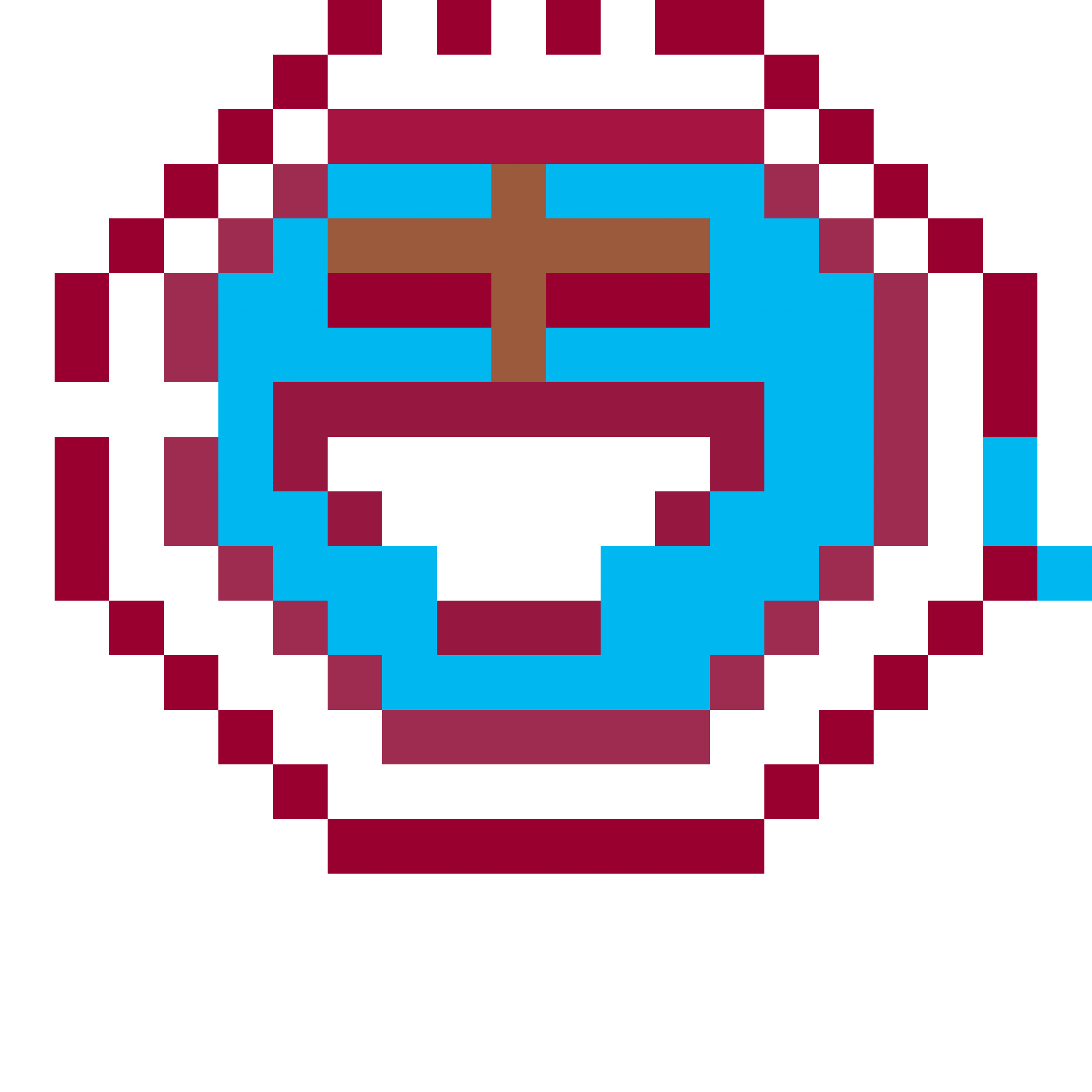
We have been learning all about pixel art in our Computing lessons. Children have recreated our school badge, showing they understand that some details need to be left out. We think they did great!



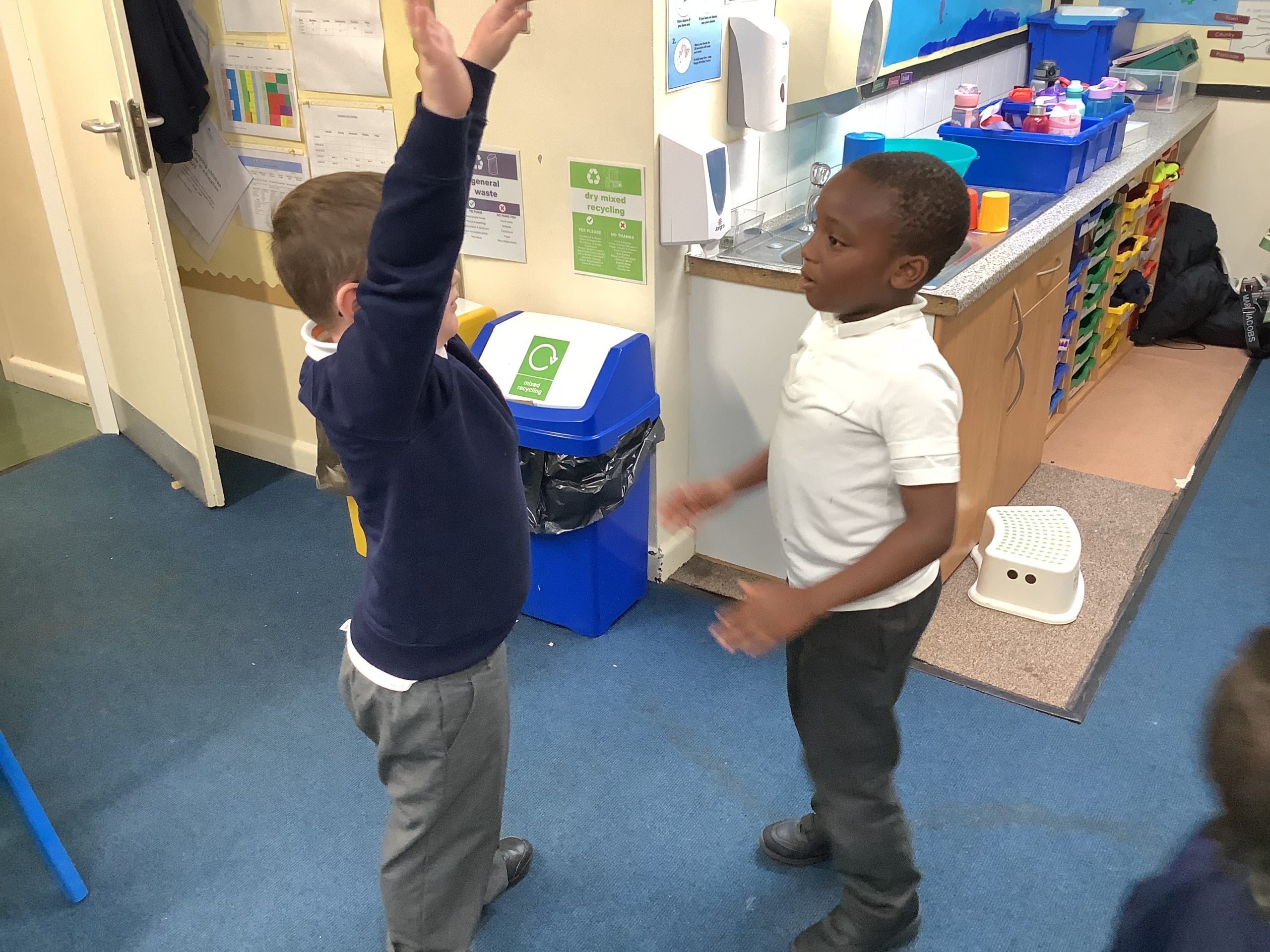
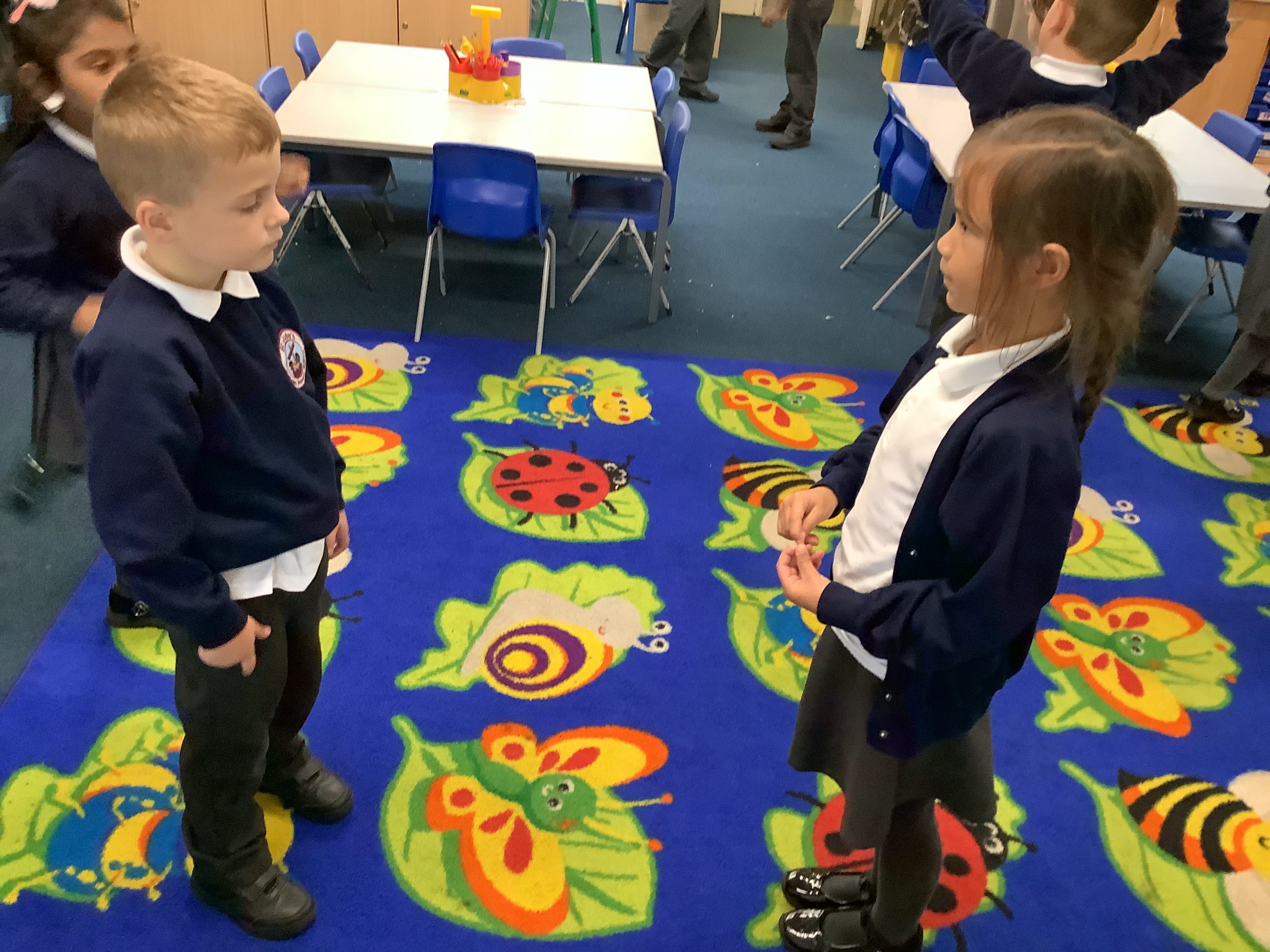
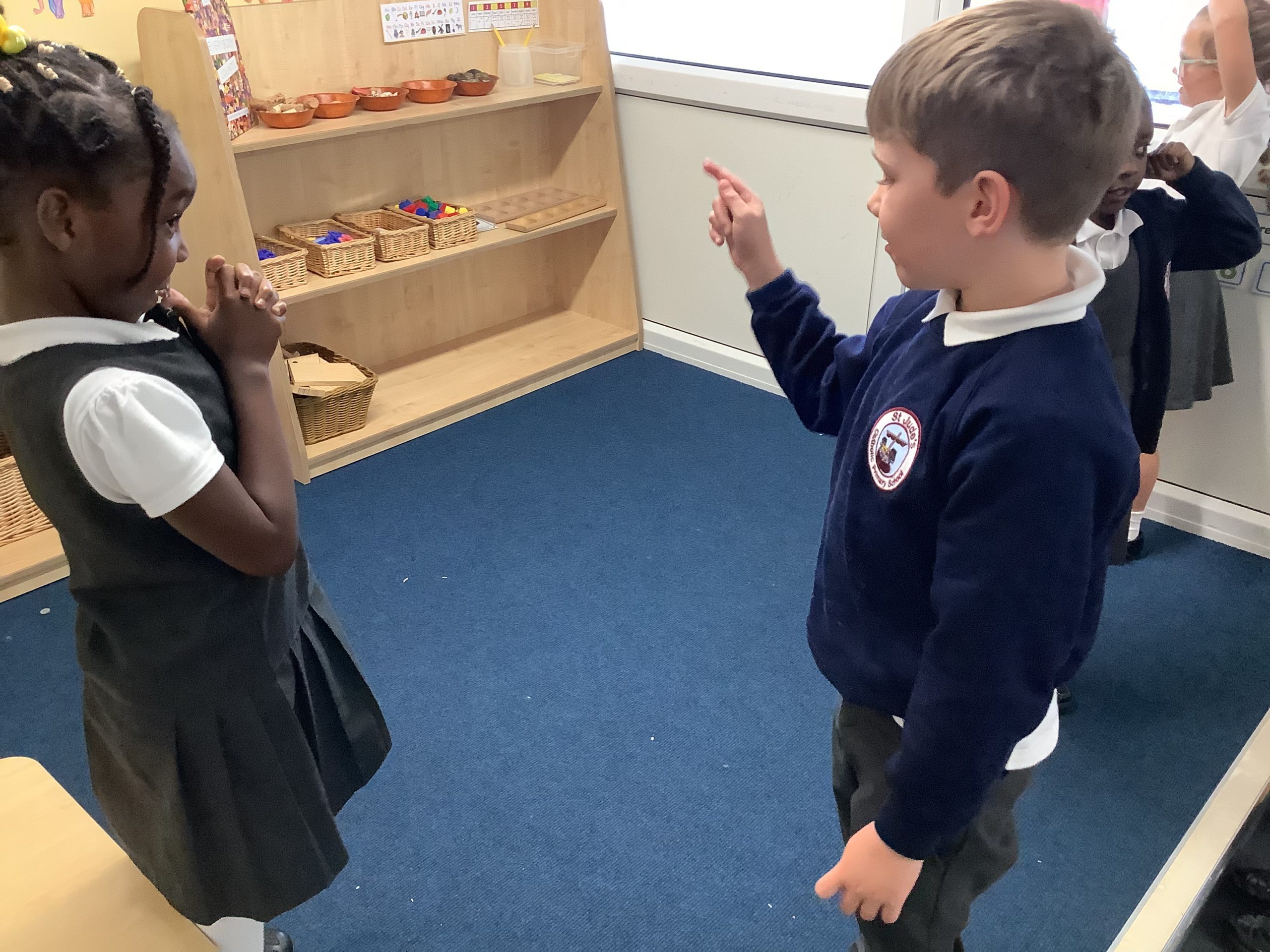
Year 1 have been giving instructions to a friend to move around a space by following simple instructions. They then began to find out what an algorithm is and created their own using software to create movement and patterns on a screen.
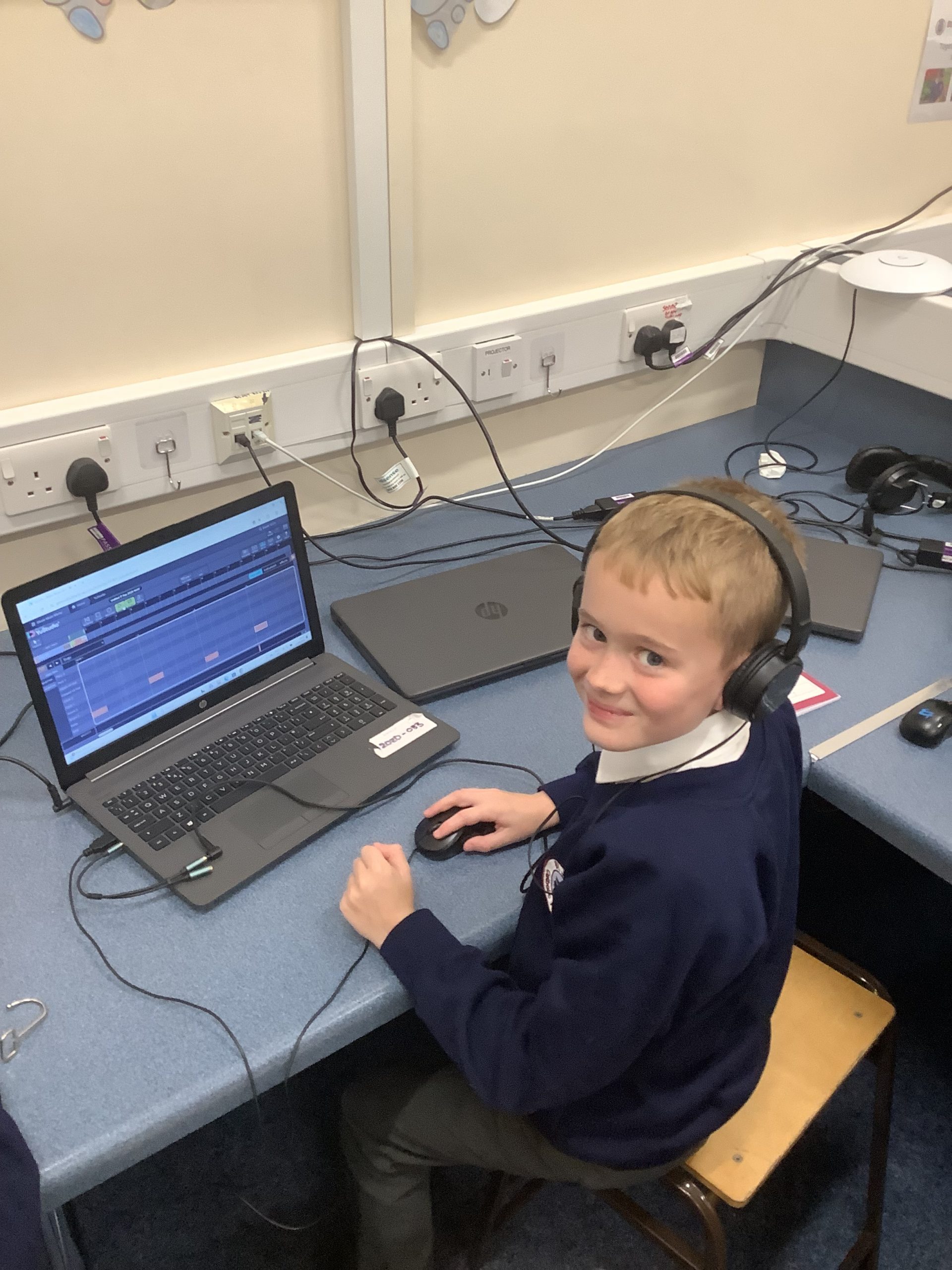
Year 6 have begun to create their own musical compositions using computing software.


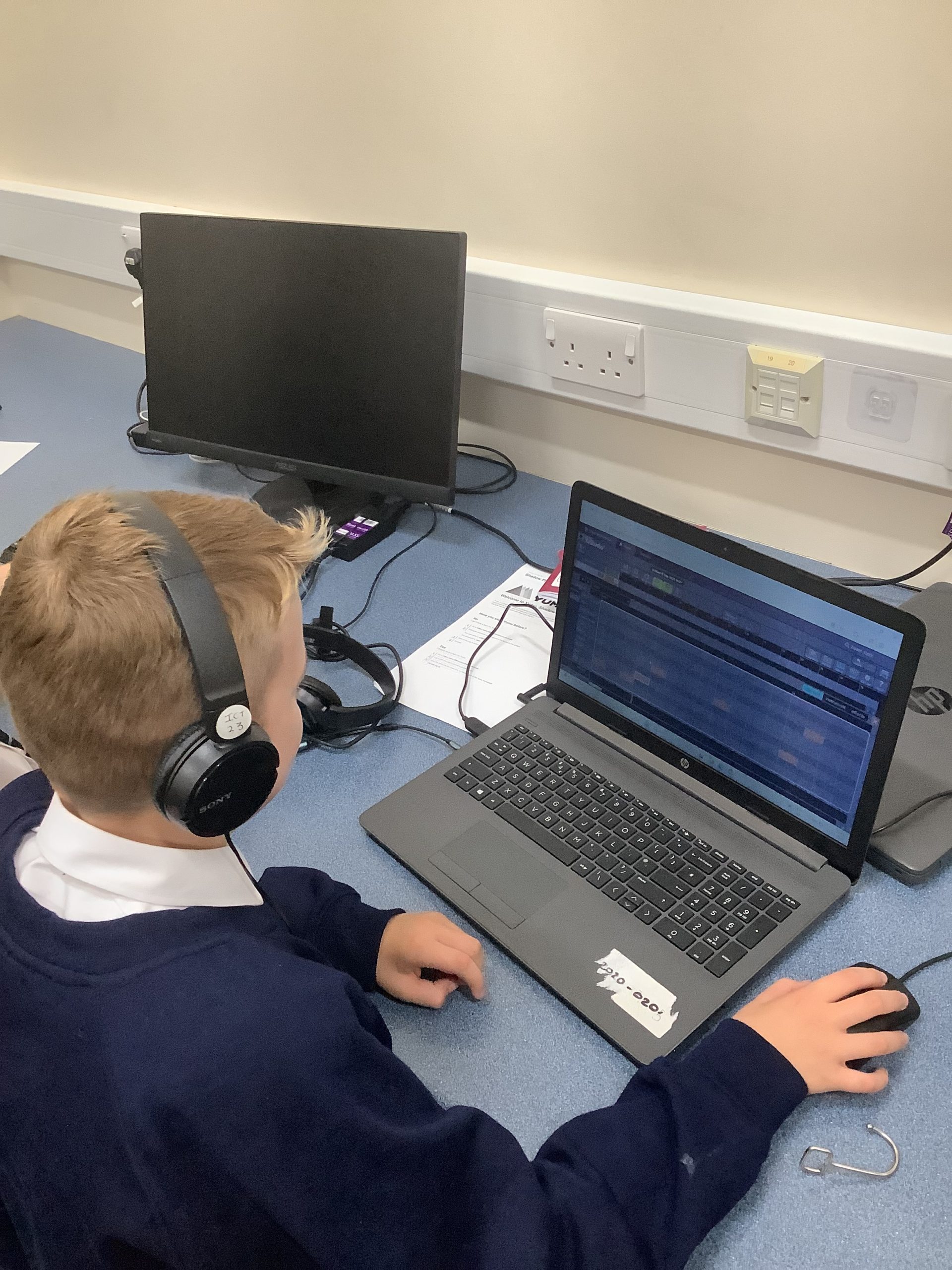
Today we began to code a shark attack game! We loved playing it at the end too!
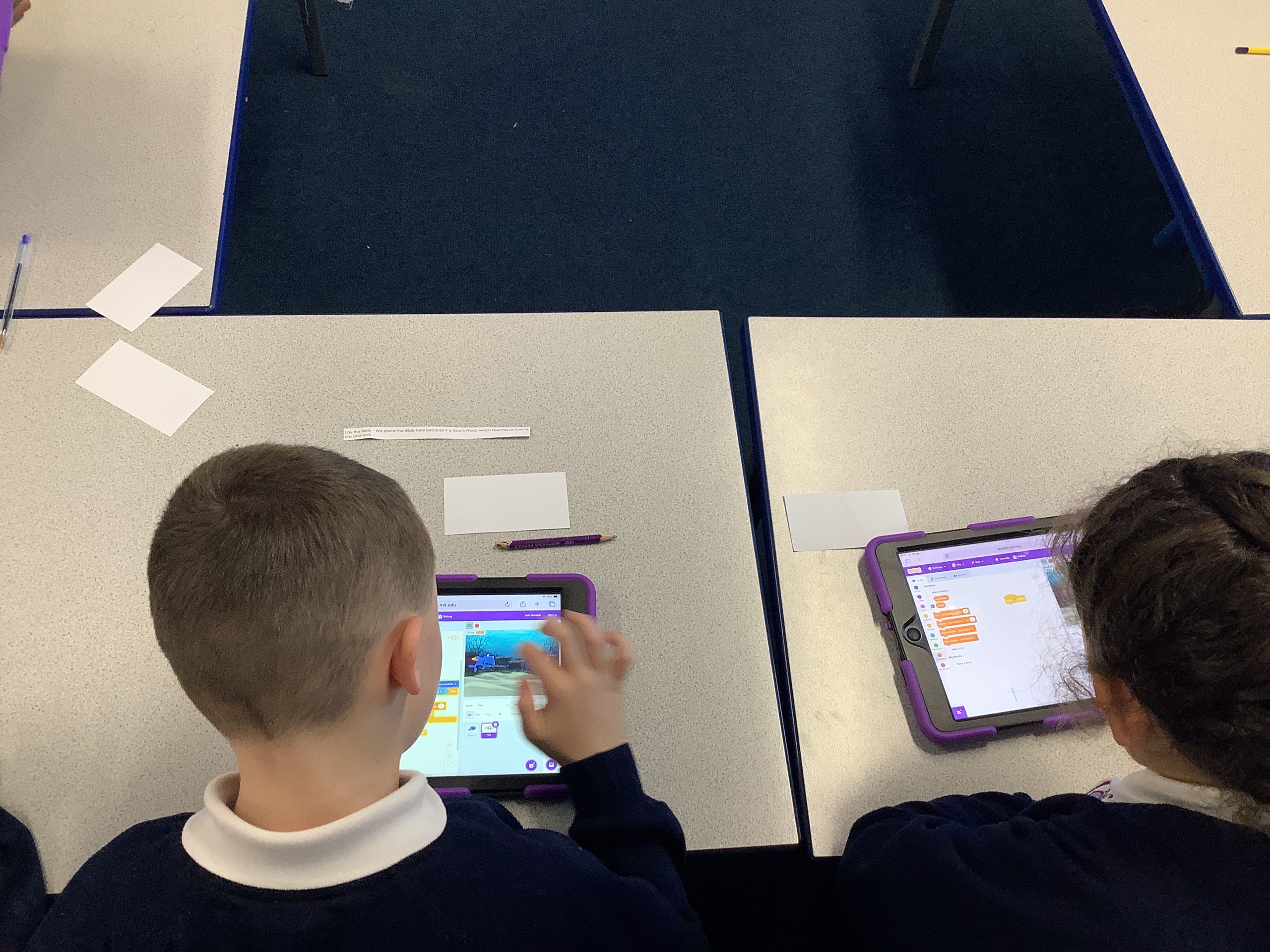
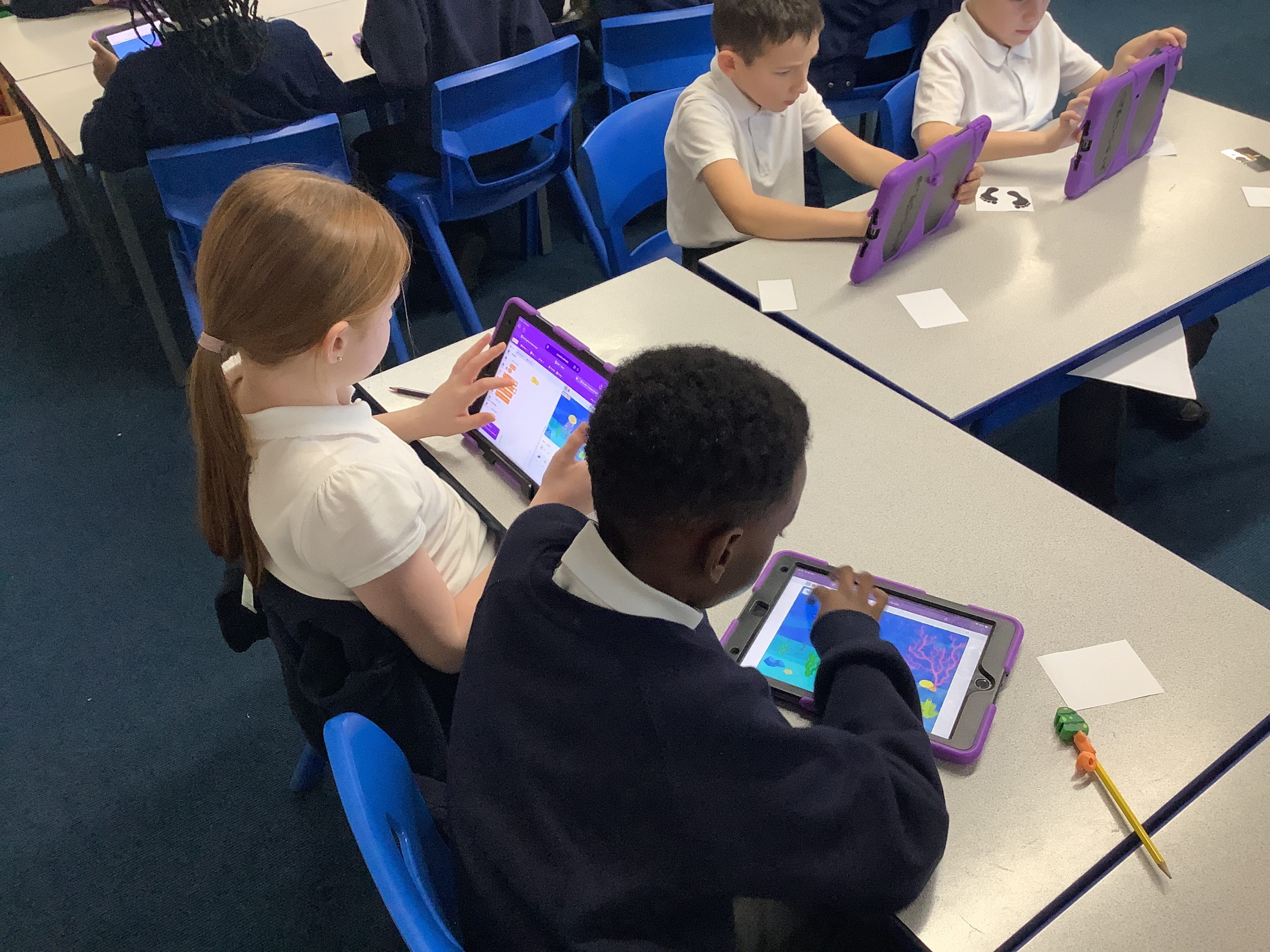
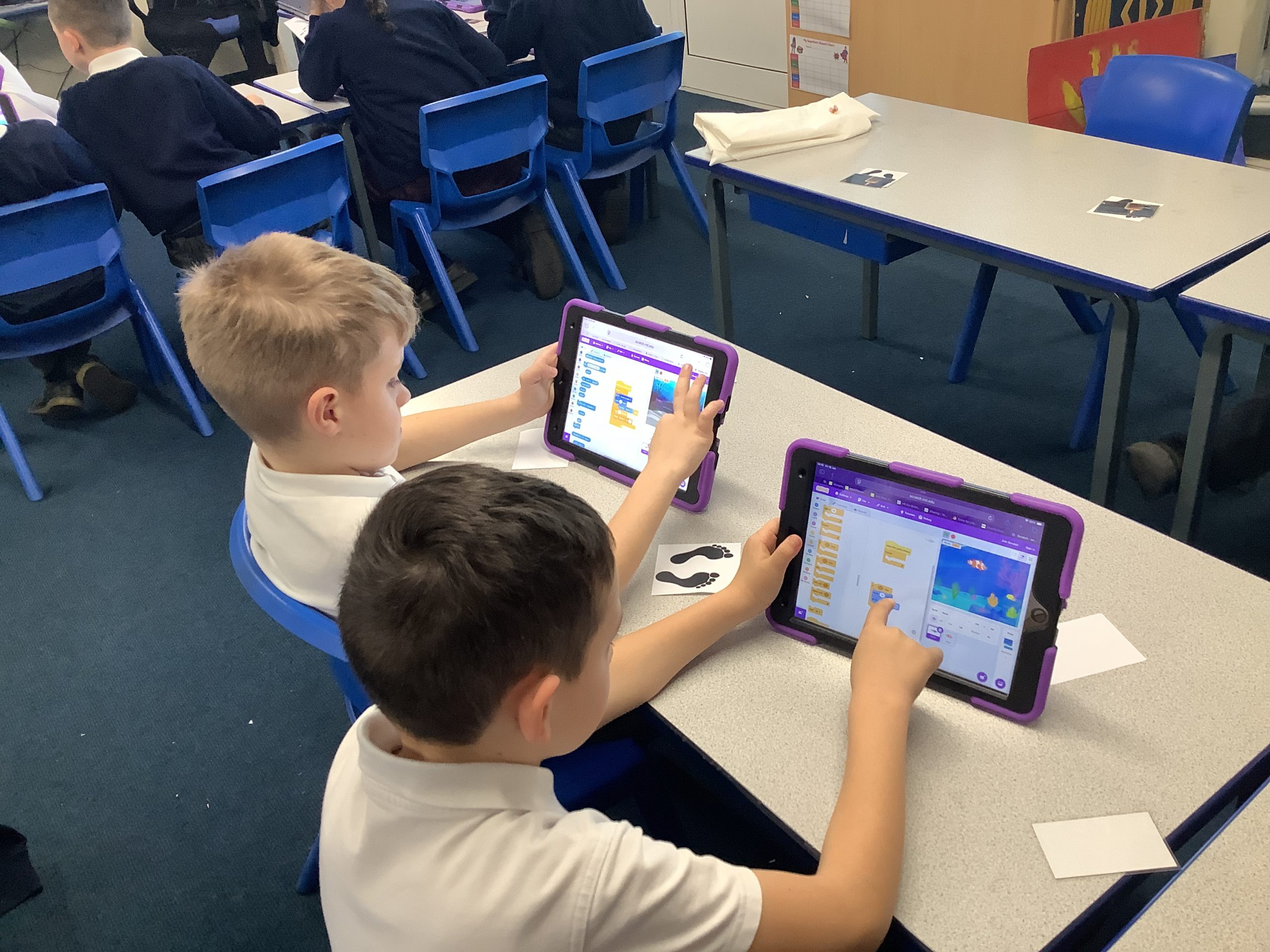
Year 1 have been using a paint program on the computer to practise their click and drag skills using a mouse.

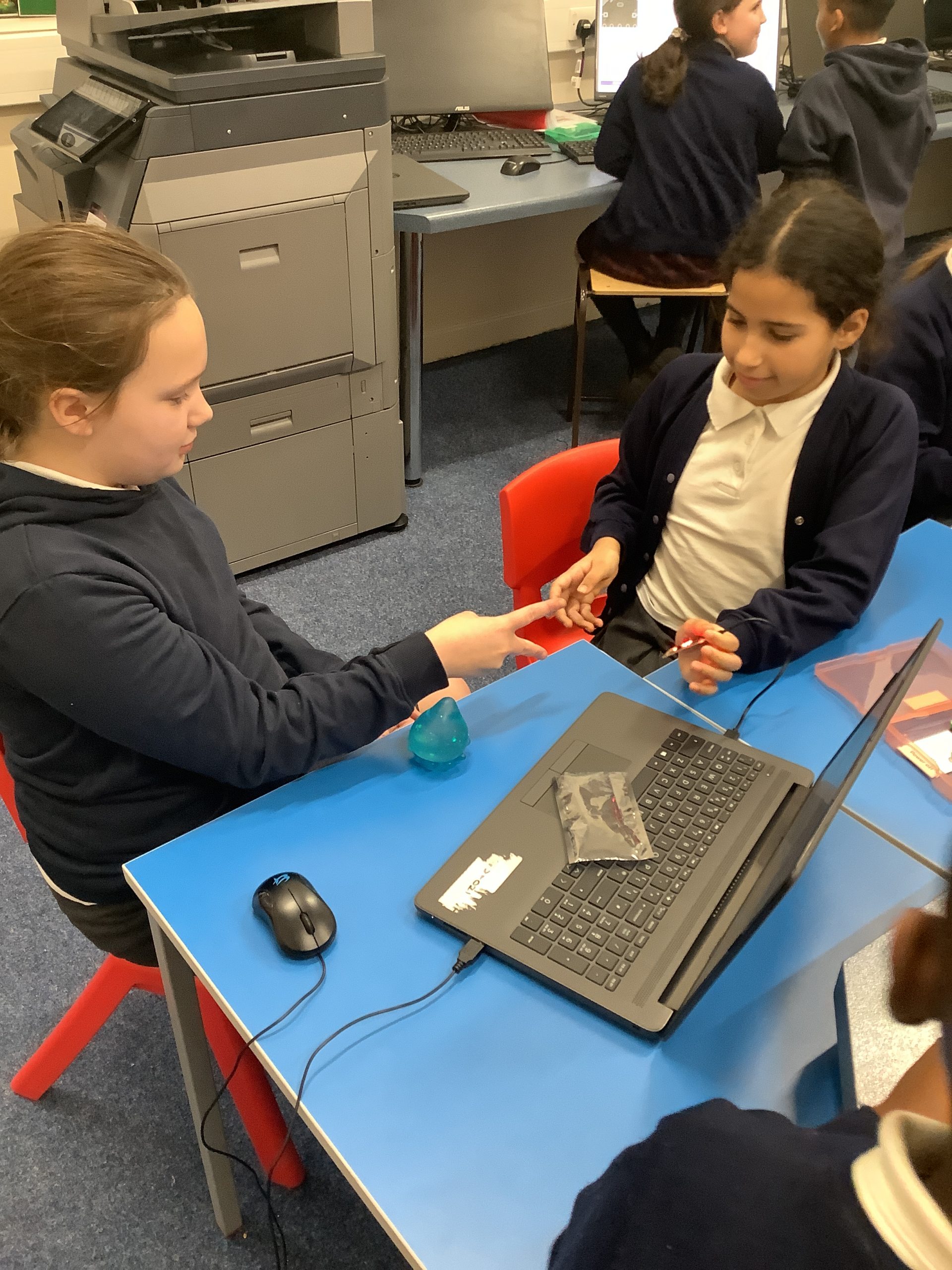
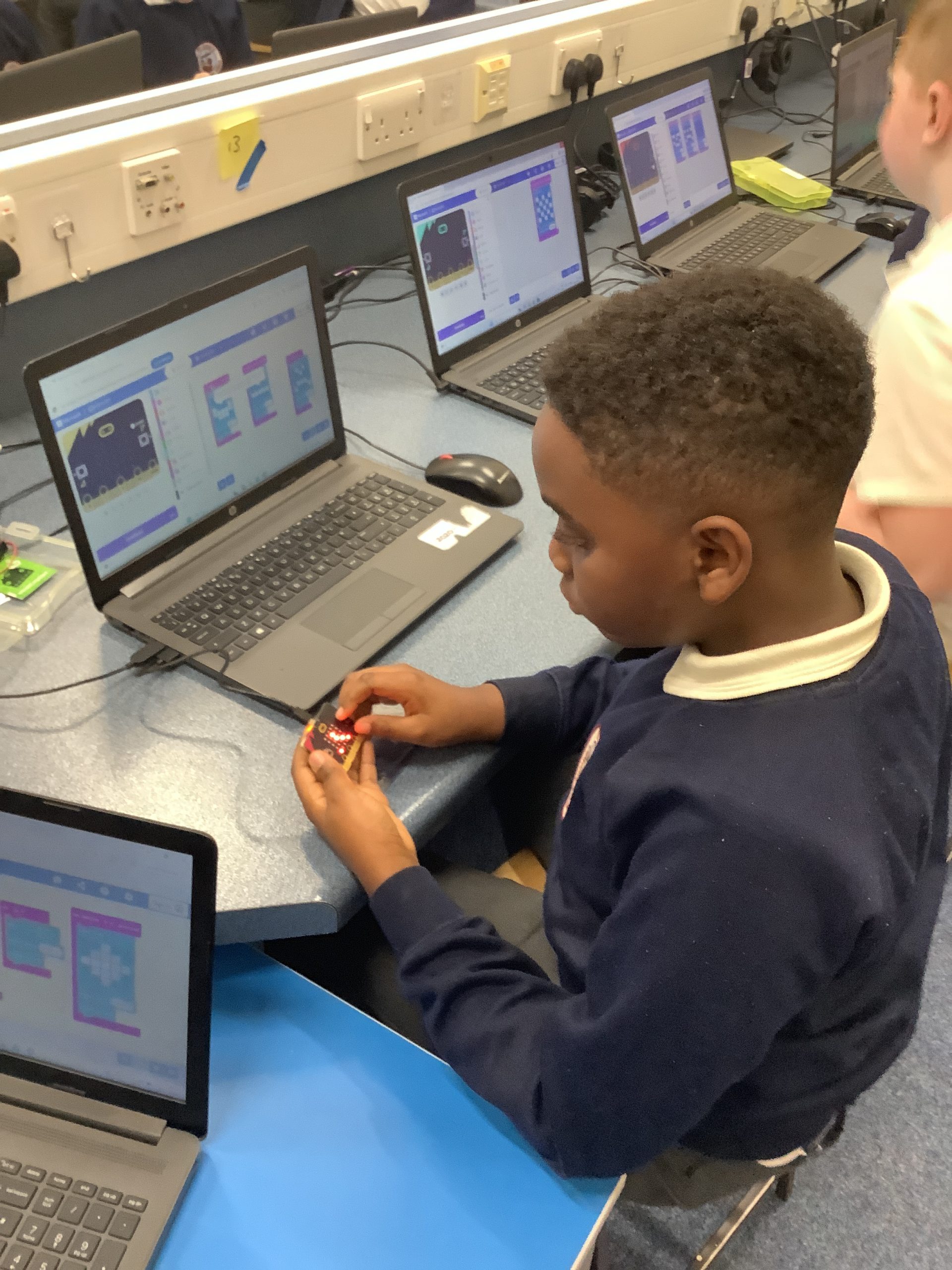
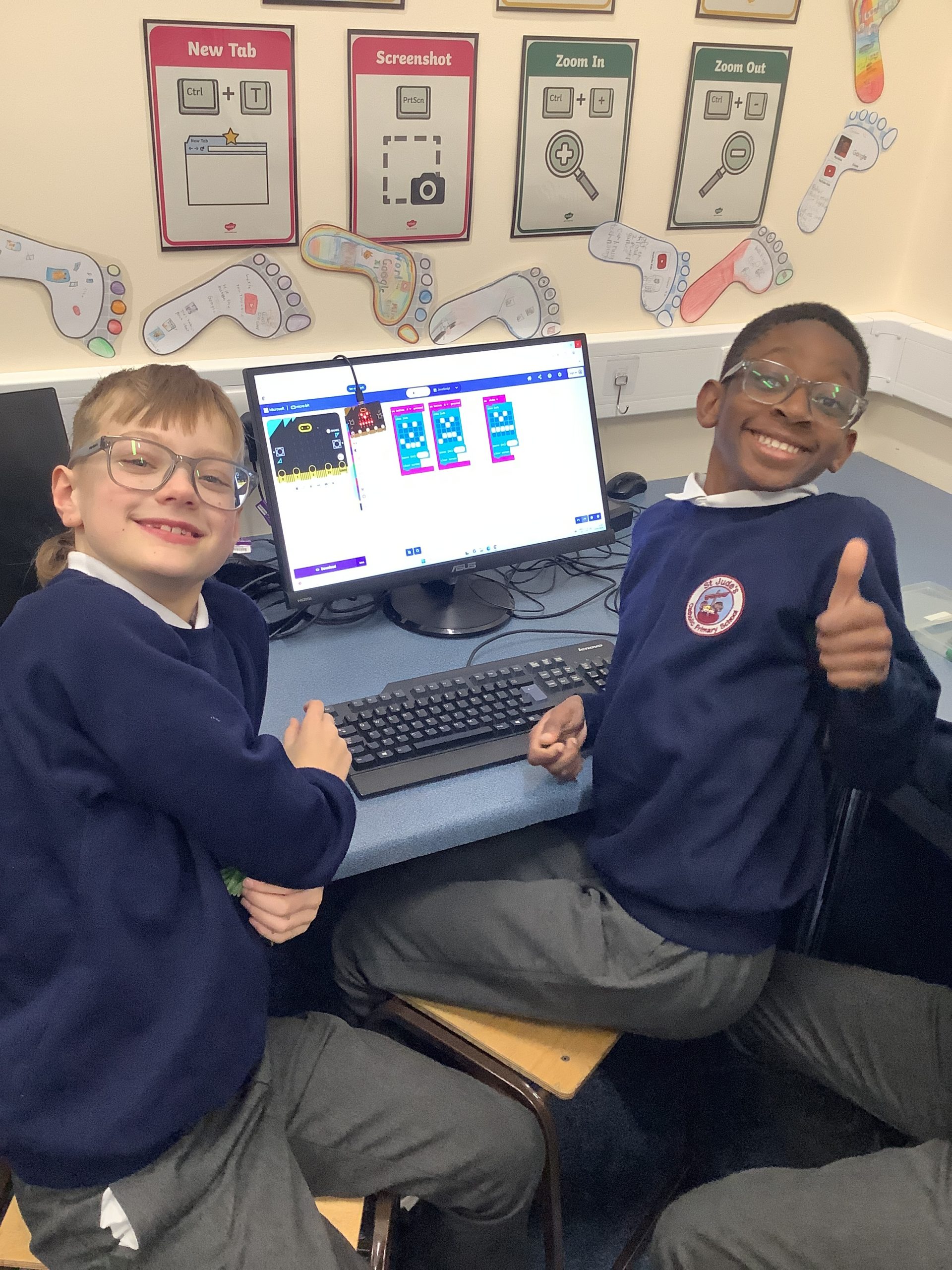
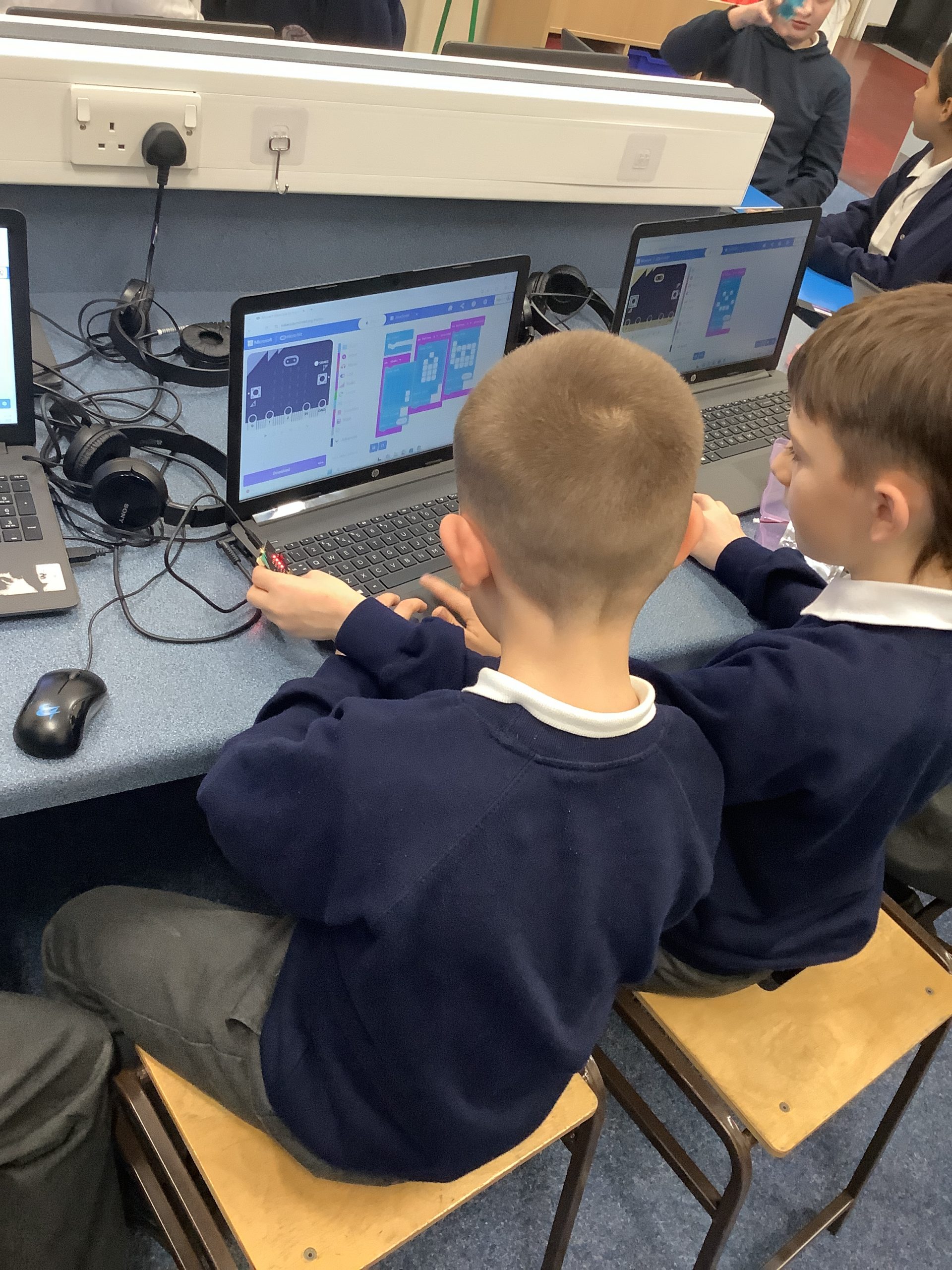
We have been using complex coding software to program Micro:Bits for various purposes and games in Computing.
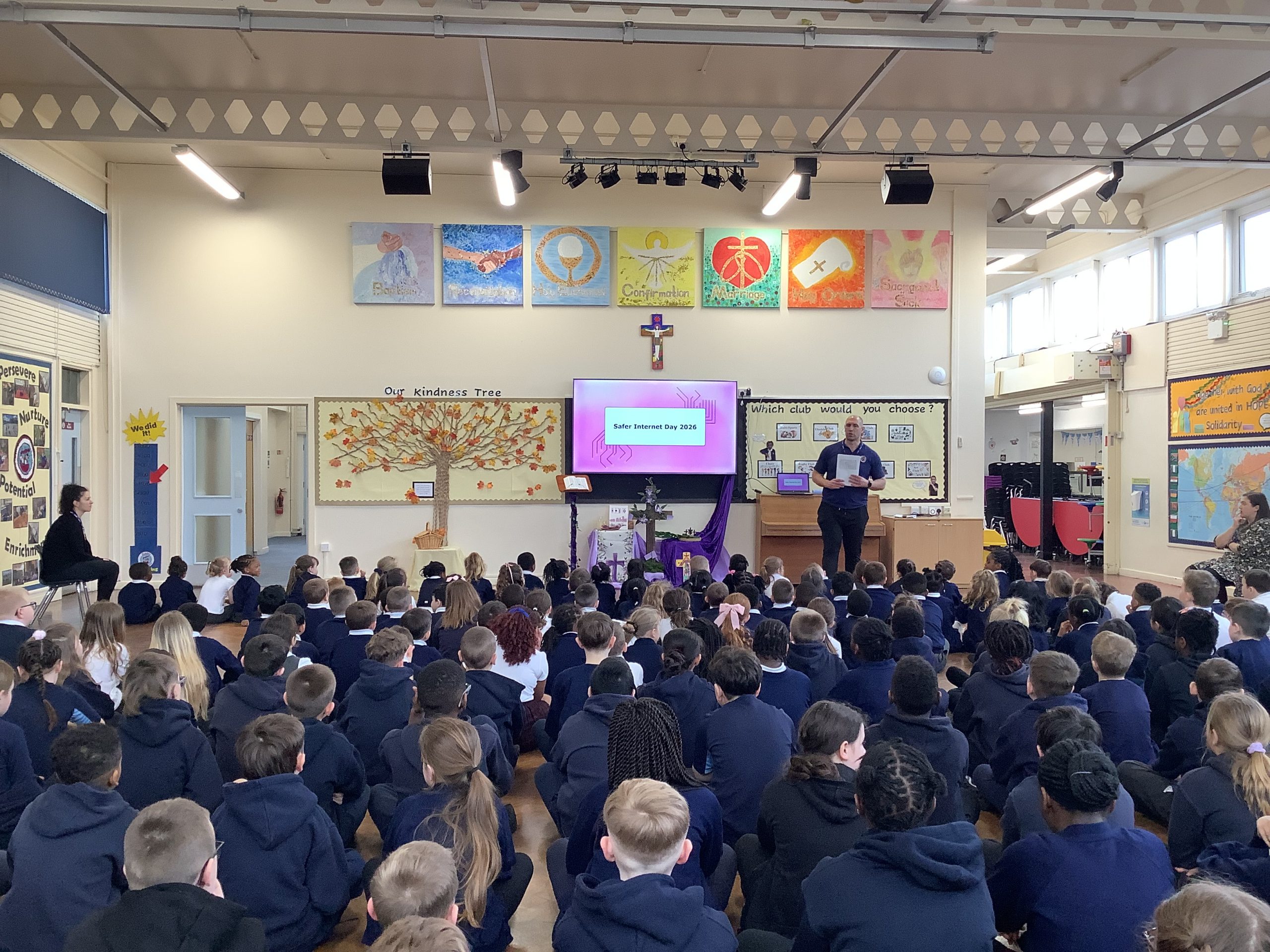
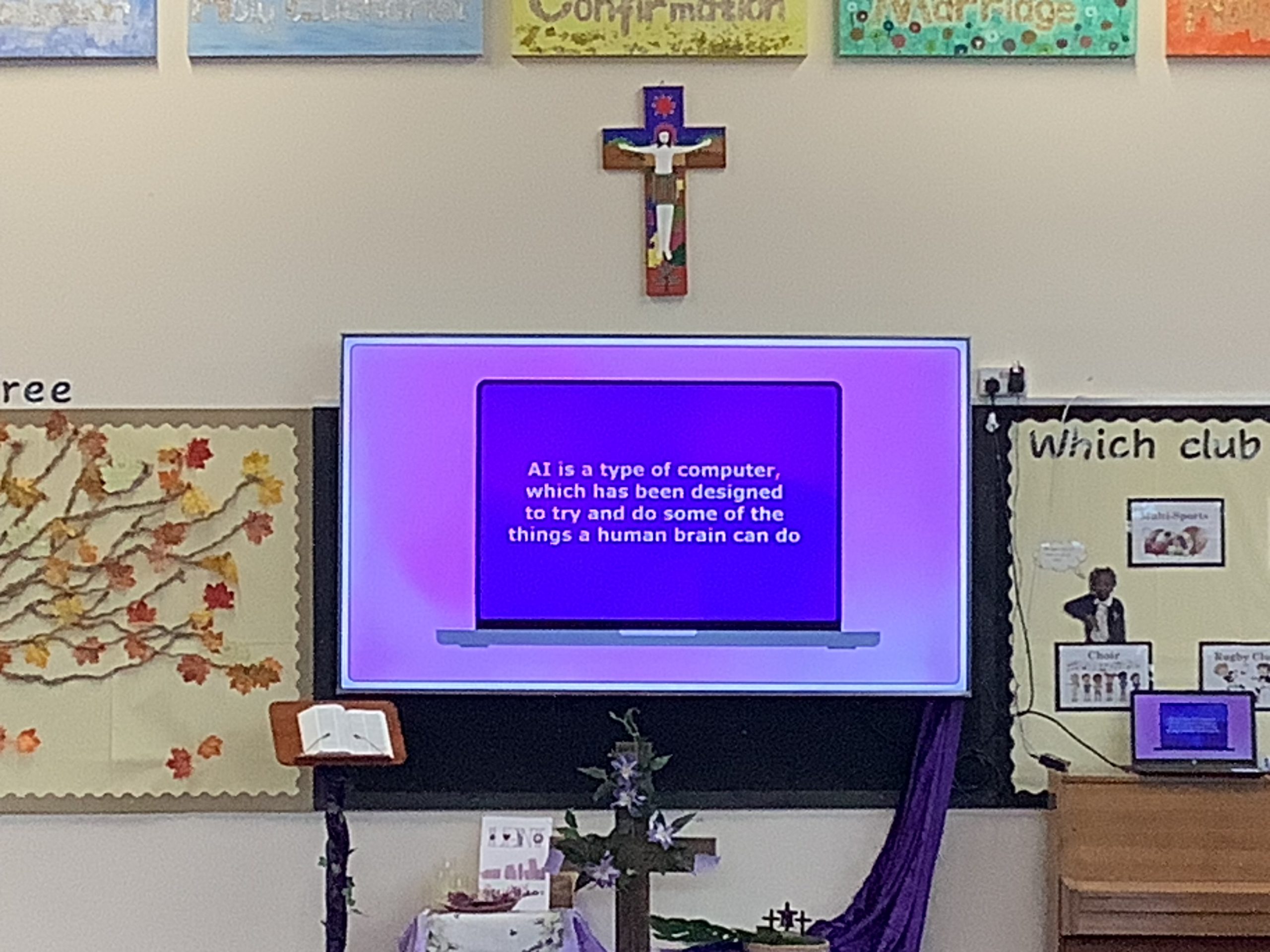
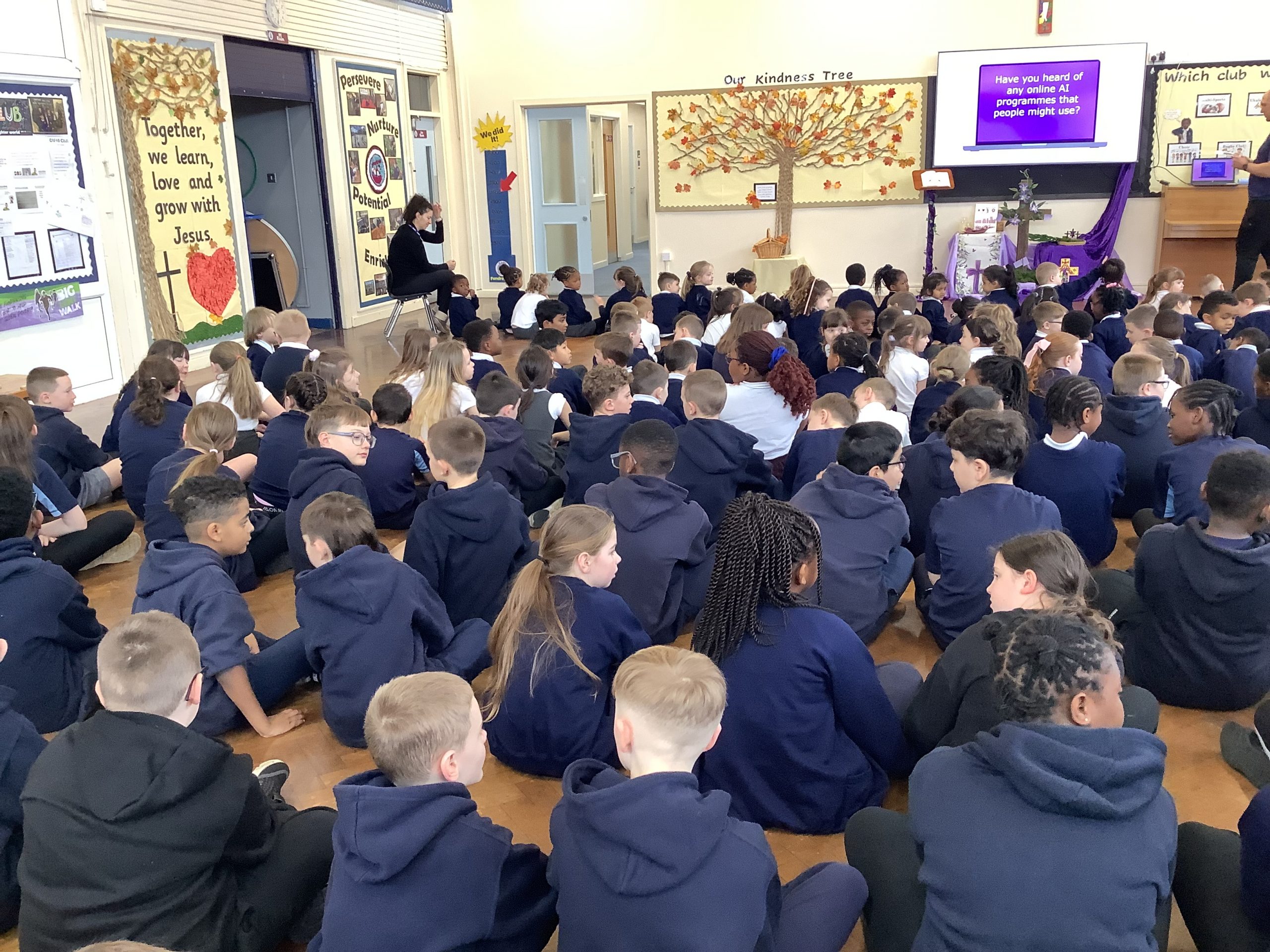
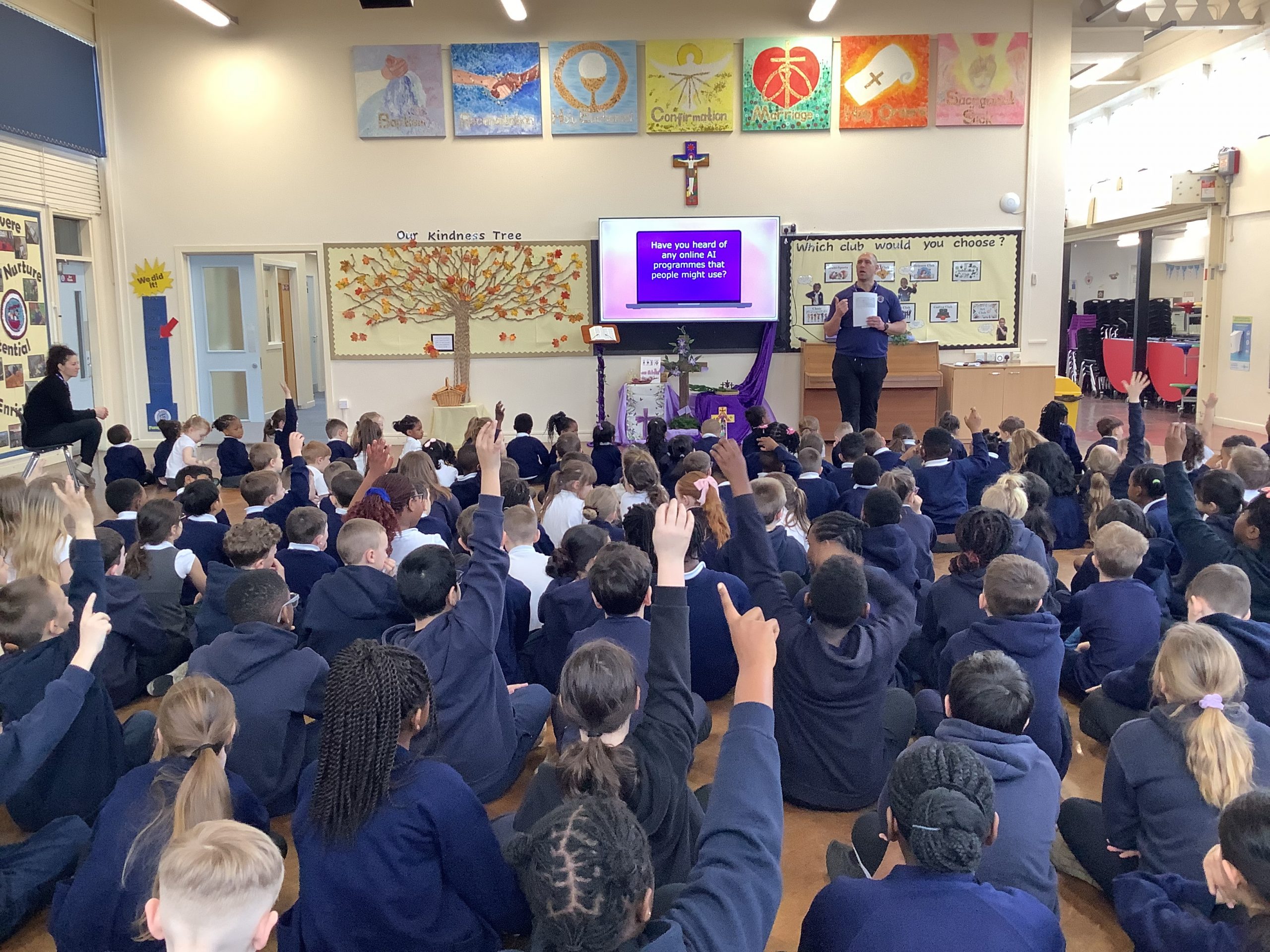
Today, the whole school took part in an assembly lead by Mr Parry for Safer Internet Day. They discussed how AI can be used to help us but also has its limitations.
In Year 1, the children have been choosing and using appropriate paint tools to create a picture in the style of different artists.
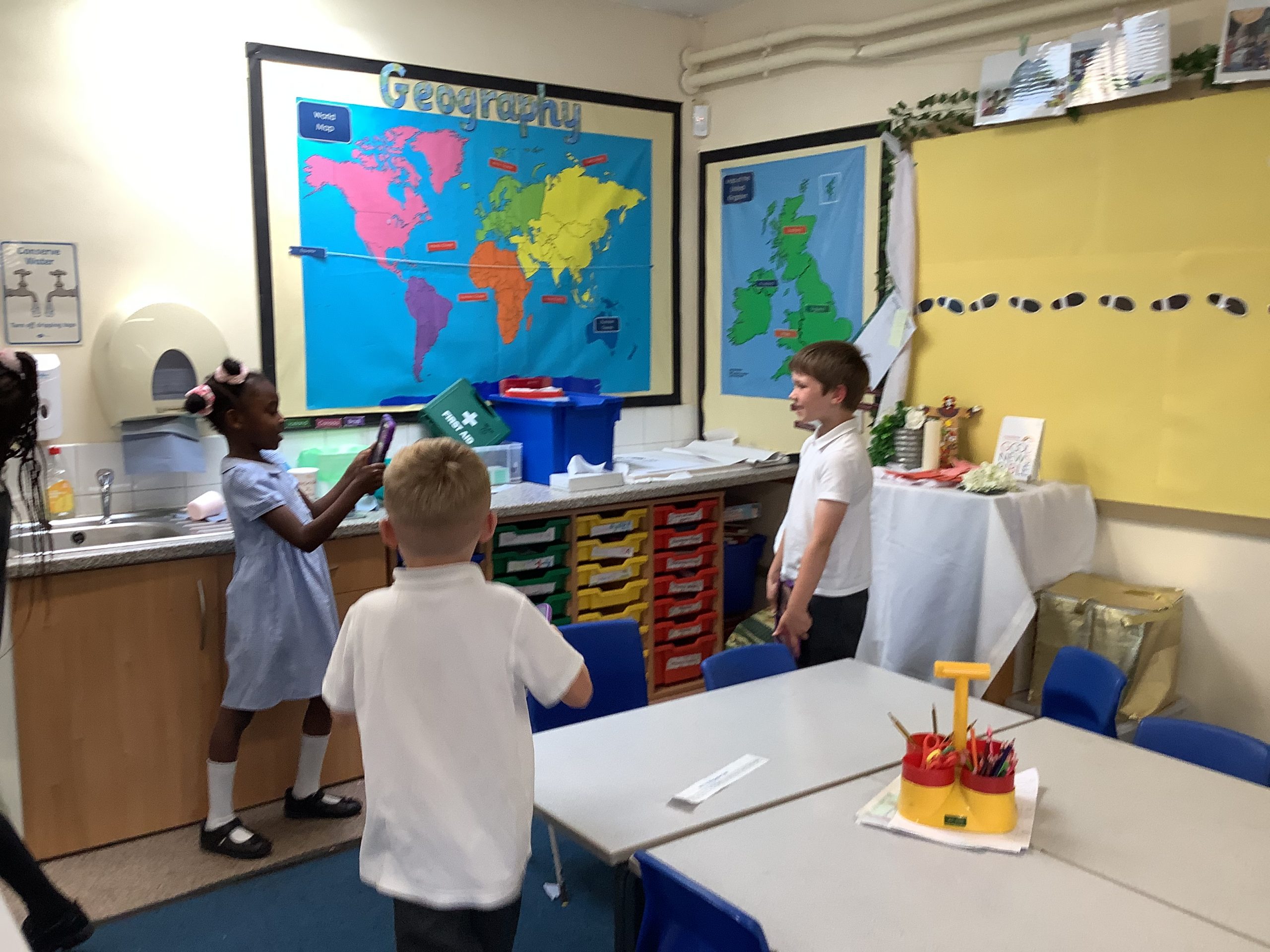
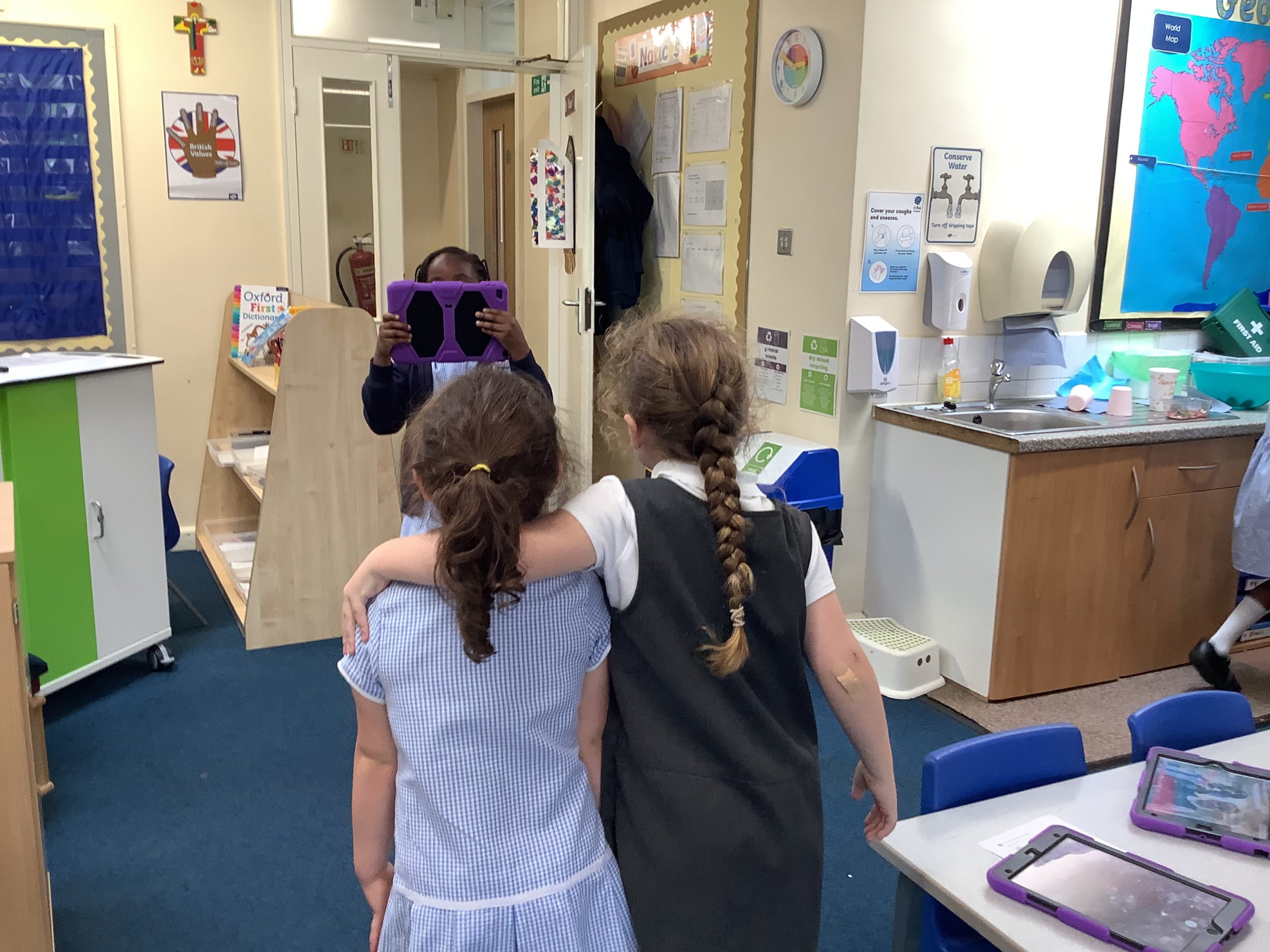
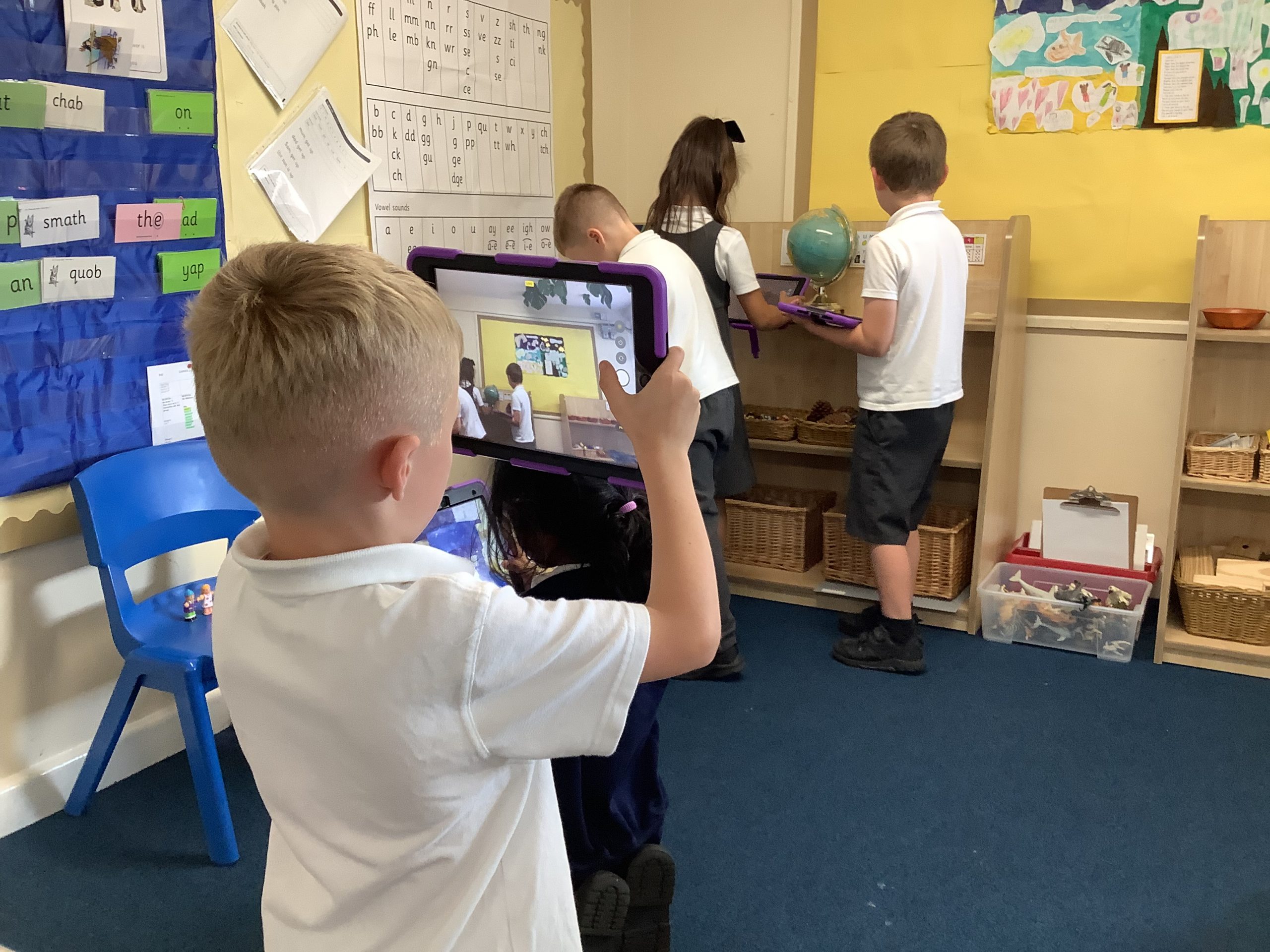
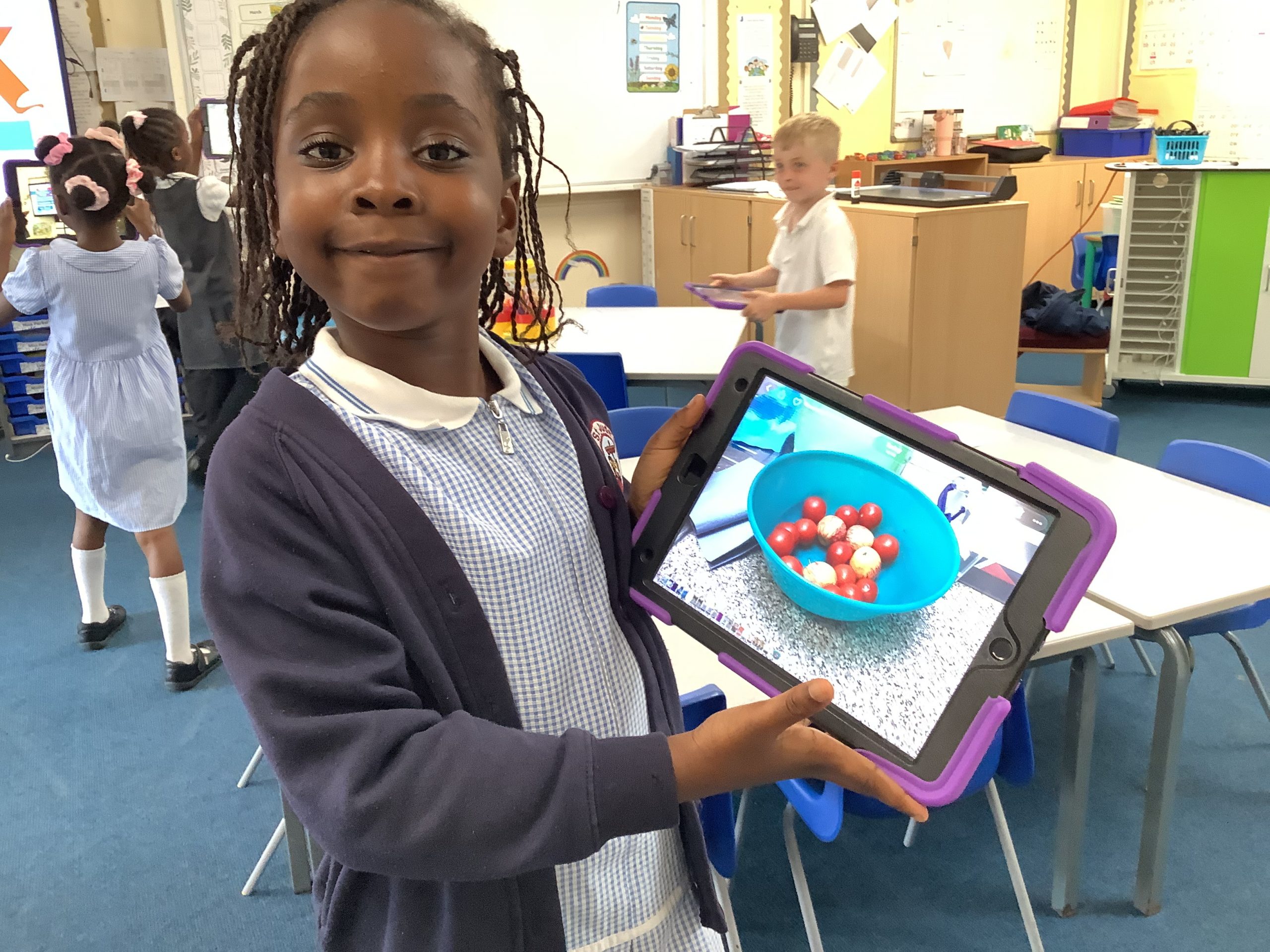
In Computing this week, Year 1 have been taking photographs of things around their classroom and of their friends. They explored different settings on the camera such as zooming in and out.
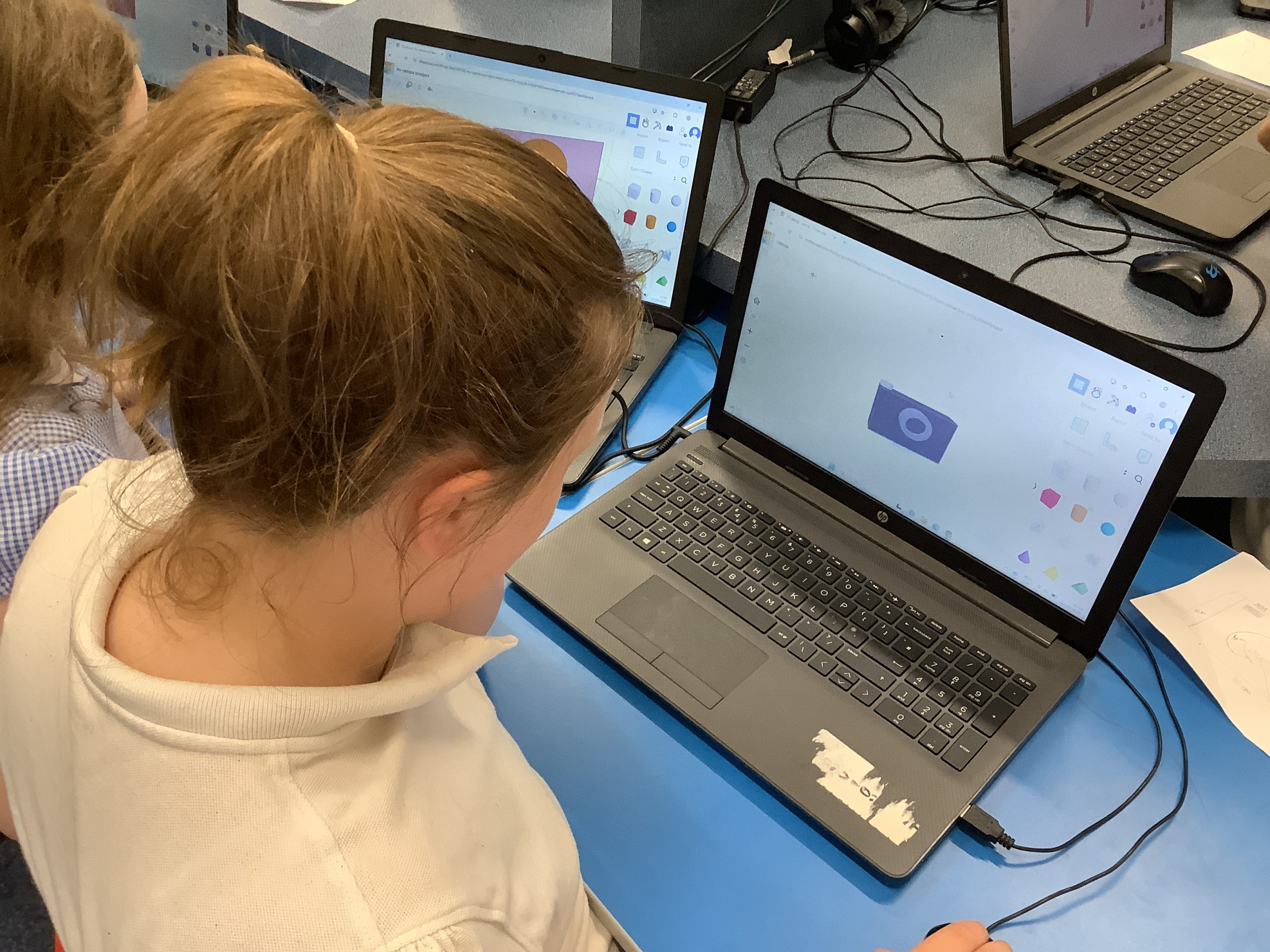
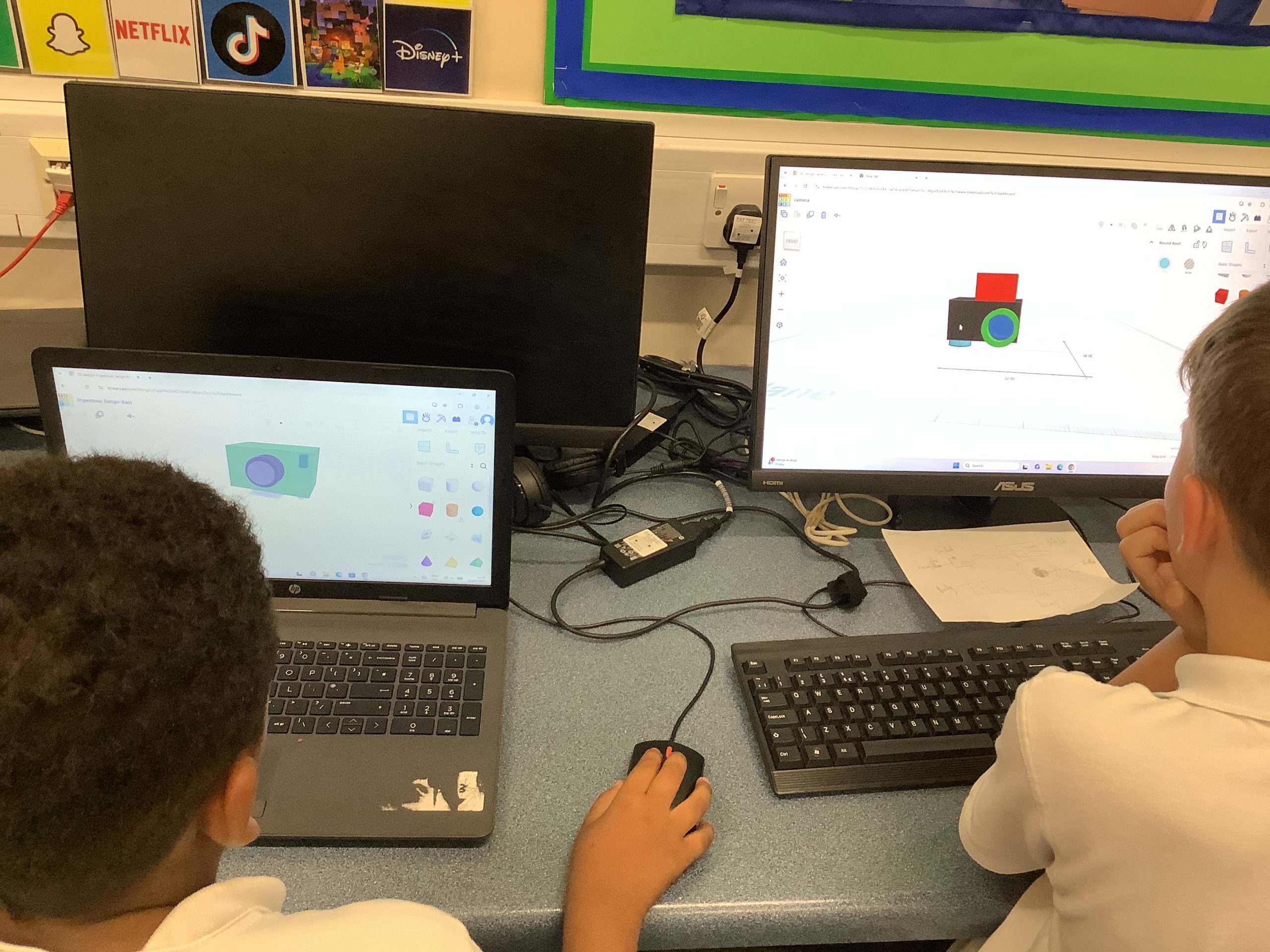
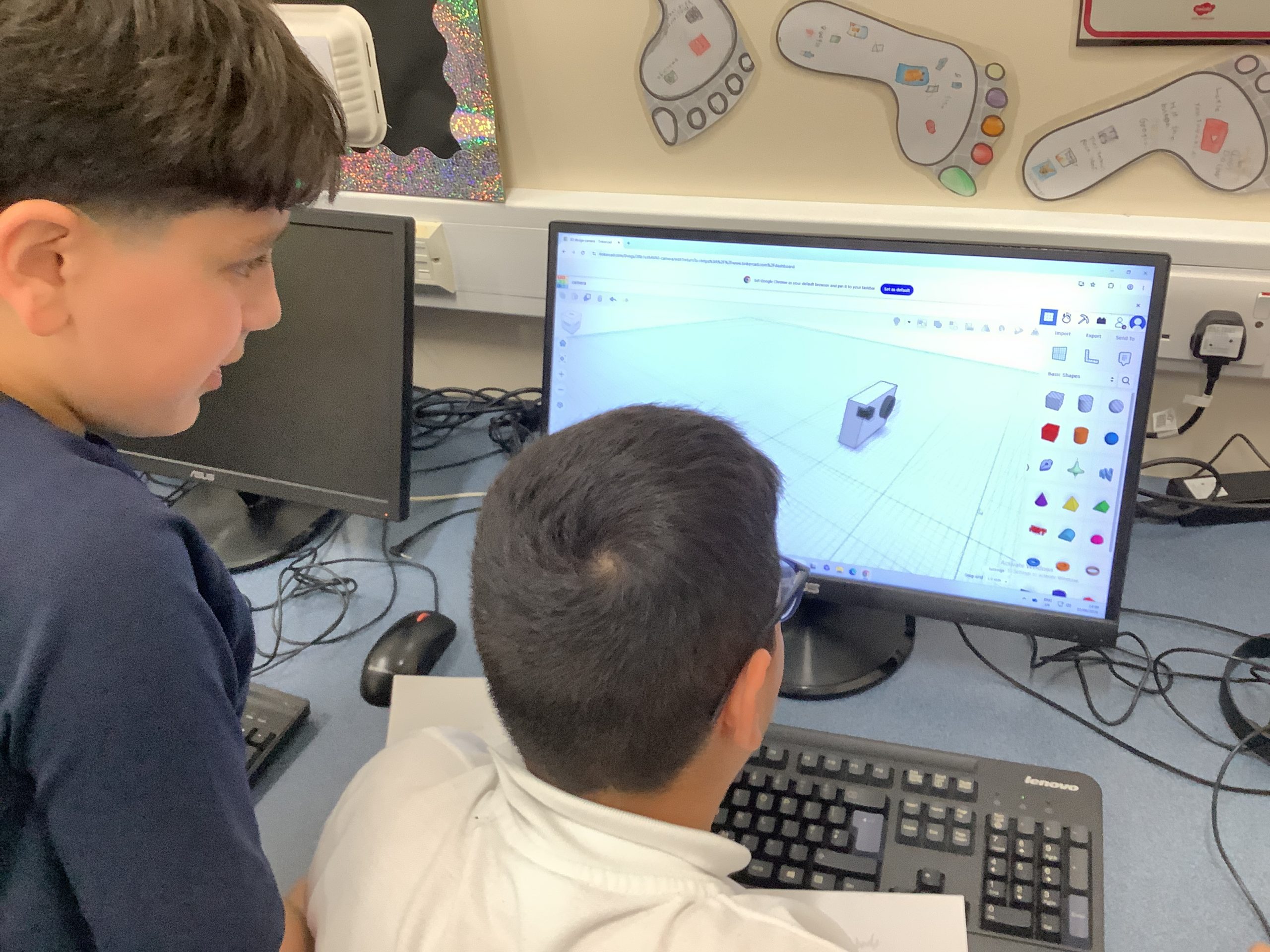
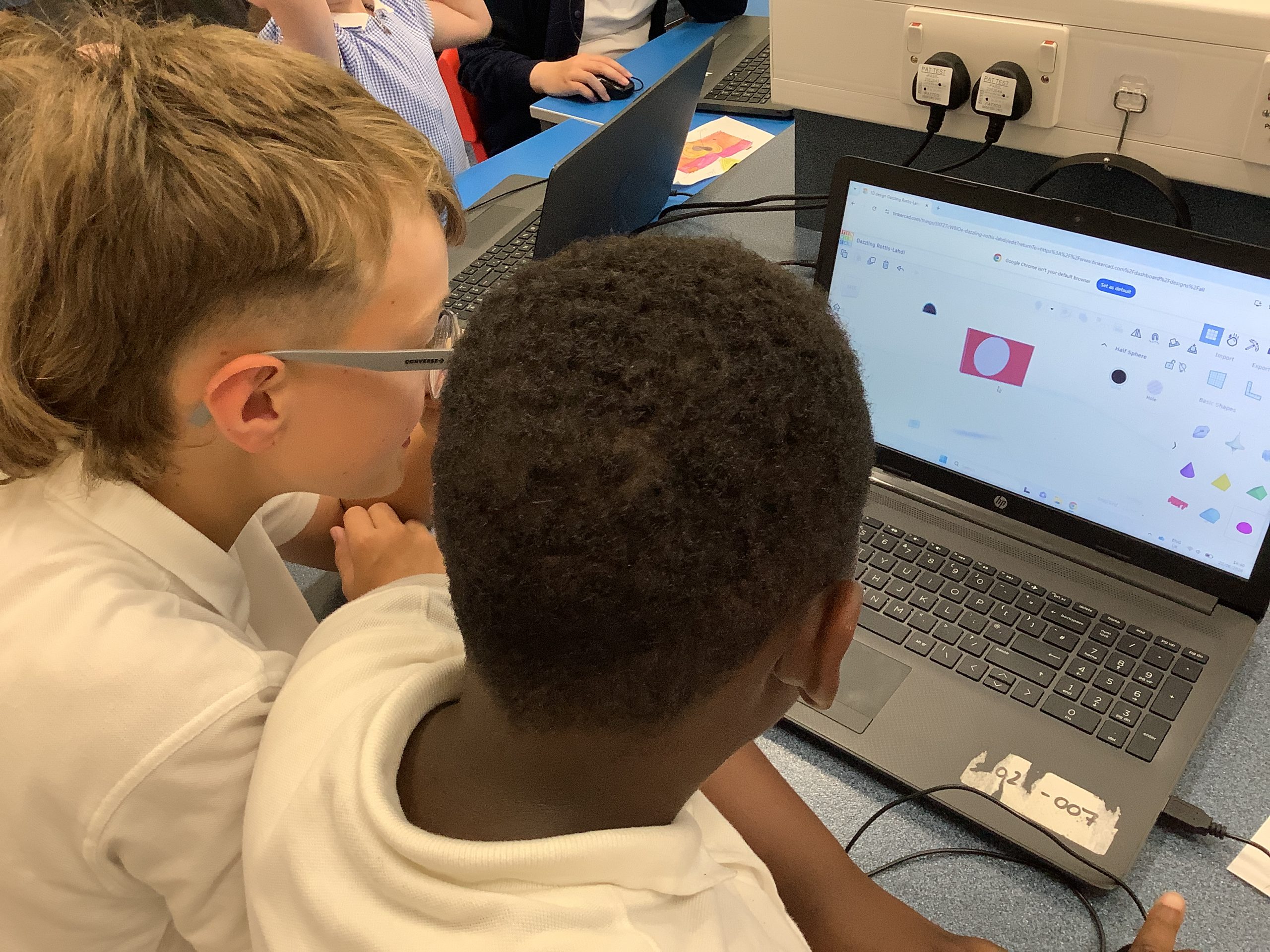
We have been using the program TinkerCAD to create 3D models of cameras; inserting 3D shapes, holes and text.
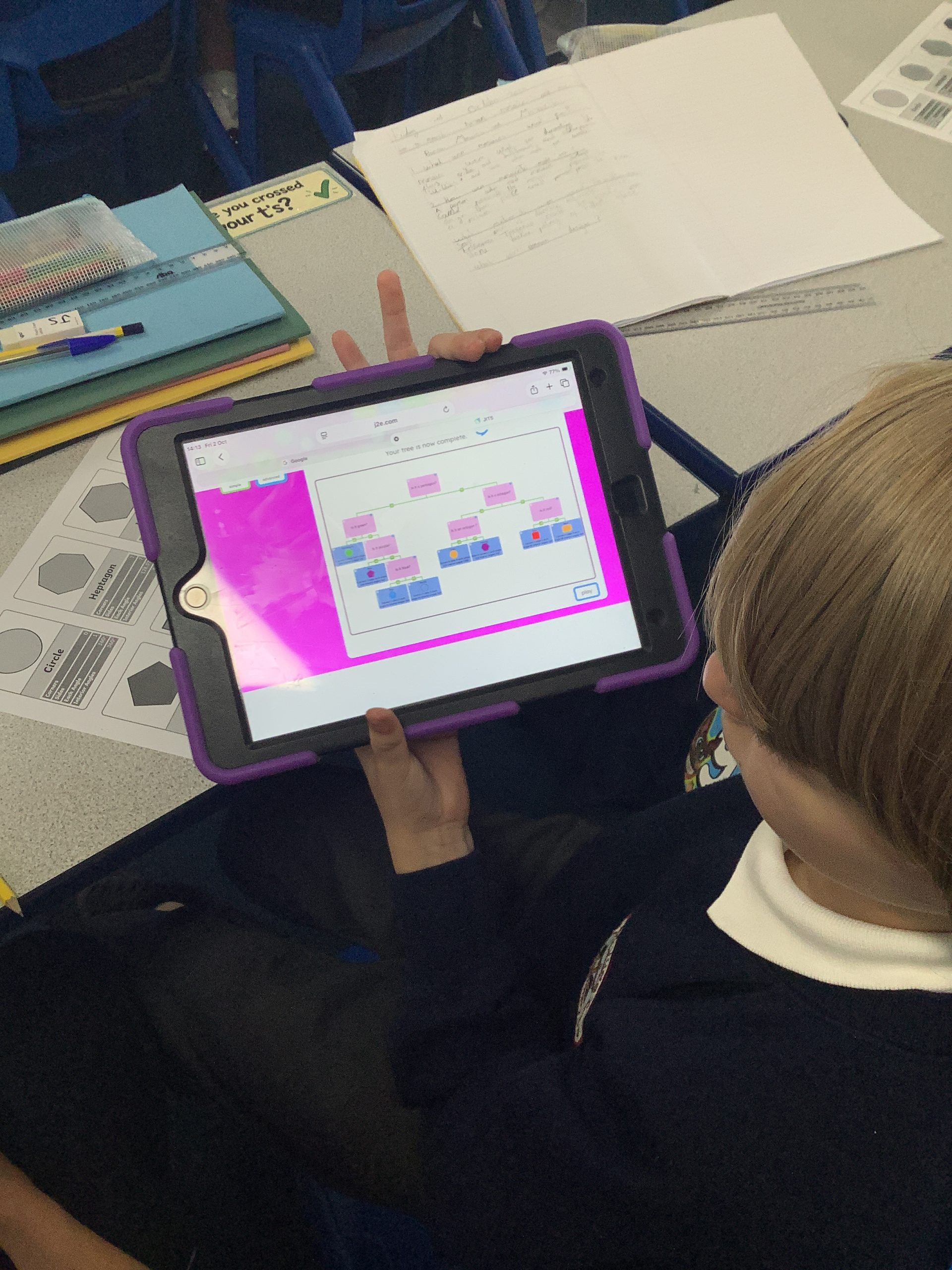
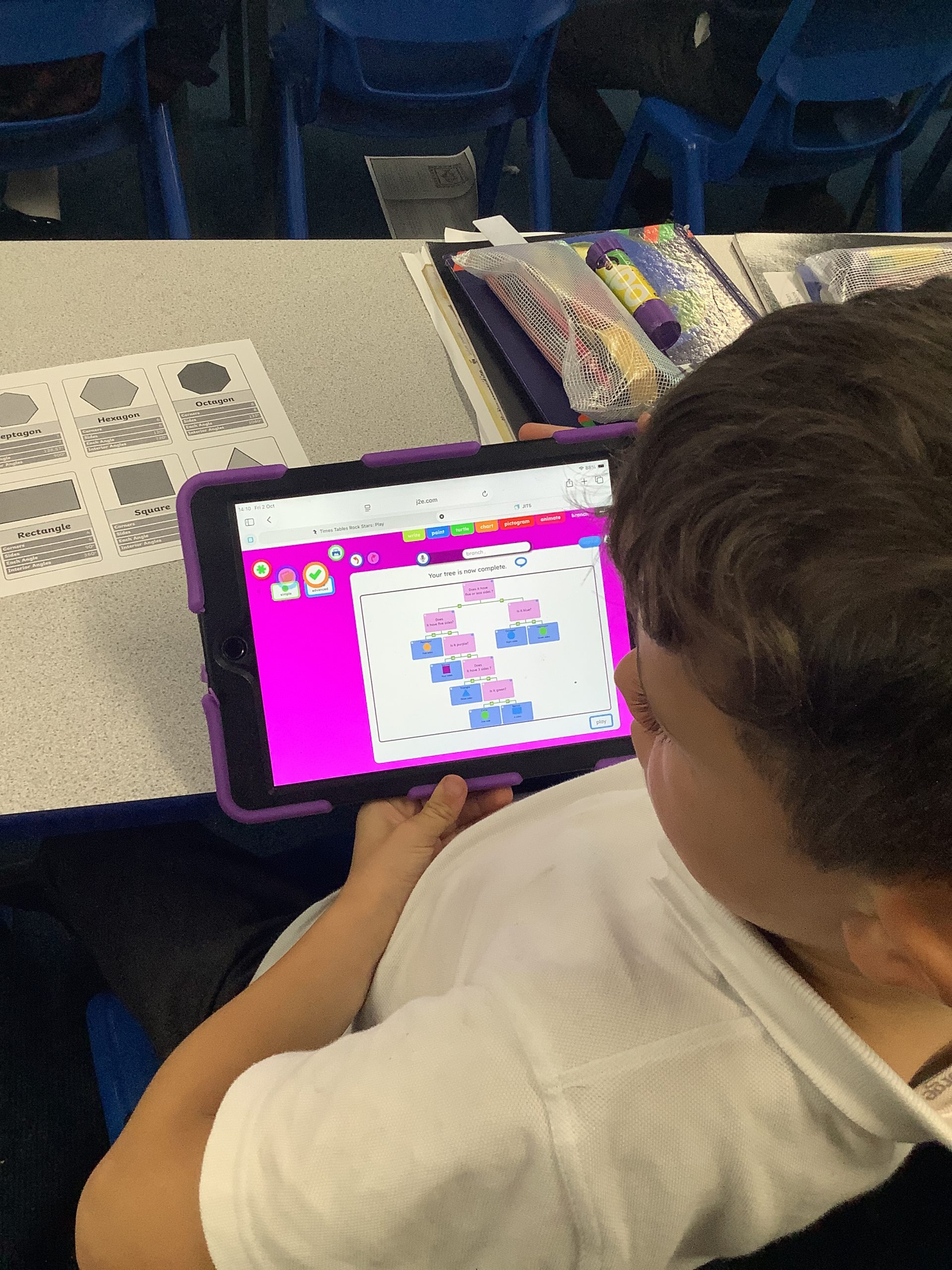
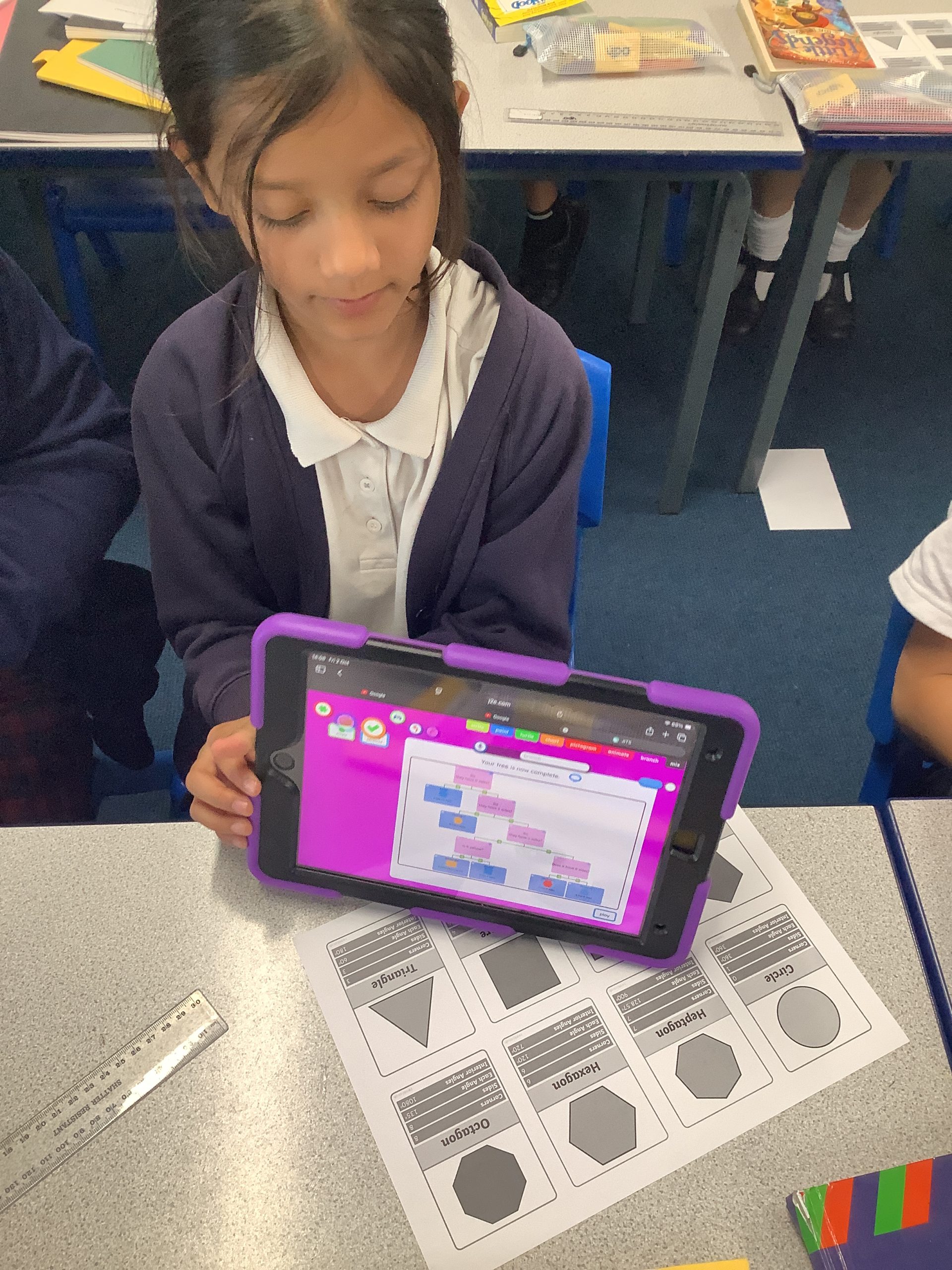
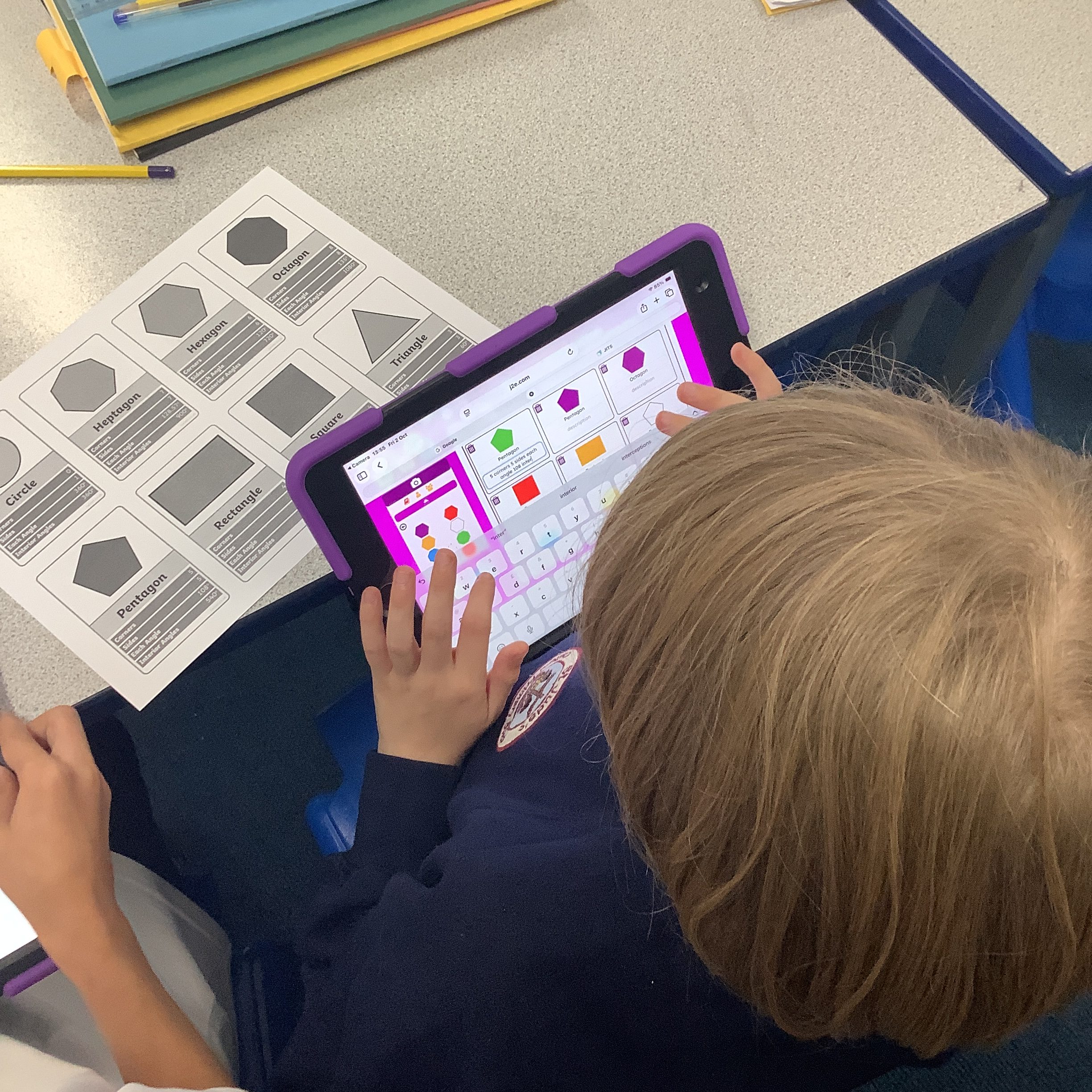
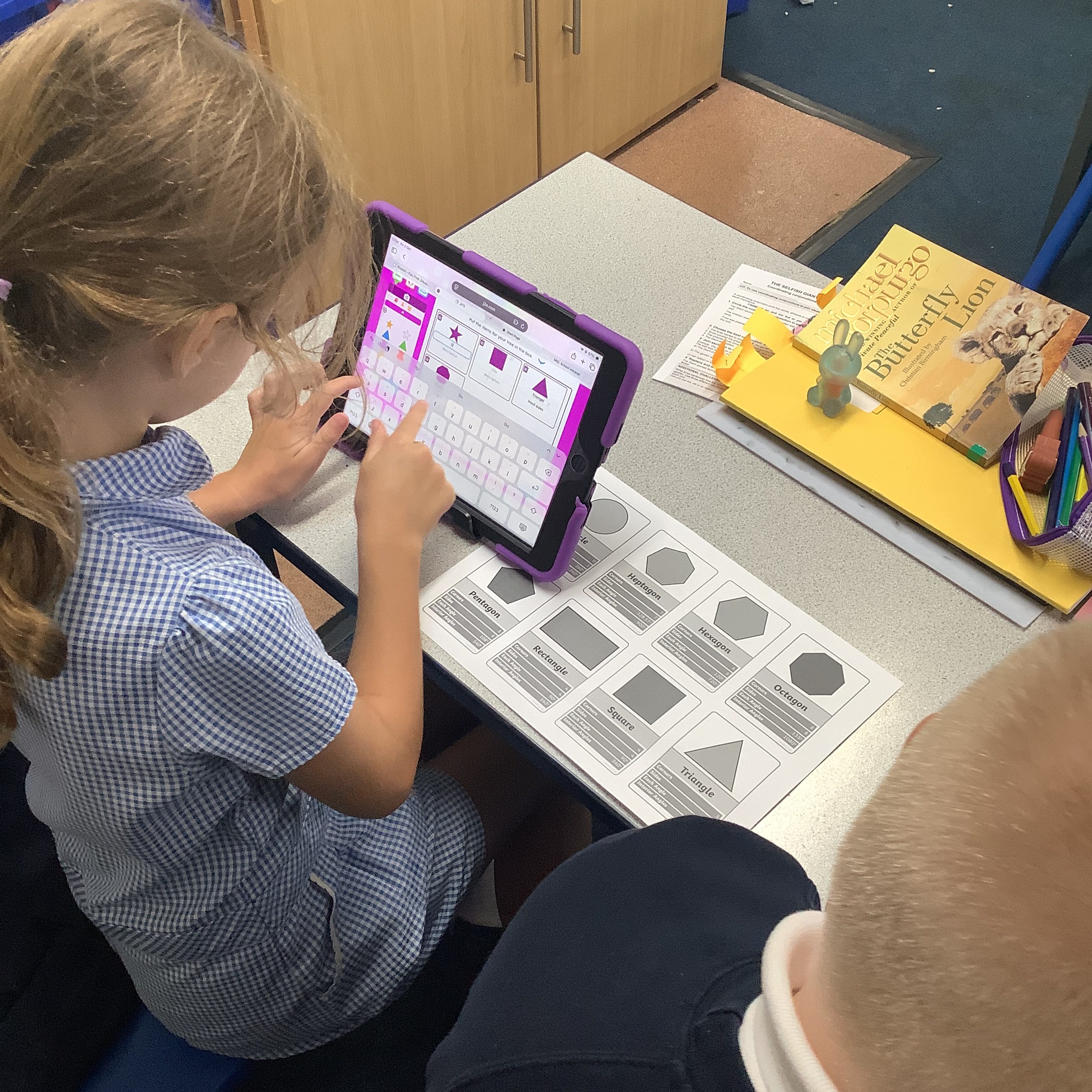
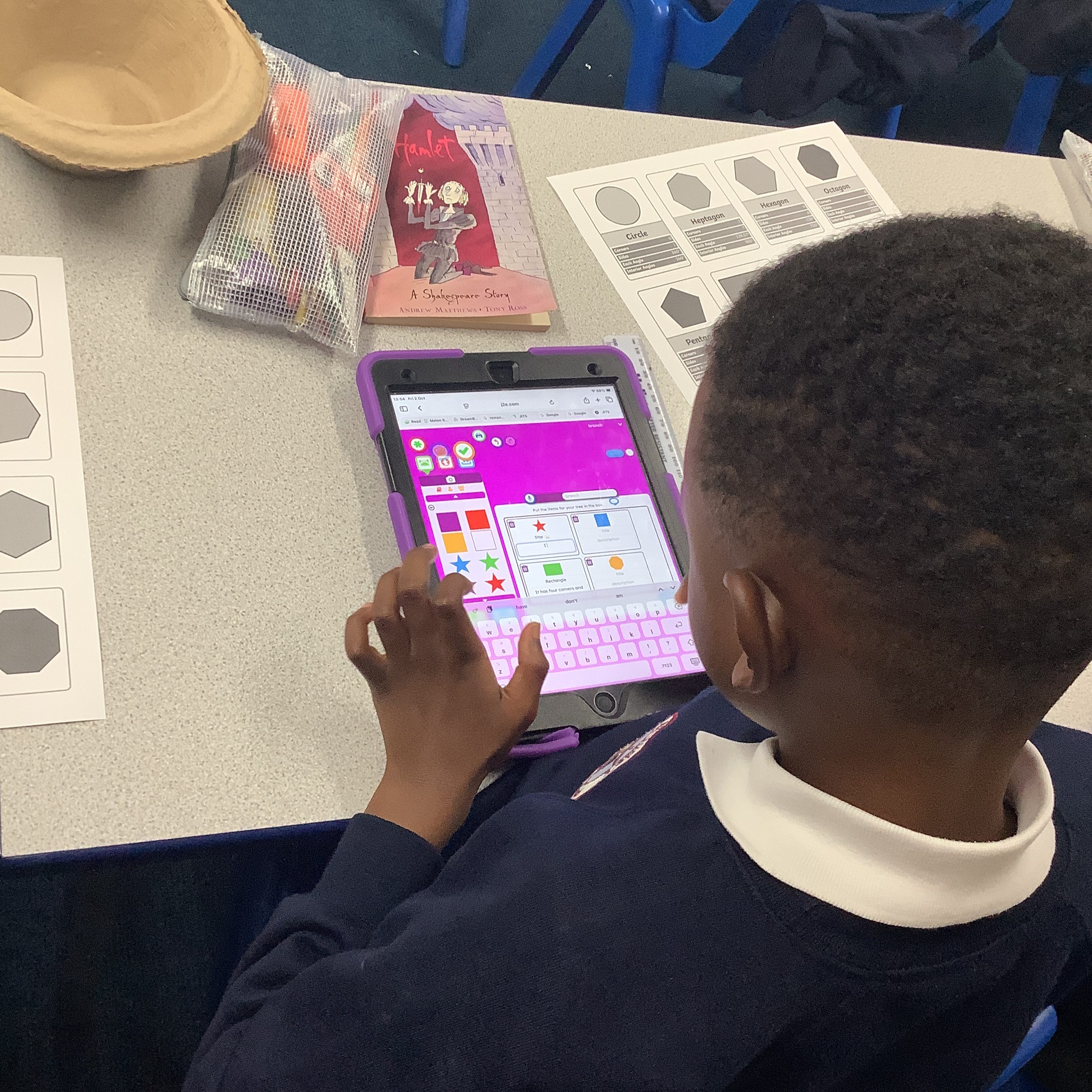
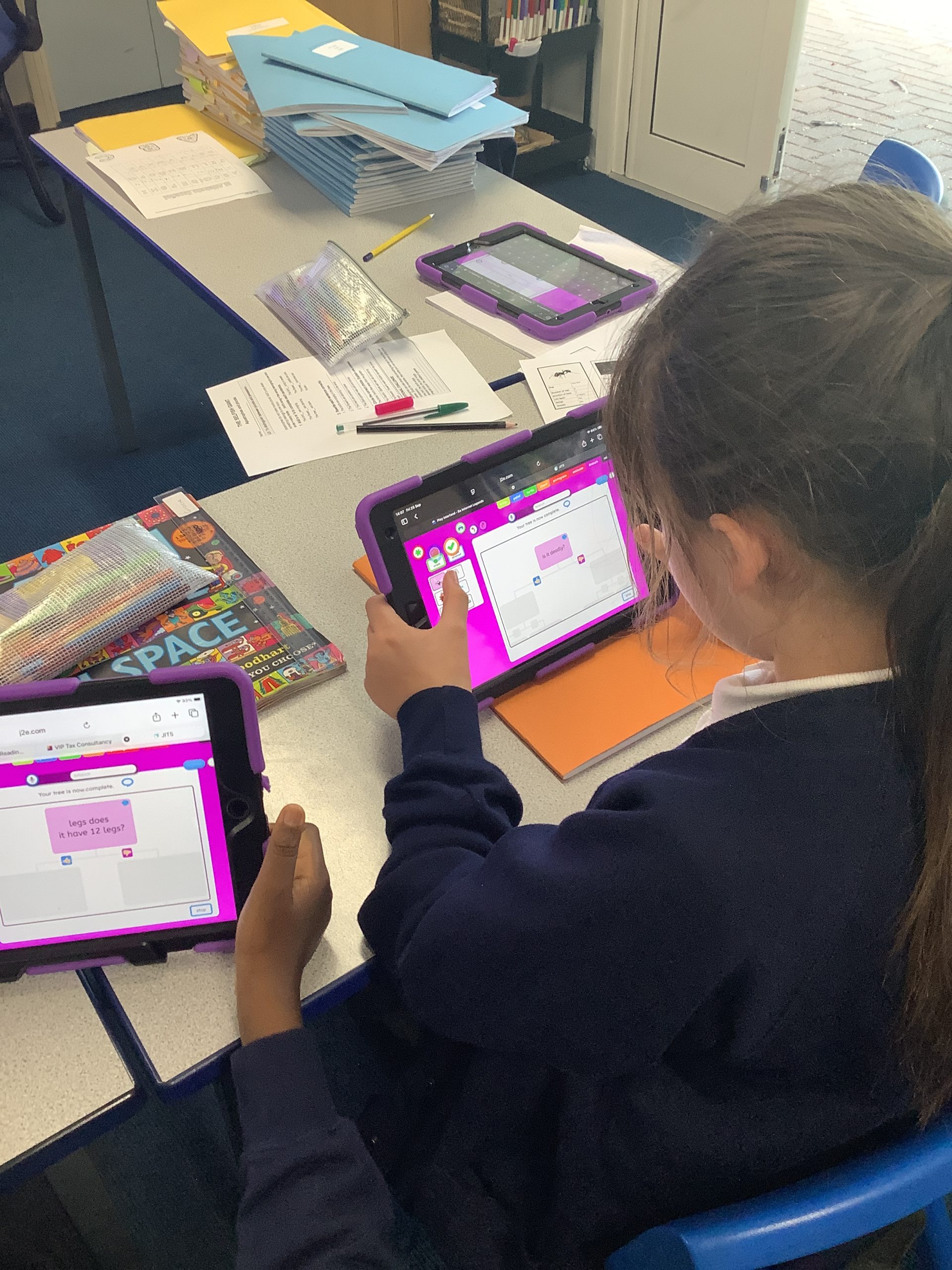
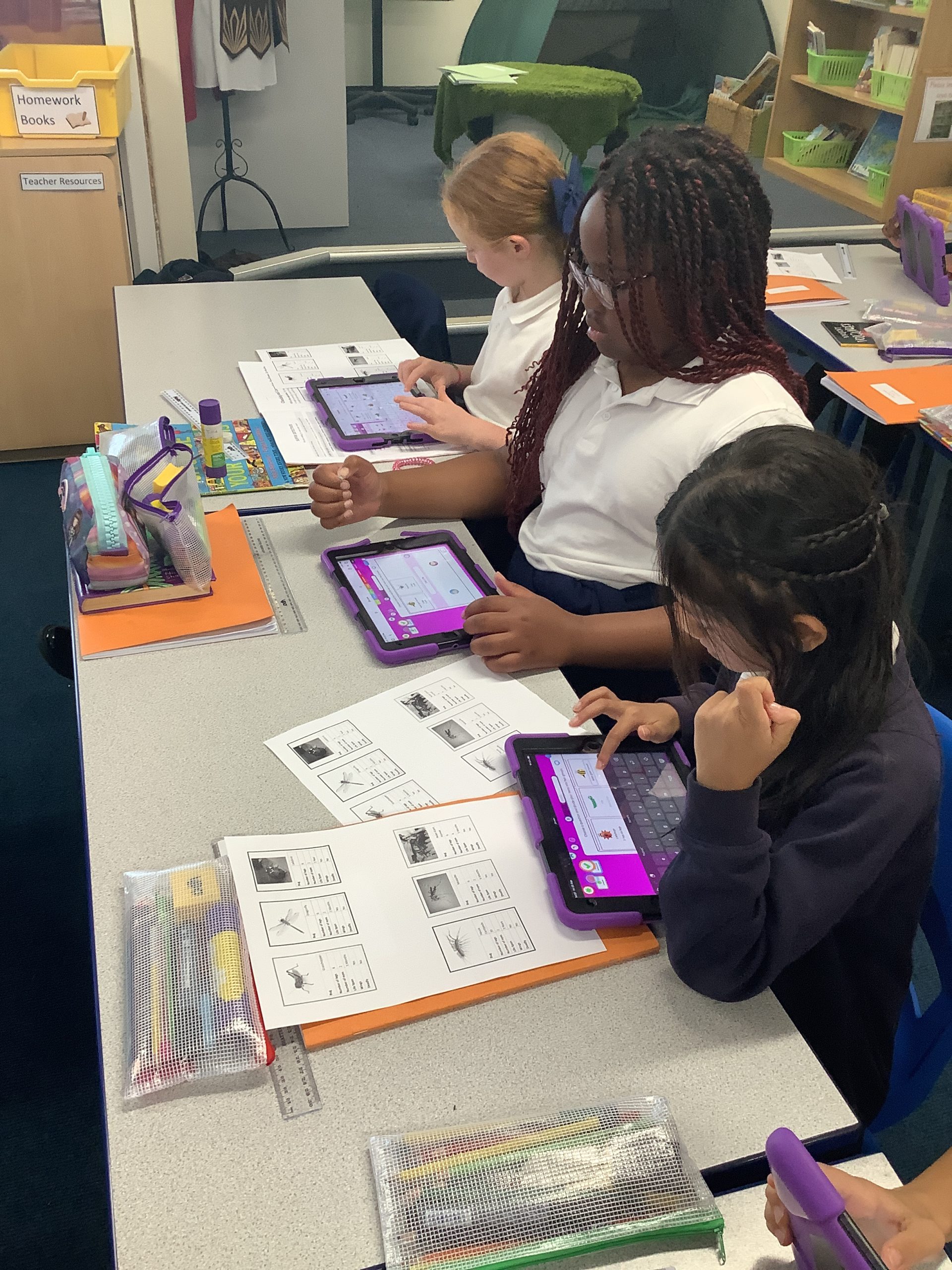
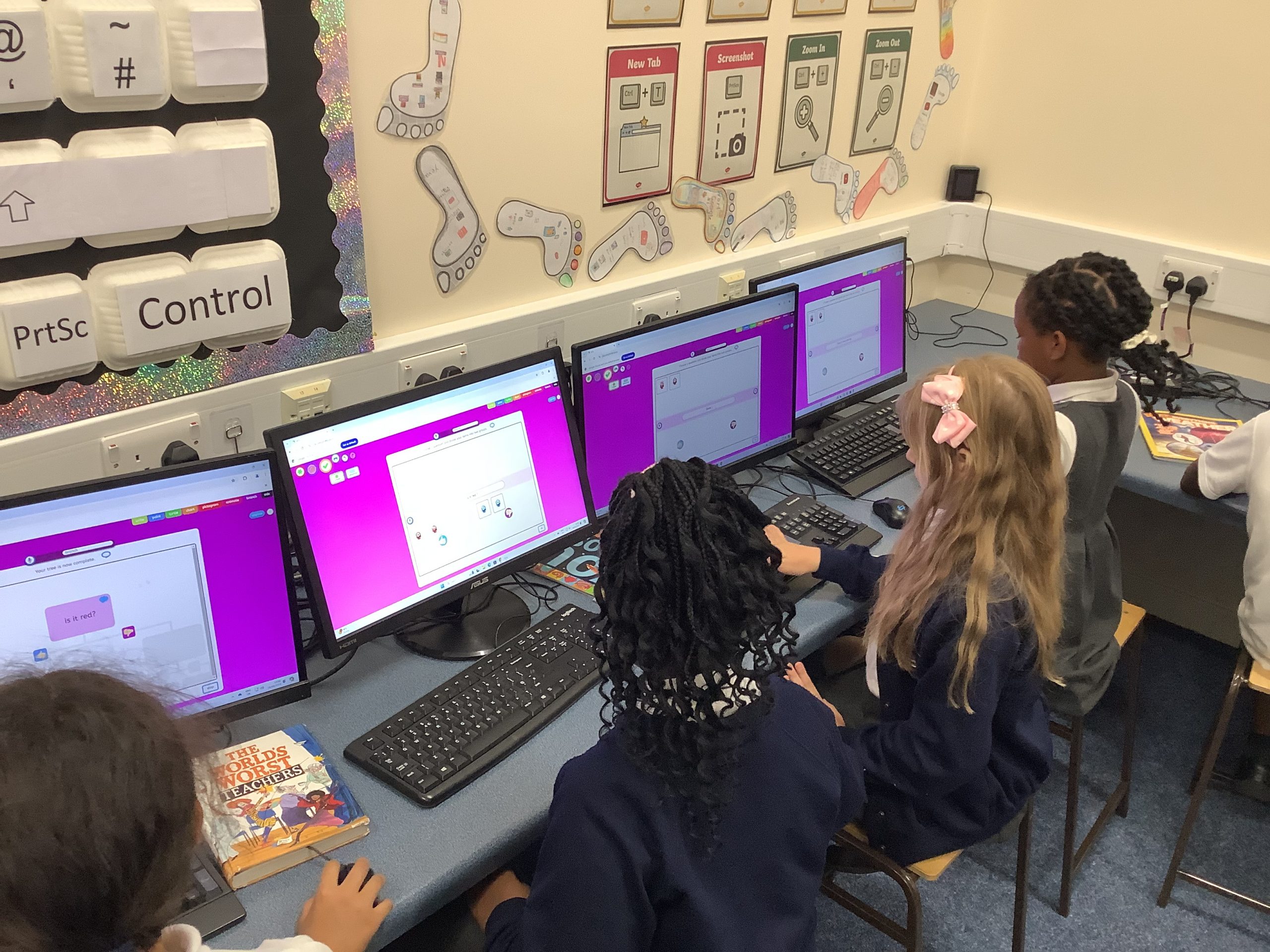
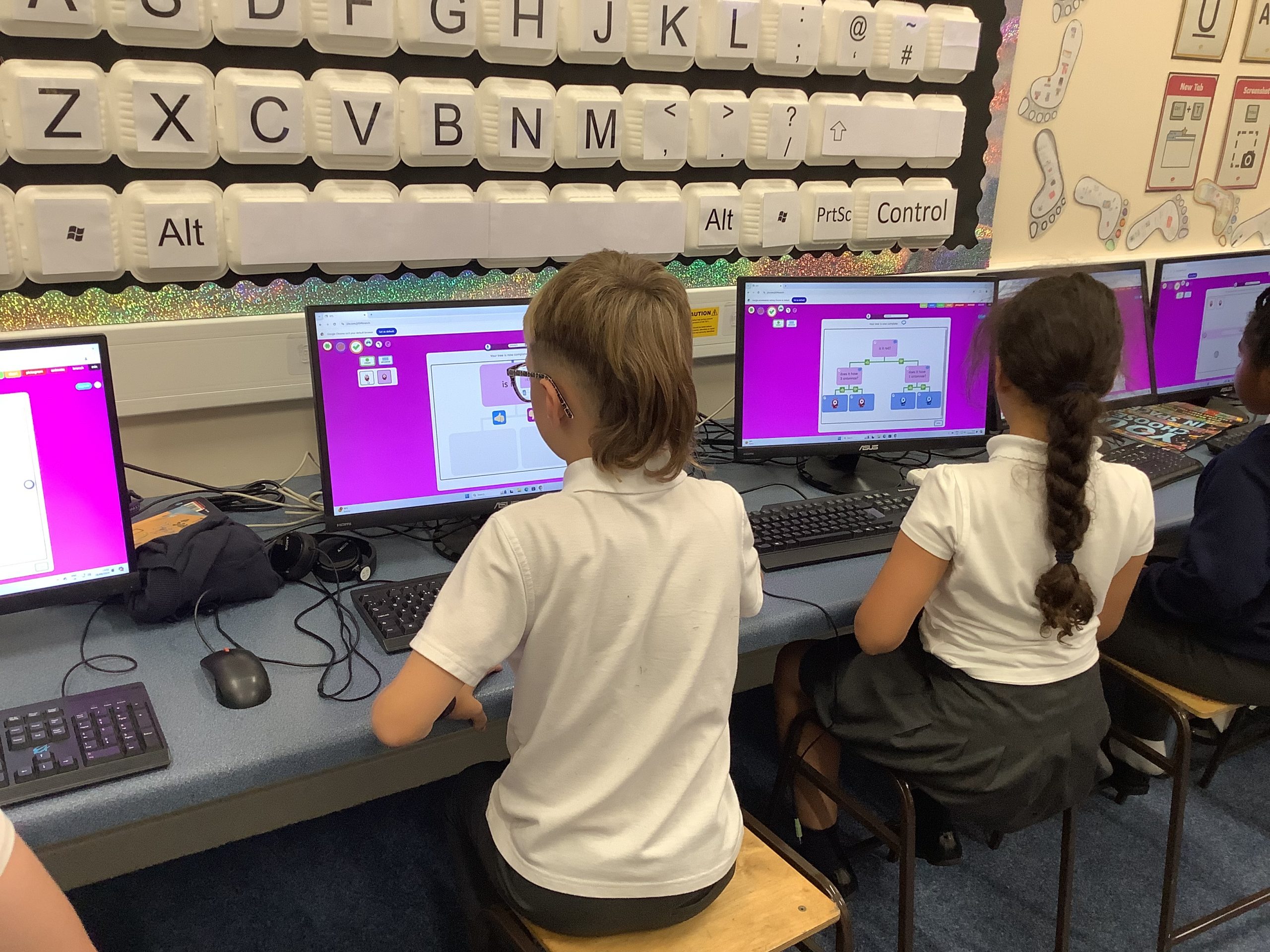
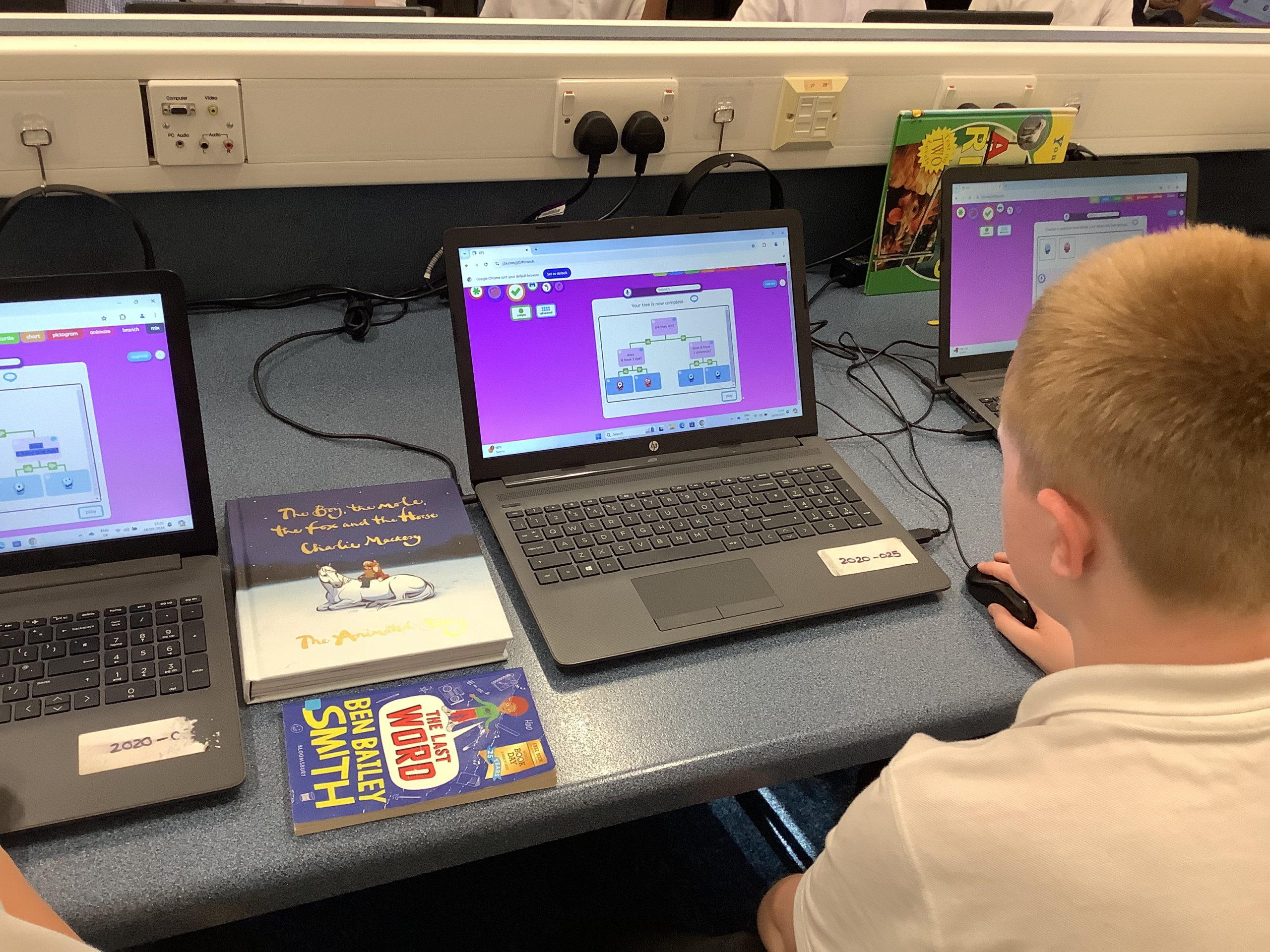
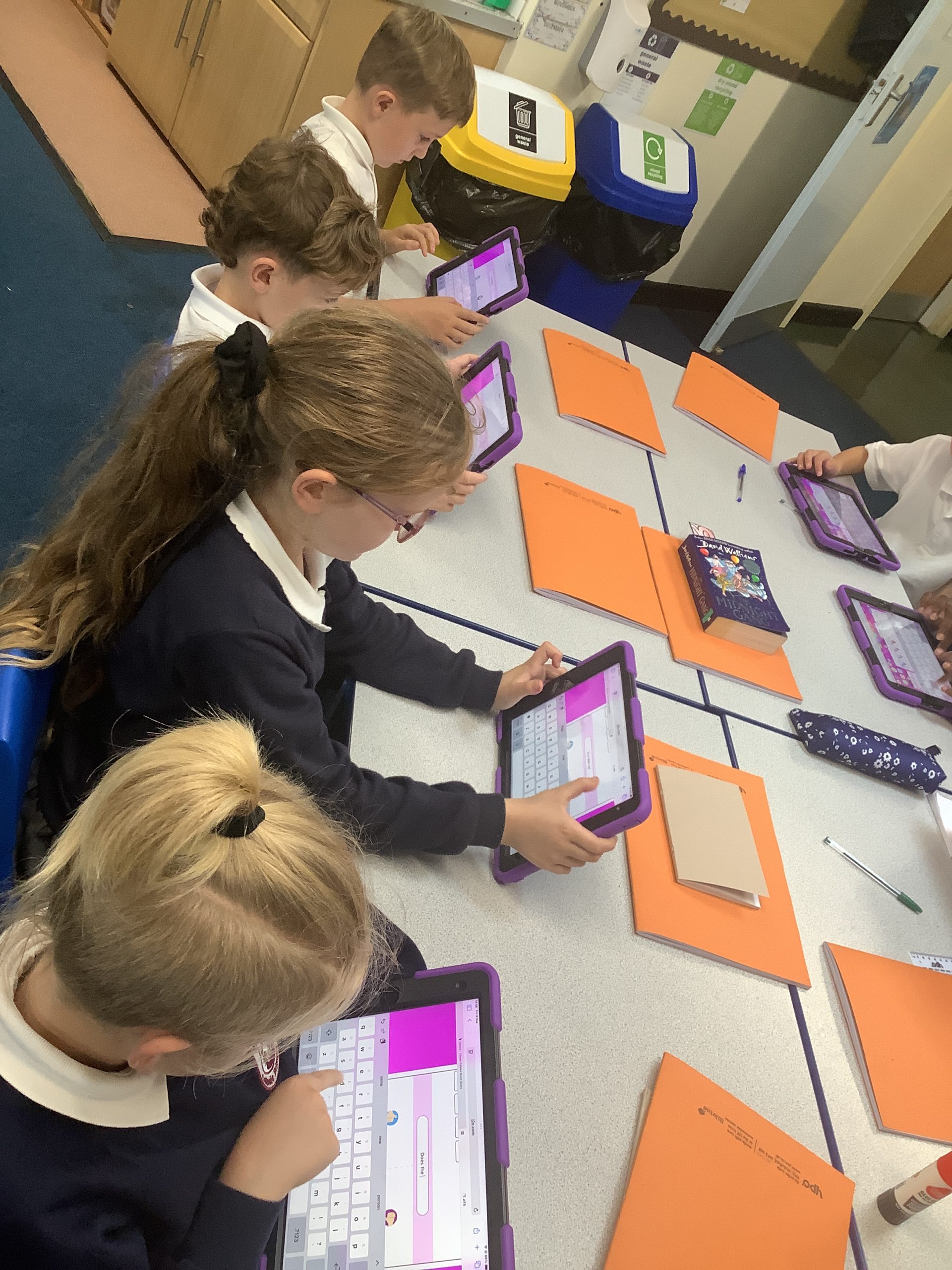
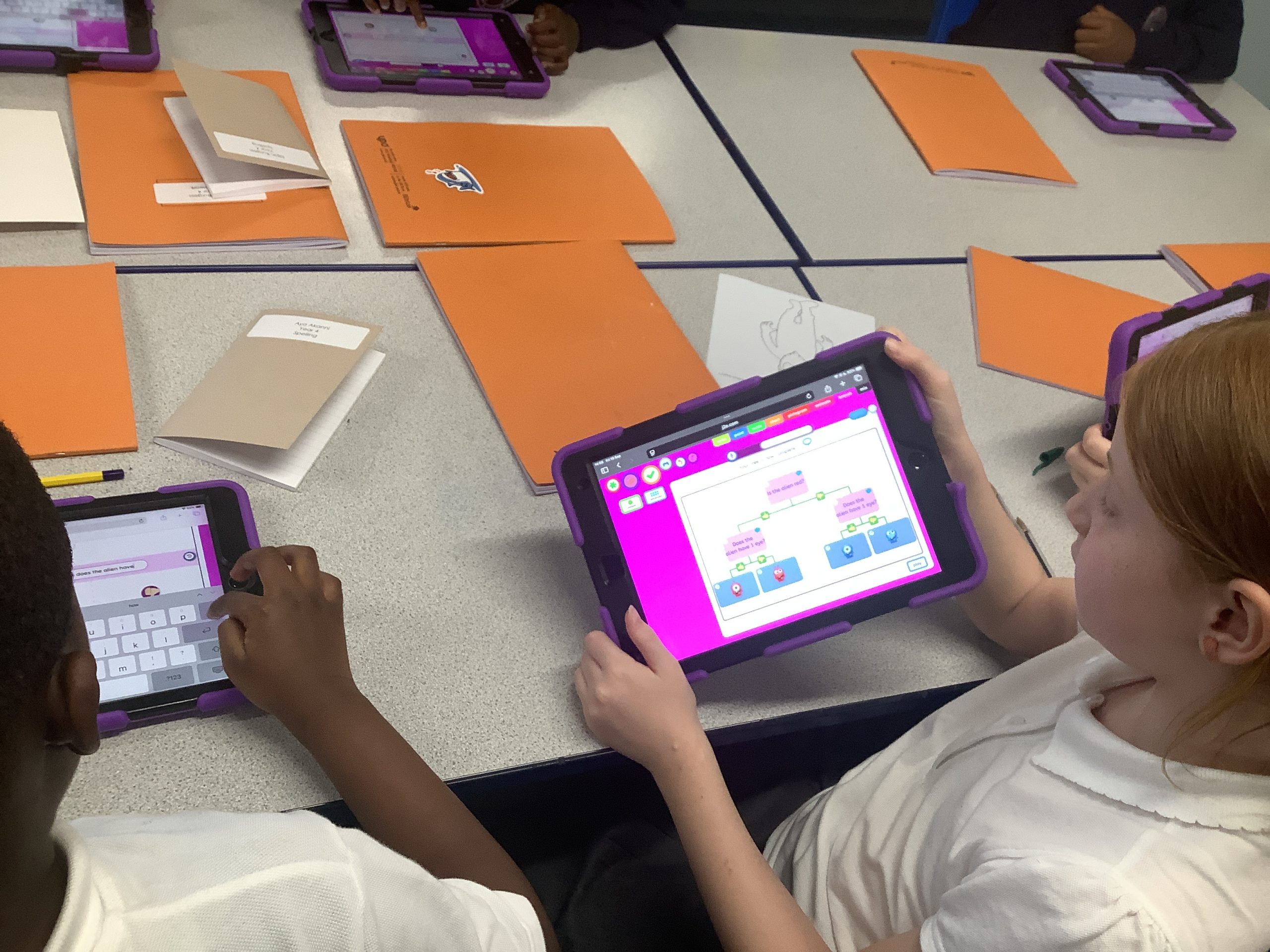
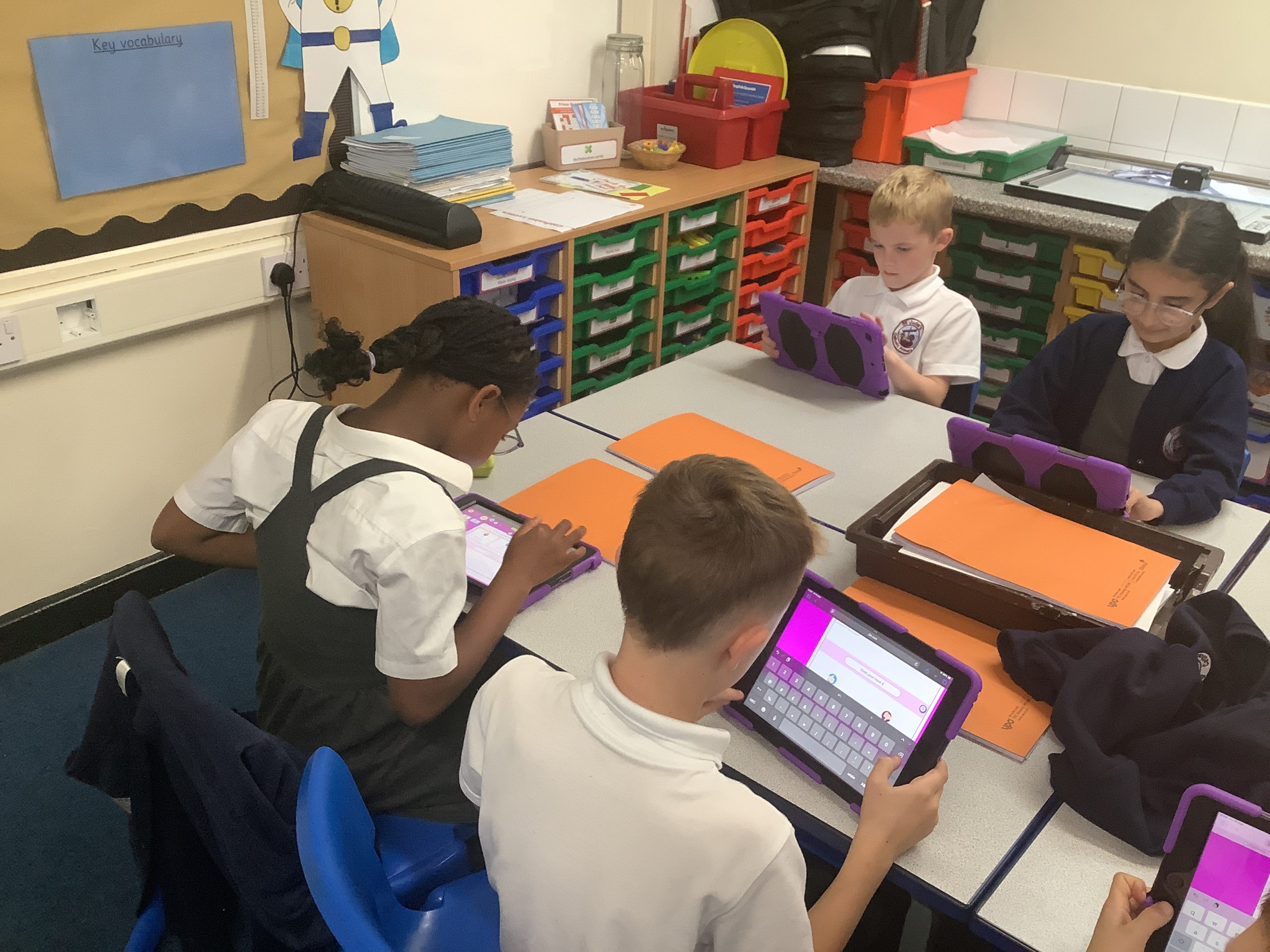
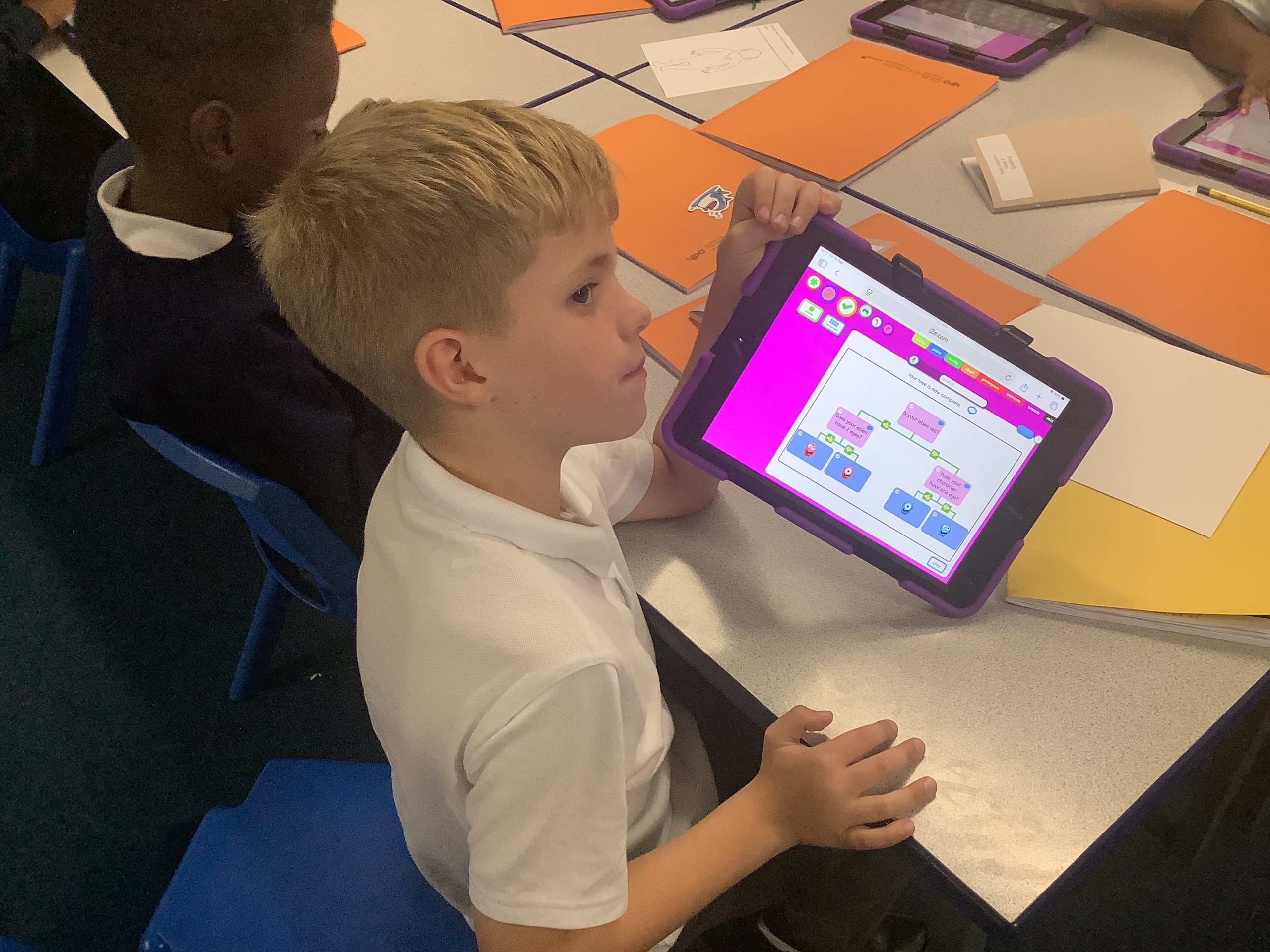
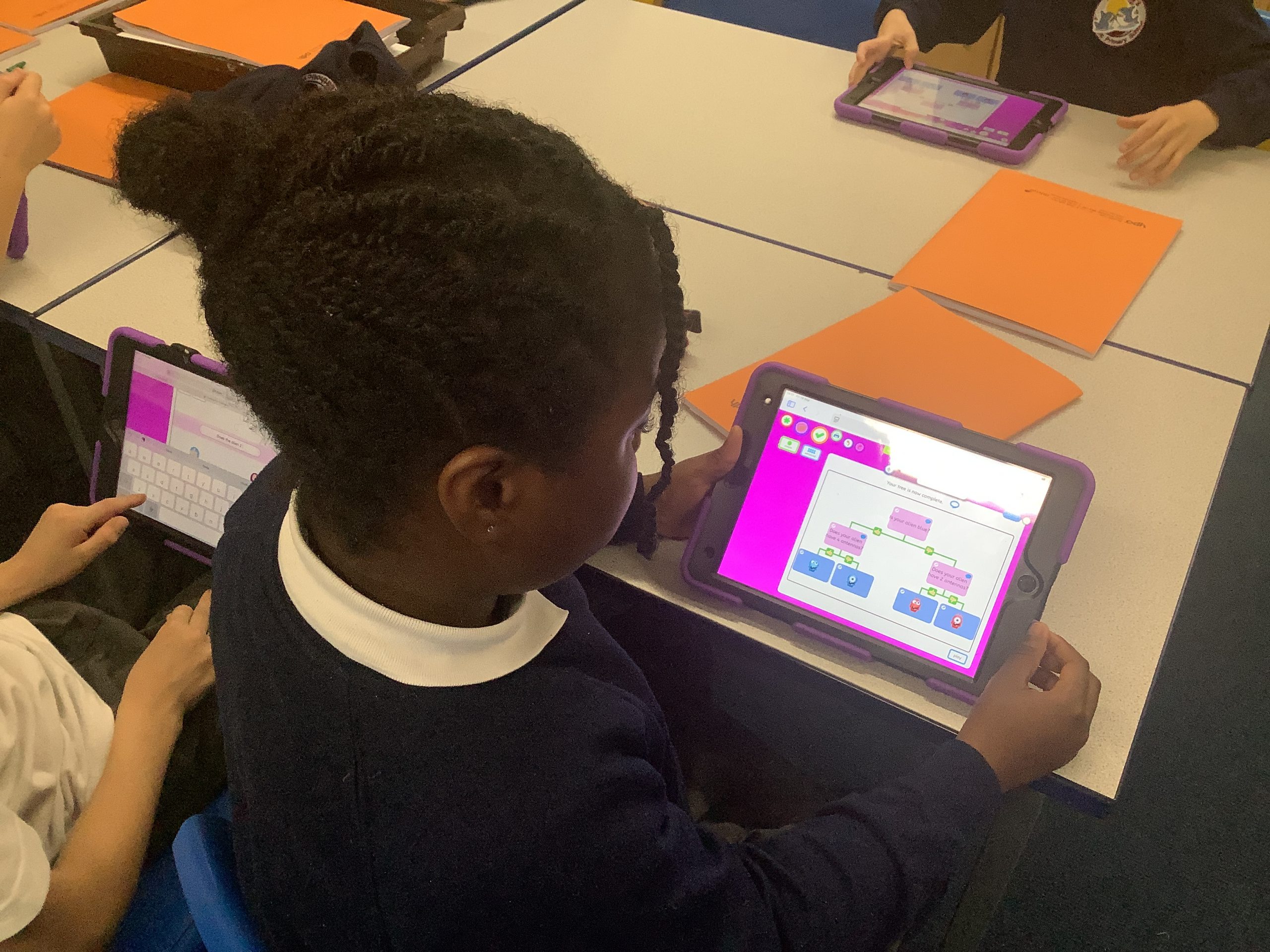
We completed our branching databases this week. Understanding that we had to use closed questions to sort our shapes.